
Kirish
The iRobot Roomba 780 Vacuum Cleaning Robot is designed to efficiently remove dirt, dust, and pet hair from your floors. Utilizing iAdapt Responsive Cleaning Technology, the robot navigates and adapts to your home environment, ensuring thorough cleaning even in hard-to-reach areas under furniture. This manual provides essential information for setting up, operating, maintaining, and troubleshooting your Roomba 780 to ensure optimal performance.
Qutida nima bor
Your iRobot Roomba 780 package includes the robot vacuum, a Home Base charging station, and a dusting brush for maintenance. Ensure all components are present before proceeding with setup.

Image: The iRobot Roomba 780 robot vacuum and its various components, including the charging station, brushes, and filters, are displayed on a kitchen counter, ready for setup.
Sozlash; o'rnatish
- Place the Home Base: Position the Home Base charging station against a wall in an open, uncluttered area. Ensure there is at least 1.5 feet (0.5 meters) of clear space on either side of the Home Base and 4 feet (1.2 meters) in front of it.
- Quvvat simini ulang: Connect the power cord to the Home Base and plug the other end into a wall outlet. The power indicator light on the Home Base will illuminate.
- Charge Your Roomba: Place your Roomba onto the Home Base, ensuring the metal charging contacts on the robot align with those on the Home Base. The battery indicator light on the Roomba will pulse to indicate charging. Allow at least 3 hours for a full charge before initial use.
- Connect to Wi-Fi (Optional): Download the iRobot HOME App on your smartphone or tablet. Follow the in-app instructions to connect your Roomba to your home Wi-Fi network for advanced features like scheduling and remote control.
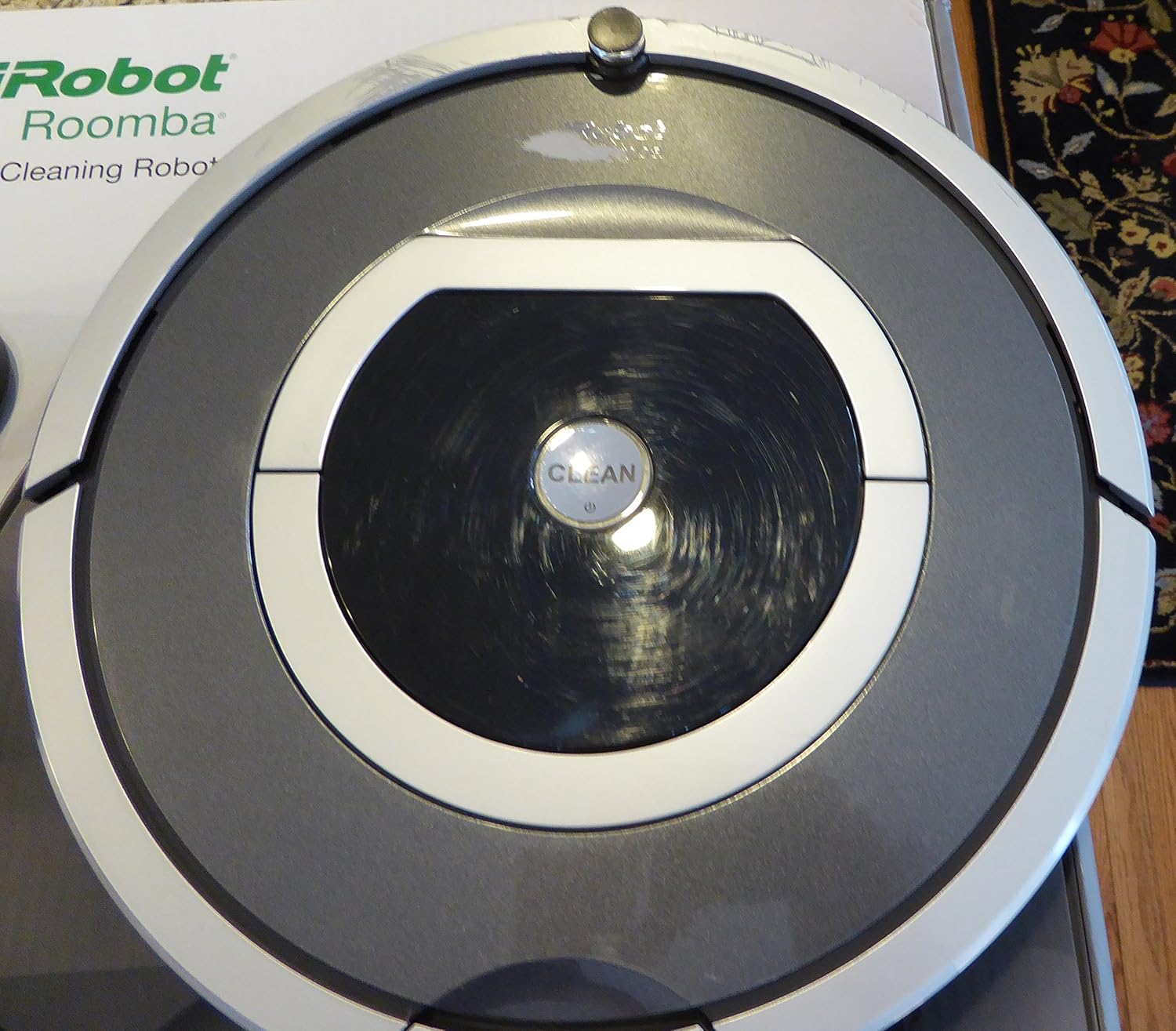
Rasm: yuqoridan pastga view of the iRobot Roomba 780, showing its circular design and central 'CLEAN' button, indicating its readiness for operation.

Rasm: bir tomon view of the iRobot Roomba 780, highlighting its compact profile and bumper, designed for navigating around furniture.
Roomba-ni boshqarish
The iRobot Roomba 780 is designed for simple operation. Ensure the robot is fully charged before starting a cleaning cycle.
- Start a Cleaning Cycle: Press the large 'CLEAN' button on the top of your Roomba. The robot will begin its cleaning cycle, utilizing iAdapt Responsive Cleaning Technology to navigate your home.
- Pause/Resume Cleaning: To pause Roomba during a cleaning cycle, press the 'CLEAN' button once. To resume, press 'CLEAN' again.
- Send Roomba Home: To send Roomba back to its Home Base before a cleaning cycle is complete, press the 'DOCK' button on the robot or in the iRobot HOME App.
- Rejalashtirish: Use the iRobot HOME App to set a cleaning schedule for your Roomba. You can program it to clean at specific times and days, even when you're not home.
Video: An official demonstration of the iRobot Roomba 780 Vacuum Cleaning Robot in action, showcasing its cleaning capabilities and movement patterns across various floor types.
Xizmat
Regular maintenance ensures your Roomba 780 continues to perform effectively. It is recommended to perform these tasks regularly, especially after each cleaning cycle or as indicated by the iRobot HOME App.
- Empty the Dust Bin: After each cleaning cycle, remove the dust bin from the back of the Roomba and empty its contents into a trash receptacle.
- Filtrlarni tozalash: Remove the filters from the dust bin and tap them against a trash can to dislodge debris. Replace filters as needed (typically every 2-3 months, depending on usage).
- Clean the Brushes: Periodically remove the main brushes and side brush. Use the included cleaning tool or your fingers to remove any hair or debris tangled around them.
- Sensorlarni tozalash: Wipe the charging contacts on the Roomba and Home Base, as well as the cliff sensors and bumper sensors, with a clean, dry cloth.

Image: The underside of the iRobot Roomba 780, displaying the main brushes, side brush, and the removable dustbin compartment, essential for routine cleaning and maintenance.