
1. Kirish
This manual provides instructions for the safe and efficient use of your Samsung Type C to C Cable, Model EP-DA705BWEGIN. This cable is designed for universal compatibility with USB Type-C devices, offering high-speed data transfer and charging capabilities.
Key features include a 1-meter length, a reversible design for easy connection, and support for USB 2.0 data transfer speeds.

Image 1: Samsung Type C to C Cable packaging.
2. Sozlash
The Samsung Type C to C Cable is designed for simple plug-and-play functionality. No special software or drivers are required for basic operation.
2.1 Kabelni ulash
- Identify the USB Type-C port on your device (e.g., smartphone, tablet, laptop).
- Insert one end of the USB Type-C connector into your device's port. The reversible design allows for connection in either orientation.
- Insert the other end of the USB Type-C connector into a compatible power adapter for charging, or into another device for data transfer.

Image 2: Samsung Type C to C Cable showing both connectors.
3. Foydalanish bo'yicha ko'rsatmalar
3.1 Qurilmangizni zaryadlash
To charge your device, connect one end of the cable to your USB Type-C device and the other end to a compatible USB Type-C power adapter. Ensure the power adapter provides sufficient wattage for your device's charging requirements. The cable supports a maximum current of 3 Amps.
3.2 Ma'lumotlarni uzatish
For transferring data between two devices, connect the cable between their respective USB Type-C ports. Once connected, your devices should recognize each other, allowing you to initiate data transfer. The cable supports data transfer rates up to 480 Megabits Per Second (USB 2.0 standard).
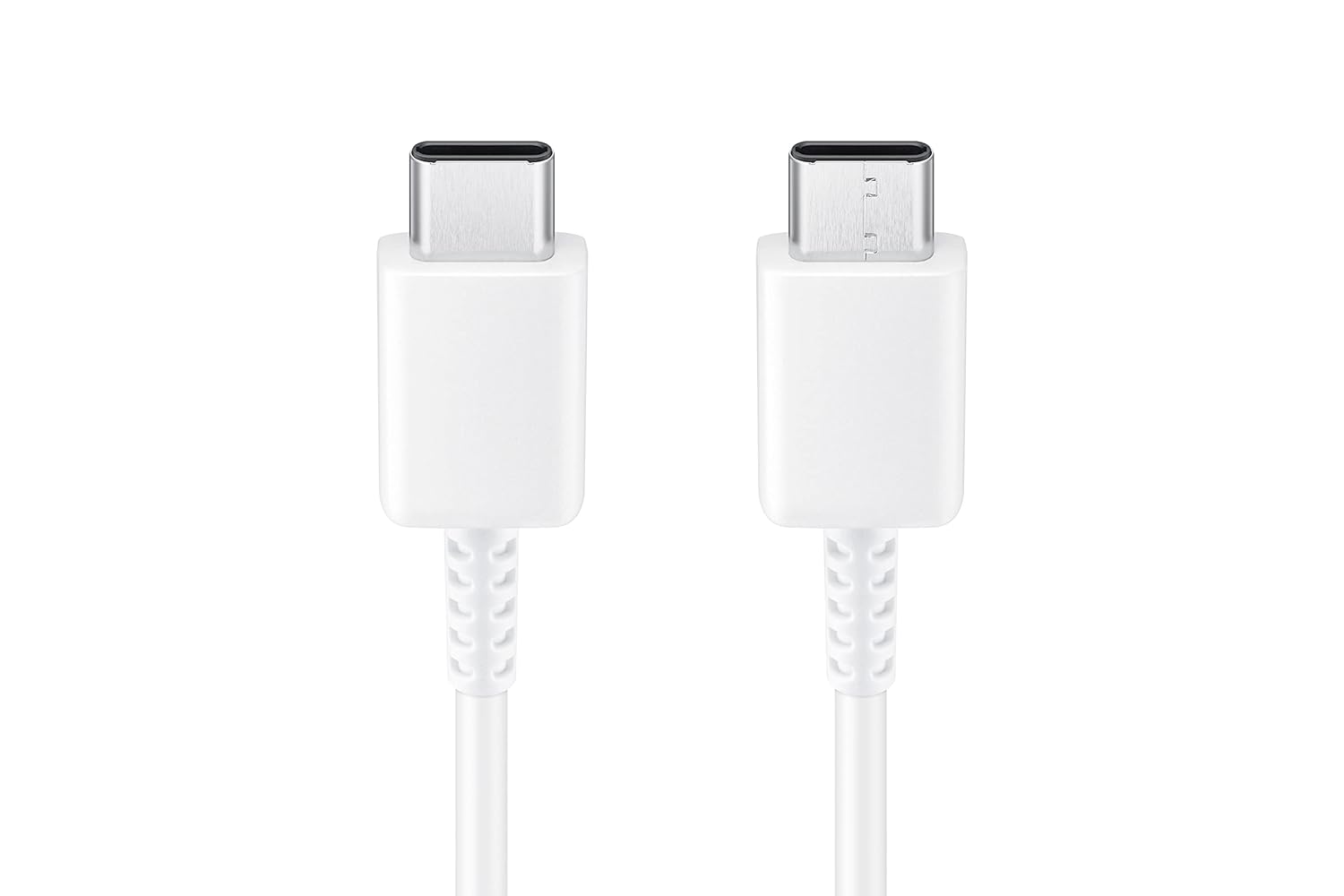
Rasm 3: Batafsil view of the reversible USB Type-C connectors.
4. Xizmat ko'rsatish
Proper care and maintenance will extend the life of your Samsung Type C to C Cable.
- O'tkir burilishlardan saqlaning: Do not bend the cable sharply, especially near the connectors, as this can damage internal wires.
- Saqlash: Store the cable in a clean, dry environment away from direct sunlight and extreme temperatures.
- Tozalash: If the connectors become dirty, gently wipe them with a dry, soft, lint-free cloth. Do not use liquids or abrasive cleaners.
- Ishlov berish: Kabelni ulashda yoki uzishda har doim ulagichning boshini ushlang, kabelning o'zidan tortmang.
5. Muammolarni bartaraf qilish; nosozliklarni TUZATISH
If you encounter issues with your cable, refer to the following common troubleshooting steps:
- Qurilma quvvatlanmayapti:
- Ensure both ends of the cable are securely connected to your device and the power adapter.
- Verify that the power adapter is functioning correctly and is compatible with your device.
- Check the cable and connectors for any visible damage, such as fraying or bent pins.
- Try using a different power outlet or power adapter.
- Sekin zaryadlash:
- Confirm that your power adapter supports fast charging if your device is capable of it.
- Ensure the cable is not damaged. A damaged cable can reduce charging efficiency.
- Some devices may limit charging speed based on battery level, device temperature, or background activity.
- Ma'lumotlarni uzatish bilan bog'liq muammolar:
- Ensure both connected devices support data transfer via USB Type-C.
- Check the device settings for data transfer mode (e.g., "File Transfer," "PTP," or "USB Debugging").
- Try reconnecting the cable or restarting both devices.
- Ensure the cable is not connected to a charging-only port.
6. Texnik shartlar
| Brend | Samsung |
| Model raqami | EP-DA705BWEGIN |
| Ulagich turi | USB turi C |
| Kabel turi | USB |
| Ulagich jinsi | Erkakdan erkakka |
| Uzunlik | 1 metr (3.28 fut) |
| Mos qurilmalar | Smartphones, Tablets, Laptops with USB Type-C ports |
| Maxsus xususiyatlar | Data Transfer, Durable, Reversible Design |
| Ma'lumot uzatish tezligi | 480 Megabit/soniya (USB 2.0) |
| Maksimal oqim | 3 Amps |
| Rang | Oq |
| Element og'irligi | 22.2 gramm |
7. Kafolat haqida ma'lumot
This Samsung Type C to C Cable (Model EP-DA705BWEGIN) is covered by a 6 oylik ishlab chiqaruvchi kafolati sotib olingan kundan boshlab. Ushbu kafolat normal foydalanish sharoitida ishlab chiqarishdagi nuqsonlarni qoplaydi.
To make a warranty claim, please retain your original proof of purchase (receipt or invoice). The warranty does not cover damage caused by misuse, accident, unauthorized modification, or external causes.
8. Mijozlarni qo'llab-quvvatlash
For technical assistance, product inquiries, or warranty support, please contact Samsung customer service:
- Email: support.india@samsung.com
- Bepul raqam: 1800 40 7267864
- Ishlab chiqaruvchi manzili: Samsung India Electronics Pvt ltd, 6th Floor, DLF Centre, Sansad Marg, New Delhi - 110001, India.
Please have your product model number (EP-DA705BWEGIN) and proof of purchase ready when contacting support.