
Kirish
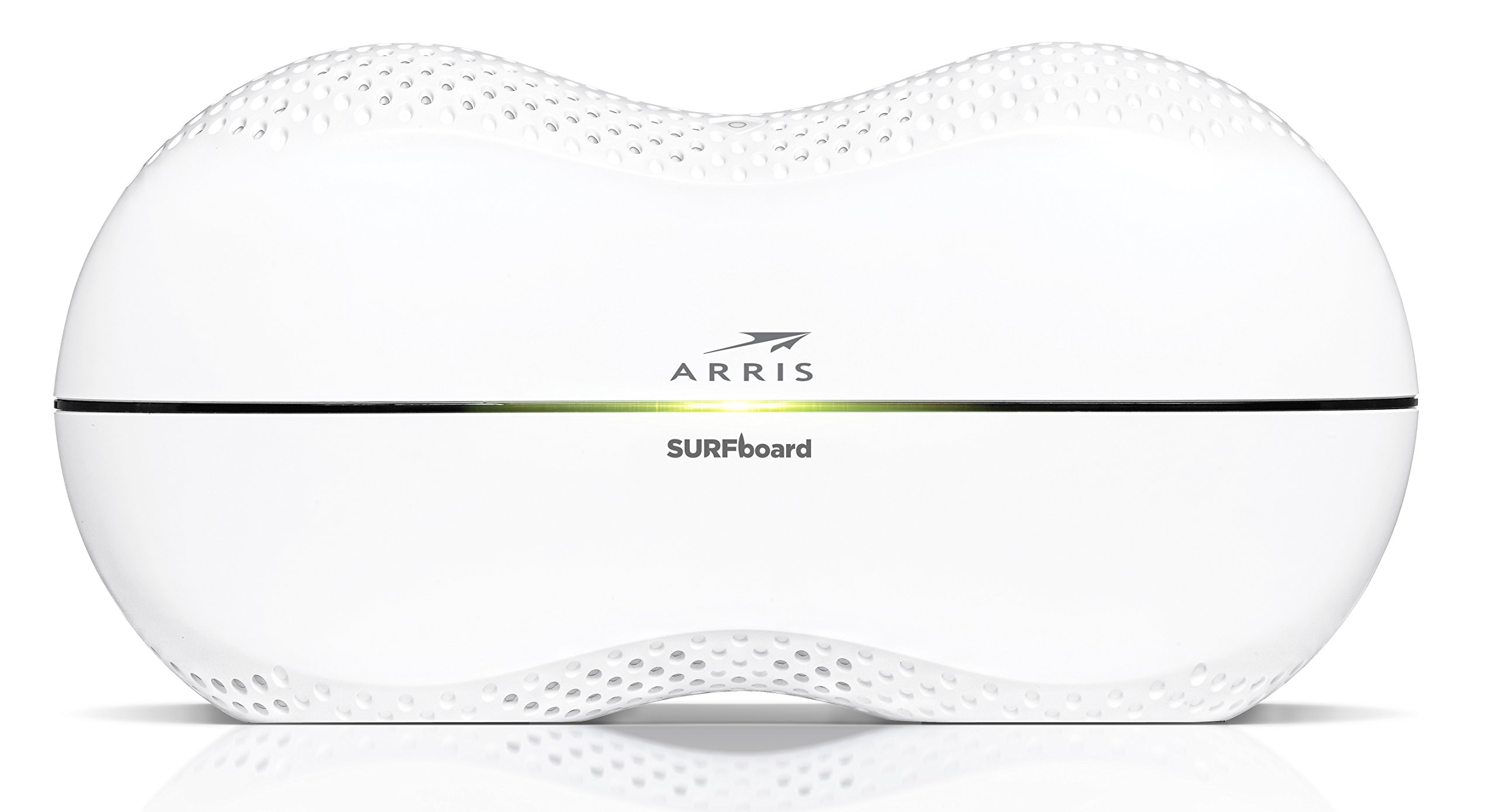
This manual provides detailed instructions for the setup, operation, maintenance, and troubleshooting of your ARRIS SURFboard SBR-AC3200P AC3200 Wi-Fi Router. The SBR-AC3200P is designed to deliver high-speed Wi-Fi performance for various home networking needs, including gaming, streaming, and general internet use. It features tri-band concurrent operation and integrated RipCurrent G.hn Powerline technology for extended network coverage.
Paket tarkibi
- SURFboard WiFi Router SBR-AC3200P
- Ethernet kabeli
- AC quvvat simi
- Tez boshlash uchun qo'llanma
Sozlash; o'rnatish
1. Jismoniy aloqalar
Routeringizni yoqishdan oldin, barcha kerakli kabellar xavfsiz ulanganligiga ishonch hosil qiling. Portni aniqlash uchun quyidagi diagrammaga qarang.
Rasm: orqa view of the ARRIS SURFboard SBR-AC3200P AC3200 Wi-Fi Router. From left to right, the ports include the Power input, two USB ports (one USB 2.0, one USB 3.0), a blue WAN port for connecting to a modem, four yellow LAN ports (1-4) for wired devices, and a small recessed Reset button.
- Modemga ulanish: Connect one end of the provided Ethernet cable to the WAN port (blue) on the back of the SBR-AC3200P router and the other end to your cable/DSL/fiber modem.
- Quvvatni ulash: Plug the AC power cord into the Power input on the router and then into an electrical outlet. The router will begin its startup sequence.
- Yoqilgan: Wait for the router's indicator lights to stabilize. Refer to the Operating section for LED indicator meanings.
2. Dastlabki konfiguratsiya
Routeringizni a yordamida sozlashingiz mumkin web browser or the dedicated mobile application.
- Foydalanish a Web Brauzer:
- Connect a computer to one of the router's LAN ports (yellow) using an Ethernet cable, or connect wirelessly to the default Wi-Fi network (SSID and password typically found on a label on the router).
- Ochish a web brauzerga o'ting va routerning standart IP manzilini kiriting (masalan,
192.168.0.1or192.168.1.1) into the address bar. Consult the Quick Start Guide for the exact IP address and default login credentials. - Follow the on-screen instructions to set up your internet connection and customize your Wi-Fi network name (SSID) and password.
- Mobil ilovadan foydalanish: Download the ARRIS SURFboard Manager app from your device's app store. Follow the in-app instructions to set up and manage your router.
Ishlayotgan
LED ko'rsatkichlari
The front panel of the SBR-AC3200P features several LED indicators that provide status information:
- Quvvat LED: Qurilmaning quvvat holatini ko'rsatadi.
- Internet LED: Shows the status of the internet connection.
- Wi-Fi LEDs (2.4 GHz and 5 GHz): Indicate the activity of the wireless networks.
- RipCurrent LED: Displays the status of the G.hn Powerline network.
Refer to the Quick Start Guide for specific color and blinking patterns and their meanings.
Ulanish qurilmalari
- Simsiz qurilmalar: Ni qidirish your customized Wi-Fi network name (SSID) on your device and enter the password you created during setup.
- Simli qurilmalar: Connect devices such as computers, gaming consoles, or smart TVs to the LAN ports (yellow) on the back of the router using Ethernet cables.
RipCurrent G.hn Technology
The SBR-AC3200P integrates RipCurrent G.hn Powerline technology, allowing you to expand your network coverage using your home's existing electrical wiring. This feature enables compatible SURFboard RipCurrent Wi-Fi Hotspots and network extenders (sold separately) to connect to your network through any electrical outlet, providing seamless Wi-Fi extension throughout your home.
Xizmat
- Dasturiy ta'minotni yangilash: Vaqti-vaqti bilan ARRIS qo'llab-quvvatlashini tekshirib turing website for firmware updates. Keeping your router's firmware up-to-date ensures optimal performance, security, and access to new features. Firmware updates are typically performed through the router's web interface or the mobile app.
- Tozalash: Keep the router in a clean, dust-free environment. Use a soft, dry cloth to clean the exterior. Do not use liquid cleaners or abrasive materials. Ensure ventilation openings are not blocked.
- Routerni qayta tiklash: If you experience persistent issues, you may need to reset the router. A soft reset (power cycle) can often resolve minor problems. For a factory reset, locate the recessed Reset button on the back of the router. Use a paperclip or similar pointed object to press and hold the button for approximately 10-15 seconds until the LEDs indicate a reset. Ogohlantirish: A factory reset will erase all custom settings, including your Wi-Fi name and password, reverting the router to its default factory settings.
Muammolarni bartaraf qilish; nosozliklarni TUZATISH
- Internetga ulanish yo'q:
- Modemingiz to'g'ri ishlayotganini va faol internet aloqasi mavjudligini tekshiring.
- Modem va yo'riqnoma WAN porti orasidagi barcha Ethernet kabel ulanishlarini tekshiring.
- Restart both your modem and router by unplugging them from power for 30 seconds and then plugging them back in, starting with the modem.
- Slow Wi-Fi Speeds or Dropped Connections:
- Router markaziy joyda, to'siqlar va shovqin manbalaridan uzoqda joylashganligiga ishonch hosil qiling (masalan, mikroto'lqinli pechlar, simsiz telefonlar).
- Mikrodastur yangilanishlarini tekshiring.
- Consider using RipCurrent extenders to improve coverage in dead zones.
- Agar boshqa nosozliklarni bartaraf etish bosqichlaridan keyin ham muammolar davom etsa, zavod sozlamalarini tiklang.
- Router sozlamalariga kirish imkoni yo'q:
- Qurilmangiz router tarmog'iga (simli yoki simsiz) ulanganligiga ishonch hosil qiling.
- Verify the correct IP address for the router's web interfeys.
- Brauzeringiz keshini tozalang yoki boshqa brauzerni sinab ko'ring.
Texnik xususiyatlari
| Xususiyat | Tavsif |
|---|---|
| Brend | ARRIS |
| Model nomi | SBR-AC3200P |
| Simsiz standart | 802.11ac |
| Chastota diapazoni klassi | Tri-Band (N450 + AC1350 + AC1350) |
| Ma'lumot uzatish tezligi | soniyasiga 3200 megabitgacha |
| Ethernet portlari | 4 Gigabit Ethernet portlari |
| USB portlari | 1x USB 2.0, 1x USB 3.0 |
| Maxsus xususiyatlar | RipCurrent G.hn Powerline Technology, Wi-Fi Beamforming |
| Xavfsizlik protokoli | WPA2, WPA3 |
| Nazorat usuli | Ilova |
| Element og'irligi | 3.8 funt |
Kafolat haqida ma'lumot
The ARRIS SURFboard SBR-AC3200P AC3200 Wi-Fi Router comes with a 2 Yil Cheklangan Kafolat. For detailed terms and conditions, please refer to the warranty documentation included with your product or visit the official ARRIS support websayt.
Qo'llab-quvvatlash
For further assistance, technical support, or to access additional resources, please visit the official ARRIS support website. You can find FAQs, updated documentation, and contact information for customer service.