
Kirish
This manual provides comprehensive instructions for the Mesqool Vibrating Alarm Clock, designed for heavy sleepers, individuals with hearing impairment, and those who prefer a silent wake-up. Please read this manual thoroughly before using the device to ensure proper operation and to maximize its features.
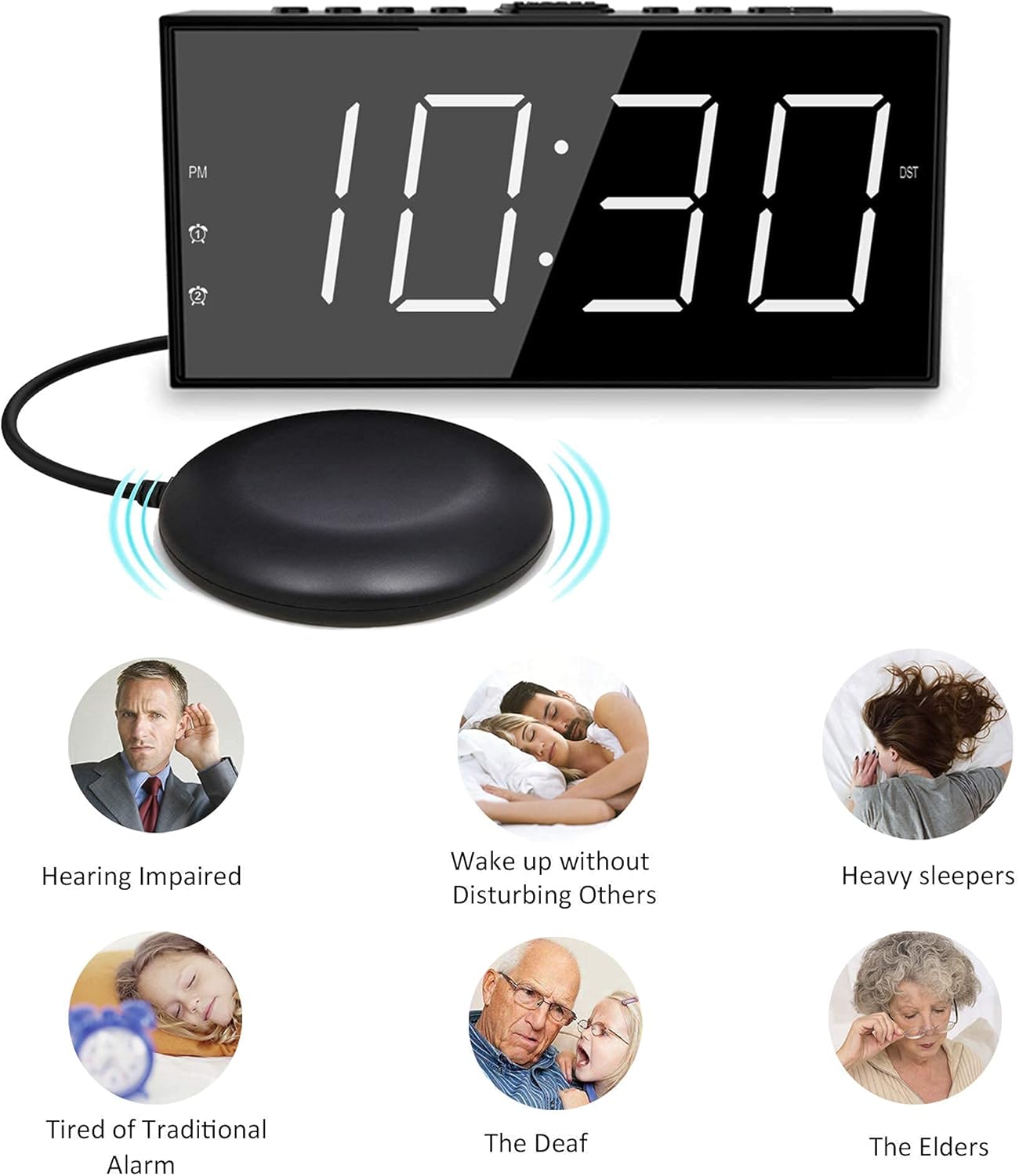
Image: The Mesqool Vibrating Alarm Clock with its bed shaker, illustrating its use for hearing impaired, heavy sleepers, and for waking without disturbing others.
Paket tarkibi
Paketda barcha elementlar mavjudligiga ishonch hosil qiling:
- 1 x Mesqool Digital Alarm Clock
- 1 x US Plug Power Adapter
- 1 x Bed Shaker with 78-inch Cable
- 2 x Black Brackets (for stability)
- 1 x foydalanuvchi qo'llanmasi (ushbu hujjat)
Mahsulot xususiyatlari
- Multiple Wake-up Modes: Choose from bed shaker only, loud buzzer only, or both.
- Adjustable Buzzer Volume: 4 levels of buzzer volume to suit individual preferences.
- Ikkita signal funktsiyasi: Set two independent alarms for different schedules.
- Large Snooze Button: Qo'shimcha 9 daqiqa uyqu beradi.
- 7-inch LED Display: Large, clear digits for easy readability.
- 5-Level Brightness Dimmer: Adjustable display brightness from completely dark to extra bright.
- USB zaryadlash porti: Conveniently charge mobile devices (5V/1A output).
- Batareya zaxirasi: Maintains time settings and ensures alarm function during power outages (requires 2 AAA batteries, not included).
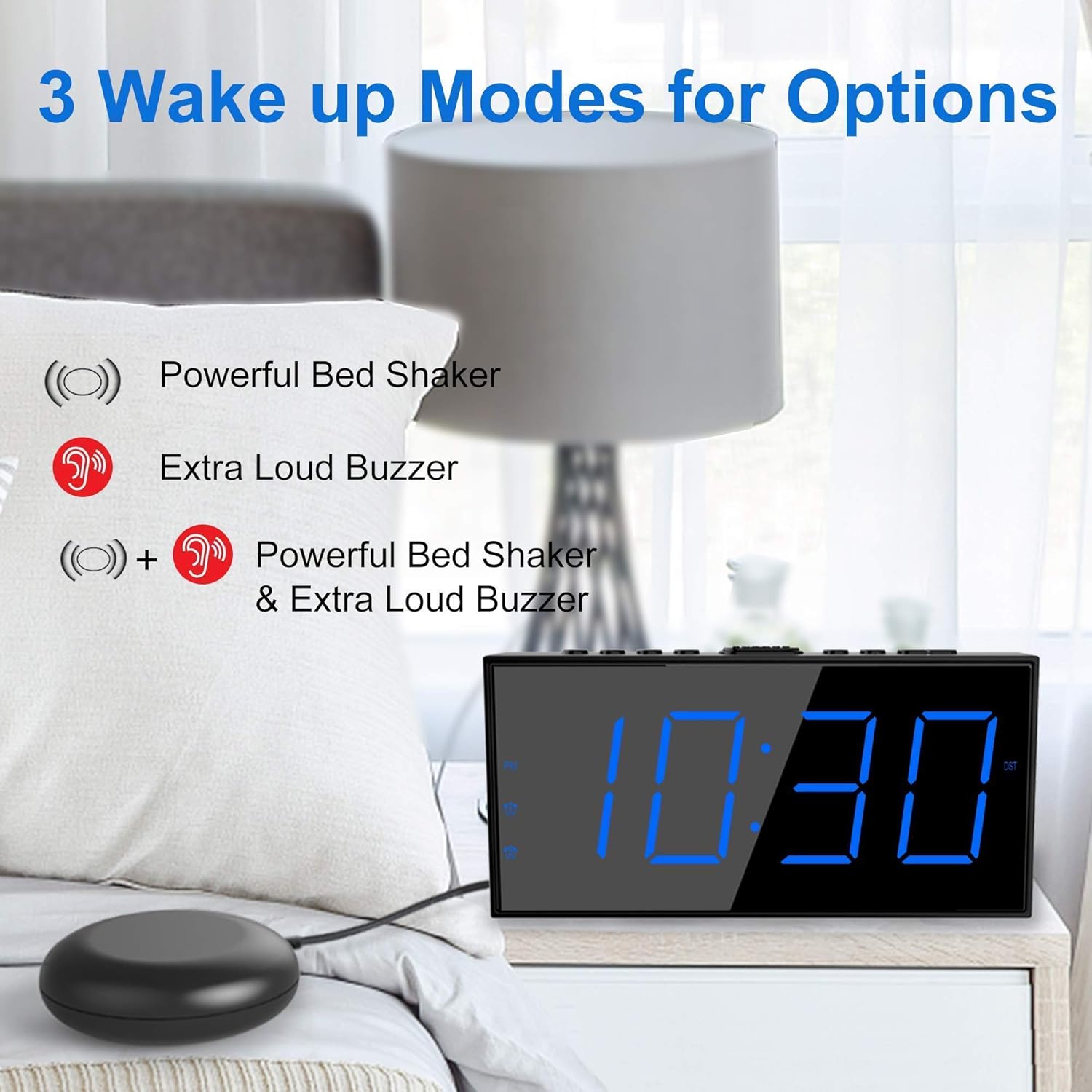
Image: The alarm clock illustrating its three wake-up modes: bed shaker, buzzer, or a combination of both.
Boshqaruv va displey
Familiarize yourself with the buttons and display indicators:

Image: The alarm clock's large LED display, physical dimensions, and the bed shaker with its 78-inch cable.
Yuqori panel tugmalari:
- SET TIME/HOUR: Press to enter time setting mode; use to adjust hour.
- MIN/DIMMER: Press to adjust minute; use to adjust display brightness.
- 12/24 soat: Toggle between 12-hour and 24-hour time format.
- DST: Activate/deactivate Daylight Saving Time.
- ALM PAUSE: Temporarily silence the alarm.
- ALARM 1/ALARM 2: Set or activate/deactivate Alarm 1 or Alarm 2.
- ALM OFF: Turn off all active alarms.
- SNOOZE/SLEEP: Large button for snooze function.
Displey ko'rsatkichlari:
- PM: Indicates PM in 12-hour format.
- Alarm 1 Icon: Lights up when Alarm 1 is active.
- Alarm 2 Icon: Lights up when Alarm 2 is active.
- DST: Lights up when Daylight Saving Time is active.
Sozlash; o'rnatish
1. Quvvatga ulanish
- Connect the provided US Plug Power Adapter to the DC IN port on the back of the alarm clock.
- Adapterni standart devor rozetkasiga ulang. Displey yonadi.

Rasm: orqa view of the alarm clock highlighting the USB charging port and the battery backup compartment.
2. Batareya zaxirasini o'rnatish (ixtiyoriy, ammo tavsiya etiladi)
- Open the battery compartment cover on the bottom of the clock.
- Insert 2 AAA batteries (not included) according to the polarity markings (+ and -).
- Close the battery compartment cover. These batteries will maintain time settings and alarm function during a power outage.
3. Bed Shaker Connection
- Plug the bed shaker cable into the designated port on the back of the alarm clock.
- Place the bed shaker under your mattress or pillow. Ensure the cable is not pinched or damaged.
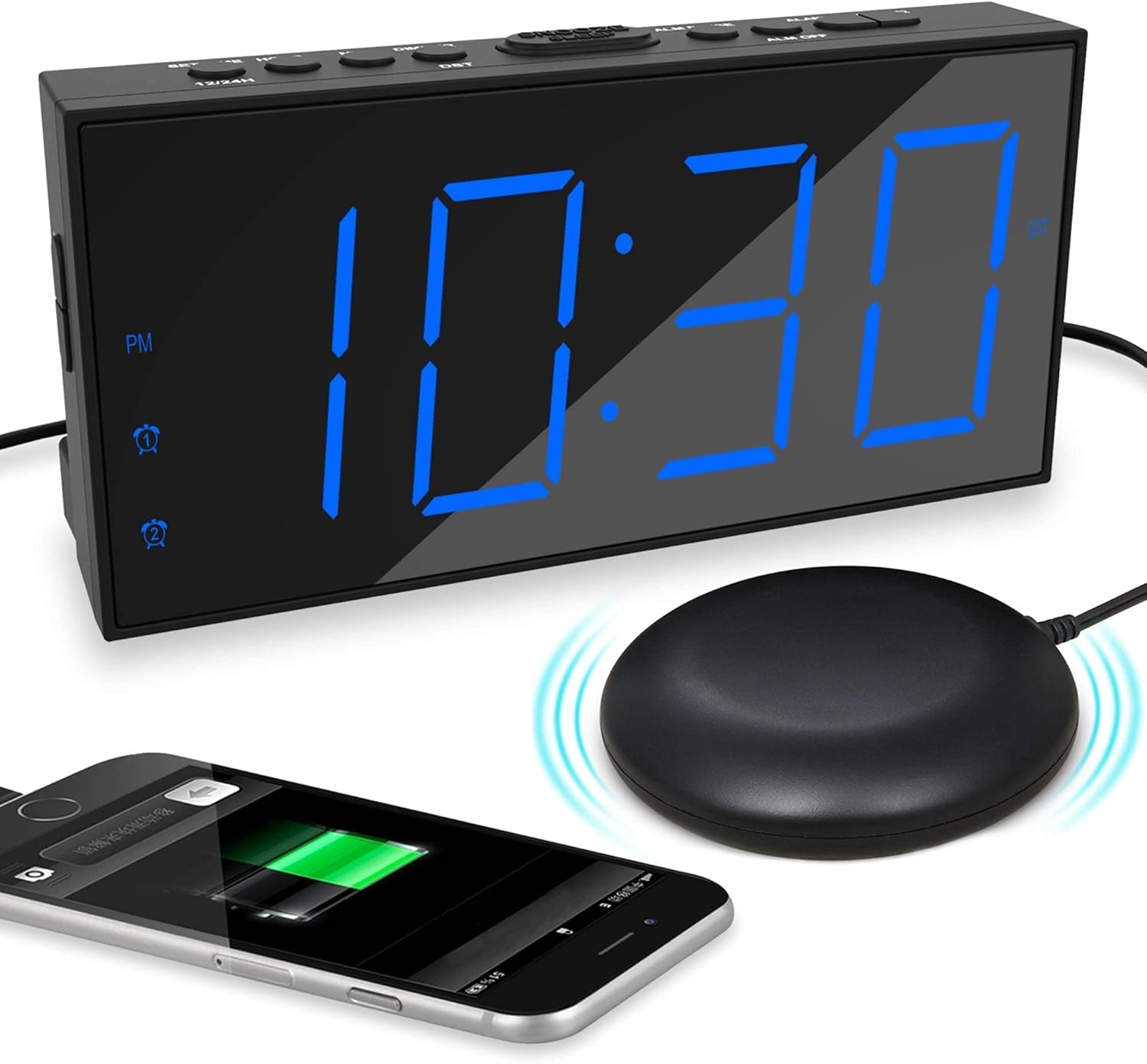
Image: The alarm clock displaying time with a blue LED, connected to a bed shaker, and a smartphone charging from its USB port.
Foydalanish bo'yicha ko'rsatmalar
Vaqtni belgilash
- ni bosing va ushlab turing SET TIME/HOUR tugmasini soat raqamlari miltillaguncha bosing.
- bosing SET TIME/HOUR repeatedly to adjust the hour.
- ni bosing MIN/DIMMER Daqiqalarni sozlash uchun tugmasini qayta-qayta bosing.
- bosing SET TIME/HOUR again to confirm and exit time setting mode, or wait for 5 seconds for it to exit automatically.
- 12 soatlik va 24 soatlik format o'rtasida almashish uchun tugmasini bosing 12/24 soat tugmasi.
- To activate/deactivate Daylight Saving Time (DST), press the DST button. The DST indicator will light up when active.
Signallarni sozlash (1-signal va 2-signal)
Soat ikkita mustaqil signalni qo'llab-quvvatlaydi.

Image: The alarm clock demonstrating its dual alarm capability with two distinct alarm times.
- ni bosing va ushlab turing 1-ogohlantirish or 2-ogohlantirish budilnik soat raqamlari yonib-o'chguncha tugmasini bosing.
- Tegishli tugmani bosing ALARM button repeatedly to adjust the alarm hour.
- ni bosing MIN/DIMMER button repeatedly to adjust the alarm minutes.
- Tegishli tugmani bosing ALARM button again to confirm the time.
- Next, select the wake-up mode by pressing the ALARM tugma:
- Buzzer Icon: Buzzer only.
- Shaker Icon: Bed shaker only.
- Buzzer + Shaker Icons: Both buzzer and bed shaker.
- Tegishli tugmani bosing ALARM button one more time to confirm the wake-up mode and activate the alarm. The alarm icon will light up on the display.
- Signalni o'chirish uchun tegishli tugmani bosing ALARM signal belgisi displeydan yo'qolguncha tugmasini bosing.
Adjusting Buzzer Volume
Budilnik yangraganda, tugmasini bosing MIN/DIMMER button to cycle through the 4 volume levels.
Kechiktirish funksiyasi

Image: A hand pressing the large snooze button on the alarm clock.
Signal chalinganda, katta tugmani bosing KERAKLASH/UYQU button to temporarily silence the alarm for 9 minutes. The alarm will sound again after 9 minutes. To cancel snooze and turn off the alarm, press the ALM O'CHIK tugmasi.
Displey yorqinligini sozlash
ni bosing MIN/DIMMER button (when not in time setting mode) to cycle through the 5 brightness levels (including OFF) for the LED display.
USB zaryadlash porti
The USB port on the back of the clock provides 5V/1A output for charging mobile phones or other small electronic devices. Connect your device's charging cable to this port.
Xizmat
- Tozalash: Soatni yumshoq, quruq mato bilan artib oling. Abraziv tozalash vositalarini yoki erituvchilarni ishlatmang.
- Joylashtirish: Place the clock on a stable, flat surface. Avoid direct sunlight, extreme temperatures, and high humidity.
- Bed Shaker Care: Ensure the bed shaker cable is not tangled or damaged. Avoid placing heavy objects directly on the shaker.
- Batareyani almashtirish: Replace AAA backup batteries annually or when the battery backup function is no longer reliable.
Muammolarni bartaraf qilish; nosozliklarni TUZATISH
| Muammo | Mumkin sabab | Yechim |
|---|---|---|
| Soat displeyi o'chirilgan. | No power, or display brightness set to OFF. | Check power adapter connection. Press MIN/DIMMER yorqinlikni sozlash uchun. |
| Signal eshitilmaydi/tebranilmaydi. | Alarm not activated, wrong wake-up mode selected, or volume too low. | Ensure alarm icon is lit. Verify correct wake-up mode (buzzer/shaker). Adjust buzzer volume. Check bed shaker connection. |
| Quvvat o'chirilgandan so'ng vaqt/signal sozlamalari qayta tiklanaditage. | Zaxira batareyalari o'rnatilmagan yoki tugagan. | 2 ta yangi AAA batareyasini o'rnating. |
| USB orqali zaryadlash ishlamayapti. | Clock not powered, or device cable faulty. | Ensure clock is plugged into wall power. Try a different USB cable or device. |
Texnik xususiyatlari
- Brend: Mesqool
- Model: B096F79526
- Displey turi: Raqamli LED
- Displey hajmi: 7 dyuym
- Yorqinlik darajalari: 5 (including OFF)
- Signal rejimlari: Buzzer, Vibrator (Bed Shaker), Both
- Buzzer ovozi: 4 sozlanishi daraja
- Quvvat manbai: Corded Electric (DC adapter), 2x AAA batteries (backup, not included)
- USB zaryadlash chiqishi: 5V/1A
- Bed Shaker Cable Length: Approximately 78 inches (6.5 feet)
- O'lchamlari (taxminan): 6.77 dyuym (W) x 3.26 dyuym (Y) x 1.18 dyuym (D)
- Material: Plastik
Kafolat va qo'llab-quvvatlash
For warranty information or technical support, please refer to the contact details provided on the product packaging or visit the official Mesqool websayt. Kafolat da'volari uchun xarid kvitansiyasini saqlang.
Mesqool Official Store: Visit Mesqool Store on Amazon