
1. Mahsulot tugadiview
The REXING HS01 is a 1080p wireless smart home security camera system designed for both indoor and outdoor use. It features a rechargeable battery, solar panel charging capability, two-way intercom, motion activation, infrared night vision, and cloud storage options. The camera connects to your home WiFi network and is managed via a mobile application.
Asosiy xususiyatlar:
- 1080p Full HD video: Records clear video with a 120-degree wide-angle lens.
- Simsiz va qayta zaryadlanuvchi: Operates wirelessly with a 6000mAh rechargeable battery.
- Quyosh energiyasi bilan ishlaydigan: Can be continuously charged by the included solar panel.
- Ikki tomonlama interkom: Allows for real-time communication via the mobile app.
- Suv o'tkazmaydigan dizayn: IP65 rated for outdoor weather resistance.
- Harakatni aniqlash: PIR motion sensor with adjustable sensitivity up to 33ft.
- Infraqizil tungi ko'rish: Provides clear visibility up to 33ft in low light conditions.
- Bulutli saqlash: Offers free 3-day cloud storage with options for extended plans.
- Mobil ilovalarni boshqarish: Manage and monitor the camera from your smartphone.
2. Paket tarkibi
Paketda quyidagi elementlar mavjudligini tekshiring:
- REXING HS01 xavfsizlik kamerasi
- Quyosh paneli
- O'rnatish kronshteynlari va vintlari
- USB zaryadlovchi kabeli
- Foydalanuvchi uchun qo'llanma
3. O'rnatish bo'yicha qo'llanma
3.1 Dastlabki zaryadlash
Before first use, fully charge the camera's internal 6000mAh battery using the provided USB cable. Connect the cable to the camera's charging port and a standard USB power adapter (not included). The charging indicator will show the charging status.
3.2 Ilovani o'rnatish
ni yuklab oling Rexing Home application from your smartphone's app store (available on iOS and Android). Ni qidirish "Rexing Home" and install the application.
3.3 Wi-Fi ulanishi
- Open the Rexing Home app and create an account or log in.
- Yangi qurilma qo‘shish uchun ilova ichidagi ko‘rsatmalarga amal qiling.
- Smartfoningiz ulanganligiga ishonch hosil qiling 2.4 gigagertsli Wi-Fi tarmog'i. The HS01 camera does not support 5GHz Wi-Fi.
- Scan the QR code displayed on your phone with the camera lens when prompted.
- Wait for the camera to connect to your Wi-Fi network. A voice prompt will confirm successful connection.
3.4 Kamera va quyosh panelini o'rnatish
The REXING HS01 camera and solar panel can be mounted indoors or outdoors. Choose a location that provides the desired viewing angle and ensures the solar panel receives ample direct sunlight throughout the day for optimal charging.

Image: The REXING HS01 camera with its solar panel mounted on an exterior wall, highlighting its 100% wireless and solar-powered operation. The camera is designed for outdoor use and is weatherproof.
- Use the provided mounting bracket and screws to securely attach the camera to a wall or desired surface.
- Mount the solar panel in a location that receives maximum direct sunlight. Connect the solar panel cable to the camera's charging port.
- Kameraning burchagini kerakli monitoring maydonini qoplash uchun sozlang.
4. Foydalanish bo'yicha ko'rsatmalar
4.1 Jonli View and Remote Playback
Once connected, open the Rexing Home app to access the live video feed from your camera. You can view real vaqtda footage from anywhere with an internet connection. The app also allows you to review yozilgan video footage stored in the cloud.

Image: A smartphone screen showing a live view from the REXING HS01 camera, with icons for remote playback and indicating motion alerts. This demonstrates complete control from the Rexing Home App.
4.2 Ikki tomonlama ovozli aloqa
The HS01 camera features a built-in microphone and speaker, enabling two-way audio communication. From the live view in the Rexing Home app, you can speak to individuals near the camera and hear their responses.
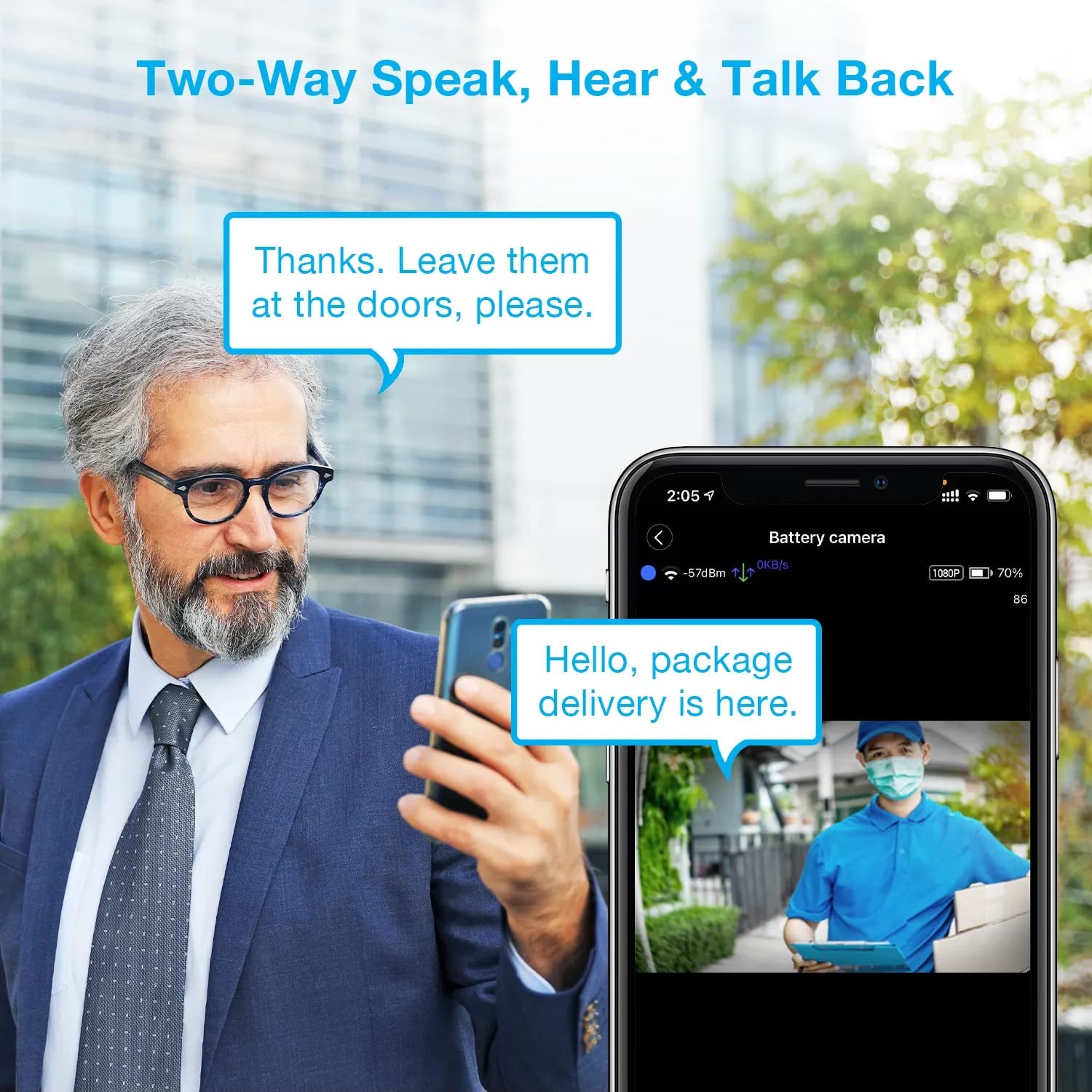
Image: A man using his smartphone to communicate with a delivery person visible on his screen, demonstrating the two-way speak and talk-back functionality of the REXING HS01 camera.
4.3 Harakatni aniqlash va ogohlantirishlar
The camera utilizes a PIR (Passive Infrared) motion sensor to detect movement. When motion is detected, the camera will begin recording and send instant notifications to your smartphone via the Rexing Home app.
- Sezuvchanlikni sozlash: You can adjust the PIR motion sensitivity settings within the app, with options up to 33ft.
- Bildirishnoma sozlamalari: Customize alert preferences in the app to receive notifications for every detected motion.
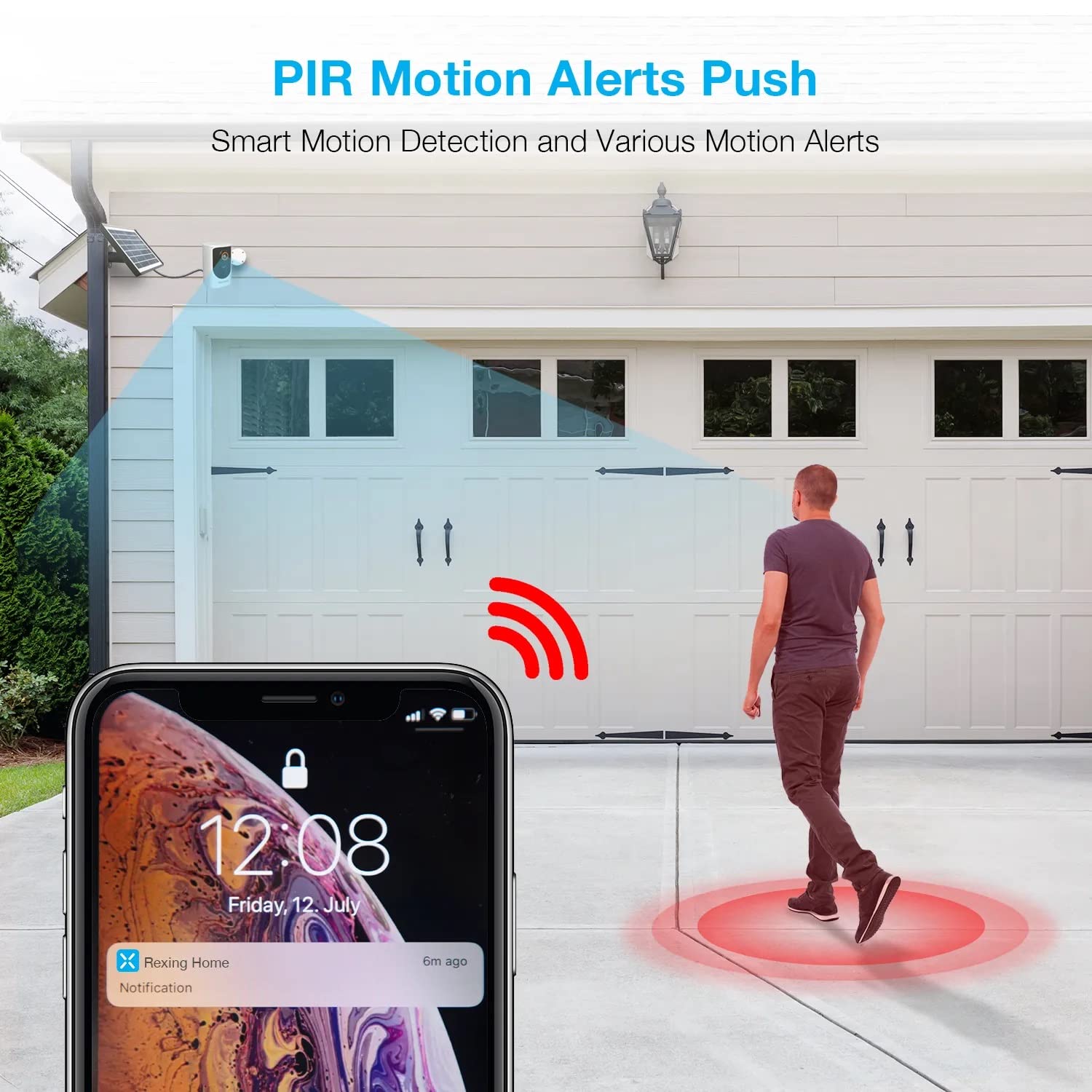
Image: A smartphone screen showing a notification from the Rexing Home app indicating a motion alert, with a visual representation of a person walking into the camera's detection zone.
4.4 Tungi ko'rish
The HS01 camera is equipped with 8 built-in 850nm Infrared LEDs and enhanced CMOS imaging sensors, providing clear night vision up to 33ft. The night vision mode activates automatically in low-light conditions.
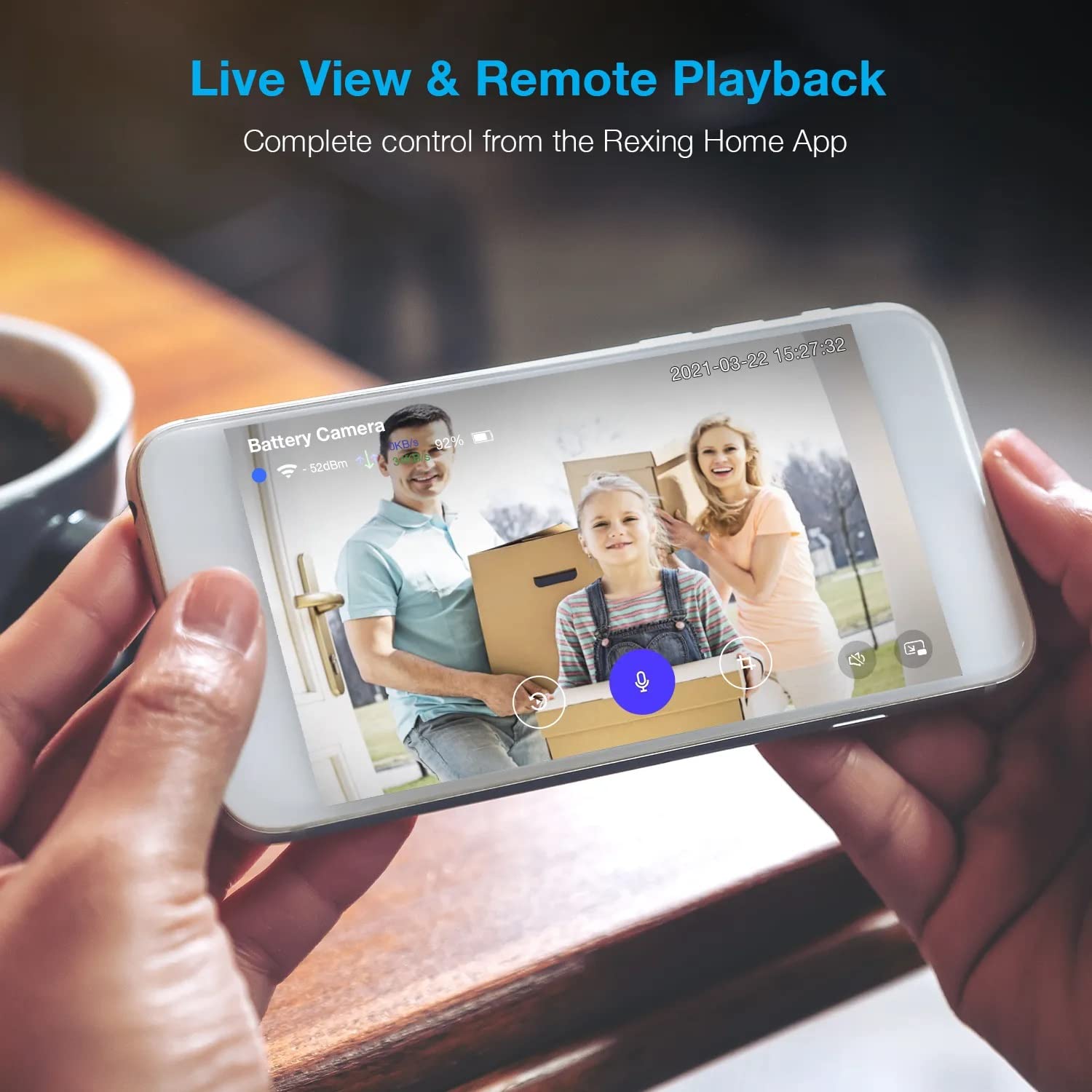
Image: A smartphone displaying a split screen, with one side showing a daytime view of a house in full color and the other side showing the same house in enhanced infrared night vision, demonstrating the camera's 1080p HD and night vision capabilities.
4.5 Bulutli saqlash
The camera offers secure cloud storage for recorded video footage. You can access the past 3 days of video recordings for free. Extended cloud storage plans are available for purchase through the Rexing Home app.
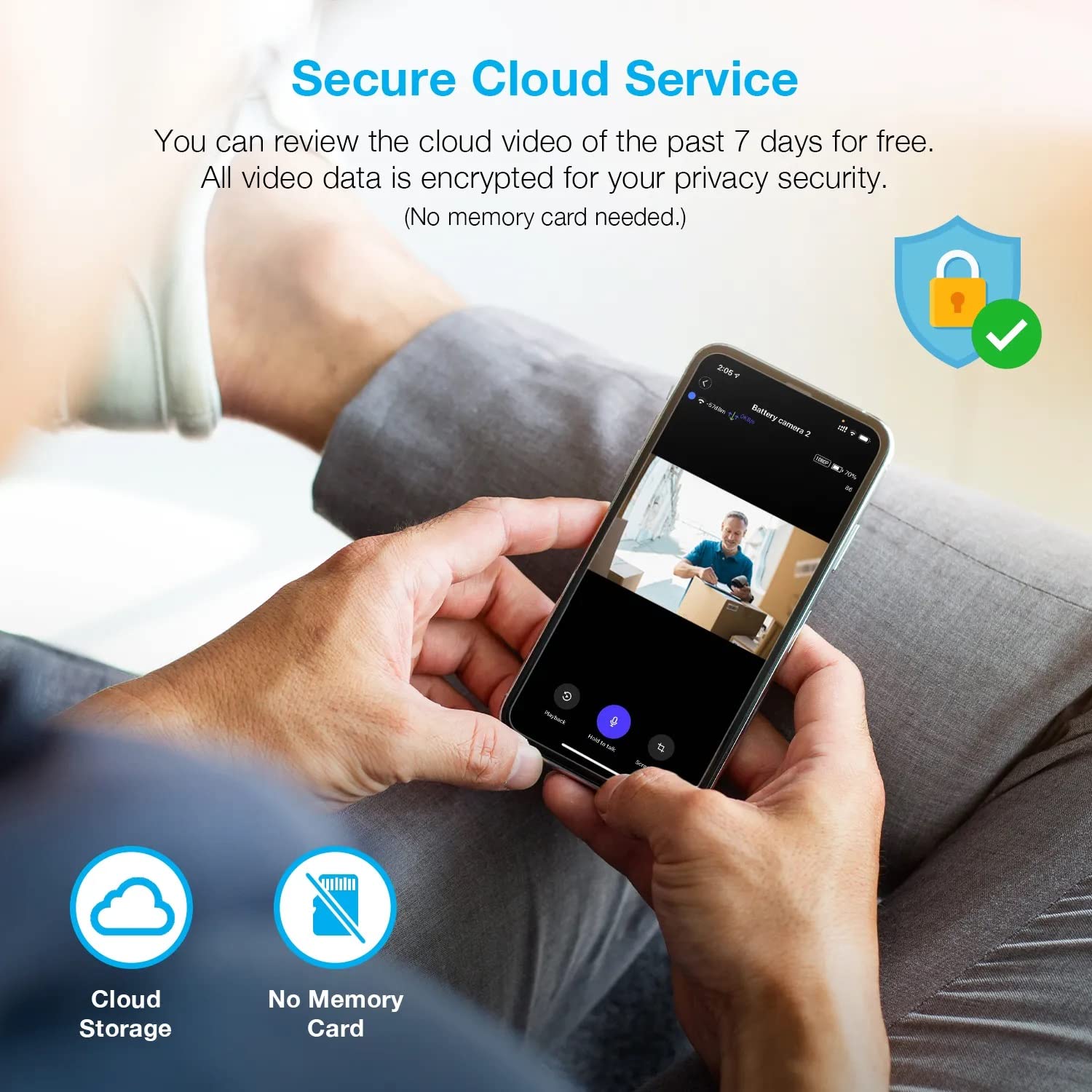
Rasm: odam viewing recorded camera footage on a smartphone, accompanied by icons for cloud storage and indicating that no memory card is needed, highlighting the secure cloud service feature.
5. Xizmat ko'rsatish
5.1 Batareyani boshqarish
The HS01 camera is powered by a 6000mAh rechargeable battery. For continuous operation, ensure the solar panel is positioned to receive adequate direct sunlight. If the camera is used in an area with limited sunlight, periodic manual charging via the USB cable may be required.
5.2 Tozalash
To maintain optimal performance, periodically clean the camera lens and the solar panel surface with a soft, damp cloth. Avoid using abrasive cleaners or solvents that could damage the surfaces.
6. Muammolarni bartaraf qilish; nosozliklarni TUZATISH
- Kamera Wi-Fi tarmog'iga ulanmayapti:
- Wi-Fi tarmog'ingiz 2.4 gigagertsli ekanligiga ishonch hosil qiling. Kamera 5 gigagertsli tarmoqlarni qo'llab-quvvatlamaydi.
- Kamera joylashgan joyda Wi-Fi signal kuchini tekshiring.
- Ilovaga kiritilgan Wi-Fi paroli to'g'ri ekanligini tekshiring.
- Routeringizni va kamerani qayta ishga tushiring.
- Video sifati past:
- Ensure a strong Wi-Fi signal. Weak signals can affect streaming quality.
- Clean the camera lens if it appears dirty or smudged.
- Motion detection not working or too sensitive:
- Adjust the PIR motion sensitivity settings in the Rexing Home app.
- Kamerani to'sib qo'yadigan hech qanday to'siq yo'qligiga ishonch hosil qiling view or the PIR sensor.
- Check the camera's battery level. Low battery can affect sensor performance.
- Battery not holding charge or solar panel not working:
- Ensure the solar panel is positioned to receive direct sunlight for several hours daily.
- Clean the solar panel surface to remove any dirt or debris.
- Verify the solar panel cable is securely connected to the camera.
- If issues persist, try charging the camera directly via USB.
- Ovoz yo'q yoki ikki tomonlama audio yomon:
- Check the volume settings on your smartphone and in the Rexing Home app.
- Ensure your phone's microphone is enabled for the app.
- Verify a stable internet connection for both the camera and your smartphone.
7. Texnik shartlar
| Xususiyat | Spetsifikatsiya |
|---|---|
| Model raqami | HS01 |
| Video ravshanligi | 1080p to'liq HD |
| ning maydoni View | 120 daraja |
| Kecha ko'rish diapazoni | 33 fut |
| Batareya quvvati | 6000 mA/soat |
| Ulanish | Simsiz (Wi-Fi 2.4GHz) |
| Suv o'tkazmaydigan reyting | IP65 |
| Mos qurilmalar | Smartphone (Amazon Alexa, Google Assistant) |
| Element o'lchamlari | 8.5 x 7.25 x 3.75 dyuym |
| Element og'irligi | 1 funt |
| Quvvat manbai | Rechargeable Battery, Solar Panel |
8. Kafolat va qo'llab-quvvatlash
8.1 Kafolat haqida ma'lumot
For detailed warranty information regarding your REXING HS01 Smart Home Security Camera System, please refer to the warranty card included with your product or visit the official REXING websayt. Kafolat shartlari mintaqa va sotuvchiga qarab farq qilishi mumkin.
8.2 Mijozlarni qo‘llab-quvvatlash
If you encounter any issues or have questions about your REXING HS01 camera, please contact REXING customer support. You can typically find support contact information on the official REXING website or within the Rexing Home mobile application.
For the latest updates, FAQs, and additional resources, please visit the official REXING websayt: www.rexingusa.com