
Kirish
The LEVOIT Air Purifiers (Core 300 / Core300-P and Core Mini) are designed to improve indoor air quality by effectively removing airborne particles, odors, and allergens. These purifiers utilize advanced filtration systems to create a cleaner and healthier living environment, suitable for various room sizes.
Asosiy xususiyatlarga quyidagilar kiradi:
- The Core 300 / Core300-P features a 45W long-life high-torque motor, 8.7" x 8.7" x 14.2" size, 7.48 lb weight, 141CFM CADR and covers up to 1095 sq.ft. The Core Mini features 360° VortexAir Technology 3.0 and quiet operation at 25dB.
- Both air purifiers use a 3-stage filtration system to remove dust, pollen, smoke, odors and airborne particles down to 0.3 microns.
- The Core 300 / Core300-P can purify rooms up to 1095 sq. ft. once per hour. The Core Mini keeps personal spaces fresh.
- The Core Mini includes an aromatherapy pad to add essential oils for great smells. Core 300 / Core300-P is compatible with multiple Levoit filter types including Toxin Absorber, Smoke Remover and Pet Allergy filters.
- Use only genuine Levoit replacement filters to maintain performance.

Image: The Levoit Core 300 and Core Mini air purifiers, showcasing ularning ixcham va zamonaviy dizayni.
Sozlash; o'rnatish
Setting up your LEVOIT Air Purifier is quick and easy. Follow these steps to get started:
- Qutidan chiqarish: Carefully remove the air purifier from its packaging. Ensure all components, including the main unit, power adapter, and filter, are present.
- Filtrni o'rnatish:
- Havo tozalagichni teskari burang.
- Qulfni ochish va olib tashlash uchun taglik qopqog'ini soat miliga teskari tomonga burang.
- Remove the plastic packaging from the HEPA filter.
- Filtrni qayta jihozga joylashtiring.
- Replace the base cover and twist clockwise to secure it.
- Joylashtirish: Place the air purifier on a flat, stable surface. Ensure there is at least 6 inches (15 cm) of clearance on all sides for optimal air circulation.
- Quvvat ulanishi: Quvvat adapterini havo tozalagichga, keyin esa standart elektr rozetkaga ulang.

Image: Components of the Levoit air purifier, illustrating the filter's placement within the unit.
Foydalanish bo'yicha ko'rsatmalar
Your LEVOIT Air Purifier features intuitive controls for easy operation:
- Quvvatni yoqish/oʻchirish: Quvvat tugmasini bosing (⑂) on the top panel to turn the unit on or off.
- Fan tezligi: Ventilyator tezligi tugmasini bosing (☸) repeatedly to cycle through three fan speeds: Low (I), Medium (II), and High (III).
- Kutish rejimi: Activate Sleep Mode (☽) for quiet operation during the night. In this mode, the fan runs at its lowest speed, and display lights are dimmed or turned off.
- Taymer funktsiyasi: Taymer tugmasidan foydalaning (⏱) to set the purifier to operate for a specific duration (2, 4, 6, or 8 hours) before automatically turning off.
- Displey o'chirilgan: Press the display button (☀) to turn off the display lights for undisturbed sleep.
- Displey qulfi: Qulflash tugmasini bosing (🔒) to prevent accidental changes to settings, useful for households with children or pets.
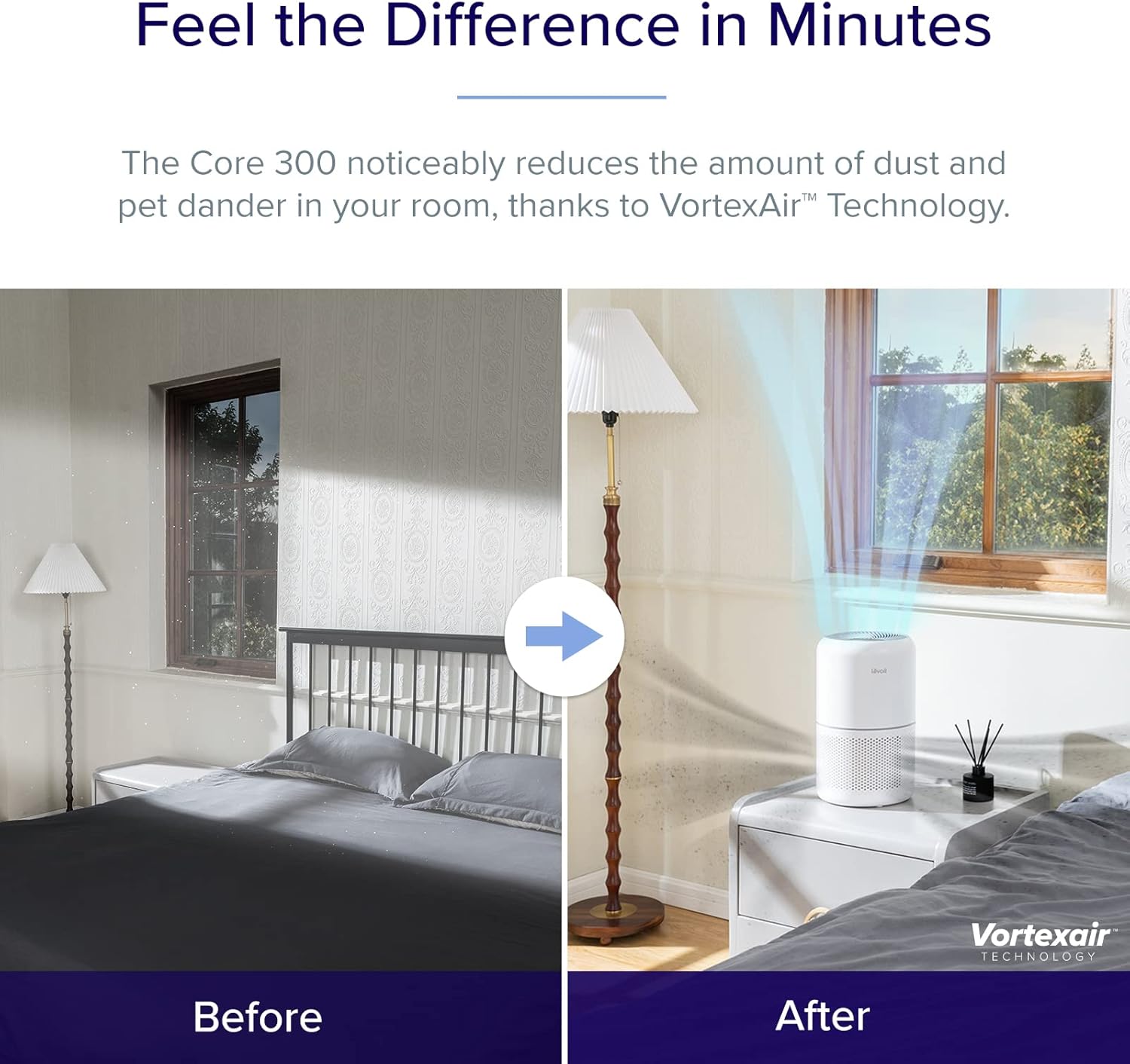
Image: Close-up of the control panel on the Levoit air purifier, showing touch-sensitive buttons for power, fan speed, sleep mode, timer, display, and lock.
Xizmat
Doimiy texnik xizmat ko'rsatish havo tozalagichingizning optimal ishlashini va uzoq umr ko'rishini ta'minlaydi.
Filtrni almashtirish
The filter should be replaced every 6-8 months, or when the filter indicator light illuminates. Using genuine LEVOIT replacement filters is crucial for maintaining performance.
- Havo tozalagichni elektr rozetkasidan ajratib oling.
- Jihozni teskari aylantiring va taglik qopqog'ini olib tashlang.
- Remove the old filter. You may gently vacuum the outside of the filter periodically to extend its life, but do not wash it.
- Insert a new genuine LEVOIT filter (search for B07RSZSYNC for Core 300 and Core Mini-RF or B09FK5PN4H for Core Mini).
- Replace the base cover and twist clockwise to secure.
- Plug in the air purifier. Press and hold the filter indicator button (🗑) for 3 seconds to reset the filter life indicator.
Jihozni tozalash
Wipe the exterior of the air purifier with a soft, dry cloth as needed. Do not use abrasive cleaners or solvents.

Image: Illustration of the 3-stage filtration system, detailing how the pre-filter, HEPA filter, and activated carbon filter work together to purify air.
Muammolarni bartaraf qilish; nosozliklarni TUZATISH
If you encounter any issues with your air purifier, refer to the following common troubleshooting tips:
| Muammo | Mumkin sabab | Yechim |
|---|---|---|
| Qurilma yoqilmaydi. | Not plugged in; power outlet issue; filter not installed correctly. | Ensure power cord is securely plugged in. Try a different outlet. Check if the filter is unwrapped and the base cover is securely twisted on. |
| Havo oqimi sezilarli darajada kamayadi. | Filtr tiqilib qolgan. | Check the filter indicator light. Replace the filter if necessary. |
| Ish paytida noodatiy shovqin. | Ventilyatordagi tiqilib qolish; jihoz barqaror sirtda emas. | Unplug and check for any foreign objects. Ensure the unit is on a flat, stable surface. |
| Odor persists or is stronger. | Filter saturation; new filter odor. | Replace the filter. New filters may have a slight odor initially, which will dissipate. |
Texnik xususiyatlari
| Spetsifikatsiya | Tafsilot |
|---|---|
| Brend | LEVOIT |
| Model raqami | Core300, CoreMini |
| Rang | Oq |
| Mahsulot o'lchamlari | 6.5"D x 6.5"W x 10.4"Y |
| Nazoratchi turi | Tugmachani boshqarish |
| Wattage | 7 vatt |
| Noise Level (Core Mini) | 25-44 dB |
| CADR (Core 300 / Core300-P) | 141CFM |
| Coverage Area (Core 300 / Core300-P) | Up to 1095 sq. ft. (1 air change per hour) |
Kafolat va qo'llab-quvvatlash
For warranty information or technical support, please refer to the official LEVOIT website or contact their customer service directly. The product typically comes with a standard manufacturer's warranty. You can also find the User Manual in PDF format via this havola.