
1. Kirish
Thank you for choosing the MOVESPEED 70000mAh Power Bank. This high-capacity portable charger is designed to provide reliable power for your electronic devices on the go. With its robust battery, multiple output ports, and fast-charging capabilities, it is an ideal companion for travel, outdoor activities, and daily use.
This manual provides essential information on how to safely and effectively use, maintain, and troubleshoot your power bank. Please read it thoroughly before first use and keep it for future reference.

Image: The MOVESPEED 70000mAh Power Bank, showcasing its compact design and the included USB charging cable.
2. Mahsulot tugadiview & Komponentlar
The MOVESPEED 70000mAh Power Bank features a durable design with multiple input and output ports to accommodate various devices. It includes an LED display for real-time battery status.
Asosiy xususiyatlar:
- 70000mAh yuqori quvvat: Bir nechta zaryadlash uchun kengaytirilgan quvvatni ta'minlaydi.
- 22.5W Two-Way Super Fast Charging: Supports PD3.0 & QC3.0 protocols for rapid charging and recharging.
- 4 Outputs & 2 Inputs: Includes two 5V/2.1A USB ports, one Type-C port, and one USB 22.5W fast charge output. Inputs are Micro USB and Type-C.
- Car-Grade Batteries: Utilizes high-quality polymer energy batteries for enhanced safety and longevity.
- LED raqamli displey: Shows remaining power percentage.
Komponentni aniqlash:

Image: Detailed diagram illustrating the location and function of the Micro USB input, Type-C input/output, and multiple USB-A output ports (A1/A2, A3) on the power bank.
- Micro USB kirish: For recharging the power bank (up to 18W).
- Turi-S Port: Functions as both an input (up to 18W) and an output (PD 20W).
- USB-A1 / USB-A2 Outputs: Standard 5V/2.1A outputs for general device charging.
- USB-A3 chiqishi: 22.5W fast charge output.
- LED displeyi: Batareya foizini ko'rsatuvchi raqamli ekrantage.
- Quvvat tugmasi: LED displeyni faollashtiradi va zaryadlashni boshlaydi.
3. O'rnatish va dastlabki foydalanish
Quvvat bankini zaryadlash:
Before first use, it is recommended to fully charge your MOVESPEED Power Bank. This ensures optimal performance and battery calibration.
- Connect a compatible USB charging cable (Micro USB or Type-C) to one of the power bank's input ports.
- Connect the other end of the cable to a USB wall charger (not included) or a computer's USB port. For fastest charging, use a PD or QC compatible wall charger.
- The LED display will show the charging progress, indicating the battery percentage increasing.
- Displeyda "100%" ko'rsatilgandan so'ng, quvvat banki to'liq zaryadlangan va foydalanishga tayyor.
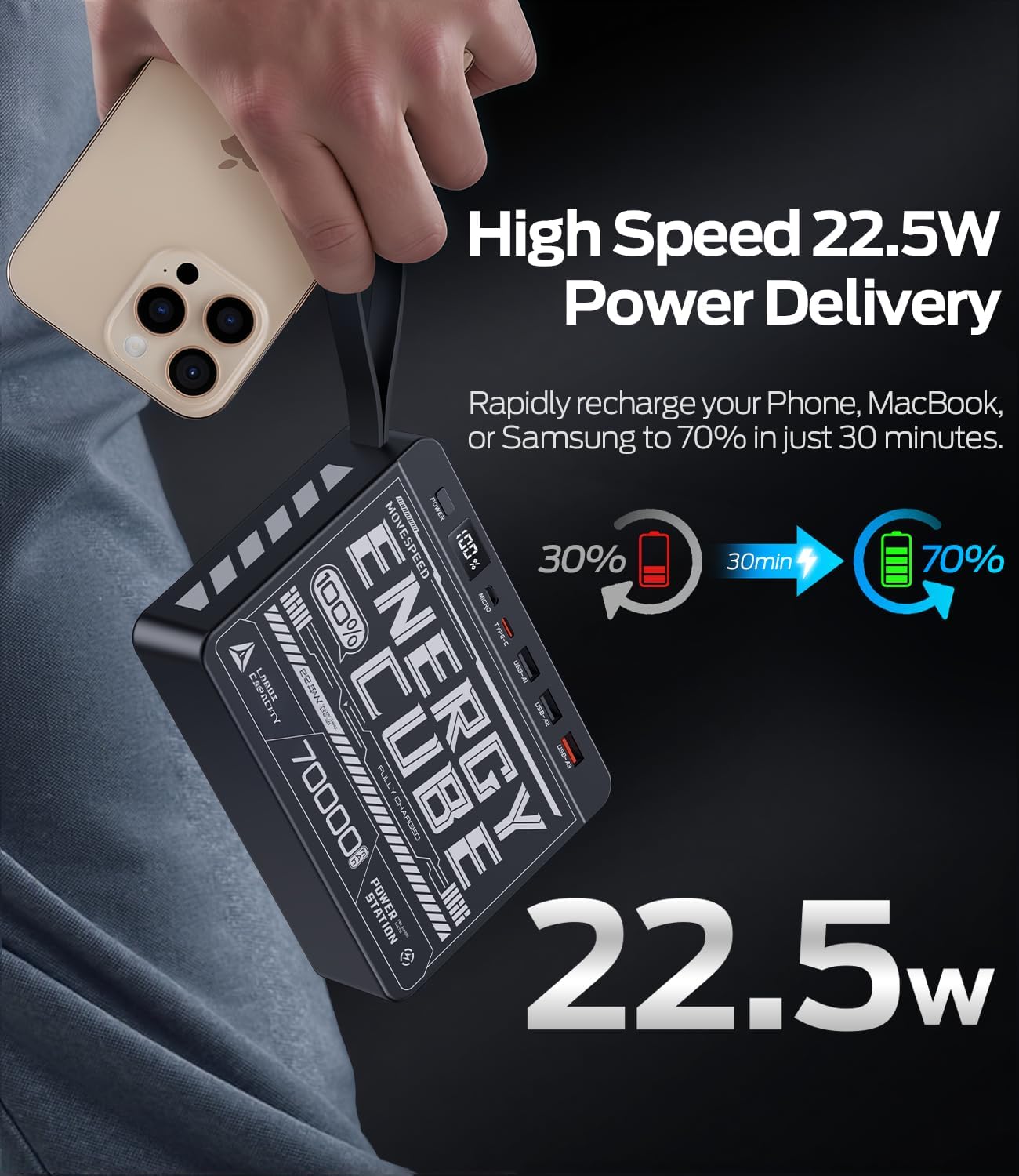
Image: The power bank's LED display clearly showing "100%", indicating a full charge.
4. Foydalanish bo'yicha ko'rsatmalar
Tashqi qurilmalarni zaryadlash:
The power bank can charge up to four devices simultaneously.
- Identify the correct charging cable for your device (e.g., USB-A to Lightning, USB-C to USB-C).
- Connect one end of the charging cable to your device.
- Connect the other end of the cable to an available output port on the power bank (USB-A1, USB-A2, USB-A3, or Type-C).
- Press the power button on the power bank to initiate charging. The LED display will illuminate, showing the remaining battery percentage.
- Your device should begin charging.
For fast charging compatible devices, use the USB-A3 (22.5W) or Type-C (PD 20W) output ports with a compatible cable.
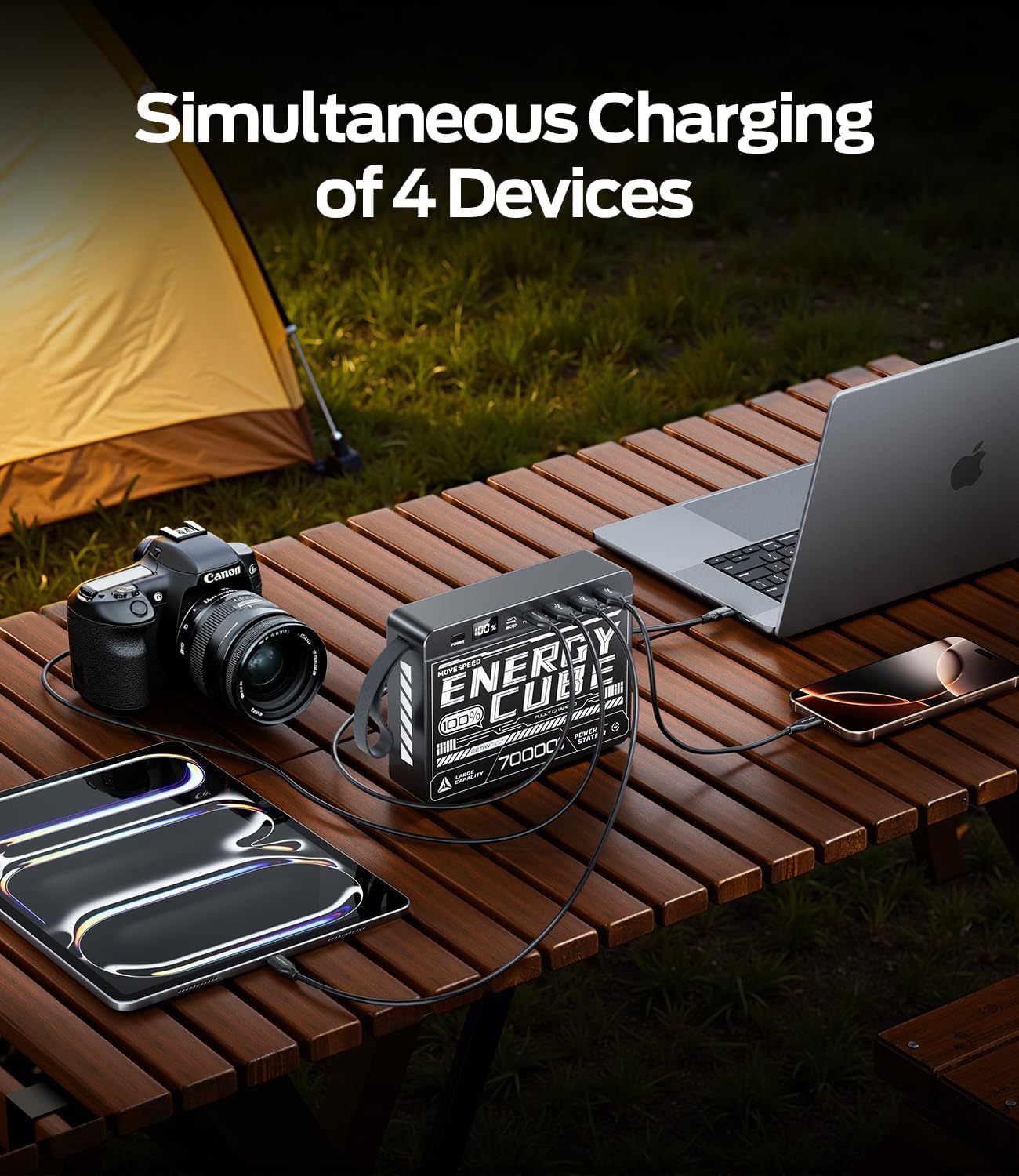
Image: The power bank connected to and charging multiple devices, including a laptop, smartphone, and tablet, demonstrating its simultaneous charging capability.
Batareya darajasini tekshirish:
Briefly press the power button to activate the LED display. The screen will show the current battery percentagquvvat bankining e.
5. Xavfsizlik ma'lumotlari
To ensure safe operation and prolong the lifespan of your power bank, please observe the following safety guidelines:
- Quvvat bankini haddan tashqari haroratga (60°C/140°F dan yuqori yoki 0°C/32°F dan past), to'g'ridan-to'g'ri quyosh nuri yoki yuqori namlik ta'siriga qo'ymang.
- Qurilmani tushirish, urmaslik yoki qismlarga ajratishdan saqlaning.
- Keep away from water, fire, and corrosive materials.
- Agar quvvat banki shikastlangan, shishgan yoki oqayotgan bo'lsa, ishlatmang.
- Faqat sertifikatlangan zaryadlovchi kabellar va adapterlardan foydalaning.
- Bolalar qo'li etmaydigan joyda saqlang.
- Quvvat bankini mahalliy qoidalarga muvofiq tarzda utilizatsiya qiling. Uni maishiy chiqindilar bilan birga tashlamang.
6. Xizmat va texnik xizmat ko'rsatish
Proper care will help maintain the performance and longevity of your power bank:
- Tozalash: Wipe the surface with a soft, dry cloth. Do not use harsh chemicals or abrasive cleaners.
- Saqlash: Quvvat bankini foydalanmayotganda salqin va quruq joyda saqlang. Uzoq muddatli saqlash uchun batareyani taxminan 50-70% zaryadda saqlash tavsiya etiladi.
- Batareya salomatligi: To maximize battery lifespan, avoid fully discharging the power bank frequently. Recharge it before it completely runs out of power.
7. Muammolarni bartaraf qilish; nosozliklarni TUZATISH
| Muammo | Mumkin sabab | Yechim |
|---|---|---|
| Quvvat banki quvvatlanmayapti | Kabel yoki adapter bilan bog'liq muammo; quvvat banki to'liq zaryadlangan; port noto'g'ri. | Try a different charging cable and wall adapter. Ensure the power bank is not already at 100%. Try a different input port (Micro USB or Type-C). |
| Qurilma quvvat bankidan quvvatlanmayapti | Power bank low on charge; cable issue; device not compatible; power button not pressed. | Recharge the power bank. Try a different charging cable. Ensure your device is compatible. Press the power button to activate output. |
| Sekin zaryadlash | Using a standard port instead of fast charge; cable not supporting fast charge; device not supporting fast charge. | Ensure you are using the USB-A3 (22.5W) or Type-C (PD 20W) output. Use a cable rated for fast charging. Verify your device supports fast charging protocols (PD/QC). |
| LED displey ishlamayapti | Quvvat banki to'liq zaryadsizlangan; ichki nosozlik. | Try charging the power bank for a few hours. If the issue persists, contact customer support. |
8. Texnik shartlar
| Xususiyat | Tafsilot |
|---|---|
| Model raqami | 70000mah-us |
| Batareya quvvati | 70000 mA / 259 Vt / soat |
| Mikro USB kiritish | 18W Maks |
| Type-C kirish | 18W Maks |
| Type-C chiqishi | PD 20W Maks |
| USB-A1 / USB-A2 Output | 5V/2.1A |
| USB-A3 chiqishi | 22.5W Maks |
| Mahsulot o'lchamlari | 15.37 x 11.4 x 3.96 sm |
| Element og'irligi | 1.4 kg |
| Maxsus xususiyatlar | Fast Charging, LED Display |
9. Kafolat va qo'llab-quvvatlash
MOVE SPEED products are manufactured to high quality standards. For information regarding warranty coverage, please refer to the terms and conditions provided at the time of purchase or contact your retailer.
If you encounter any issues or have questions about your MOVESPEED 70000mAh Power Bank that are not addressed in this manual, please contact MOVE SPEED customer support through the retailer's platform or the official brand webyordam uchun sayt.

Image: The product packaging and included items, typically the power bank and a charging cable.