
MOGEMYTH MG0301
MOGEMYTH MG0301 Wireless Controller User Manual
Model: MG0301
1. Kirish
The MOGEMYTH MG0301 Wireless Controller is a versatile gaming peripheral designed for multi-platform compatibility. It features dual vibration, a 6-axis gyroscope, programmable back buttons, and customizable RGB lighting. This manual provides detailed instructions for setup, operation, and maintenance across various devices including Nintendo Switch, PC (Windows), Android, and iOS.

Image: MOGEMYTH MG0301 Multi-Mode Gamepad banner, highlighting features like vibration, turbo, macro, RGB, pairing, six-axis, ALPS, NFC, and 1000mAh battery.
2. Paket tarkibi
Iltimos, paketingizda barcha narsalar mavjudligini tekshiring:
- MOGEMYTH MG0301 Wireless Controller
- USB-C zaryadlovchi kabeli
- USB Bluetooth Dongle (for PC connection)
- Foydalanuvchi uchun qo'llanma
3. Controller Layout
Familiarize yourself with the buttons and features of your MOGEMYTH MG0301 controller:

Rasm: old view of the MOGEMYTH MG0301 controller, showing the main buttons (A, B, X, Y, D-pad, joysticks, Home, Share, +, -) and indicating the M1, M2, M3, M4 back buttons along with the included USB dongle.
- A/B/X/Y tugmalari: Standart harakat tugmalari.
- D-Pad: Yo'nalishli kiritish.
- Chap/O'ng joystiklar: Analog input for movement and camera control.
- L/R tugmalari: Yelka tugmalari.
- ZL/ZR tetiklari: Analog triggerlar.
- Uy tugmasi: Powers on the controller and returns to the system home screen.
- Ulashish tugmasi: Captures screenshots or video clips.
- +/- tugmalari: Menyu navigatsiyasi.
- M1/M2/M3/M4 tugmalari: Dasturlashtiriladigan orqaga tugmalar.
- Funktsiya tugmalari: Dedicated buttons for Turbo, Vibration, and RGB lighting adjustments.

Rasm: orqa view of the MOGEMYTH MG0301 controller, emphasizing the ergonomic design and the placement of the four programmable back buttons (M1, M2, M3, M4).
4. Sozlash va ulanish
4.1. Tekshirish moslamasini zaryadlash
Before initial use, fully charge the controller using the provided USB-C cable. Connect the cable to the controller's USB-C port and a power source (e.g., computer USB port, USB wall adapter).

Image: Illustration of the controller charging, indicating a built-in 1000mAh battery and fast charging capability (5 minutes charge for 3 hours standby).
4.2. Nintendo Switch-ga ulanish
- On your Nintendo Switch, go to the HOME Menu.
- Tanlang Kontrollerlar > Tutqich/tartibni o'zgartiring.
- ni bosing va ushlab turing Uy tugmasi on the MOGEMYTH controller for 3-5 seconds until the indicator lights flash rapidly.
- Once connected, the indicator light(s) on the controller will remain solid.
The controller supports one-touch wake-up for the Nintendo Switch. Press the Home button to wake up your console and automatically reconnect the controller.

Image: A hand pressing the Home button on the controller, illustrating the one-touch wake-up feature for the Nintendo Switch.
4.3. Kompyuterga ulanish (Windows 7/8/10/11)
The controller can connect to a PC via the included USB Bluetooth dongle or your PC's native Bluetooth.
4.3.1. Using the USB Bluetooth Dongle
- Insert the USB Bluetooth dongle into an available USB port on your PC.
- The PC will automatically install the necessary drivers.
- ni bosing va ushlab turing Uy tugmasi on the MOGEMYTH controller for 3-5 seconds until the indicator lights flash rapidly.
- The controller will automatically pair with the dongle. Once connected, the indicator light(s) will remain solid.

Image: A MOGEMYTH controller wirelessly connected to a PC monitor, with the USB receiver shown plugged into a computer, illustrating easy PC connection.
4.3.2. Using PC's Native Bluetooth
- Kompyuteringizda Bluetooth yoqilganligiga ishonch hosil qiling.
- ga boring Sozlamalar > Qurilmalar > Bluetooth va boshqa qurilmalar > Bluetooth yoki boshqa qurilmani qo'shing.
- Tanlang Bluetooth.
- ni bosing va ushlab turing Uy tugmasi on the MOGEMYTH controller for 3-5 seconds until the indicator lights flash rapidly.
- Select the controller (it may appear as "Pro Controller" or similar) from the list of available devices.
- The controller will connect as an Xinput device for broad game compatibility.
4.4. Connecting to Android (6.0 or higher) / iOS (iPhone 6 or above, iOS 13 or higher)
- Android yoki iOS qurilmangizda Bluetooth-ni yoqing.
- ni bosing va ushlab turing Uy tugmasi on the MOGEMYTH controller for 3-5 seconds until the indicator lights flash rapidly.
- On your device, search for Bluetooth devices and select the MOGEMYTH controller from the list.
- Once connected, the indicator light(s) on the controller will remain solid.
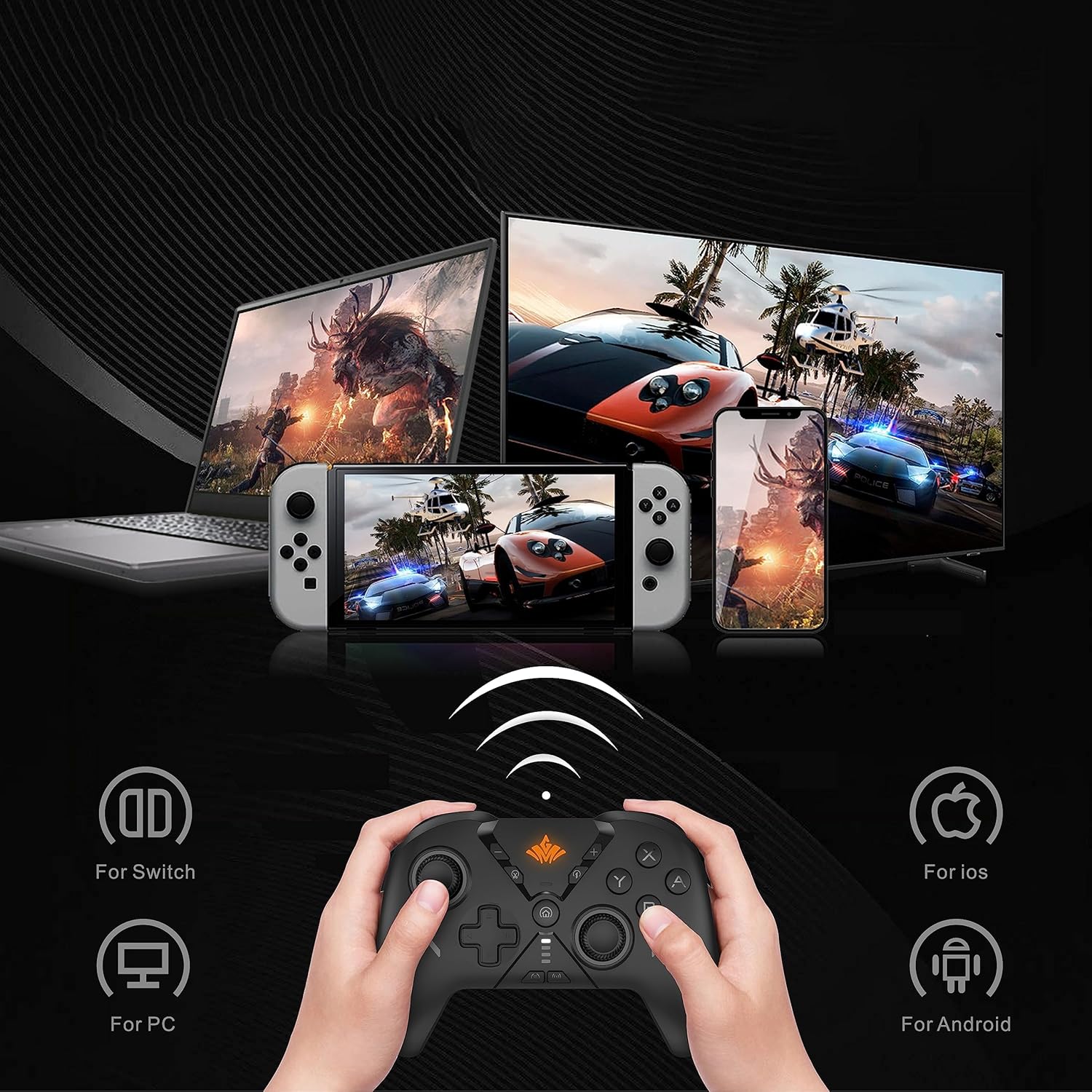
Image: A MOGEMYTH controller held by hands, with various screens in the background (laptop, Switch, smartphone), illustrating its wide compatibility with Switch, PC, iOS, and Android platforms.
5. Foydalanish bo'yicha ko'rsatmalar
5.1. Quvvatni yoqish/o‘chirish
- Yoqilgan: ni bosing Uy tugmasi.
- O'chirish: ni bosing va ushlab turing Uy tugmasi for 5 seconds until the controller powers down. The controller will also automatically power off after a period of inactivity.
5.2. Programmable Back Buttons (M1-M4)
The controller features 4 programmable back buttons (M1, M2, M3, M4) that can be mapped to other buttons for simplified complex actions. It supports up to 21 key customizations.
- ni bosing va ushlab turing Makro tugmasi (often located near the back buttons) and the desired M tugmasi (M1, M2, M3, or M4) simultaneously. The indicator light will flash.
- Press the button(s) you wish to map to the M button (e.g., A, B, X, Y, L, R, ZL, ZR, D-pad directions).
- ni bosing Makro tugmasi again to save the mapping. The indicator light will stop flashing.
- To clear a mapping, repeat step 1, then press the Makro tugmasi ikki marta.
5.3. Turbo funksiyasi
The Turbo function allows a button to be pressed repeatedly as long as it is held down, with adjustable speed settings.

Image: A MOGEMYTH controller illustrating the eight levels of Turbo function, indicating increased speed with higher levels.
- Turbo-ni yoqish: ni bosing va ushlab turing Turbo tugmasi, then press the desired action button (e.g., A, B, X, Y, L, R, ZL, ZR). The button will now have Turbo functionality.
- Turbo tezligini sozlash: ni bosing va ushlab turing Turbo tugmasi, keyin harakatlantiring Right Joystick Up or Down to cycle through 8 adjustable speed levels.
- Turbo-ni o'chirish: ni bosing va ushlab turing Turbo tugmasi, then press the action button again.
5.4. RGB yoritish
The controller features four modes of adjustable RGB light effects.

Image: A MOGEMYTH controller displaying a rainbow arc of RGB lighting, with indicators for four adjustable light effect modes (orange, green, light blue, blue).
- RGB rejimini o'zgartirish: ni bosing RGB tugmasi (often indicated by a light bulb icon) to cycle through the available lighting modes.
5.5. Vibratsiyani sozlash
The controller offers 5 levels of adjustable motor vibration for enhanced gaming immersion.

Image: A MOGEMYTH controller illustrating the adjustable motor vibration feature, showing concentric circles emanating from the controller to represent vibration intensity with 5 levels.
- Vibratsiyani sozlash: ni bosing va ushlab turing Vibratsiyali tugma (often indicated by a vibration icon), then move the Left Joystick Up or Down to cycle through the 5 vibration levels.
5.6. 6-Axis Gyroscope
The built-in 6-axis gyro sensor detects the controller's inclination and movement, providing precise motion control in compatible games.
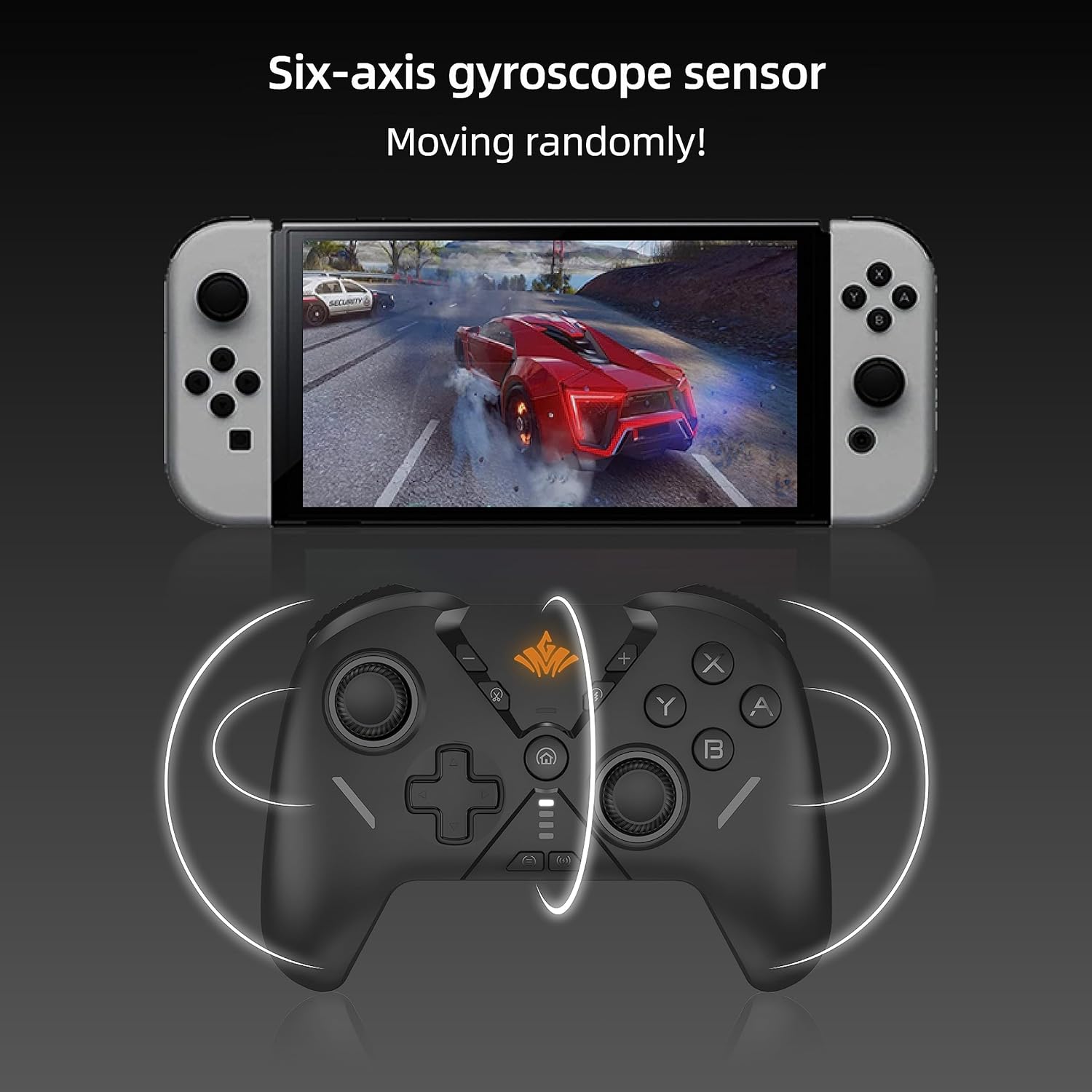
Image: A MOGEMYTH controller positioned below a Nintendo Switch screen displaying a racing game, with white arcs indicating the controller's motion sensing capability via its six-axis gyroscope.
5.7. NFC funksiyasi
The controller includes NFC (Near Field Communication) for compatibility with Amiibo figures on the Nintendo Switch.

Image: A MOGEMYTH controller positioned below a Nintendo Switch screen displaying a game, with a hand holding an Amiibo figure near the controller's center, indicating NFC support.
- To use Amiibo, ensure NFC is enabled in your Switch settings and touch the Amiibo figure to the NFC detection area on the controller (usually the center).
5.8. Skrinshot funksiyasi
Capture in-game moments easily.
- ni bosing Ulashish tugmasi (often indicated by a camera icon) to take a screenshot.
6. Xizmat ko'rsatish
6.1. Batareyani parvarish qilish
The controller is equipped with a built-in 1000mAh Lithium Ion battery, providing over 30 hours of playtime on a single charge.
- Batareyaning ishlash muddatini uzaytirish uchun uni tez-tez to'liq zaryadsizlantirishdan saqlaning.
- Uzoq vaqt davomida ishlatilmasa ham, kontrollerni muntazam ravishda zaryadlang.
- Zaryadlash uchun faqat taqdim etilgan USB-C kabelidan yoki sertifikatlangan ekvivalentidan foydalaning.
6.2. Tozalash va saqlash
- Clean the controller with a soft, dry cloth. Avoid using harsh chemicals or abrasive materials.
- Tekshirgichni to'g'ridan-to'g'ri quyosh nuri va haddan tashqari haroratdan uzoqda, salqin va quruq joyda saqlang.
- Keep the controller away from liquids and dust.
7. Muammolarni bartaraf qilish; nosozliklarni TUZATISH
7.1. Controller Does Not Connect
- Tekshirish moslamasi to'liq zaryadlanganligiga ishonch hosil qiling.
- Verify that Bluetooth is enabled on your device (Switch, PC, Android, iOS).
- Make sure the controller is in pairing mode (indicator lights flashing rapidly).
- Ulanmoqchi bo'lgan kontrollerni ham, qurilmani ham qayta ishga tushirib ko'ring.
- If connecting to PC, try using the included USB Bluetooth dongle.
- Remove previous Bluetooth pairings for the controller on your device and attempt to pair again.
7.2. Buttons Not Responding or Input Lag
- Ensure the controller is within the effective Bluetooth range (up to 32 feet).
- Check for any physical obstructions or interference between the controller and the device.
- Recharge the controller if the battery is low.
- Restart the controller and the game/application.
7.3. Gyroscope or Vibration Issues
- Ensure the game or application supports gyroscope/vibration features.
- Check the controller's vibration settings (refer to section 5.5).
- Some games may require in-game calibration for motion controls.
8. Texnik shartlar
| Model raqami | MG0301 |
| Ulanish | Bluetooth 4.0, USB (with dongle) |
| Moslik | Nintendo Switch, PC (Windows 7/8/10/11), Android (6.0+), iOS (13+, iPhone 6+) |
| Batareya quvvati | 1000 mA / soat Lityum Ion (shu jumladan) |
| O'yin vaqti | Over 30 hours (on a single charge) |
| Simsiz diapazon | 32 futgacha (10 metr) |
| Xususiyatlari | Dual Vibration, 6-Axis Gyroscope, Programmable Back Buttons (M1-M4), Adjustable Turbo Function (8 levels), RGB Lighting (4 modes), NFC (Amiibo support) |
| Element og'irligi | 15.2 untsiya |
| Paket o'lchamlari | 7.95 x 5.67 x 2.52 dyuym |
9. Kafolat va qo'llab-quvvatlash
MOGEMYTH products are designed for quality and reliability. For any questions, technical support, or warranty inquiries, please contact MOGEMYTH customer service through the retailer where the product was purchased or visit the official MOGEMYTH webqo'llab-quvvatlash uchun aloqa ma'lumotlari uchun sayt.
Iltimos, kafolat da'volari uchun sotib olinganligingizni tasdiqlovchi hujjatingizni saqlab qo'ying.
Ask a question about this manual
Ask about setup, troubleshooting, compatibility, parts, safety, or missing instructions. Manuals+ will review the question and use this page’s manual context to help answer it.