
Maksview TVSL/22
Maksview Alphatronics SL Line+ Smart TV DVD pleer bilan foydalanuvchi qo'llanmasi
Model: TVSL/22 | Brand: Maxview
1. Kirish va yanaview
This manual provides comprehensive instructions for the setup, operation, and maintenance of your Maxview Alphatronics SL Line+ Smart TV. Designed for mobile use, this versatile television operates on both 12v and 240v power, making it ideal for motorhomes, caravans, trucks, and boats. It features a Full HD LED display, integrated DVD player, Wi-Fi, Bluetooth, and access to popular streaming services via WebOS.

Rasm: old view of the Maxview Alphatronics SL Line+ Smart TV, highlighting its smart features and integrated DVD player.
Asosiy xususiyatlarga quyidagilar kiradi:
- Full HD LED Smart TV with Freeview.
- WebOS for access to Netflix, Amazon Prime, Disney+, iPlayer, ITVX, Sky Store, YouTube, and more.
- Dual power compatibility (12v or 240v).
- Built-in DVD Player, Bluetooth, Wi-Fi, and Ethernet.
- Multiple connectivity options: 2 HDMI ports, USB Port, and AV connections.
2. Qutida nima bor
Iltimos, paketingiz tarkibini quyidagi ro'yxatga muvofiq tekshiring:
- Alphatronics TV (TVSL/22)
- Masofadan boshqarish
- 240v Mains Lead
- 12v quvvat adapteri
- Foydalanuvchi uchun qo'llanma (ushbu hujjat)

Image: The included remote control for the Maxview Alphatronics Smart TV.
3. Sozlash
3.1. Joylashtirish va o'rnatish
Choose a stable and flat surface for your TV. Ensure adequate ventilation around the unit. If mounting, refer to your specific wall mount instructions and ensure the mount is compatible with VESA standards for your TV size.

Rasm: Masalanample of the TV installed within a caravan interior.
3.2. Quvvatga ulanish
The TV can be powered by either 12v DC or 240v AC.
- For 240v AC: Connect the supplied 240v Mains Lead to the TV's AC input and then to a standard wall socket.
- For 12v DC: Connect the supplied 12v Power Adapter to the TV's DC input and then to a 12v power source (e.g., vehicle's 12v socket).
Ensure the correct power source is used to prevent damage.
3.3. Tashqi qurilmalarni ulash
Televizor tashqi qurilmalarni ulash uchun bir nechta portlarga ega:
- HDMI portlari (x2): For high-definition audio and video devices like satellite receivers, game consoles, or laptops.
- USB port: Mediani ijro etish uchun USB xotira qurilmalarini ulash uchun files.
- AV Connections: Kompozit video va stereo audiodan foydalanadigan eski qurilmalar uchun.
- Antenna/Sun'iy yo'ldosh kirishi: Connect your terrestrial antenna or satellite dish cable for Freeview or satellite TV reception.

Image: Rear panel of the TV displaying available connection ports.
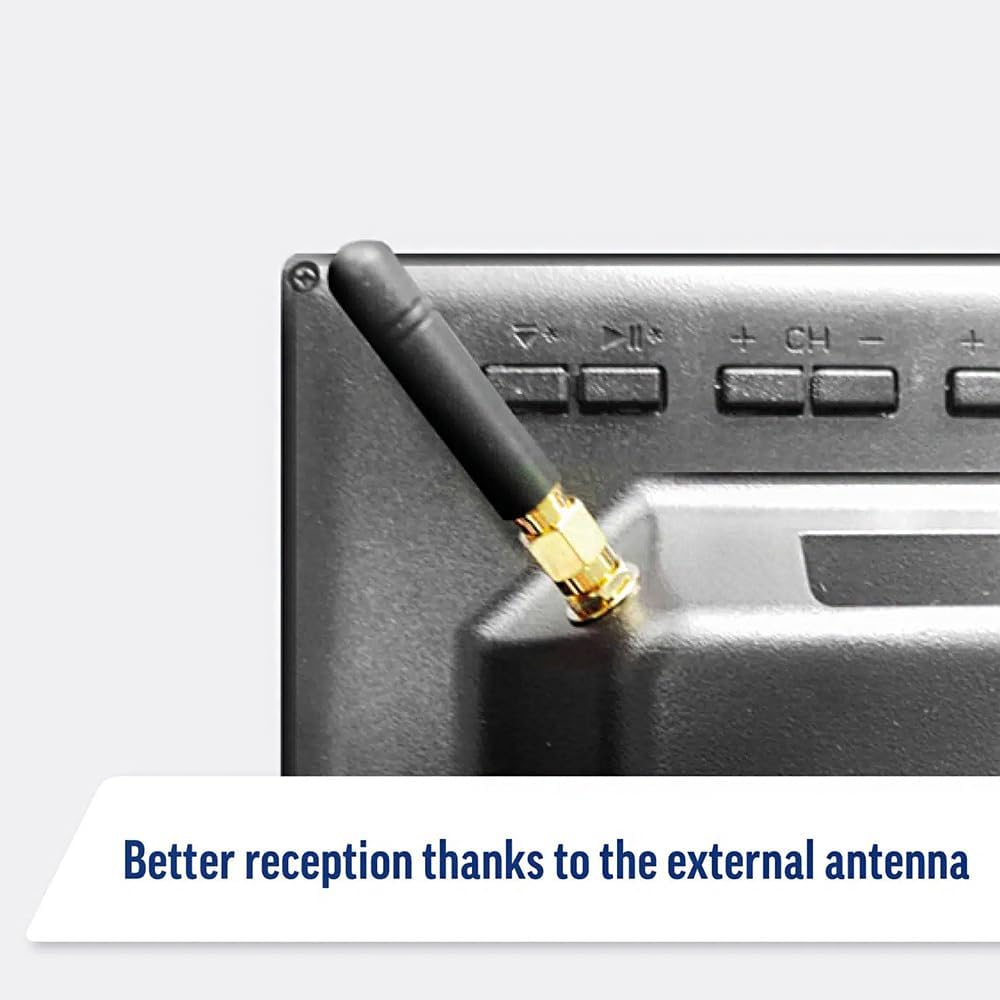
Image: Detail of the external antenna connection for improved signal reception.
3.4. Dastlabki sozlash ustasi
Birinchi marta yoqilganda, televizor sizni dastlabki sozlash ustasi orqali ko'rsatadi. Bunga quyidagilar kiradi:
- Til tanlash: O'zingiz yoqtirgan tilni tanlang.
- Tarmoqqa ulanish: Connect to your Wi-Fi network or via Ethernet for internet access. This is crucial for Smart TV features.
- Kanalni skanerlash: Scan for available Freeview or satellite channels.
- Vaqt va sana sozlamalari: Set the correct time zone and date.
4. Televizorni ishlatish
4.1. Asosiy boshqaruv elementlari
Use the supplied remote control to navigate the TV. Common functions include:
- Quvvat tugmasi: Televizorni yoqadi/o'chiradi yoki kutish rejimiga o'tkazadi.
- Ovozni oshirish/pasaytirish: Ovoz darajasini sozlaydi.
- Kanal yuqoriga/pastga: Telekanallarni o'zgartiradi.
- Manba/Kirish: Selects the input source (HDMI, AV, TV, DVD).
- Navigatsiya tugmalari (o'q tugmalari, OK): Menyularda harakatlaning va variantlarni tanlang.
- Uy tugmasi: ga kiradi WebOS Smart TV bosh ekrani.
- Tez kirish tugmalari: Dedicated buttons for Netflix and Amazon Prime Video for direct access.
4.2. Smart TV Features (WebOS)
Your Maxview Alphatronics TV runs on WebOS, providing a user-friendly interface for accessing a wide range of applications and content.
- Uy boshqaruv paneli: ni bosing Uy button to access the main dashboard, where you can find installed apps, input sources, and settings.
- App Store: O'rnatilgan ilovalar do'konidan qo'shimcha ilovalarni yuklab oling va o'rnating.
- Striming xizmatlari: Easily access popular services like Netflix, Amazon Prime Video, Disney+, BBC iPlayer, ITVX, and YouTube.
- Ekranni almashish: Share content from your smartphone or tablet to the TV screen.
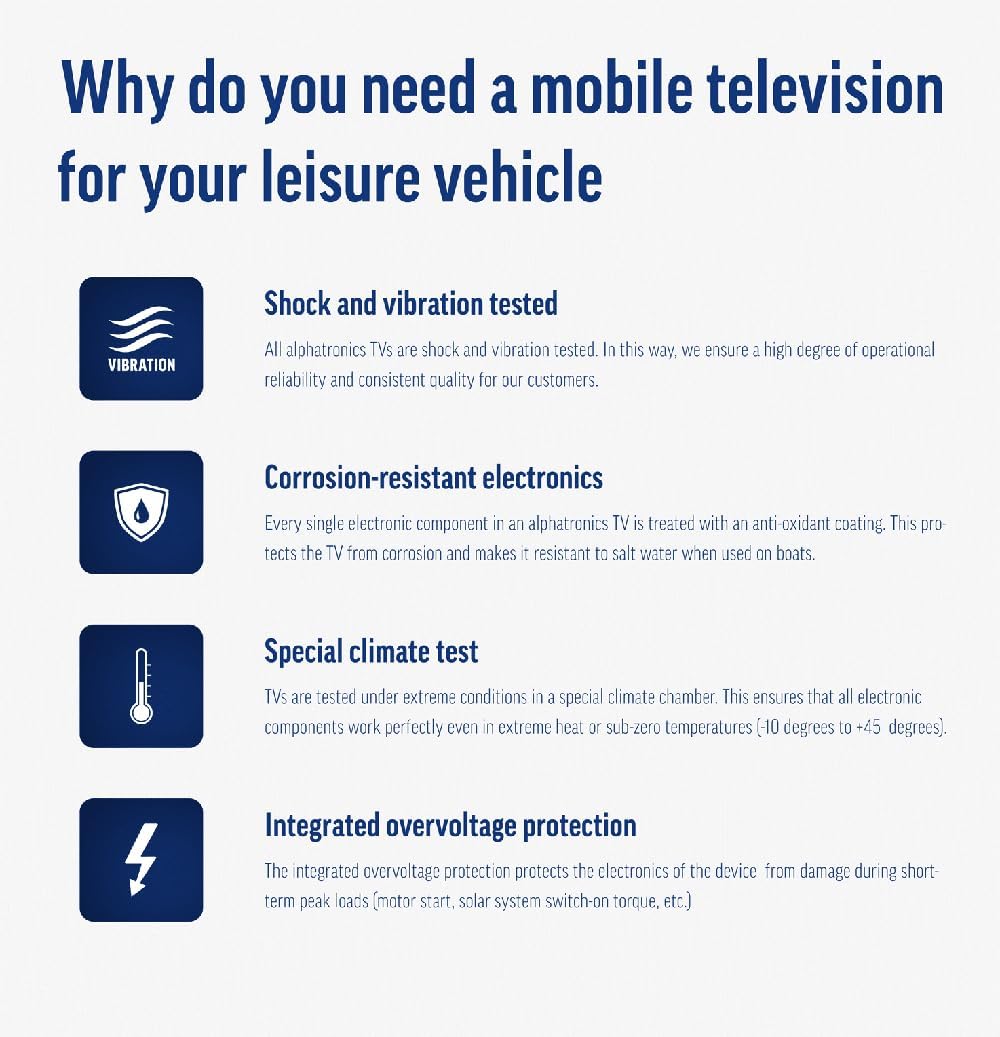
Image: Using a smartphone as a remote control for the TV.
4.3. DVD Player Operation
The integrated DVD player allows you to enjoy your movie collection on the go.
- Insert a DVD disc into the slot on the side of the TV.
- The TV should automatically switch to the DVD input. If not, press the Manba/Kirish button on your remote and select "DVD".
- Use the remote control's playback buttons (Play, Pause, Stop, Fast Forward, Rewind) to control the DVD.
- To eject the disc, press the Eject button on the remote or the TV.
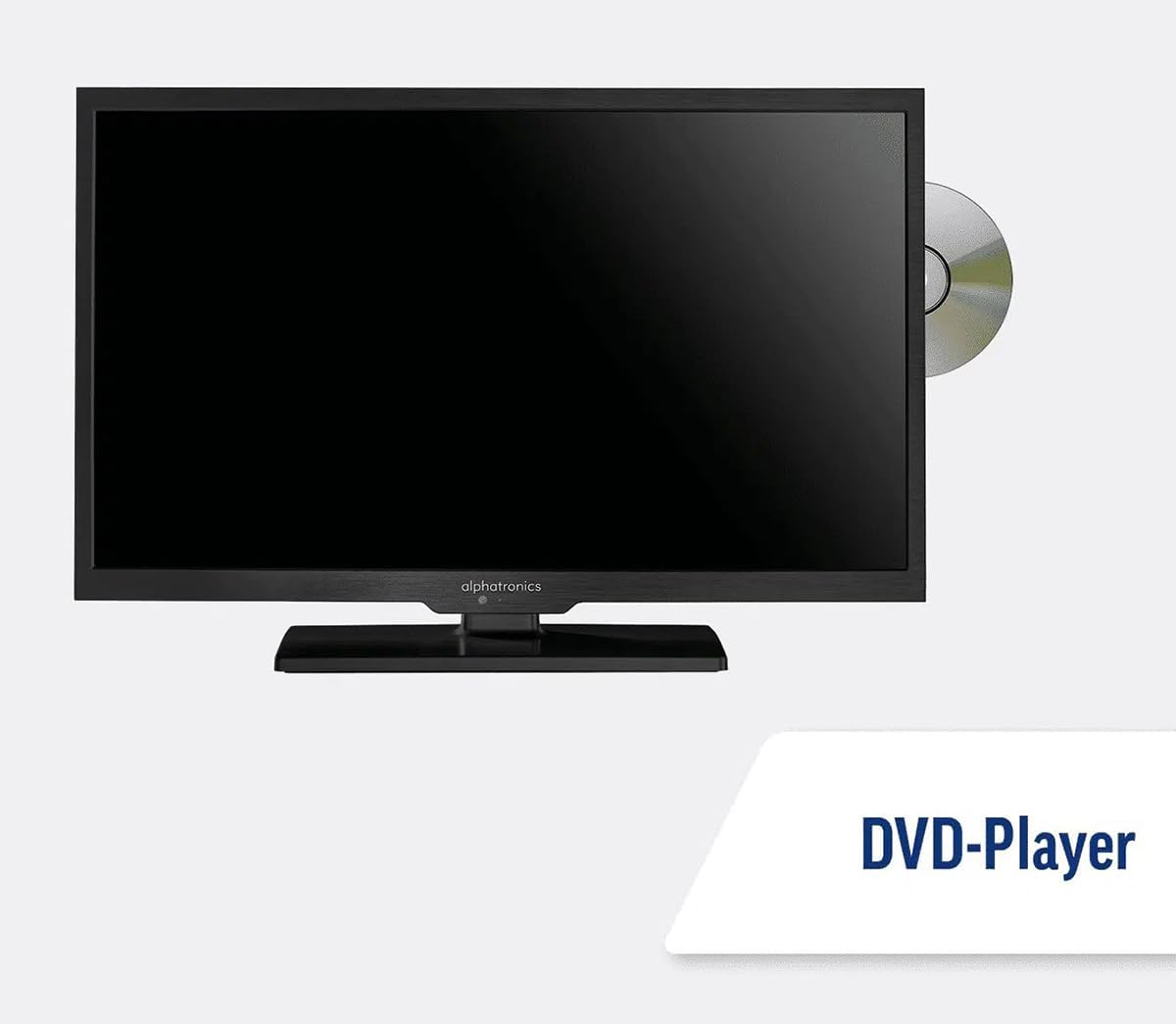
Image: The TV with a DVD disc being inserted into its built-in player.
5. Xizmat ko'rsatish
5.1. Tozalash
To clean the TV screen, gently wipe it with a soft, lint-free cloth. For stubborn marks, dampen the cloth slightly with water or a screen-cleaning solution. Do not spray liquid directly onto the screen. Clean the TV casing with a dry, soft cloth.
Ogohlantirish: Always unplug the TV from the power source before cleaning.
5.2. Dasturiy ta'minotni yangilash
Your Maxview Alphatronics Smart TV supports automatic software updates via the internet. Ensure your TV is connected to a stable Wi-Fi or Ethernet network to receive the latest firmware and feature enhancements.
- To check for updates manually, navigate to the Sozlamalar menu on your TV, then look for Dasturiy ta'minotni yangilash or Tizim ma'lumotlari.
- Follow the on-screen prompts to download and install any available updates. Do not power off the TV during an update process.

Image: The TV screen indicating a software update in progress.
6. Muammolarni bartaraf qilish; nosozliklarni TUZATISH
Televizoringiz bilan bog'liq muammolarga duch kelsangiz, qo'llab-quvvatlash xizmatiga murojaat qilishdan oldin, iltimos, quyidagi keng tarqalgan muammolar va echimlarga qarang.
| Muammo | Mumkin sabab | Yechim |
|---|---|---|
| Quvvat yo'q | Power cable disconnected; no power from outlet/source. | Check power connections. Ensure outlet/source is active. Try a different outlet. |
| Signal yo'q | Incorrect input selected; antenna/cable disconnected or faulty. | bosing Manba/Kirish to select correct input. Check antenna/cable connections. Perform a channel scan. |
| Internetga ulanmagan | Wi-Fi password incorrect; router issue; TV too far from router. | Re-enter Wi-Fi password. Restart your router. Move TV closer to router or use Ethernet. |
| DVD Not Playing | Disc dirty or scratched; incorrect input selected; region code mismatch. | Clean the disc. Ensure "DVD" input is selected. Check disc region compatibility. |
| Masofadan boshqarish pulti ishlamayapti | Batteries low/dead; obstruction between remote and TV; remote not paired (if Bluetooth). | Replace batteries. Remove obstructions. Re-pair remote if necessary (refer to TV settings). |
If the problem persists after trying these solutions, please contact Maxview mijozlarni qo‘llab-quvvatlash.
7. Texnik shartlar
| Xususiyat | Tafsilot |
|---|---|
| Model raqami | TVSL/22 |
| Ekran o'lchami | 22 dyuym (56 sm ko'rinadigan diagonal) |
| Displey texnologiyasi | LED |
| Rezolyutsiya | 1080p (Full HD) |
| Mahsulot o'lchamlari (D x G x Y) | 12D x 58 Vt x 38 H santimetr |
| Quvvat kiritish | 12v DC / 240v AC |
| Ulanish | Wi-Fi, Bluetooth, Ethernet |
| Portlar | 2x HDMI, 1x USB, AV connections, Antenna/Satellite input |
| Maxsus xususiyatlar | Smart TV (WebOS), Built-in DVD Player |
| Aspekt nisbati | 16:9 |
| Ishlab chiqaruvchi | Alfatronika |
8. Kafolat va qo'llab-quvvatlash
Your Maxview Alphatronics SL Line+ Smart TV comes with a 3 Yil Kafolat, providing peace of mind regarding your purchase. This warranty covers manufacturing defects and ensures reliable operation.
For warranty claims, technical support, or further assistance, please contact Maxview customer service. You can typically find contact information on the official Maxview websaytida yoki qadoqlash materiallarida.
Please have your model number (TVSL/22) and proof of purchase ready when contacting support.
Eslatma: Ushbu qo'llanmaga joylashtirish uchun taqdim etilgan ma'lumotlarda sotuvchidan rasmiy mahsulot videolari topilmadi.
Ask a question about this manual
Ask about setup, troubleshooting, compatibility, parts, safety, or missing instructions. Manuals+ will review the question and use this page’s manual context to help answer it.