
1. Kirish
This manual provides essential information for setting up, operating, maintaining, and troubleshooting your Acer Nitro V 15 gaming laptop. Please read this manual thoroughly to ensure proper use and to maximize the performance and lifespan of your device.
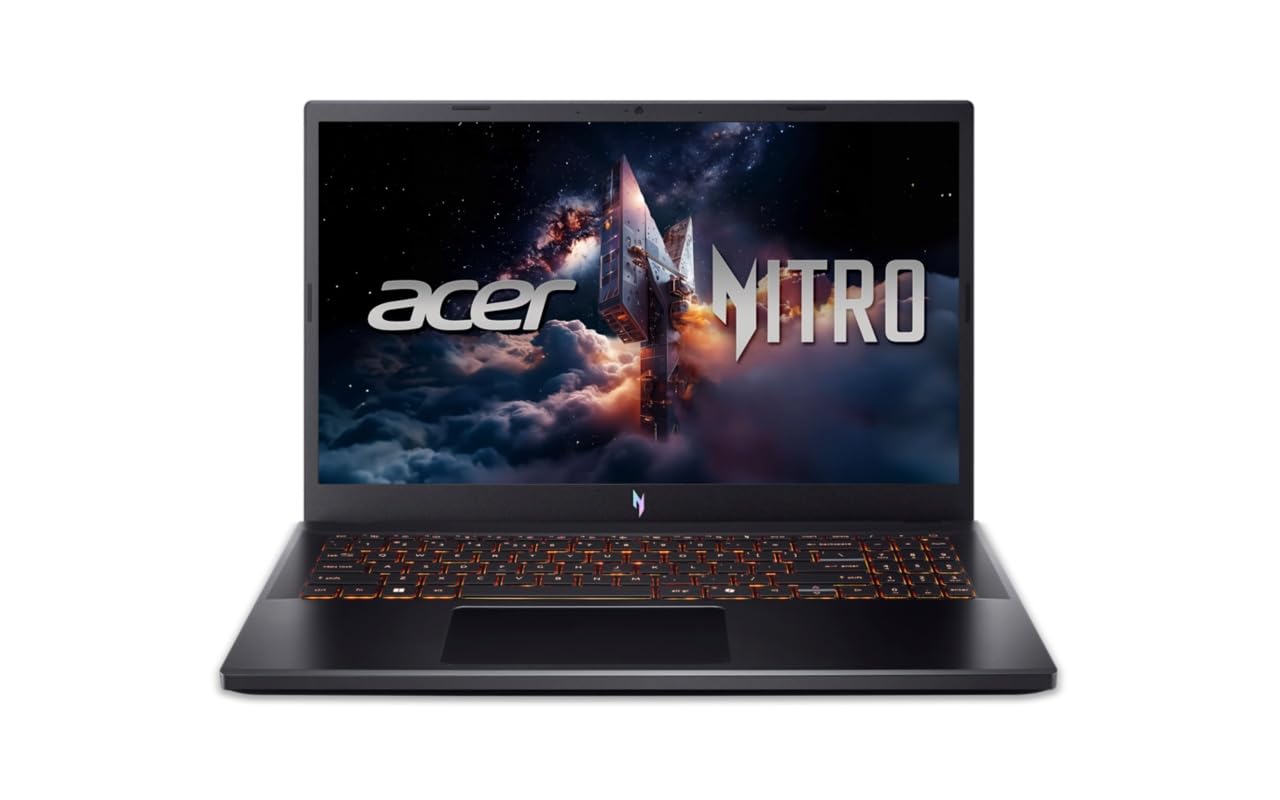
Figure 1: Acer Nitro V 15 Gaming Laptop (Model ANV15-42)
2. Ishga kirishish (Sozlash)
2.1 Qutidan chiqarish va dastlabki tekshirish
Noutbuk va barcha aksessuarlarni qadoqdan ehtiyotkorlik bilan olib tashlang. Barcha komponentlar mavjudligini tekshiring:
- Acer Nitro V 15 Laptop
- Quvvat adapteri va kabel
- Hujjatlar (Tezkor ishga tushirish bo'yicha qo'llanma, Kafolat kartasi)
Inspect the laptop for any physical damage. If you find any damage or missing components, contact your retailer immediately.
2.2 Quvvat manbasiga ulanish
Before first use, connect the power adapter to the laptop's power input port and then to a power outlet. It is recommended to fully charge the battery before initial use.
2.3 Dastlabki yoqish va operatsion tizimni sozlash
Press the power button to turn on your laptop. The system will guide you through the initial setup of Windows 11 Home. Follow the on-screen instructions to configure your language, region, network, and user account. No additional pre-installed software is included beyond the operating system.
2.4 Periferik qurilmalarni ulash
You can connect external devices such as a mouse, keyboard, or external display using the available ports. Refer to Section 3.5 for a detailed overview of the laptop's ports.
3. Noutbukni ishlatish
3.1 Displey xususiyatlari
Your Acer Nitro V 15 features a 15.6-inch (39.62 cm) Full HD (1920 x 1080) IPS display with Acer ComfyView LED-backlit TFT LCD technology and a 165Hz refresh rate for smooth visuals.
2-rasm: Noutbuk displey ko'rgazmasiasing uning vizual imkoniyatlari.
3.2 Klaviatura va sensorli panel
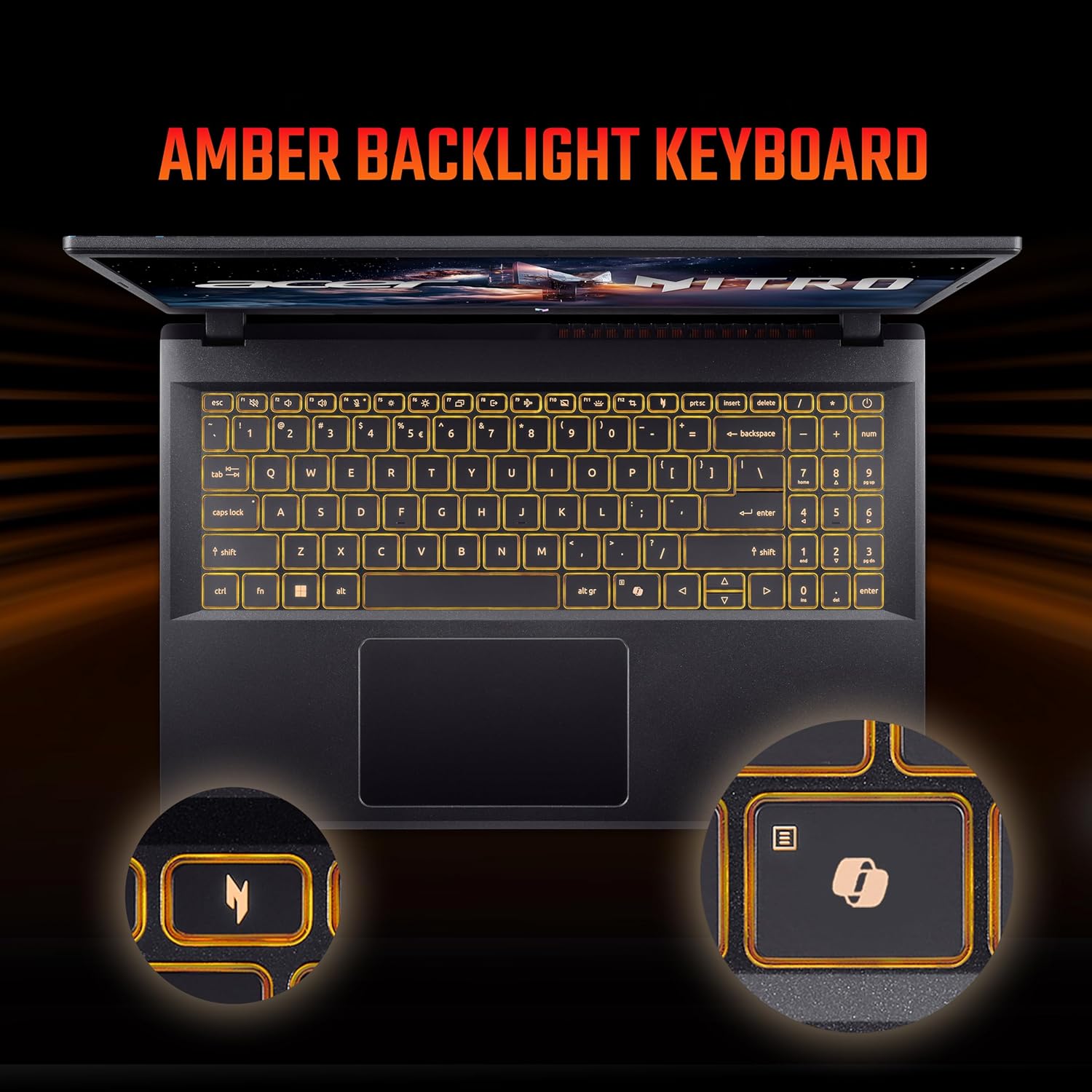
The laptop is equipped with a 99-/100-/103-key Acer amber backlight keyboard with international language support and a responsive touchpad for navigation.

Figure 3: The amber backlit keyboard of the Acer Nitro V 15.
3.3 Maxsus kalitlar
- NitroSense Key: Instantly monitor and optimize system performance for peak power and cooling.
- Ikkinchi uchuvchi kaliti: Launch Windows Copilot with a single key for instant help, commands, or shortcuts.
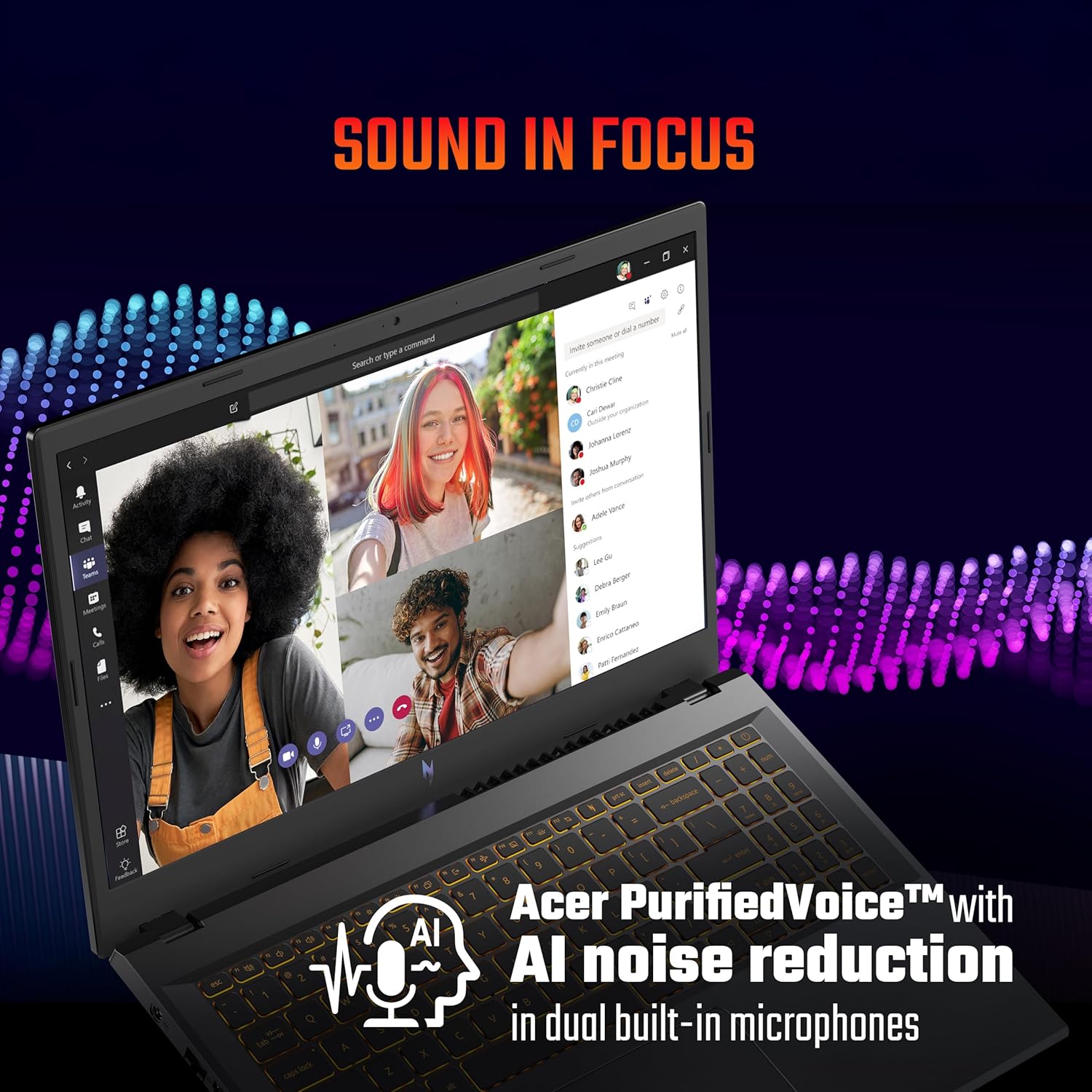
Figure 4: The NitroSense key for performance management.

Figure 5: The dedicated Copilot key for quick access to AI assistance.
3.4 Audio xususiyatlari
The laptop features Acer PurifiedVoice™ with AI noise reduction in dual built-in microphones for clear communication. It also supports DTS X audio for an enhanced sound experience.

Figure 6: Visual representation of DTS X audio technology.
3.5 Portlar va ulanish
The Acer Nitro V 15 offers a variety of ports for connectivity:
- 3 x USB 3.2 Gen 1 ports (one with power-off charging)
- 1 x USB Type-C port (Thunderbolt™ 4 compatible)
- 1 x HDMI® 2.1 port
- 1 x Ethernet (RJ-45) porti
- 1 x Headset/speaker jack
- Kensington qulf uyasi
- Power connector (DC-in)

7 -rasm: tugadiview of the laptop's various input/output ports.
4. Xizmat va parvarish
4.1 Umumiy tozalash
Noutbukni optimal holatda saqlash uchun:
- Ekran va shassini tozalash uchun yumshoq, tuklarsiz matodan foydalaning.
- Qattiq kimyoviy moddalar yoki abraziv tozalash vositalaridan foydalanishdan saqlaning.
- Keep liquids away from the laptop.
4.2 Batareyani boshqarish
Batareyaning ishlash muddatini uzaytirish uchun:
- Tez-tez batareyani to'liq zaryadsizlantirishdan saqlaning.
- For extended periods of being plugged in, consider setting the maximum charge limit to around 80% if your system offers this feature.
- Store the laptop in a cool, dry place if not used for a long time.
4.3 Sovutish tizimiga texnik xizmat ko'rsatish
The laptop's cooling system is crucial for performance. Ensure proper airflow:
- Shamollatish teshiklarini to'sib qo'ymang.
- Noutbukni qattiq, tekis yuzaga qo'ying.
- For heavy gaming or demanding tasks, consider using a laptop cooling pad.
- If you engage in heavy gaming, consider professional thermal paste replacement every 6 months to maintain optimal cooling performance.
4.4 Dasturiy ta'minotni yangilash
Regularly update your operating system, drivers, and BIOS. BIOS updates can resolve performance issues and improve system stability. Check the official Acer support webmodelingiz uchun eng so'nggi yangilanishlar uchun sayt.
5. Muammolarni bartaraf qilish; nosozliklarni TUZATISH
Ushbu bo'lim siz duch kelishi mumkin bo'lgan umumiy muammolarni ko'rib chiqadi.
5.1 Performance Issues (Freezes, Crashes)
- System Freezes/Restarts: Ensure all drivers, especially graphics drivers, are up to date. Check for any pending Windows updates.
- Game Crashes: Update your BIOS to the latest version. Ensure your graphics drivers are current. Monitor system temperatures during gaming using the NitroSense utility.
5.2 Battery and Power Issues
- Laptop Shutting Off When Plugged In: Verify the power adapter is securely connected. Test with a known working power outlet. If issues persist, contact support.
- Batareya quvvatlanmaydi: Check the power adapter and cable for damage. Ensure the charging port on the laptop is clean and free of debris.
5.3 Input Device Issues
- Touchpad/Click Not Working: Ensure all Windows updates are installed, as some driver fixes are delivered via OS updates. Check the device manager for any touchpad driver issues.
5.4 Qo'llab-quvvatlash xizmatiga qachon murojaat qilish kerak
If you experience persistent issues that cannot be resolved using the troubleshooting steps above, or if you suspect a hardware malfunction, please contact Acer customer support.
6. Mahsulot spetsifikatsiyalari
| Xususiyat | Spetsifikatsiya |
|---|---|
| Brend | Acer |
| Model nomi | Nitro V 15 |
| Model raqami | ANV15-42 |
| Protsessor | AMD Ryzen 7-7445HS Octa-core (3.1 GHz up to 4.5 GHz) |
| Grafik karta | 6 GB GDDR6 VRAM bilan NVIDIA GeForce RTX 4050 |
| RAM xotirasi | 16 GB DDR5 (Upgradable up to 32 GB) |
| Saqlash | 512 GB PCIe Gen4 NVMe SSD (Upgradable up to 1 TB) |
| Operatsion tizim | Windows 11 Bosh sahifa |
| Displey | 15.6-inch Full HD (1920 x 1080) IPS, 165Hz Refresh Rate |
| Klaviatura | Amber Backlit Keyboard, Numeric Keypad |
| Portlar | 3x USB 3.2 Gen 1, 1x USB Type-C (Thunderbolt 4), 1x HDMI 2.1, 1x Ethernet (RJ-45), 1x Headset/Speaker Jack |
| Simsiz ulanish | Wi-Fi 6, Bluetooth |
| Webkamera | T-Type HD camera |
| Audio | Acer PurifiedVoice with AI noise reduction, DTS X |
| Batareya muddati | Up to 9.5 Hours (57 Watt Hours) |
| Og'irligi | 2.1 kilogramm |
| Olchamlari (U x G x T) | 24L x 36.2W x 2.4Th Centimeters |
7. Kafolat haqida ma'lumot
Your Acer Nitro V 15 laptop comes with a 1 yillik ishlab chiqaruvchi kafolati. Please refer to the warranty card included in your product packaging for detailed terms and conditions. Keep your proof of purchase for warranty claims.
8. Mijozlarni qo'llab-quvvatlash
For technical assistance, service, or warranty inquiries, please contact Acer customer support:
- Ishlab chiqaruvchi: ACER INDIA PRIVATE LIMITED
- Manzil: Embassy Heights, 6th Floor, No. 13, Magrath Road, Next to HOSMAT Hospital, Bangalore, INDIA – 560025
- Rasmiy Websayt: Rasmiy Acer yordamiga tashrif buyuring webmintaqangizga tegishli aloqa ma'lumotlari uchun sayt.
Note: No official product videos with 'Seller' creator type and m3u8 format were available in the provided data for embedding.