
Kirish
Welcome to the user manual for your Noise Buds VS501 True Wireless Earbuds. This guide provides essential information to help you set up, operate, maintain, and troubleshoot your earbuds, ensuring an optimal audio experience. Please read this manual thoroughly before using the product.
Qutida nima bor
Upon unboxing your Noise Buds VS501, you should find the following items:
- 1N Bluetooth Headphone (Earbuds)
- 1N zaryadlash qutisi
- 1N Charging Cable (Type-C)
- 1N foydalanuvchi uchun qo'llanma
- 1N Warranty Registration Card
Mahsulot tugadiview
The Noise Buds VS501 are designed for a seamless audio experience with advanced features. Familiarize yourself with the components:
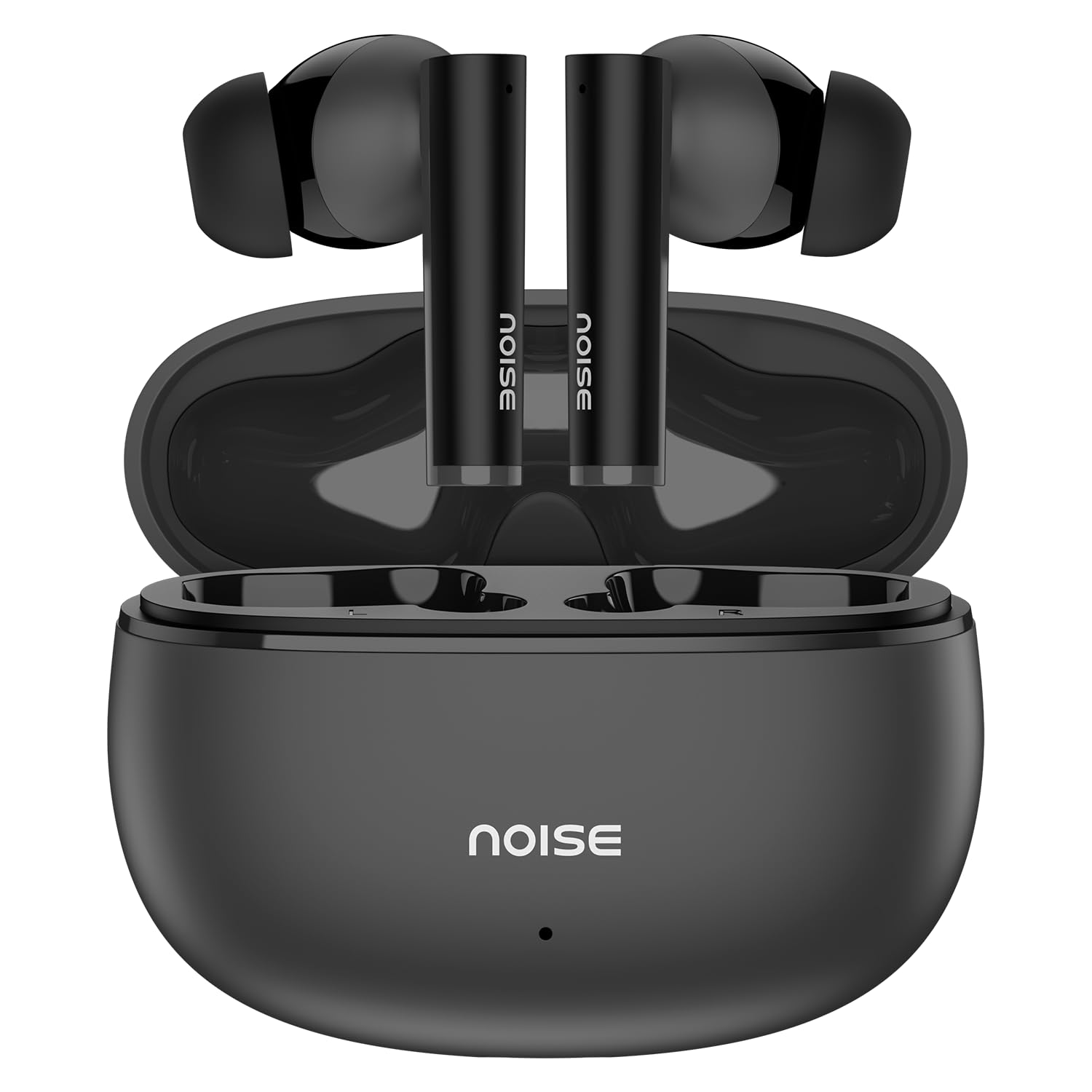
Image: Noise Buds VS501 True Wireless Earbuds, showcasing ularning nafis dizayni.
Tasvir: Bittaview of key features including Bluetooth 5.3, 50 hours playtime, IPX5 water resistance, dual-device pairing, Quad Mic ENC, Trubass, dual color tones, and 10mm drivers.
The earbuds feature a 10 mm dinamik haydovchi for rich sound and Atrof-muhit shovqinini bekor qiluvchi to'rt mikrofon (ENC) for clear calls. The charging case provides extended battery life, offering up to Jami o'yin vaqtining 50 soati.
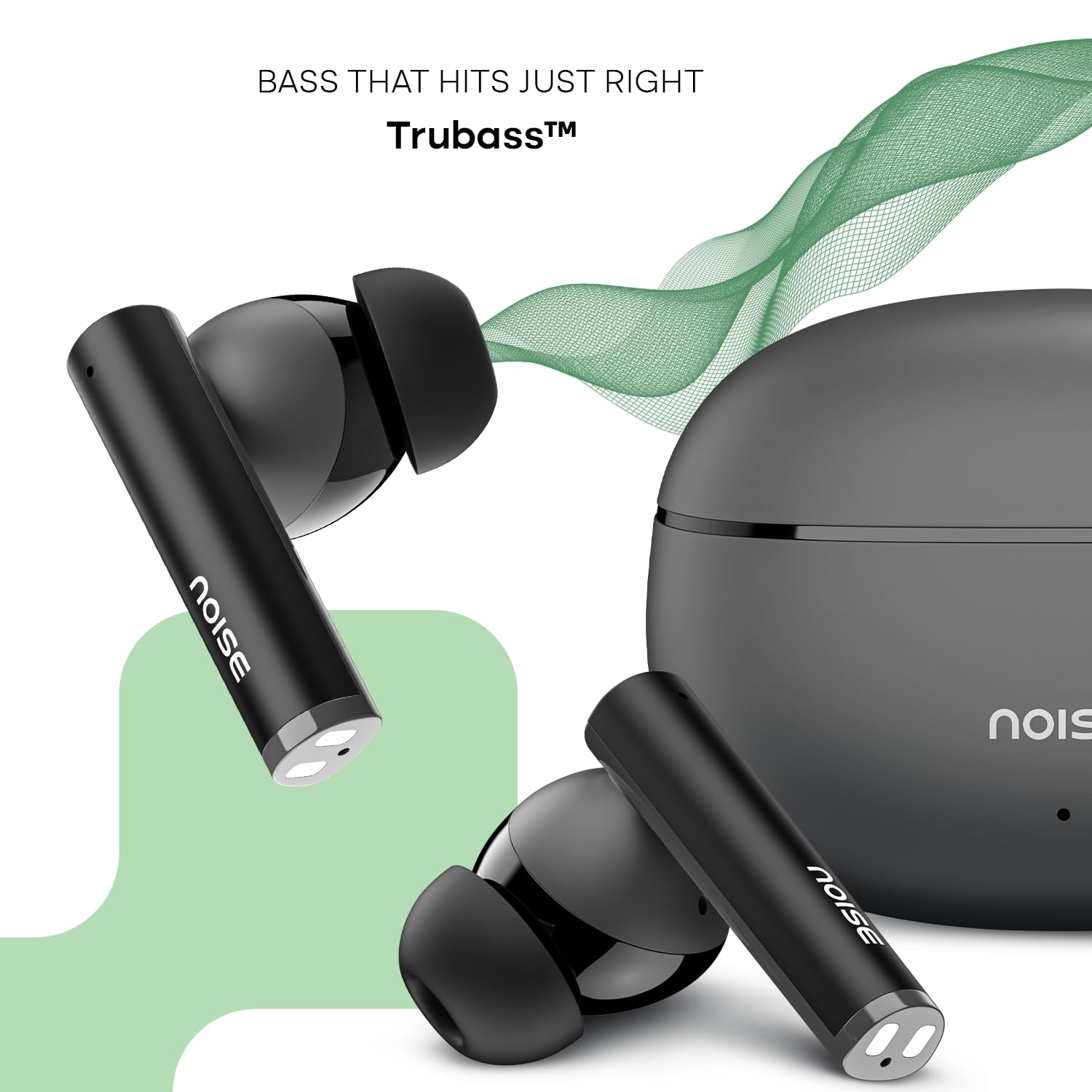
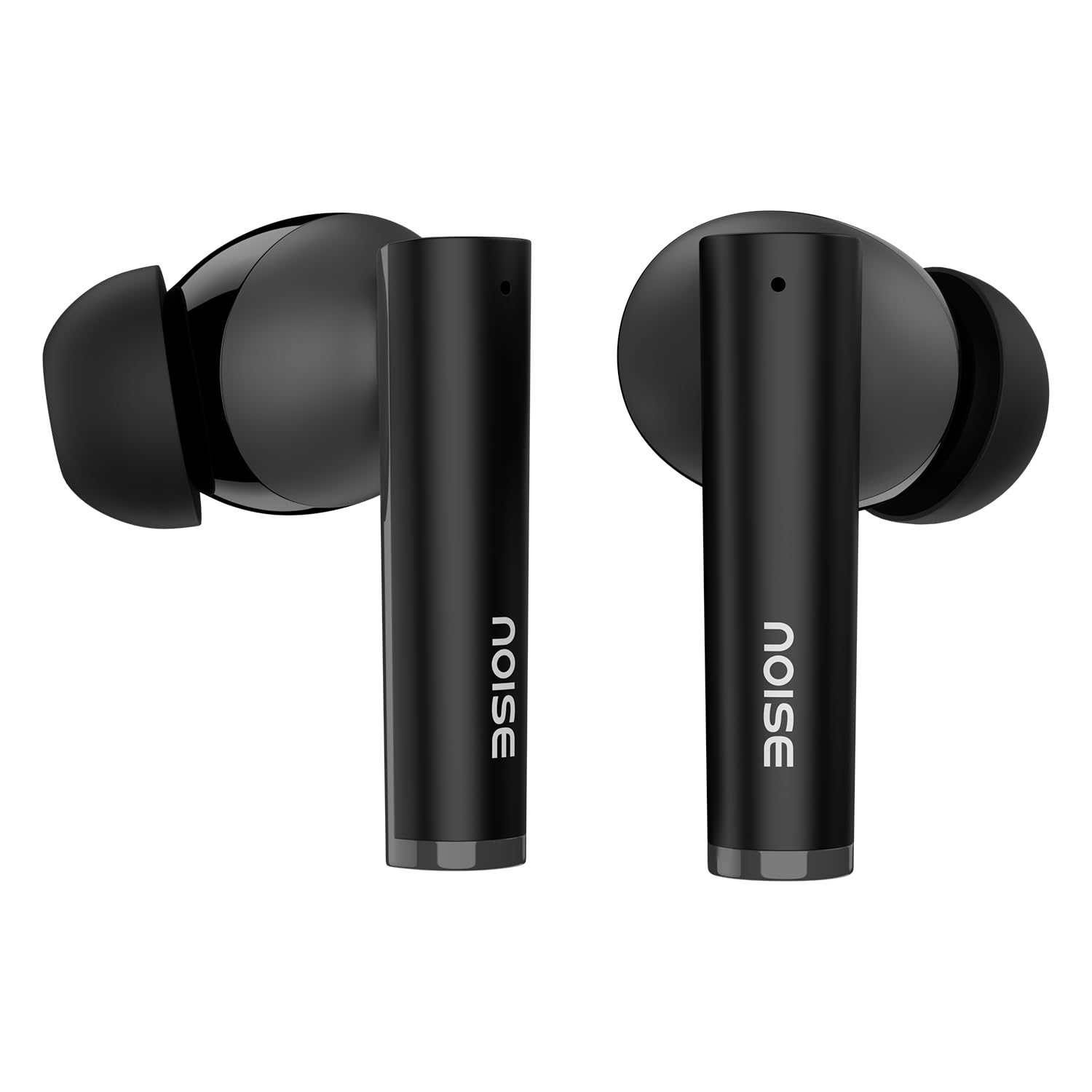
Image: Close-up of a single Noise Buds VS501 earbud, highlighting the 10mm driver for ampjonli audio.
Sozlash; o'rnatish
Quloqlik va qutini zaryadlash
Birinchi marta ishlatishdan oldin quloqchinlarni va zaryadlash qutisini to'liq zaryadlang.
- Quloqchalarni zaryadlash qutisiga joylashtiring. Ularning to'g'ri o'rnatilganligiga ishonch hosil qiling.
- Connect the Type-C charging cable to the charging port on the case and the other end to a power source.
- The indicator light on the charging case will show the charging status. Once fully charged, the indicator may change or turn off.
The charging case provides multiple charges for the earbuds, extending the total listening time.
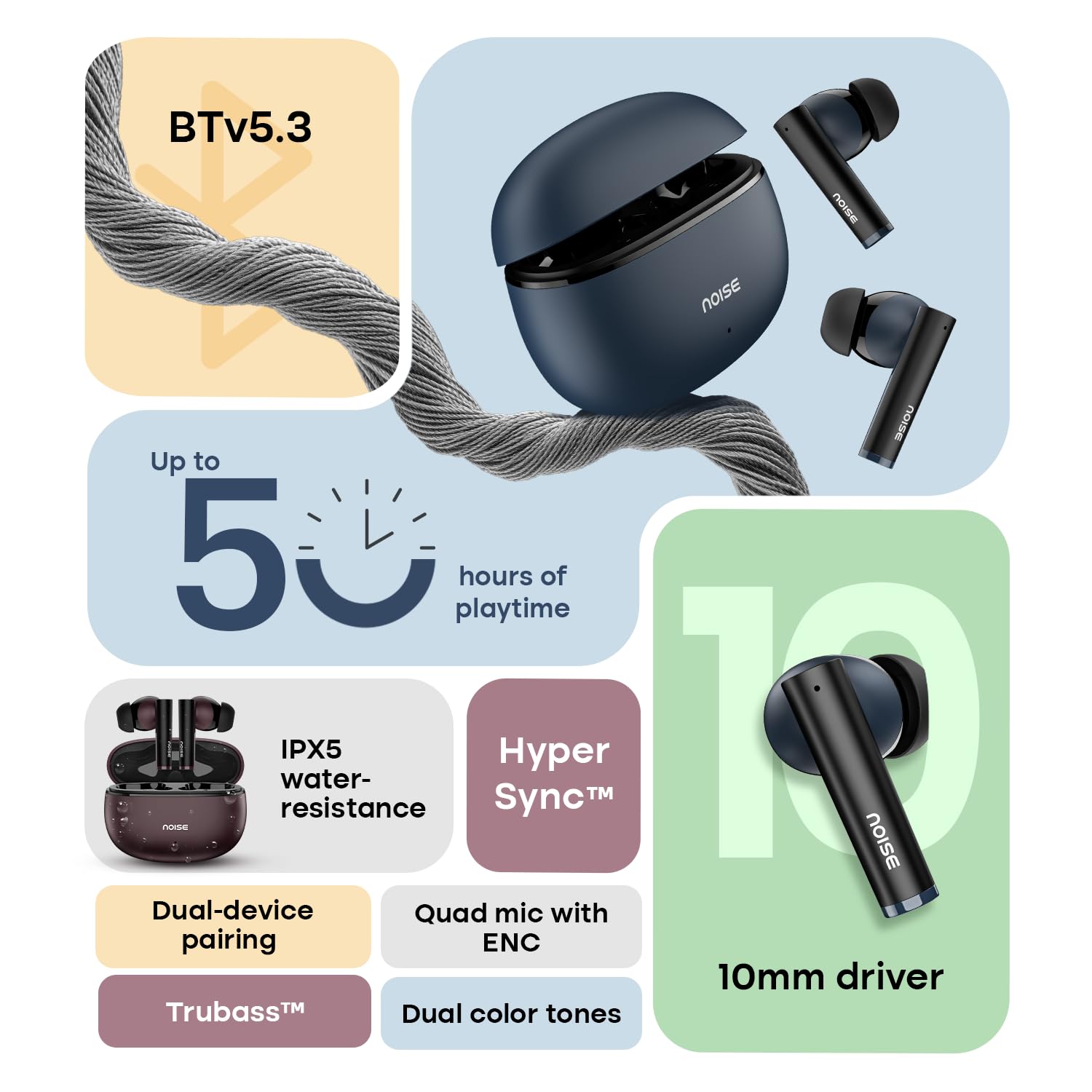
Image: The Noise Buds VS501 charging case, emphasizing its capability for up to 50 hours of playtime.
Qurilmangiz bilan ulanish
The Noise Buds VS501 feature HyperSync™ for quick pairing.
- Zaryadlash qutisini oching. Quloqliklar avtomatik ravishda ulanish rejimiga o'tadi.
- Qurilmangizda (smartfon, planshet, noutbuk) Bluetooth-ni yoqing.
- Ni qidirish available Bluetooth devices and select "Noise Buds VS501" from the list.
- Ulangandan so'ng, siz audio so'rovni eshitasiz va quloqchinlar foydalanishga tayyor bo'ladi.
Keyingi foydalanish uchun quloqchinlar g'ilofdan chiqarilganda avtomatik ravishda oxirgi ulangan qurilmaga ulanadi.
Ishlayotgan
Sensorli boshqaruvlar
The earbuds are equipped with touch-sensitive controls for various functions:
- Oʻynatish/toʻxtatib turish: Ikkala quloqchinga bir marta teging.
- Keyingi trek: O‘ng quloqchinni ikki marta bosing.
- Oldingi trek: Chap quloqchinni ikki marta bosing.
- Qo'ng'iroqqa javob berish/tugatish: Ikkala quloqchinga bir marta teging.
- Qo'ng'iroqni rad etish: Ikkala quloqchinni ham 2 soniya bosib turing.
- Ovozli yordamchini yoqish (Siri/Google Assistant): Ikkala quloqchinni ham uch marta bosing.
Ikki qurilmani ulash
The Noise Buds VS501 support dual device pairing, allowing seamless switching between two connected devices.
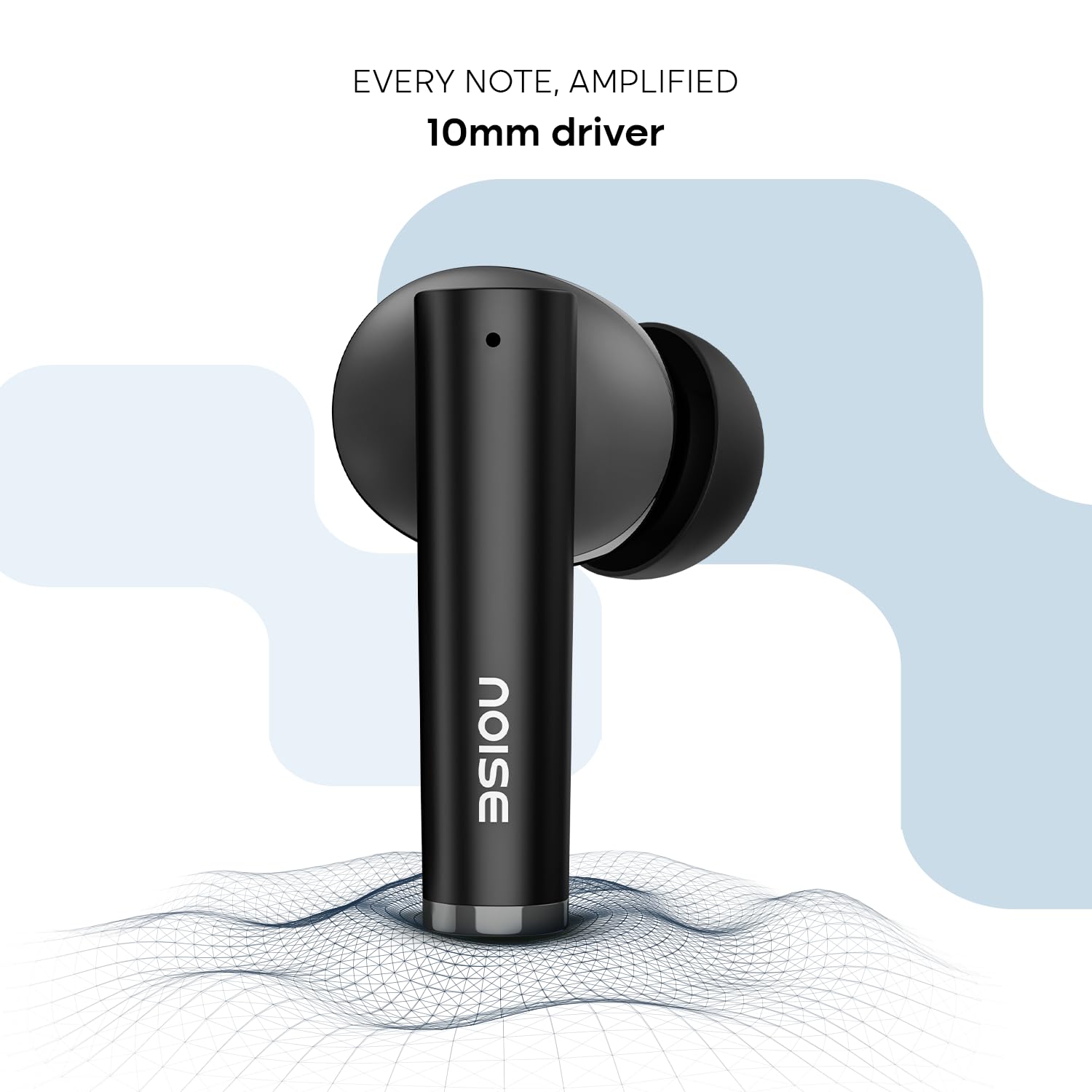
Image: Noise Buds VS501 connected to both a smartphone and a tablet, illustrating the dual-device pairing feature.
Ushbu xususiyatdan foydalanish uchun:
- Pair the earbuds with your first device (e.g., smartphone).
- Disconnect the earbuds from the first device's Bluetooth settings. The earbuds will re-enter pairing mode.
- Quloqchinlarni ikkinchi qurilmangiz (masalan, noutbuk) bilan ulang.
- Now, the earbuds are paired with both devices. To switch, simply play audio or answer a call on the desired device, and the earbuds will automatically connect.
Qo'ng'iroq qilish
The Quad Mic with ENC (Environmental Noise Cancellation) ensures clear voice transmission during calls, even in noisy environments.
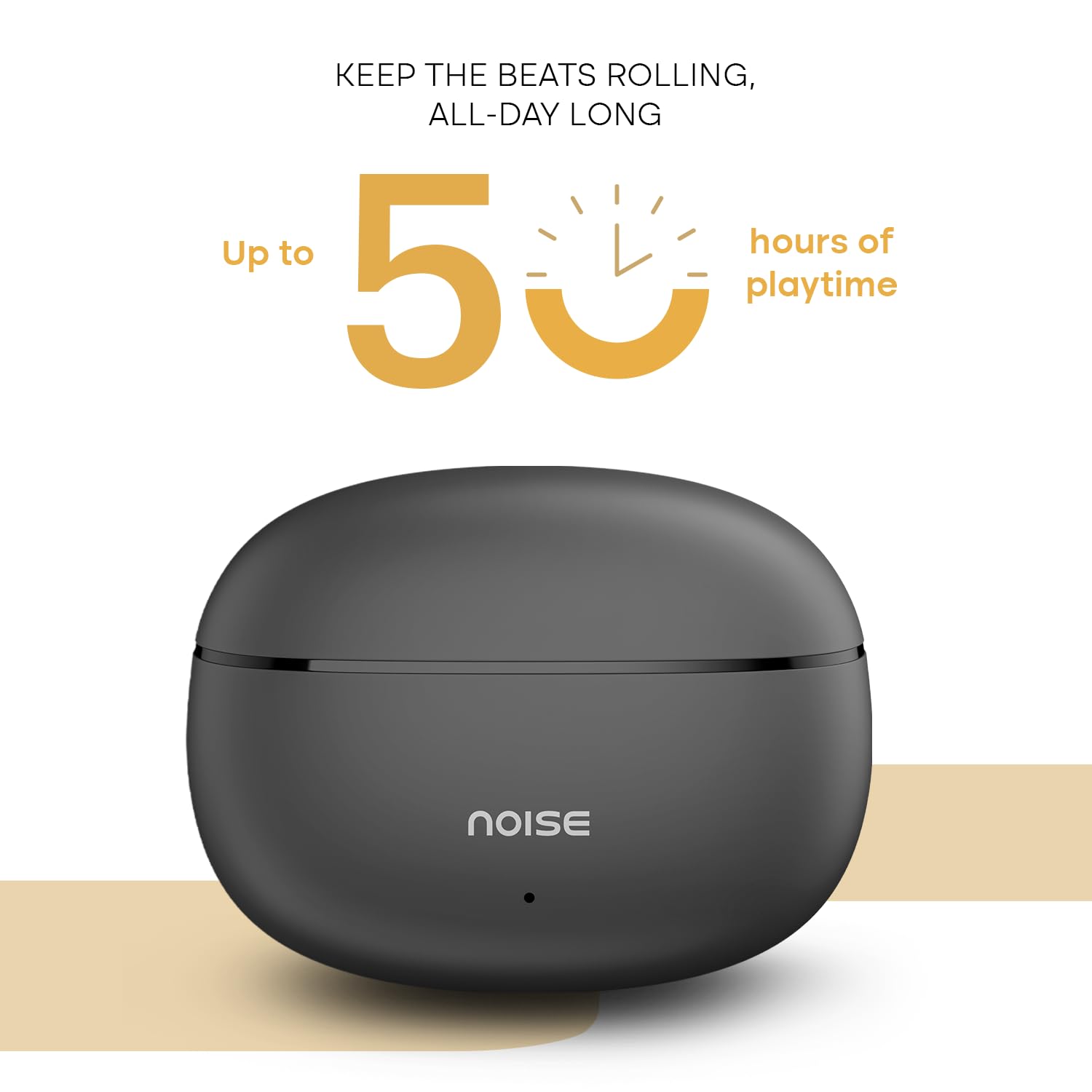
Image: A person wearing a Noise Buds VS501 earbud, illustrating the Quad Mic with ENC feature for clear conversations.
Xizmat
Proper maintenance ensures the longevity and optimal performance of your Noise Buds VS501.
- Tozalash: Naushniklar va zaryadlash qutisini muntazam ravishda yumshoq, quruq, tuklarsiz mato bilan tozalang. Qattiq kimyoviy moddalar yoki abraziv materiallardan foydalanmang.
- Suvga chidamliligi: The earbuds are IPX5 suvga chidamli, meaning they can withstand splashes and sweat. Do not submerge them in water or expose them to heavy rain.
- Saqlash: Foydalanilmayotganda quloqchinlarni himoya qilish va zaryadlangan holda saqlash uchun ularni zaryadlash qutisiga saqlang. Salqin, quruq joyda, haddan tashqari haroratdan uzoqroq joyda saqlang.
- Zaryadlash porti: Type-C zaryadlash portini chang va axlatdan toza tuting.
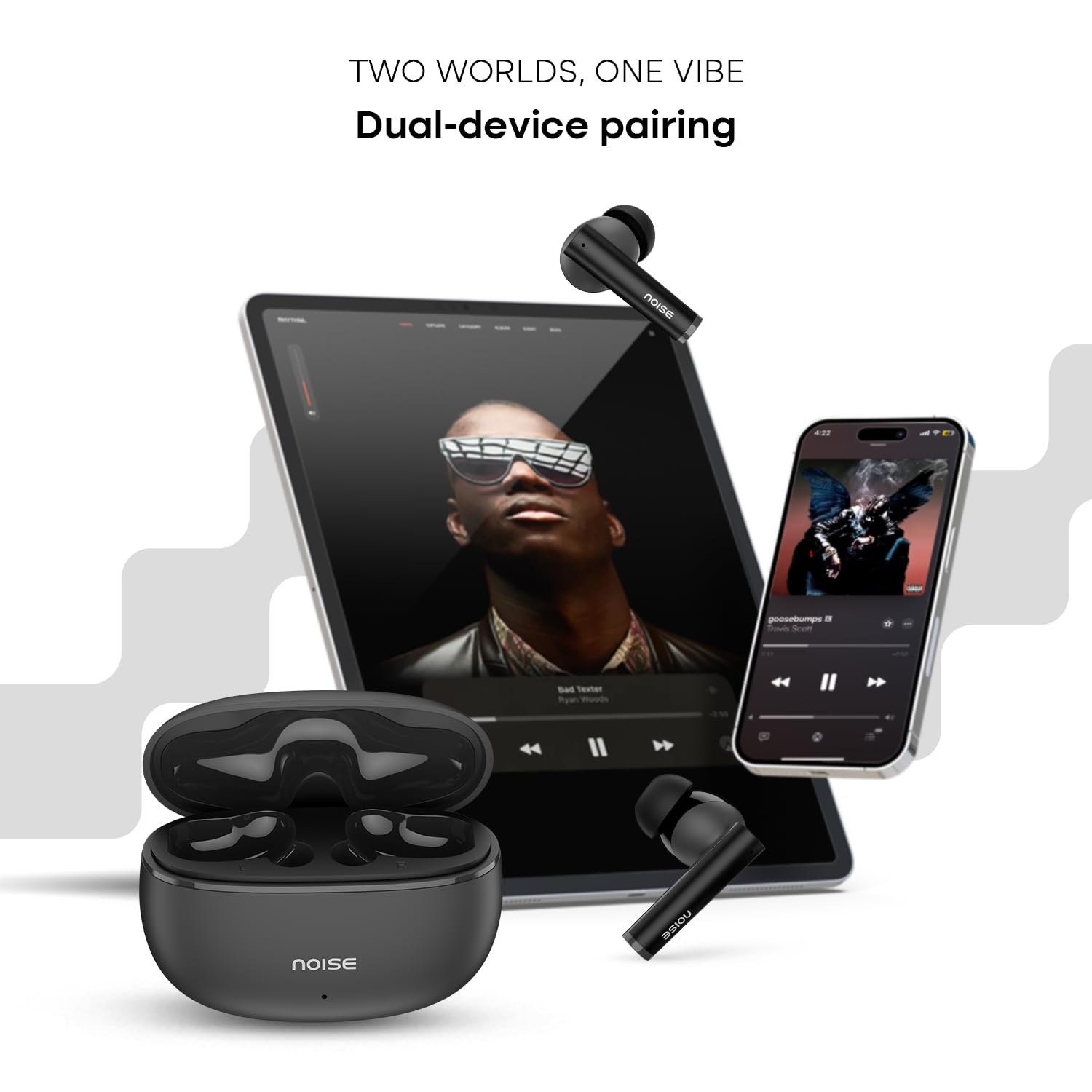
Image: Visual representation of HyperSync, Bluetooth v5.3, and IPX5 water resistance features of the Noise Buds VS501.
Muammolarni bartaraf qilish; nosozliklarni TUZATISH
If you encounter issues with your Noise Buds VS501, refer to the following common solutions:
- Quloqchinlar ulanmayapti/ulanmayapti:
- Ikkala quloqchin ham zaryadlanganligiga ishonch hosil qiling.
- Qurilmangizdagi Bluetooth-ni o'chiring va yoqing.
- Forget "Noise Buds VS501" from your device's Bluetooth list and try pairing again.
- Perform a factory reset (refer to the manufacturer's website or contact support for specific instructions).
- Faqat bitta quloqchin ishlaydi:
- Ikkala quloqchinni ham zaryadlash qutisiga joylashtiring, qopqog'ini yoping, bir necha soniya kuting, keyin uni qayta oching.
- Ikkala quloqchin ham zaryadlanganligiga ishonch hosil qiling.
- Quloqlikdagi va korpus ichidagi zaryadlash kontaktlarini tozalang.
- Zavod sozlamalarini tiklashni amalga oshiring.
- Zaryadlash muammolari:
- Zaryadlash kabeli korpusga ham, quvvat manbaiga ham mahkam ulanganligiga ishonch hosil qiling.
- Boshqa Type-C zaryadlash kabeli va quvvat adapterini sinab ko'ring.
- Qutidagi zaryadlash portini tozalang.
- Past ovoz balandligi yoki yomon ovoz sifati:
- Ulangan qurilmangizda ovoz balandligini sozlang.
- Quloqchalar quloqlaringizga to'g'ri o'rnatilganligiga ishonch hosil qiling.
- Eshitish vositasi nozullaridagi quloq mumi yoki qoldiqlarini tozalang.
Texnik xususiyatlari
| Brend | Shovqin |
| Model nomi | Buds VS501 |
| Model raqami | AUD-HDPHN-BUDSVS501-BLK |
| Quloqlarni joylashtirish | Quloqda |
| Form faktor | Haqiqiy simsiz |
| Bluetooth versiyasi | 5.3 |
| Bluetooth diapazoni | 10 metr |
| Batareyaning o'rtacha ishlash muddati | 50 Hours (Total Playtime with Case) |
| Audio haydovchi o'lchami | 10 millimetr |
| Mahsulot xususiyatlari | Noise Cancellation (ENC), Dual Device Pairing |
| Suvga chidamlilik darajasi | IPX5 suvga chidamli |
| Naushniklar Jek | Type-C tez zaryadlash uyasi |
| Nazorat usuli | Ovoz, teginish |
| Nazoratchi turi | Google Assistant, Siri |
| Element og'irligi | 50 gramm |
| Material | Polikarbonat (kompyuter) |
Kafolat va qo'llab-quvvatlash
Kafolat haqida ma'lumot
Your Noise Buds VS501 come with a 1 yillik kafolat provided by the manufacturer from the date of purchase. Please retain your proof of purchase for warranty claims.
Mijozlarni qo‘llab-quvvatlash
For any technical assistance, warranty claims, or product-related inquiries, please contact Noise customer support:
- Ishlab chiqaruvchi: Nexxbase Marketing Pvt. Ltd
- Manzil: Khasra No-146/25/2/1, Jail Road Badshahpur, Gurugram Haryana-122101
- Aloqa raqami: 8882-132-132