
ShanWan Q37XSP
ShanWan Wireless Bluetooth Controller User Manual
Model: Q37XSP | Brand: ShanWan
1. Mahsulot tugadiview
The ShanWan Q37 Wireless Bluetooth Controller is a versatile gaming accessory designed for multi-platform compatibility. It offers a rich gaming experience with features like customizable buttons, macro functions, motion controls, linear motor vibration, and precise joysticks and triggers. This manual provides detailed instructions for setup, operation, and maintenance of your controller.

Rasm: old view of the ShanWan Q37 Wireless Bluetooth Controller in blue.
2. Dastlabki sozlash
2.1 Tekshirgichni zaryadlash
Before first use, fully charge the controller. Connect the provided USB-C cable to the controller's charging port and the other end to a USB power source (e.g., computer, wall adapter). The indicator lights will show charging status and turn off when fully charged.
2.2 Ulanish bo'yicha ko'rsatmalar
The ShanWan Q37 controller supports various platforms. Follow the specific pairing instructions for your device:
- Nintendo Switch/Switch 2: Turn on your Switch console. On the HOME Menu, select 'Controllers' > 'Change Grip/Order'. Press and hold the pairing button on the controller until the indicator lights flash rapidly. Once paired, the corresponding player LED(s) will light up.
- Kompyuter (Windows): Connect via Bluetooth in your PC's settings. Alternatively, connect directly using a USB-C cable for wired mode.
- Android/iOS/iPad/macOS: Enable Bluetooth on your device and search for 'ShanWan Q37'. Select it to pair.
- Steam Deck: Follow standard Bluetooth pairing procedures for Steam Deck.
2.3 Firmware Update for Switch 2 Compatibility
For full compatibility with Switch 2 and to customize buttons, you may need to download the official 'Gamepad Space' software to upgrade the controller's firmware. Visit the official ShanWan website for the latest software version and instructions.
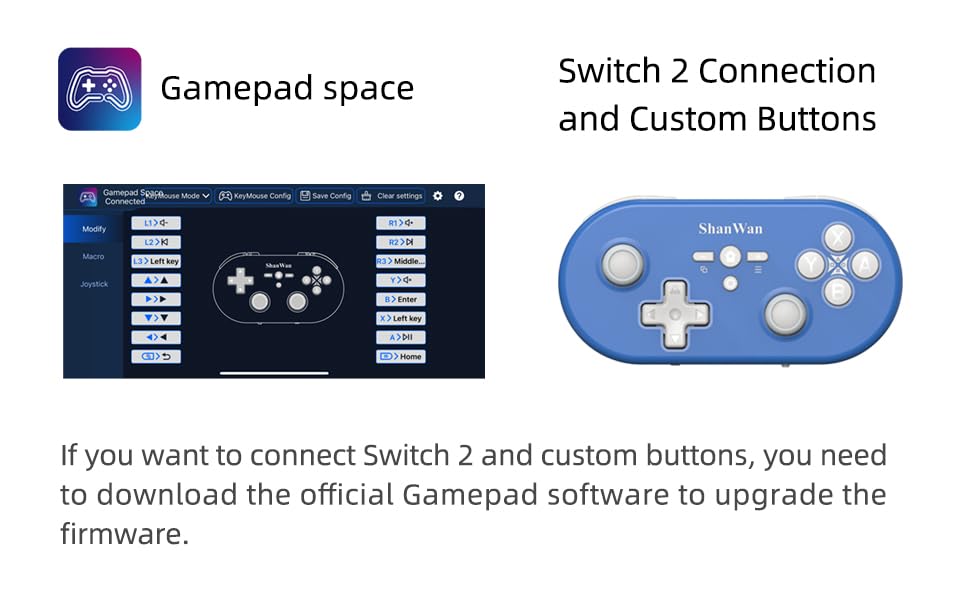
Image: Screenshot of the 'Gamepad Space' software interface for button customization and firmware updates, alongside the controller.
3. Foydalanish bo'yicha ko'rsatmalar
3.1 Tugmalarning joylashuvi va funktsiyalari
The controller features standard gaming buttons including A/B/X/Y, D-pad, L/R, L2/R2, joysticks, and function buttons (e.g., Home, Share, Plus, Minus).
3.2 Three-Position Mode Switch
The controller is equipped with a three-position mode switch (X, S, P) allowing seamless switching between different platforms:
- X-blok: For PC/Android/iOS Native Games.
- S-blok: For Nintendo Switch.
- P-block: For PS4 Console (Note: PS4 compatibility may require specific setup or adapter, refer to official webbatafsil ma'lumot uchun sayt).

Image: Diagram illustrating the three-position mode switch (X, S, P) and their corresponding platform functionalities.
3.3 Software Customization (Gamepad Space)
Download the official 'Gamepad Space' software to:
- Customize button mappings.
- Set macro functions for complex commands.
- Calibrate joysticks for optimal precision.
3.4 Maxsus funktsiyalar
- One-click Reconnection: Quickly reconnect to previously paired devices.
- Switch Screenshot: Dedicated button for capturing screenshots on Nintendo Switch.
4. Asosiy xususiyatlar
- 6-axis Gyro Motion Control: Provides precise motion sensing for compatible games, enhancing immersive gameplay.
- Adjustable Dual Motor Vibration: Experience immersive haptic feedback with customizable vibration intensity.
- Customizable Buttons and Macros: Personalize your gaming experience by remapping buttons and setting up complex macro sequences via the 'Gamepad Space' software.
- Soft Rubber Non-slip Grip: Uzoq muddatli o'yin sessiyalari paytida qulay va xavfsiz foydalanish uchun mo'ljallangan.
- Javob beruvchi sensorli tugmalar: Engineered for optimal tactile feedback and durability.

Image: Illustration of the 6-axis body gyroscope in action.

Image: Illustration of the dual motor vibration feature.
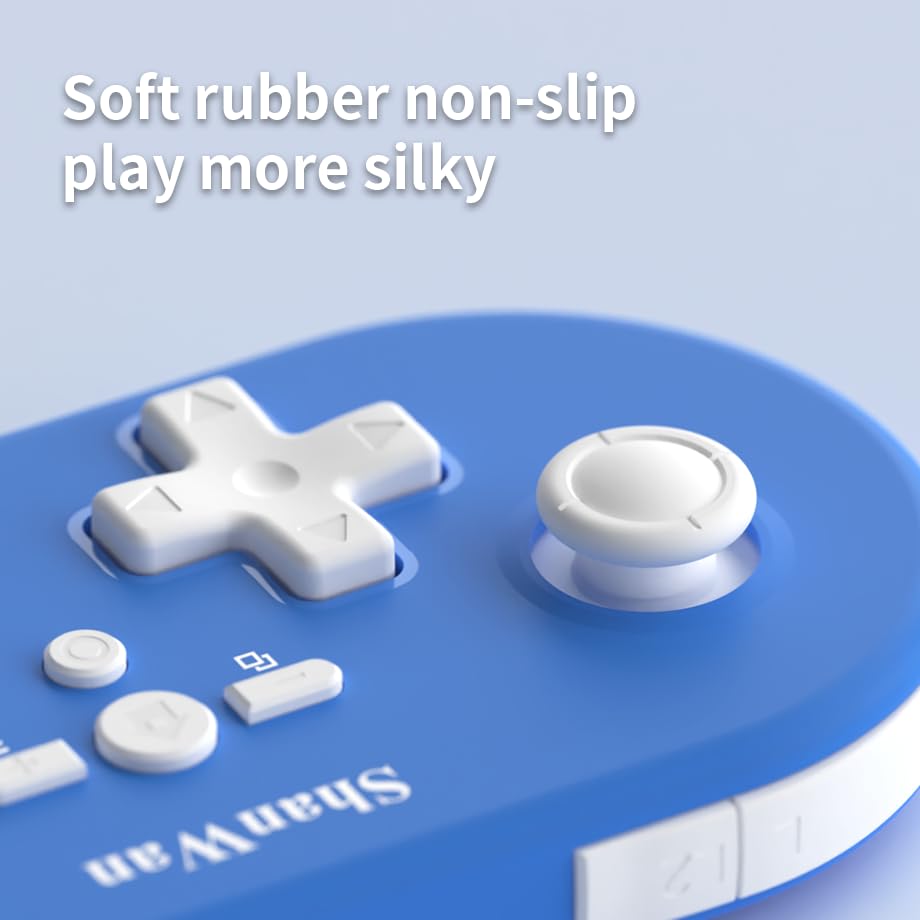
Rasm: yaqindan view of the controller's joystick, highlighting the soft rubber non-slip material.
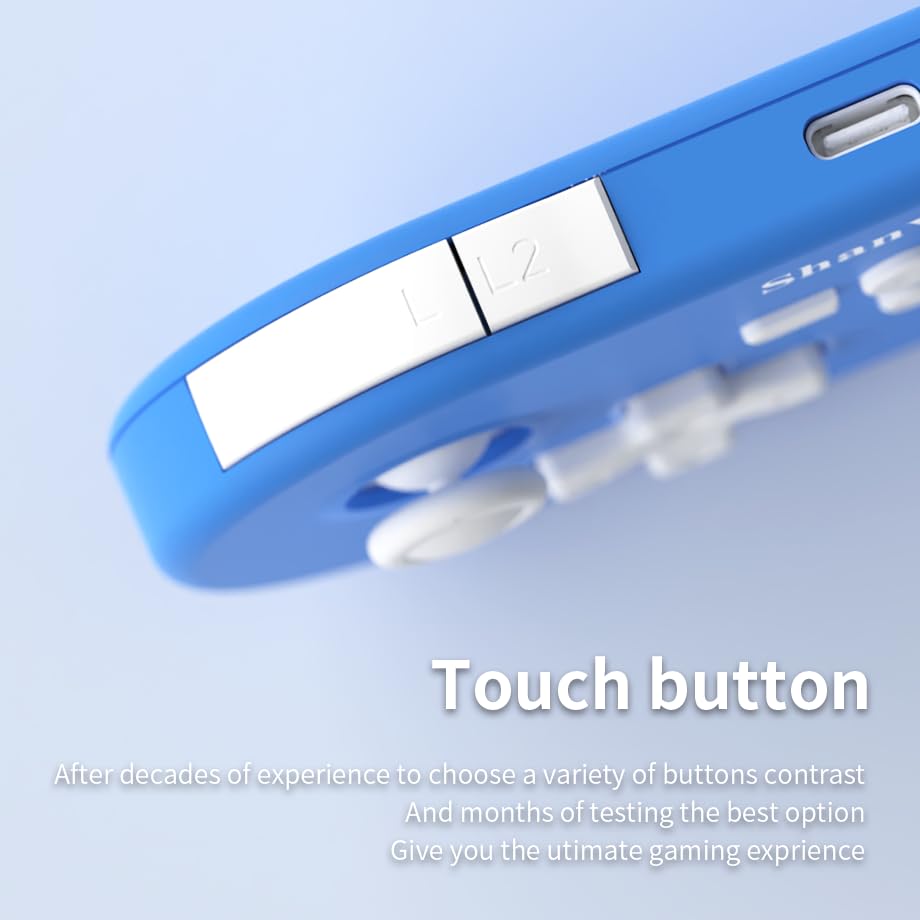
Rasm: yaqindan view of the controller's L/L2 shoulder buttons, emphasizing their design.

Image: A visual summary of key features including 6-axis body gyroscope, one-touch reconnect/wake-up, one-touch pairing, one-touch screenshot, dual motor vibration, and Switch key printing.
5. Moslik
The ShanWan Q37 controller is compatible with a wide range of gaming platforms:
- Nintendo Switch / Switch 2 / Switch Lite / Switch OLED
- Steam Deck
- Kompyuter (Windows)
- Android qurilmalari
- iPhone / iPad (iOS / iPadOS)
- macOS devices
- PS4 Console (via P-block mode, specific setup may be required)
It supports simultaneous gameplay for up to 4 players on compatible systems.
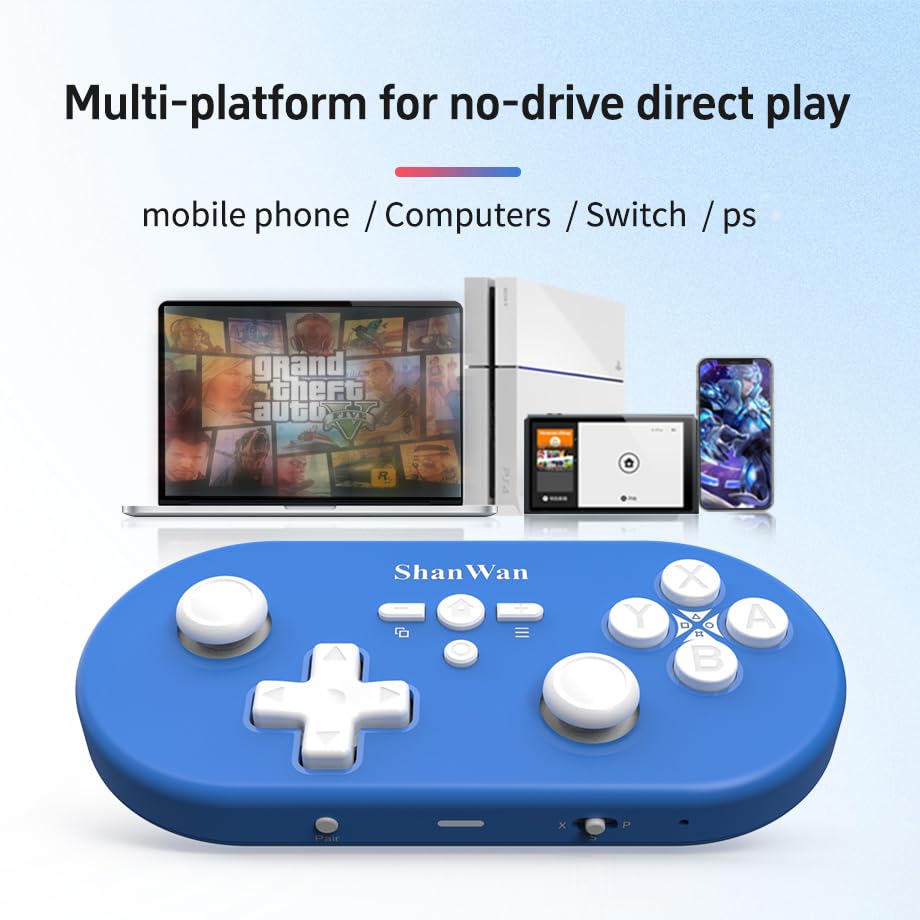
Image: Illustration showing the controller's compatibility with mobile phones, computers, Switch, and PS consoles.
6. Batareya haqida ma'lumot
The controller is equipped with a 500mAh large-capacity Lithium Polymer battery. This allows for extended play sessions and convenient portability. Battery life varies depending on usage and vibration settings.
Zaryadlash vaqti: To'liq zaryadlash uchun taxminan 2-3 soat.
Ishlash vaqti: Up to 8-10 hours on a full charge (may vary).
7. Texnik spetsifikatsiyalar
| Spetsifikatsiya | Tafsilot |
|---|---|
| Model raqami | Q37XSP |
| Ulanish | Wireless Bluetooth, USB-C (wired) |
| Batareya quvvati | 500 mA / soat lityum polimer |
| Mahsulot o'lchamlari | 4.92 x 2.44 x 0.81 dyuym (12.5 x 6.2 x 2.05 sm) |
| Element og'irligi | 3.2 untsiya (90.7 gramm) |
| Harakatni boshqarish | 6 o'qli giroskop |
| Tebranish | Dual Motor Vibration (Adjustable) |

Image: Diagram showing the precise dimensions of the ShanWan Q37 controller.
8. Muammolarni bartaraf qilish; nosozliklarni TUZATISH
8.1 Tekshirgich ulanmaydi/ulanmaydi
- Tekshirish moslamasi to'liq zaryadlanganligiga ishonch hosil qiling.
- Verify the correct mode (X, S, P) is selected for your device.
- Make sure Bluetooth is enabled on your device and no other devices are interfering.
- Try restarting both the controller and your gaming device.
- If issues persist, try resetting the controller (refer to manufacturer's website for reset procedure, usually a small pinhole button).
8.2 Kirish kechikishi yoki uzilishlar
- Ensure you are within the effective range of your Bluetooth device.
- Boshqa qurilmalardan simsiz shovqinlarni minimallashtiring (Wi-Fi routerlar, boshqa Bluetooth qurilmalari).
- Ensure the controller's firmware is up to date using the 'Gamepad Space' software.
8.3 Tugmalar/Joystiklar javob bermayapti
- Calibrate joysticks and test button functionality using the 'Gamepad Space' software.
- Tugmalar yoki joystiklar atrofida hech qanday axlat yig'ilmaganligiga ishonch hosil qiling.
- If using wired connection, try a different USB-C cable or port.
9. Xizmat va texnik xizmat ko'rsatish
- Tozalash: Tekshirish moslamasini tozalash uchun yumshoq, quruq matodan foydalaning. O'jar axloqsizlik uchun, bir oz dampmatoga suv yoki yumshoq tozalash eritmasi soling. Qattiq kimyoviy yoki abraziv materiallardan saqlaning.
- Saqlash: Tekshirgichni to'g'ridan-to'g'ri quyosh nuri va haddan tashqari haroratdan uzoqda, salqin va quruq joyda saqlang.
- Batareya parvarishi: Batareyani yuqori haroratga qo'ymang yoki uni qismlarga ajratishga urinmang. Batareyaning sog'lig'ini saqlash uchun, ishlatilmayotgan bo'lsa ham, kontrollerni muntazam ravishda zaryadlang.
- Damlamalardan saqlaning: Tekshirish moslamasini ichki qismlarga zarar etkazishi mumkin bo'lgan jismoniy zarbalar va tushishlardan saqlang.
10. Kafolat va qo'llab-quvvatlash
For warranty information, technical support, or further assistance, please visit the official ShanWan websayt yoki mijozlarga xizmat ko'rsatish bilan bog'laning. Xarid kvitansiyasini xaridni tasdiqlovchi hujjat sifatida saqlang.
Official ShanWan Store: https://www.amazon.com/stores/ShanWan/page/C625C726-C0DE-4DFB-8E9B-4AA41A6E200C
Ask a question about this manual
Ask about setup, troubleshooting, compatibility, parts, safety, or missing instructions. Manuals+ will review the question and use this page’s manual context to help answer it.