
Tera P150
Tera P150 Android 12 Barcode Scanner PDA User Manual
Model: P150
1. Kirish
This manual provides essential information for the proper setup, operation, and maintenance of your Tera P150 Android 12 Barcode Scanner PDA. Please read this manual thoroughly before using the device to ensure optimal performance and longevity.

Image 1.1: The Tera P150 Android Barcode Scanner PDA, showcasing o'zining zamonaviy dizayni va foydalanuvchi interfeysi.
2. Sozlash
2.1 Paket tarkibi
Paketda barcha elementlar mavjudligiga ishonch hosil qiling:
- Tera P150 Android Barcode Scanner PDA
- Himoya sumkasi
- Ekran himoyachisi
- Qo'l tasma
- USB kabeli
- Zaryadlovchi adapteri
- User Manual (Quick Start Guide)

Image 2.1: All components included in the Tera P150 product package.
2.2 Batareyani o'rnatish va zaryadlash
- Qurilmaning orqa tomonidagi batareya bo'linmasini toping.
- Insert the 5000 mAh removable battery, ensuring proper alignment of the contacts.
- Batareya qopqog'ini mahkamlang.
- Connect the USB cable to the device and the charger adapter, then plug into a power outlet.
- To'liq quvvat olish uchun taxminan 3 soat vaqt bering.

Image 2.2: The removable 5000 mAh battery, designed for extended use.
2.3 Quvvatni yoqish/o‘chirish
Press and hold the power button located on the side of the device until the screen illuminates (for power on) or a power-off menu appears (for power off).
3. Foydalanish bo'yicha ko'rsatmalar
3.1 Android 12 operatsion tizimi
The Tera P150 operates on Android 12, offering an intuitive user interface, enhanced performance, and improved privacy controls. Navigate using touch gestures similar to other Android devices.

Image 3.1: The Tera P150 displaying multiple applications, demonstrating seamless multitasking capabilities with Android 12.
3.2 Barcode Scanning with Zebra SE4710
The device integrates a Zebra SE4710 scanner engine for efficient barcode reading. To scan:
- Qurilmada skanerlash dasturini oching.
- Skaner oynasini shtrix-kodga yo'naltiring.
- Press the dedicated scan button (if available) or trigger the scan via the on-screen interface.
- Ensure the red laser or illumination covers the entire barcode for accurate capture.

Image 3.2: A user operating the Tera P150 to scan barcodes in a warehouse environment, highlighting the integrated Zebra SE4710 scanner.
3.3 Sensorli ekranning ishlashi
The 5.5-inch full touch screen supports operation with gloves and wet hands, enhancing usability in various work conditions. The display offers a resolution of 1440 x 720 pixels.
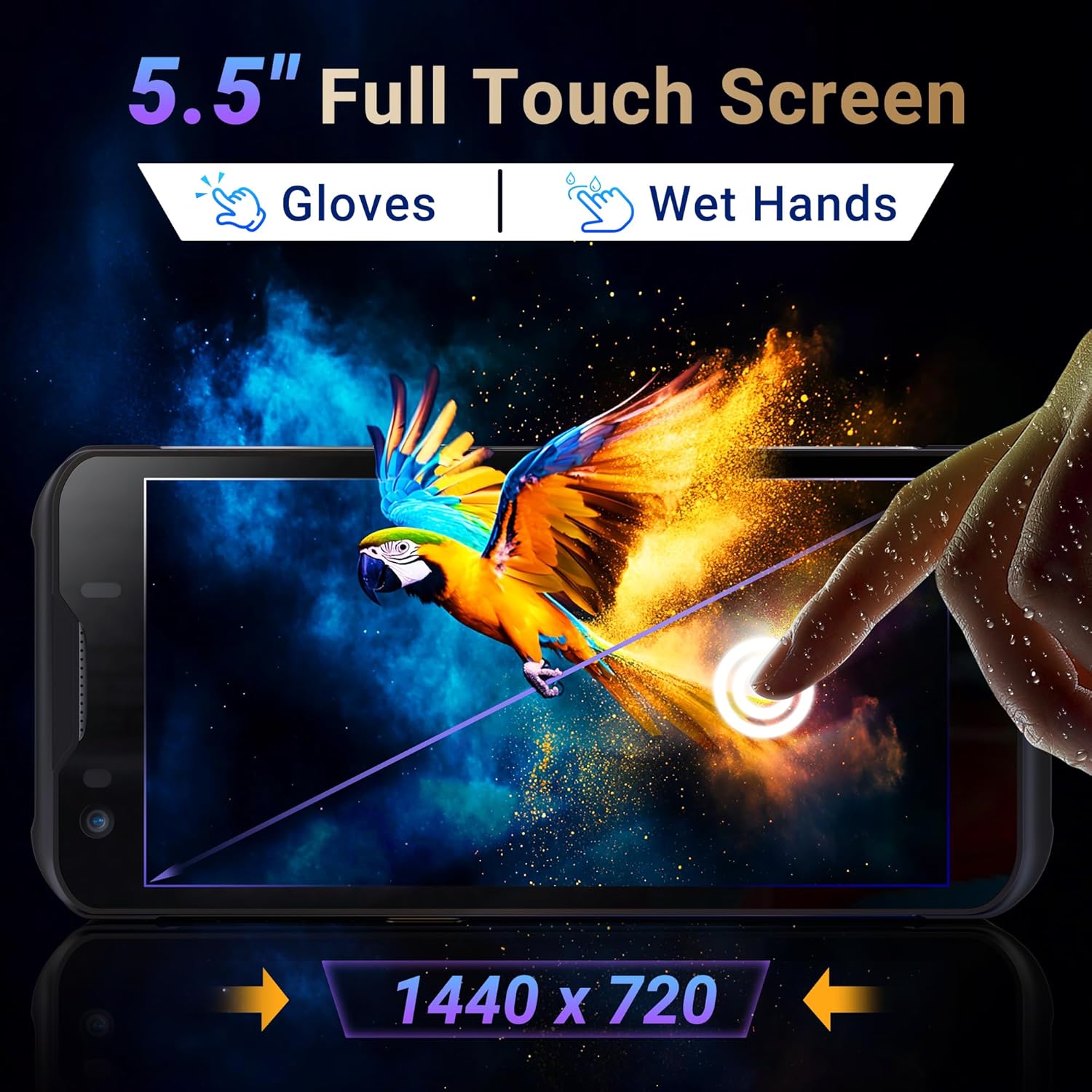
Image 3.3: The Tera P150's 5.5-inch full touch screen, illustrating its responsiveness and clarity.
3.4 kamera funksiyasi
The device is equipped with a 13.0 MP rear camera and a 5.0 MP front camera for documentation and communication purposes.

3.4-rasm: yaqindan view of the Tera P150, highlighting the 13.0 MP rear camera and 5.0 MP front camera.
4. Xizmat ko'rsatish
4.1 Rugged Design and IP67 Rating
The Tera P150 features an IP67 rating, indicating resistance to dust and water ingress. It is also designed to withstand drops from up to 4.9 feet (1.5 meters), making it suitable for demanding environments.

Image 4.1: Visual representation of the Tera P150's IP67 water and dust resistance, and its 4.9ft drop resistance.
Video 4.1: Demonstration of the Tera P150's IP67-rated protection, showcasing its durability against water and drops.
4.2 Tozalash
Yumshoqdan foydalaning, damp cloth to clean the device. Avoid harsh chemicals or abrasive materials that could damage the screen or casing.
5. Muammolarni bartaraf qilish; nosozliklarni TUZATISH
5.1 Qurilma yoqilmaydi
- Batareyaning to'g'ri o'rnatilganligiga va to'liq zaryadlanganligiga ishonch hosil qiling.
- Connect the device to the charger and attempt to power on.
5.2 Scanning Issues
- Verify the barcode is clean and undamaged.
- Yetarli yorug'lik sharoitlarini ta'minlang.
- Check the scanning application settings.
5.3 Ishlashdagi kechikish
- Keraksiz fon ilovalarini yoping.
- Keshni va vaqtinchalik xotirani tozalang files.
- Qurilmani qayta ishga tushiring.
6. Texnik shartlar
| Xususiyat | Tafsilot |
|---|---|
| Model raqami | P150 |
| Operatsion tizim | Android 12 |
| Protsessor | MTK CPU |
| Ram | 4 GB |
| ROM (xotira) | 64 GB |
| Shtrix-kod skaneri | Zebra SE4710 |
| Displey | 5.5-inch Full Touch Screen |
| Chidamlilik reytingi | IP67, 4.9 ft Drop Resistant |
| Batareya | 5000 mAh Removable |
| Orqa kamera | 13.0 MP |
| Old kamera | 5.0 MP |
| Ulanish | 4G, GPS, USB |
| Element og'irligi | 1.3 funt |
| Paket o'lchamlari | 7.6 x 4.2 x 2.9 dyuym |
Video 6.1: tugadiview of the Tera P150's key features, including its IP67 rating, 4GB RAM, 64GB storage, Android 12 OS, and 5.5-inch touch screen.
7. Kafolat haqida ma'lumot
Please refer to the warranty card included with your product for detailed warranty terms and conditions. Keep your proof of purchase for any warranty claims.
8. Qo'llab-quvvatlash
For technical assistance, troubleshooting, or further inquiries, please contact Tera customer support. Contact information can be found on the official Tera websaytida yoki tez boshlash qo'llanmasida.
Ask a question about this manual
Ask about setup, troubleshooting, compatibility, parts, safety, or missing instructions. Manuals+ will review the question and use this page’s manual context to help answer it.