
1. Kirish
Welcome to the TABWEE T80 Tablet user manual. This guide provides comprehensive instructions to help you get the most out of your new Android 15 tablet. The T80 is designed for a seamless and powerful user experience, featuring advanced AI capabilities, a vibrant display, and robust performance for both work and entertainment.
Asosiy xususiyatlar:
- Android 15 operatsion tizimi: Experience the latest features and security enhancements.
- Gemini AI 2.0: Enhanced AI for smarter interactions and controls.
- 10.5-inch HD+ IPS Display: Enjoy clear and vibrant visuals with a wide viewkirish burchagi.
- Kuchli ishlash: Equipped with a 2.0GHz CPU, 12GB RAM, and 64GB ROM (expandable up to 2TB via TF card).
- Uzoq muddatli batareya: 6000mAh mega battery for extended use.
- Kengaytirilgan ulanish: Supports 5G WiFi and Bluetooth 5.0.
- 5MP Google Lens Camera: For clear photos and smart scene recognition.

Figure 1.1: The TABWEE T80 Tablet, showcasing uning zamonaviy dizayni va displeyi.
2. Sozlash
2.1 Qutidan chiqarish va dastlabki to‘lov
Carefully remove your TABWEE T80 Tablet from its packaging. Before first use, it is recommended to fully charge the device using the provided USB-C cable and power adapter. The charging port is located on the side of the tablet.
2.2 Quvvatni yoqish va dastlabki konfiguratsiya
- Press and hold the Power button (located on the side) until the TABWEE logo appears on the screen.
- Tilingizni tanlash, Wi-Fi tarmog‘iga ulanish va Google hisobingizni sozlash uchun ekrandagi ko‘rsatmalarga amal qiling.
- Review and accept the terms and conditions to complete the setup process.

2.1-rasm: A overview of the TABWEE T80's core specifications and features.
3. Planshetni ishlatish
3.1 Android 15 xususiyatlari
Your TABWEE T80 runs on the latest Android 15, offering enhanced user experience, improved privacy, and smart features.
Split-Screen Combo
The split-screen feature allows you to run two applications simultaneously, enhancing multitasking and productivity. You can easily save app pairs for quick access.
Video 3.1: Demonstrates how to use the split-screen feature to run two applications concurrently on the TABWEE T80 tablet.
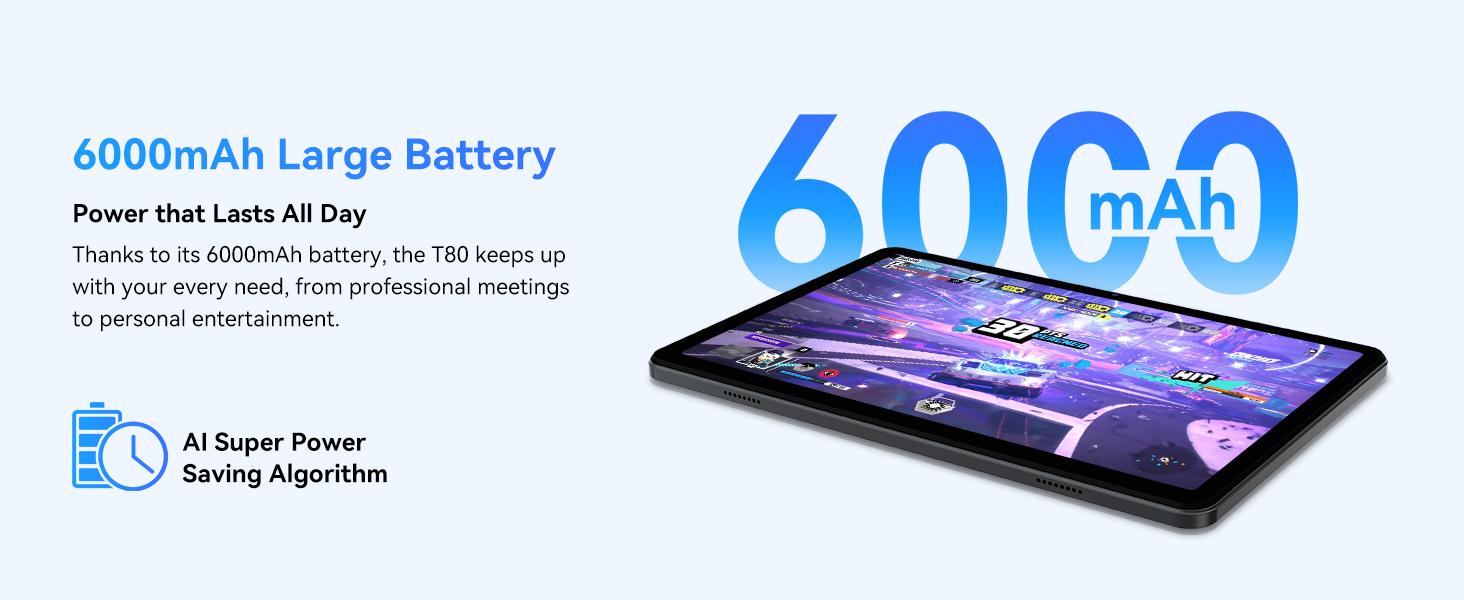
Figure 3.1: Visual representation of the split-screen functionality, allowing for efficient multitasking.
Desktop Customization and Widgets
Personalize your home screen by dragging and grouping apps freely. You can also add various widgets, such as the calendar, to quickly access information and tasks.
Video 3.2: Illustrates how to customize your desktop layout and add widgets for quick access to information.
Maxfiylik nazorati
Android 15 offers enhanced privacy controls, allowing you to manage app permissions and secure your data. You can block app access to sensitive information like location.
Video 3.3: Shows how to manage privacy settings and control app access to your data on the TABWEE T80.
Parental Controls with Gemini AI
Utilize Gemini AI parental controls to manage screen time, automatically lock games during homework, and ensure a safe digital environment for children.
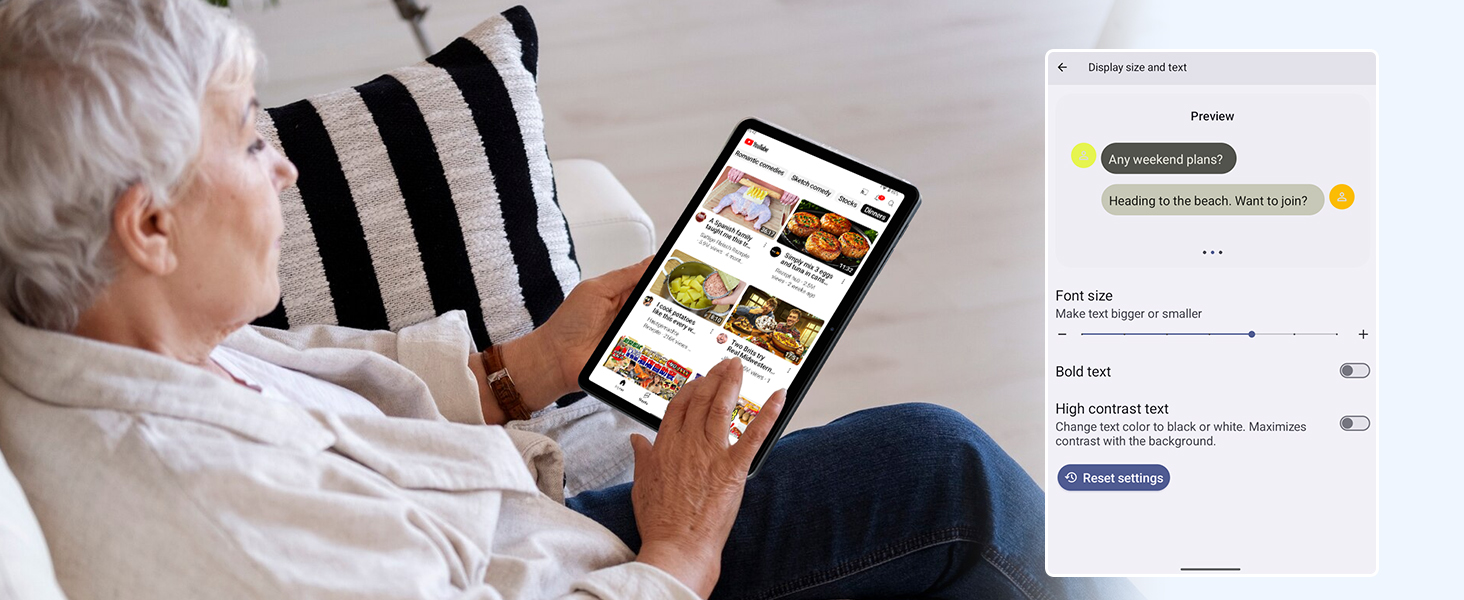
Figure 3.2: The Digital Wellbeing interface, demonstrating options for managing screen time and parental controls.
3.2 Displey va ingl
The 10.5-inch HD+ IPS display provides a clear and immersive viewing experience with a 1280x800 resolution and 84.9% screen-to-body ratio. It's ideal for watching videos, browsing, and reading.

Figure 3.3: Details of the tablet's display, highlighting its resolution and IPS full view qobiliyatlar.
3.3 Ishlash va saqlash
Powered by a 2.0GHz Unisoc T310 CPU and 12GB RAM (expandable via software memory extension), the T80 ensures smooth multitasking and responsive performance. With 64GB of internal storage and support for up to 2TB TF cards, you have ample space for all your files, apps, and media.

Figure 3.4: Illustration of the tablet's processing power and memory, enabling seamless multitasking and productivity.
3.4 Batareya muddati
The 6000mAh mega battery provides extended usage, offering up to 8 hours of video streaming, 6 hours of gaming, or 30 hours of music playback. Smart power-saving modes further optimize battery longevity.

Figure 3.5: Depiction of the tablet's large 6000mAh battery and its USB-C charging port.
3.5 Kamera xususiyatlari
The T80 features a 5MP Google Lens enabled camera. This allows for scene recognition, night mode optimization, and useful functions like text translation and object identification.

3.6-rasm: A overview of the tablet's camera and its integration with Google Lens for smart functions.
4. Xizmat ko'rsatish
To ensure the longevity and optimal performance of your TABWEE T80 Tablet, follow these maintenance guidelines:
- Tozalash: Ekran va korpusni tozalash uchun yumshoq, tuklarsiz matodan foydalaning. Aşındırıcı materiallardan yoki qattiq kimyoviy moddalardan saqlaning.
- Dasturiy ta'minot yangilanishlari: Eng so'nggi funksiyalar, xavfsizlik yamoqlari va ishlash yaxshilanishlaridan foydalanish uchun tizim yangilanishlarini muntazam ravishda tekshirib turing va o'rnating.
- Batareya parvarishi: Haddan tashqari haroratdan saqlaning. Batareyaning tez-tez to'liq zaryadsizlanishiga yo'l qo'ymang. Uzoq muddatli saqlash uchun batareyani taxminan 50% gacha zaryadlang.
- Saqlash boshqaruvi: Vaqti-vaqti bilan tozalash keraksiz filexotira joyini bo'shatish va uzluksiz ishlashni ta'minlash uchun s va ilovalar.
- Himoya: Tomchilar va tirnalishlardan himoya qilish uchun himoya sumkasi va ekran himoyachisidan foydalanishni o'ylab ko'ring.
5. Muammolarni bartaraf qilish; nosozliklarni TUZATISH
This section addresses common issues you might encounter with your TABWEE T80 Tablet.
5.1 Qurilma yoqilmaydi
- Batareyani tekshiring: Ensure the tablet has sufficient charge. Connect it to the charger and wait a few minutes before attempting to power on again.
- Qattiq tiklash: Qurilma qayta ishga tushguncha Quvvat tugmasini taxminan 10-15 soniya bosib turing.
5.2 Wi-Fi ulanish muammolari
- Wi-Fi’ni yoqish/o‘chirish: Sozlamalar orqali Wi-Fi'ni o'chirib, keyin qayta yoqing.
- Routerni qayta ishga tushiring: Wi-Fi routeringizni quvvatlantirish/o'chirish rejimiga o'tkazing.
- Tarmoqni unuting: Go to Wi-Fi settings, forget the problematic network, and then reconnect.
5.3 Sekin ishlash
- Fon ilovalarini yopish: Fonda ishlayotgan foydalanilmagan ilovalarni yoping.
- Keshni tozalash: Regularly clear app caches in Settings > Apps.
- Bo'sh joy: Keraksiz o'chirish files or uninstall rarely used apps.
- Qurilmani qayta ishga tushirish: A simple restart can often resolve temporary slowdowns.
5.4 Ilovalar ishlamay qolmoqda yoki javob bermayapti
- Force Stop App: Go to Settings > Apps, select the problematic app, and choose 'Force Stop'.
- Clear App Data/Cache: In the same app settings, try clearing its cache or data (note: clearing data will reset the app to its default state).
- Ilovani qayta o'rnatish: Uninstall and then reinstall the app from the Google Play Store.
6. Texnik shartlar
Detailed technical specifications for the TABWEE T80 Tablet:
| Xususiyat | Spetsifikatsiya |
|---|---|
| Brend | TABWEE |
| Model nomi | T80 |
| Operatsion tizim | Android 15 |
| Ekran o'lchami | 10.5 dyuym |
| Ekran ravshanligi | 1280 x 800 piksel |
| Protsessor | 2.0 GHz Unisoc T310 |
| Xotira (RAM) | 12 GB |
| Saqlash (ROM) | 64 GB |
| Kengaytiriladigan xotira | 2 TB gacha TF karta |
| Orqa Webkamera ravshanligi | 5 MP |
| Simsiz turi | 802.11n, 802.11b, 802.11a, 802.11ac, 802.11g (5G WiFi) |
| Bluetooth | Bluetooth 5.0 |
| Batareya quvvati | 6000mAh |
| O'rtacha batareya quvvati | 550 soat (kutish rejimida) |
| Element og'irligi | 1.1 funt (taxminan 523 gramm) |
| Mahsulot o'lchamlari | 9.5 x 6.4 x 0.3 dyuym |
| Rang | Kulrang |
7. Kafolat va qo'llab-quvvatlash
TABWEE is committed to quality and customer satisfaction. Your T80 Tablet comes with comprehensive support to ensure a worry-free experience.
7.1 Kafolat haqida ma'lumot
The TABWEE T80 Tablet is backed by a 2 yillik kafolat. This warranty covers manufacturing defects and ensures free repair service for eligible issues. Please retain your proof of purchase for warranty claims.
7.2 Mijozlarni qo‘llab-quvvatlash
For any questions, technical assistance, or warranty claims, please contact our dedicated support team:
- 24/7 Onlayn qo'llab-quvvatlash: Available for immediate assistance.
- umr bo'yi texnik yordam: Expert help whenever you need it.
- Hassle-Free Service: Assistance available through the TABWEE Official Flagship Store.
We are dedicated to providing prompt and effective solutions to all your inquiries.

Figure 7.1: Our dedicated customer support team is ready to assist you.