
1. Mahsulot tugadiview
The BUGANI Luster Bluetooth Speaker is a portable wireless stereo speaker designed for high-quality audio output with dynamic colorful lighting. It features Bluetooth 5.3 connectivity, IPX6 waterproofing, and extended playtime, making it suitable for various indoor and outdoor environments.

Image: The BUGANI Luster Bluetooth Speaker, showcasing its design and the vibrant light effects, surrounded by water splashes to highlight its waterproof capabilities.
2. Qutida nima bor
- BUGANI Luster Bluetooth Speaker
- USB-C zaryadlovchi kabeli
- AUX-in kabeli
- Tez boshlash uchun qo'llanma
- Echib olinadigan lanyard
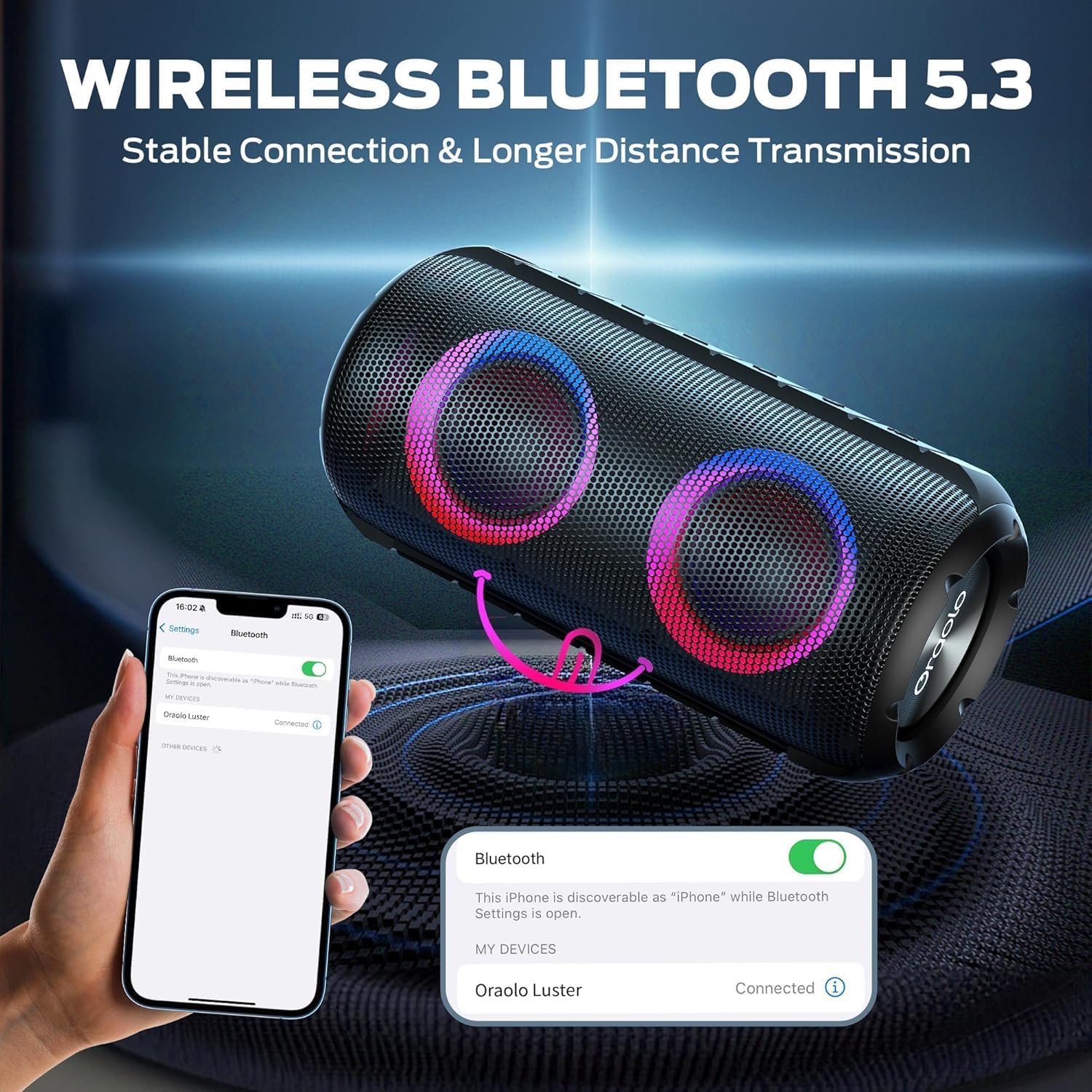
Image: The BUGANI Luster Bluetooth Speaker with its detachable lanyard, illustrating its portability and ease of carrying.
3. Sozlash
3.1 Dastlabki zaryadlash
Before first use, fully charge the speaker. Connect the provided USB-C cable to the speaker's charging port and the other end to a USB power adapter (not included) or a computer's USB port. The charging indicator light will show the charging status.
3.2 Quvvatni yoqish/o‘chirish
- Yoqilgan: Quvvat tugmasini bosing va ushlab turing (⏻) for 2-3 seconds until you hear an audible prompt and the lights illuminate.
- O'chirish: Quvvat tugmasini bosing va ushlab turing (⏻) for 2-3 seconds until you hear an audible prompt and the lights turn off.
3.3 Bluetooth ulanishi
- Karnay yoqilganligiga va Bluetooth ulanish rejimida ekanligiga ishonch hosil qiling (miltillovchi ko'k chiroq bilan ko'rsatiladi).
- Qurilmangizda (smartfon, planshet va boshqalar) Bluetooth-ni yoqing va mavjud qurilmalarni qidiring.
- Select "BUGANI Luster" from the list of devices.
- Once connected, you will hear a confirmation sound, and the Bluetooth indicator light will become solid blue.
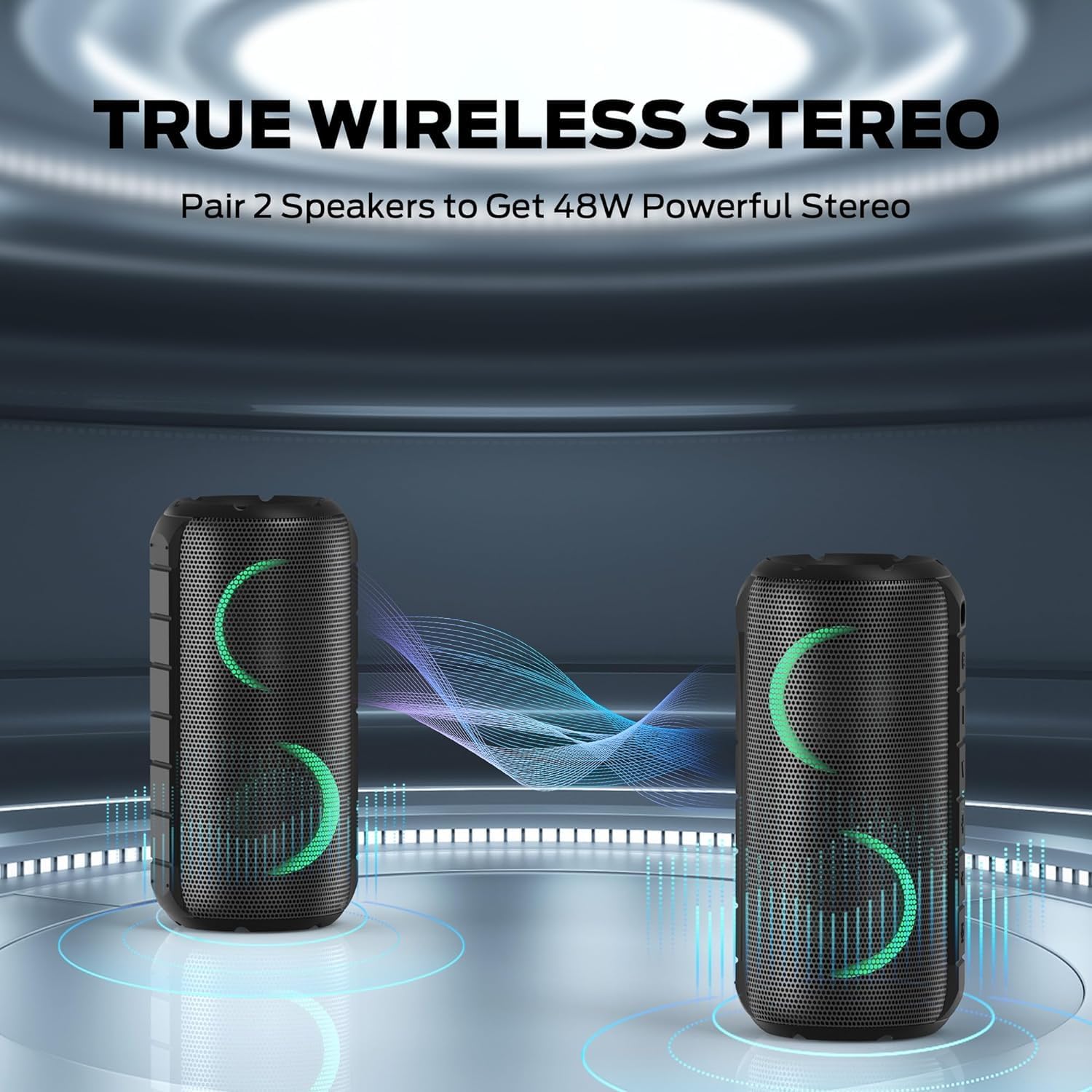
Image: A smartphone displaying its Bluetooth settings, showing a successful connection to the "Oraolo Luster" (BUGANI Luster) speaker, demonstrating the ease of Bluetooth 5.3 pairing.
3.4 Haqiqiy simsiz stereo (TWS) juftligi
To achieve a more immersive stereo sound, you can pair two BUGANI Luster speakers together.
- Ikkala karnay yoqilganligiga va hech qanday Bluetooth qurilmasiga ulanmaganligiga ishonch hosil qiling.
- On one speaker (this will be the primary speaker), press the TWS button (often indicated by two interlocking circles or a dedicated TWS icon). The speaker will enter TWS pairing mode.
- The primary speaker will automatically search for the secondary speaker. Once connected, you will hear a confirmation sound, and the lights on both speakers will synchronize.
- Endi, 3.3-bo'limda tasvirlanganidek, qurilmangizni asosiy karnayga Bluetooth orqali ulang. Audio ikkala karnay orqali ham stereo rejimda ijro etiladi.

Image: Two BUGANI Luster speakers positioned to illustrate their True Wireless Stereo (TWS) pairing capability, creating a wider soundstage.
3.5 AUX ulanishi
For non-Bluetooth devices, use the provided 3.5mm AUX-in cable.
- Connect one end of the 3.5mm AUX-in cable to the speaker's AUX-in port.
- Ikkinchi uchini qurilmangizning audio chiqish uyasiga ulang.
- The speaker will automatically switch to AUX-in mode.
4. Foydalanish bo'yicha ko'rsatmalar
4.1 Tugma funksiyalari

Rasm: yaqindan view of the BUGANI Luster speaker's top panel, clearly showing the control buttons for various functions.
| Tugma | Funktsiya (qisqa bosish) | Funktsiya (Uzoq bosish) |
|---|---|---|
| ⏻ (Quvvat) | Yoʻq | Quvvatni yoqish/o‘chirish |
| + (Ovozni oshirish) | Ovozni oshirish | Keyingi trek |
| - (Ovozni pasaytirish) | Ovozni pasaytirish | Oldingi trek |
| ▶‖ (Ijro/To‘xtatib turish) | Oʻynatish/toʻxtatib turish; Qo'ng'iroqqa javob berish/tugatish | Reject Call; Activate Voice Assistant |
| 💡 (Light Mode) | Cycle through Light Modes | Chiroqlarni yoqish/o'chirish |
| TWS (TWS Pairing) | Yoʻq | TWS ulanish rejimiga kiring |
4.2 Colorful Light Show
The speaker features a dynamic RGB light system with 7 colors and 5 light modes. Press the Light Mode button (💡) to cycle through the available modes. Long press the button to turn the lights on or off.

Image: The BUGANI Luster speaker showcasing its vibrant and dynamic colorful light patterns, which enhance the listening experience.
4.3 Qo'ng'iroqlarsiz qo'ng'iroq qilish
Bluetooth orqali ulanganda, karnayning o'rnatilgan mikrofoni qo'llarni ishlatmasdan qo'ng'iroq qilish imkonini beradi.
- Qo'ng'iroqqa javob berish/tugatish: Short press the Play/Pause button (▶‖).
- Qo'ng'iroqni rad etish: Long press the Play/Pause button (▶‖).
4.4 Ovozli yordamchini faollashtirish
Long press the Play/Pause button (▶‖) to activate your phone's voice assistant (e.g., Siri, Google Assistant).
5. Xizmat ko'rsatish
5.1 Tozalash
Karnayni yumshoq, damp cloth. Do not use abrasive cleaners, alcohol, or chemical solvents, as these may damage the surface or internal components.
5.2 Suv o'tkazmaydigan parvarish (IPX6)
The speaker has an IPX6 waterproof rating, meaning it is protected against powerful water jets. It is suitable for use in rainy conditions or near water bodies like pools and beaches. However, it is emas designed for submersion in water. Ensure the charging port cover is securely closed before exposing the speaker to water.
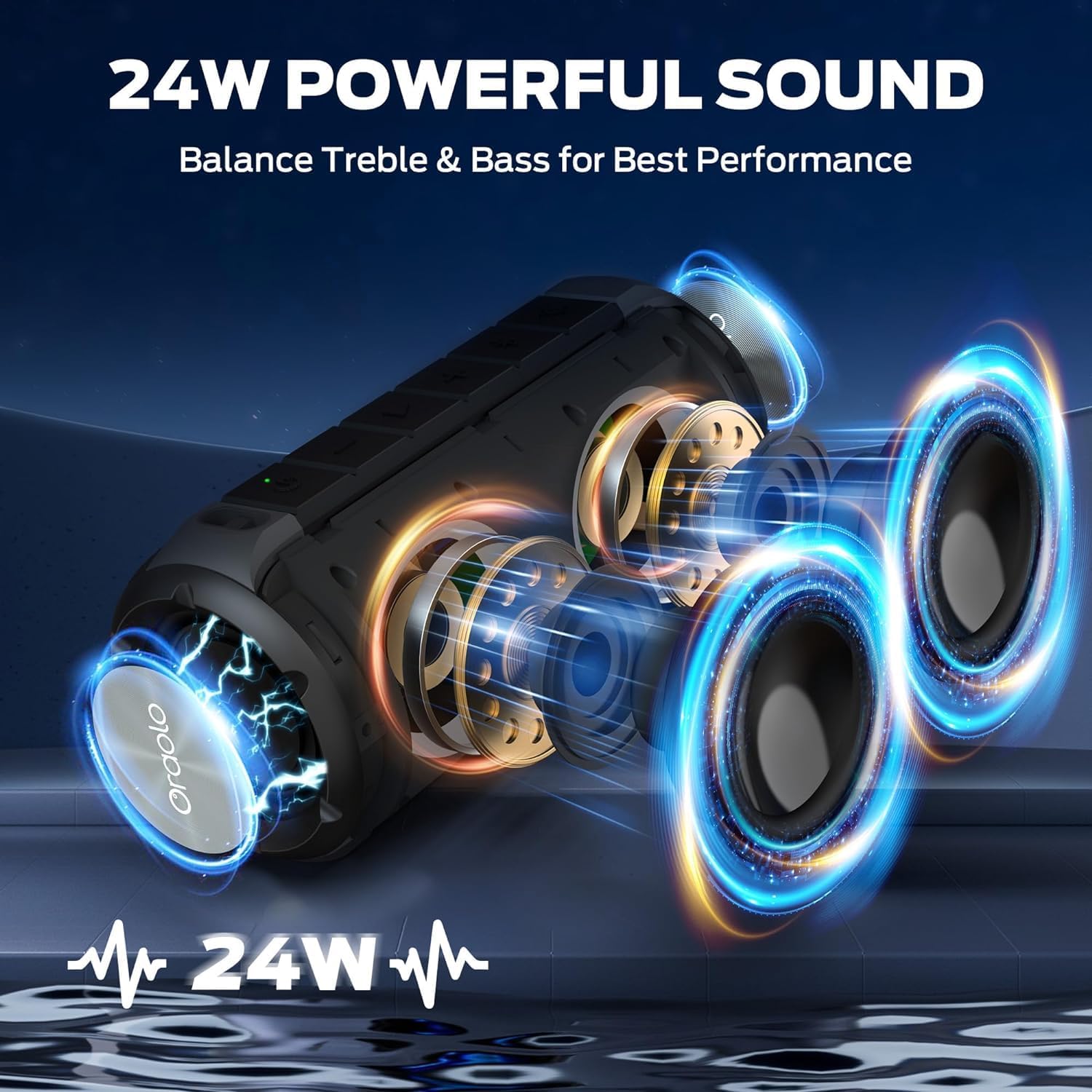
Image: The BUGANI Luster speaker resting on a wet rock with water droplets, visually confirming its IPX6 waterproof rating for outdoor use.
5.3 Saqlash
Store the speaker in a cool, dry place away from direct sunlight and extreme temperatures. If storing for an extended period, charge the battery to approximately 50% every few months to maintain battery health.
6. Muammolarni bartaraf qilish; nosozliklarni TUZATISH
6.1 Quvvat yo'q
- Karnay to'liq zaryadlanganligiga ishonch hosil qiling.
- Quvvat tugmasini 2-3 soniya bosib turing.
6.2 Ovoz yo'q
- Karnayda ham, ulangan qurilmangizda ham ovoz balandligini tekshiring.
- Ensure the speaker is correctly paired via Bluetooth or the AUX-in cable is securely connected.
- Agar Bluetooth dan foydalanayotgan bo'lsangiz, qurilmani uzib, qayta ulab ko'ring.
6.3 Bluetooth ulanishi bilan bog'liq muammolar
- Ensure the speaker is within the effective range (up to 33 feet/10 meters) of your device.
- Qurilmangizdagi Bluetooth ulanish tarixini tozalang va qayta ulashga urinib ko'ring.
- Turn off and on both the speaker and your device.
- Boshqa Bluetooth qurilmalari xalaqit bermasligiga ishonch hosil qiling.
6.4 TWS juftlashtirishdagi xatolar
- Ensure both speakers are fully charged and not connected to any other Bluetooth device.
- Place the speakers close to each other during the TWS pairing process.
- Follow the TWS pairing steps precisely as described in section 3.4.
7. Texnik shartlar
| Xususiyat | Tafsilot |
|---|---|
| Brend | BUGANI |
| Model nomi | M166 |
| Karnay turi | Portativ stereo dinamik |
| Karnay maksimal chiqish quvvati | 24 vatt |
| Ulanish texnologiyasi | Bluetooth 5.3, Auxiliary (3.5mm AUX-in) |
| Suv o'tkazmaydigan reyting | IPX6 |
| O'yin vaqti | Up to 24 hours (at 50% volume, lights off) |
| Mahsulot o'lchamlari | 4"D x 8"W x 4"Y |
| Element og'irligi | 1.34 funt (0.61 kilogramm) |
| Batareyalar | 1 ta AA batareya kerak (qo'shilgan) |
8. Kafolat va qo'llab-quvvatlash
BUGANI products are manufactured to high-quality standards. For specific warranty information and support, please refer to the warranty card included with your product or visit the official BUGANI websayt. Kafolat da'volari uchun xarid kvitansiyasini xaridni tasdiqlovchi hujjat sifatida saqlang.
For technical assistance or customer service inquiries, please contact BUGANI customer support through their official channels.


