
1. Kirish
Thank you for choosing the OSRAM LEDSTIXX USB Light Stick. This manual provides essential information for the safe and efficient use of your new light stick. Please read these instructions carefully before installation and operation, and retain them for future reference.
The OSRAM LEDSTIXX is a versatile, rechargeable LED light stick designed for flexible illumination in various indoor environments. It features a durable aluminum body, 3-level dimming, and a rotatable design for optimal light positioning.
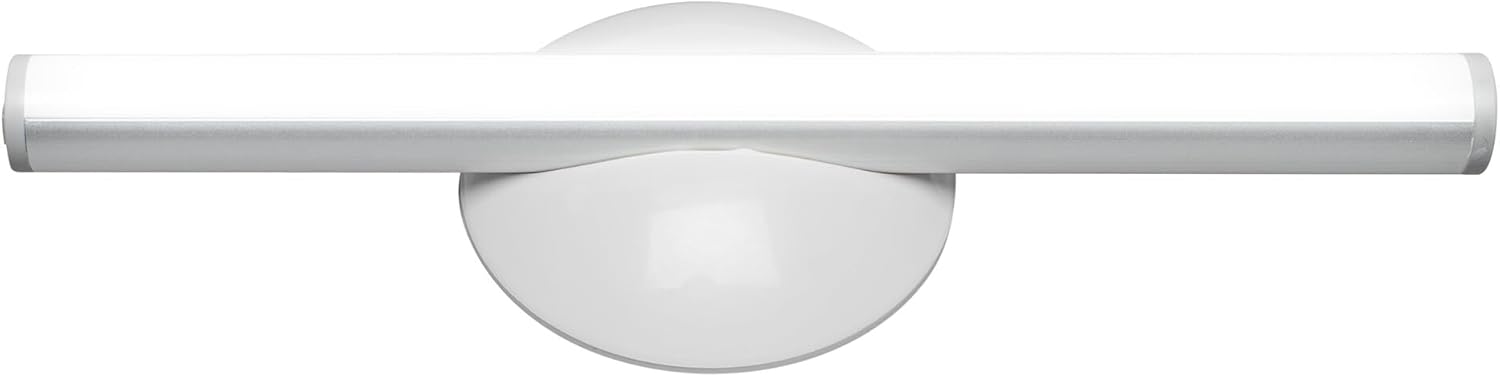
1.1-rasm: Old view of the OSRAM LEDSTIXX USB Light Stick.
2. Xavfsizlik ma'lumotlari
- Ushbu mahsulot faqat bino ichida foydalanish uchun mo'ljallangan.
- Qurilmani haddan tashqari harorat, to'g'ridan-to'g'ri quyosh nuri yoki yuqori namlik ta'sirida qoldirmang.
- Do not attempt to open, modify, or repair the device. This may void the warranty and pose a safety risk.
- Bolalar qo'li etmaydigan joyda saqlang.
- Zaryadlash uchun faqat taqdim etilgan USB kabelidan yoki sertifikatlangan ekvivalentidan foydalaning.
- Ensure the mounting surface is clean and dry before installation.
3. Paket tarkibi
Paketda barcha elementlar mavjudligiga ishonch hosil qiling:
- 1x OSRAM LEDSTIXX USB Light Stick (Silver)
- Installation accessories (mounting bracket, adhesive pads)
- USB zaryadlash kabeli
- Foydalanuvchi uchun qo'llanma
4. Oʻrnatish va oʻrnatish
The LEDSTIXX offers flexible mounting options. Follow these steps for installation:
- Joyni tanlang: Select a clean, dry, and flat surface for mounting. Common applications include under cabinets, inside wardrobes, or near mirrors.
- Sirtni tayyorlang: Clean the chosen surface thoroughly to ensure optimal adhesion of the mounting bracket.
- O'rnatish kronshteynini ulang: Peel the protective film from the adhesive pad on the back of the mounting bracket. Firmly press the bracket onto the desired surface for at least 30 seconds. Allow the adhesive to set for a few hours before attaching the light stick.
- Attach the Light Stick: The LEDSTIXX light stick attaches magnetically to the mounting bracket. Simply place the light stick onto the bracket. It can be rotated and oriented as needed.
- Zaryadlash: Before first use, fully charge the light stick using the provided USB cable. Connect the USB cable to the charging port on the light stick and to a standard USB power source (e.g., computer, USB wall adapter). The charging indicator will show the charging status.
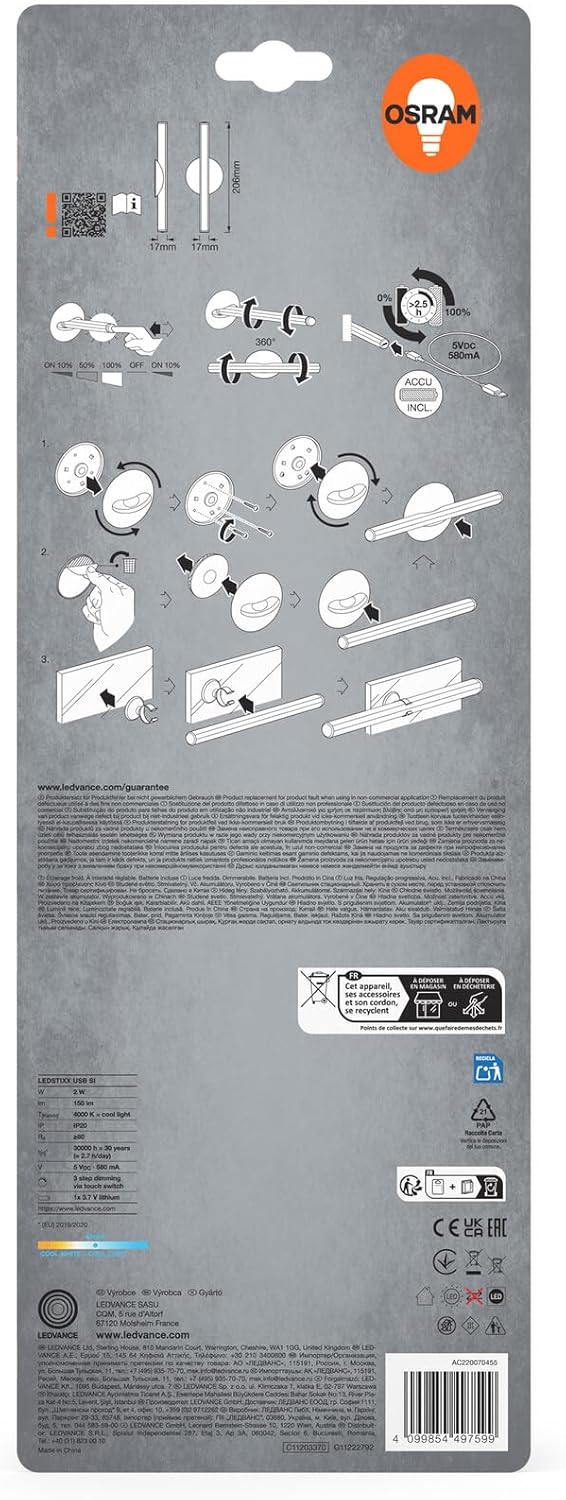
Image 4.1: Visual guide for installing the OSRAM LEDSTIXX using the adhesive mounting bracket.
5. Operatsiya
The OSRAM LEDSTIXX features simple touch control for power and dimming.
- Quvvatni yoqish/oʻchirish: Briefly touch the control area on the light stick to turn it on or off.
- Karartma: The light stick has 3 dimming levels. After turning it on, repeatedly touch the control area to cycle through the brightness levels (e.g., 100% > 50% > 25% > Off).
- Zaryadlash ko'rsatkichi: A small LED indicator will show the charging status. Typically, red indicates charging and green indicates fully charged.
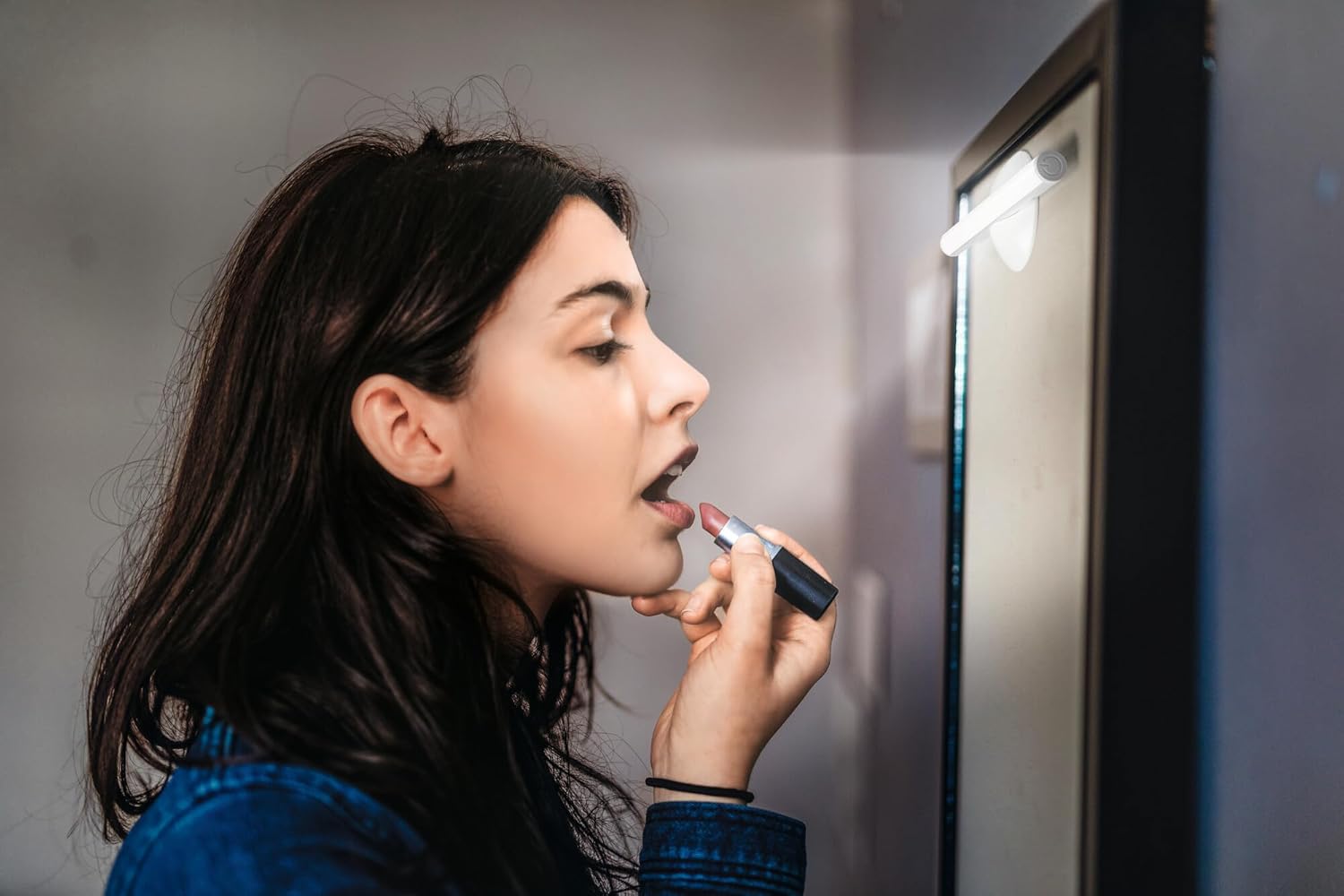
Image 5.1: The LEDSTIXX providing neutral white light for tasks such as applying makeup.
6. Xizmat ko'rsatish
- Tozalash: Wipe the light stick with a soft, dry cloth. Do not use abrasive cleaners or solvents.
- Batareya parvarishi: To prolong battery life, avoid fully discharging the battery frequently. Recharge the device regularly, especially if it will not be used for an extended period.
- Saqlash: Store the light stick in a cool, dry place when not in use.
7. Muammolarni bartaraf qilish; nosozliklarni TUZATISH
| Muammo | Mumkin sabab | Yechim |
|---|---|---|
| Chiroq yoqilmaydi. | Batareya zaryadsizlangan. | Charge the light stick using the USB cable. |
| Yorug'lik xira yoki miltillaydi. | Kam batareya. | Recharge the light stick. |
| Light stick does not adhere to surface. | Surface is dirty or uneven. Adhesive not fully set. | Clean the surface thoroughly. Allow adhesive to set for several hours before attaching the light stick. |
| Cannot change brightness levels. | Noto'g'ri operatsiya. | Ensure you are briefly touching the control area repeatedly to cycle through the 3 dimming levels. |
8. Texnik shartlar
| Xususiyat | Tafsilot |
|---|---|
| Brend | OSRAM |
| Model nomi | LEDstixx USB Silver |
| Model raqami | 4099854497599 |
| Material | alyuminiy |
| Rang | Kumush |
| Nur manbai | O'rnatilgan LED |
| Yorug'lik oqimi | 150 lumen |
| Rang harorati | 4000 Kelvin (neytral oq) |
| Wattage | 2 Vt |
| jildtage | 5 Volt (USB) |
| Quvvat manbai | Battery powered (Rechargeable Lithium Battery) |
| Karartma | 3 daraja |
| Suvga chidamlilik | Suvga chidamli (IP44) |
| Olchamlari (U x G x Y) | 20.6 sm x 1.7 sm x 1.7 sm |
| Mahsulot og'irligi | 85 gramm |
| Evropa Ittifoqining energiya samaradorligi yorlig'i | G (View EPREL) |
| Ishlab chiqaruvchi mamlakat; ta'minotchi mamlakat | Xitoy |

Image 8.1: Dimensional drawing of the OSRAM LEDSTIXX, showing its length of 206mm and width of 17mm.
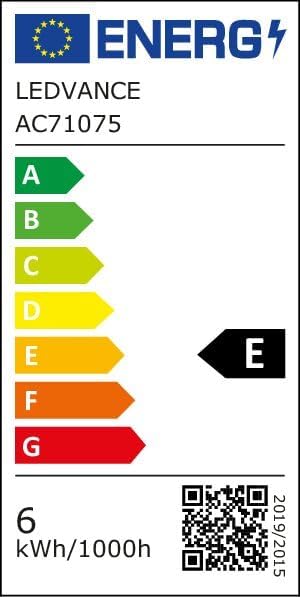
Image 8.2: EU Energy Efficiency Label for the LEDSTIXX, indicating class G and 6 kWh/1000h consumption.
9. Kafolat va qo'llab-quvvatlash
OSRAM products are manufactured to high-quality standards. For warranty information and customer support, please refer to the official OSRAM websaytida yoki mahalliy sotuvchingizga murojaat qiling. Har qanday kafolat da'volari uchun xaridingizni tasdiqlovchi hujjatni saqlang.