
1. Mahsulot tugadiview
The AJAZZ AJ139 V2 MC is a versatile tri-mode gaming mouse designed for precision and responsiveness. It features a PAW3311 sensor for accurate tracking, a 1000Hz return rate for smooth performance, and a long-lasting 500mAh battery. Its compact and lightweight design makes it suitable for extended use and portability.
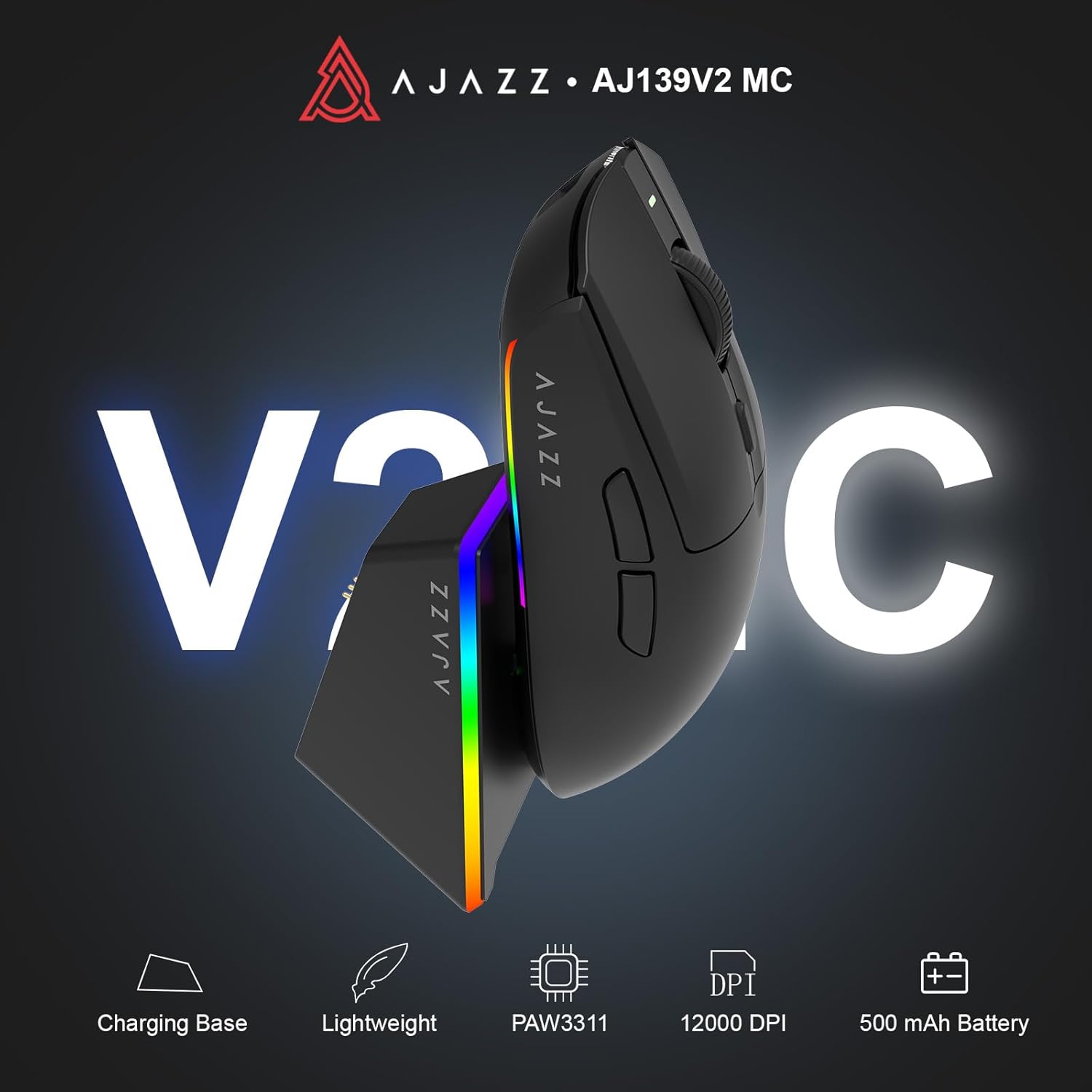
Figure 1.1: AJAZZ AJ139 V2 MC Gaming Mouse and Charging Dock.
Video 1.1: tugadiview of the AJAZZ AJ139 V2 MC Gaming Mouse, highlighting its features and design.
2. Paket tarkibi
Paketda barcha narsalar mavjudligiga ishonch hosil qiling:
- AJAZZ AJ139 V2 MC Gaming Mouse
- Zaryadlash dok
- USB-C zaryadlovchi kabeli
- 2.4G USB Receiver (Dongle)
- Foydalanuvchi uchun qo'llanma
3. Asosiy xususiyatlar
- PAW3311 Sensor Technology: Equipped with the PAW3311 sensor, this mouse ensures precise tracking and accurate cursor control for optimal performance.
- High 1000Hz Return Rate: Experience smooth and responsive performance with a 1000Hz return rate, enhancing your gaming or work experience.
- Uzoq muddatli 500 mA / soat batareya: The integrated 500mAh battery provides extended power, ensuring uninterrupted use for prolonged periods.
- Uch rejimli ulanish: Supports versatile connectivity options including Wired, 2.4G Wireless, and Bluetooth, adapting to various devices and setups.
- Yilni va engil dizayn: Weighing approximately 66 grams, the mouse features a compact design for easy portability and comfortable use during long sessions.
- Moslashtirilgan RGB yoritish: Features integrated RGB lighting for personalized aesthetics.
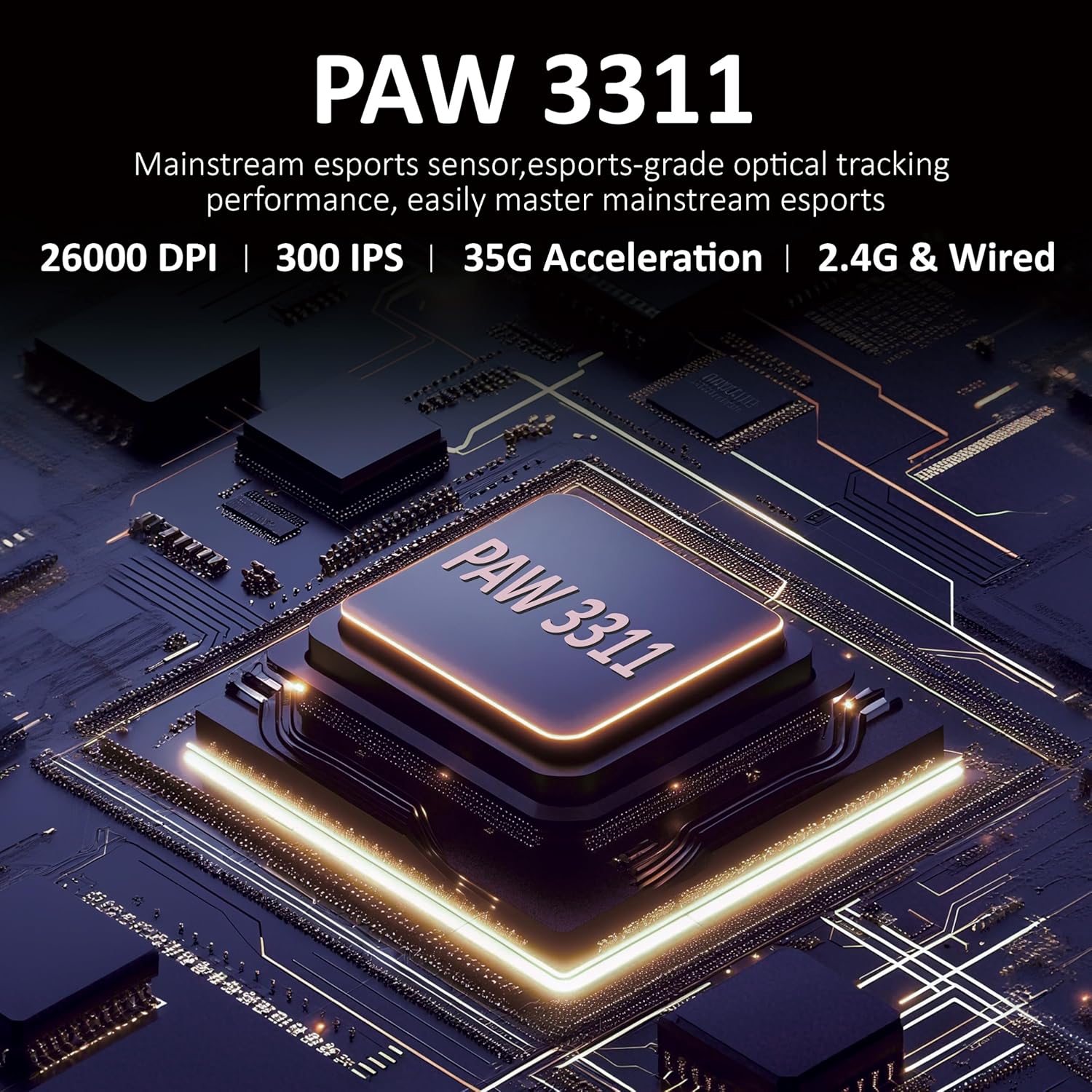
3.1-rasm: Batafsil view of the PAW3311 sensor technology.
Video 3.1: Demonstration of the mouse's 500mAh battery life.
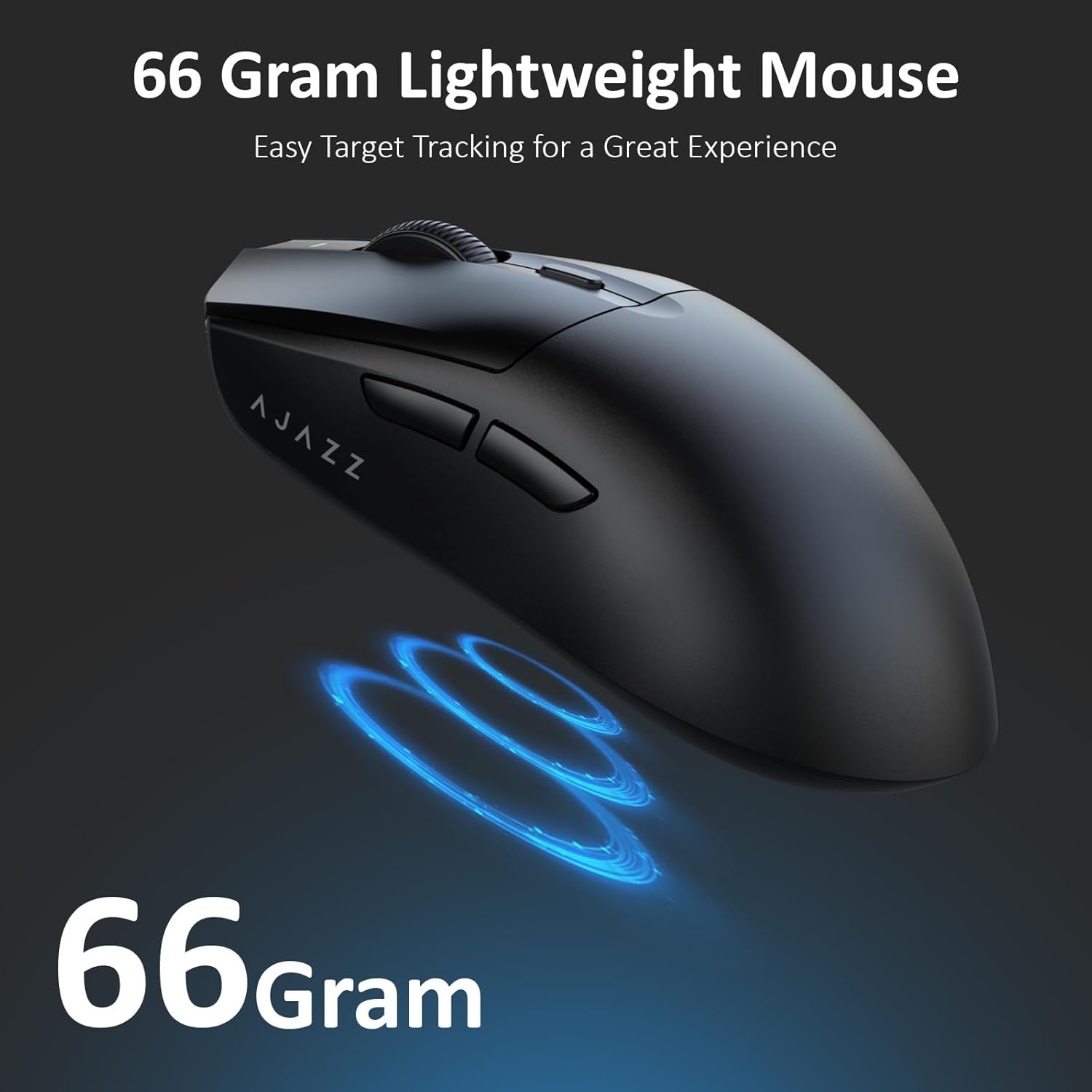
Figure 3.2: The lightweight design of the AJAZZ AJ139 V2 MC mouse.
4. O'rnatish bo'yicha qo'llanma
4.1. Sichqonchani ulash
The AJAZZ AJ139 V2 MC offers three connection modes:
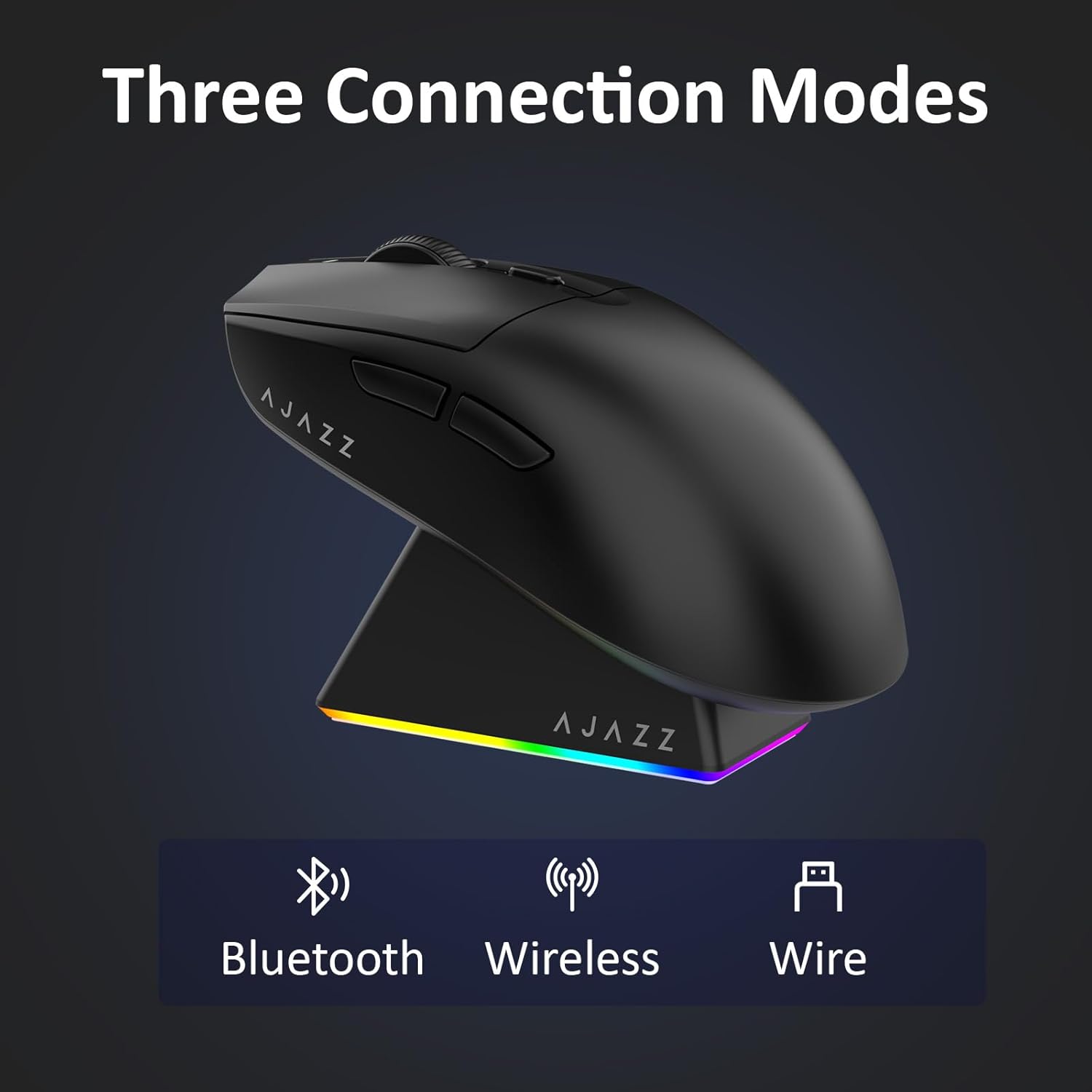
Figure 4.1: Visual representation of the three connection modes.
- 2.4G simsiz rejimi:
- Locate the 2.4G USB receiver stored in the compartment on the underside of the mouse.
- USB qabul qilgichni kompyuteringizdagi mavjud USB portiga ulang.
- Slide the switch on the bottom of the mouse to the '2.4G' position. The mouse will automatically connect.
- Bluetooth rejimi:
- Sichqonchaning pastki qismidagi kalitni "BT" holatiga suring.
- Qurilmangizda Bluetooth sozlamalarini oching va yangi qurilmalarni qidiring.
- Select 'AJAZZ AJ139 V2 MC' from the list to pair.
- Simli rejim:
- Connect the USB-C charging cable to the mouse and the other end to your computer's USB port.
- The mouse will function as a wired device and charge simultaneously.
4.2. Sichqonchani zaryadlash
The mouse can be charged using the included charging dock or directly via the USB-C cable.
- Zaryadlash dokidan foydalanish:
- Connect the USB-C charging cable to the charging dock and then to a power source (e.g., computer USB port, USB wall adapter).
- Place the mouse onto the charging dock, aligning the magnetic contacts. The RGB lighting on the dock and mouse will indicate charging status.
- To'g'ridan-to'g'ri USB-C zaryadlash:
- Connect the USB-C charging cable directly to the mouse and a power source.
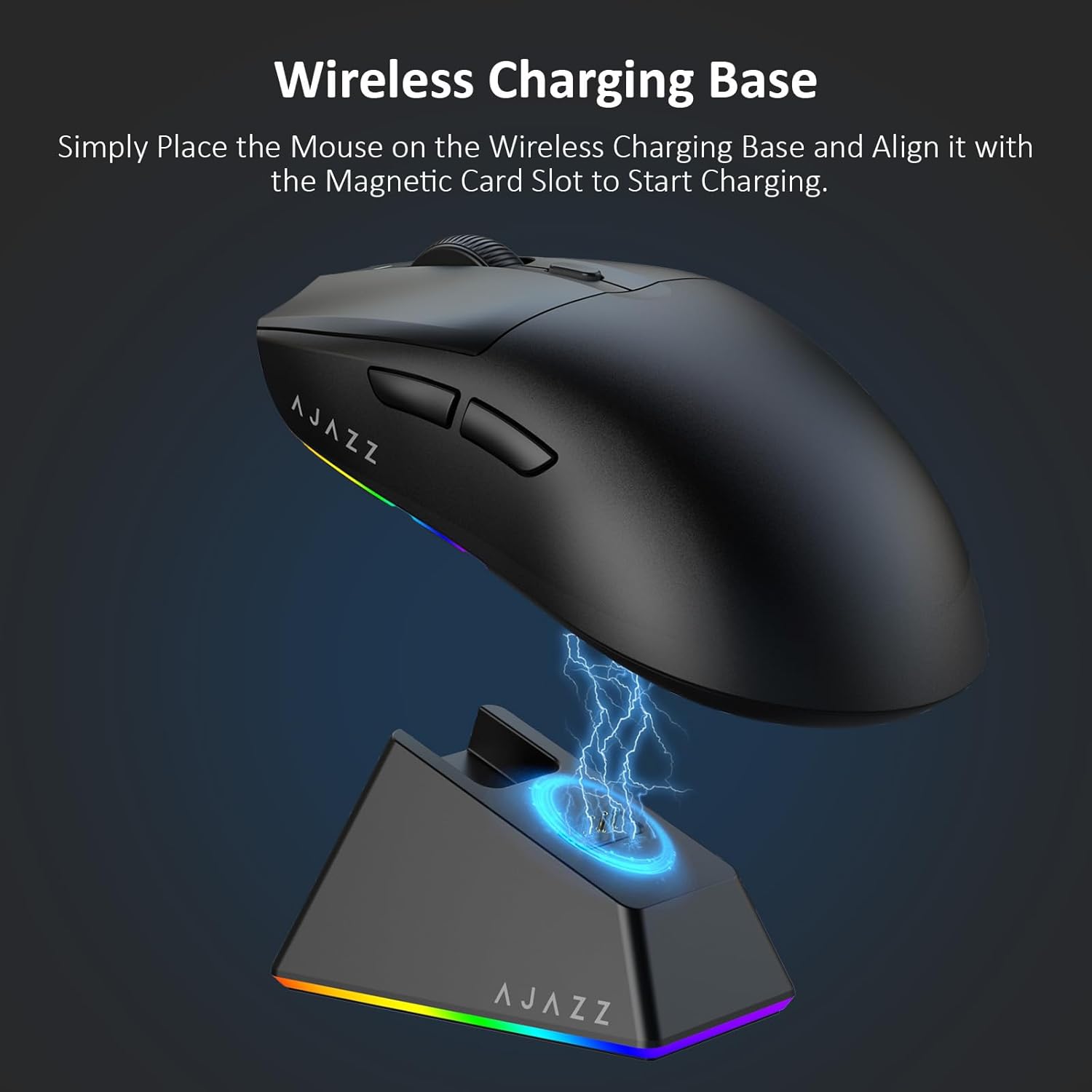
Figure 4.2: The mouse being charged on its wireless charging base.
5. Foydalanish bo'yicha ko'rsatmalar
5.1. DPI sozlash
The mouse features a dedicated DPI adjustment button on its underside, allowing you to cycle through different sensitivity levels. Press the button to change the DPI setting to suit your preference.
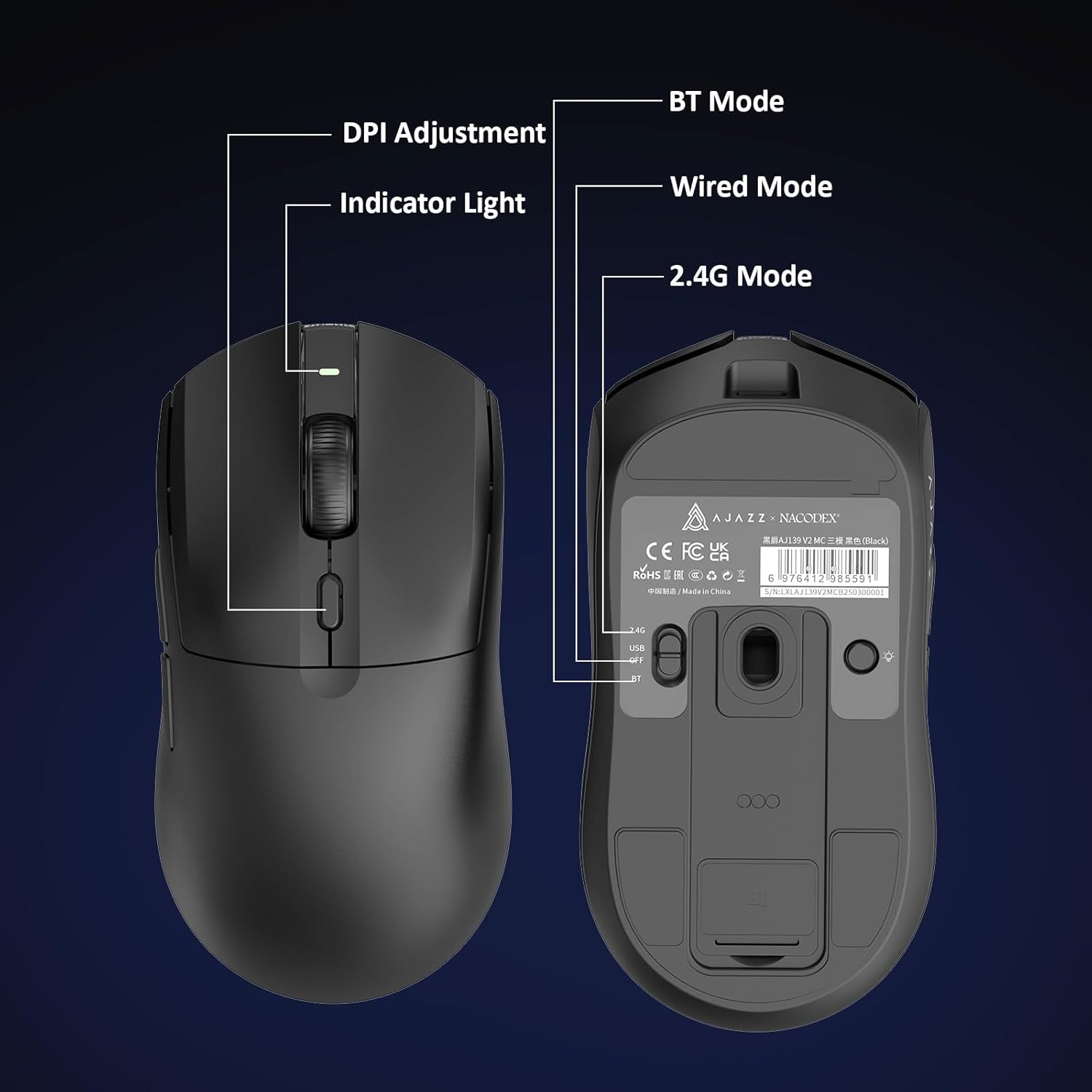
Figure 5.1: Location of the DPI adjustment button and connection mode switch on the mouse underside.
5.2. Tugma funksiyalari
The mouse is equipped with 6 programmable buttons:
- Chap tugmasini bosing
- O'ng tugmasini bosing
- Scroll Wheel (Clickable)
- DPI Adjustment Button (on underside)
- Two Side Buttons (typically for forward/backward navigation)
For advanced customization of button functions and macros, please refer to the official AJAZZ software (downloadable from the manufacturer's websayt).
5.3. RGB yoritishni boshqarish
The mouse and charging dock feature customizable RGB lighting. Specific controls for lighting modes and colors are typically managed through the official AJAZZ software. A dedicated light button on the underside of the mouse allows for basic cycling or turning off the lighting.
6. Xizmat ko'rsatish
- Tozalash: Sichqoncha yuzasini tozalash uchun yumshoq, quruq matodan foydalaning. O'jar axloqsizlik uchun, bir oz damp mato ishlatilishi mumkin, bu esa namlikning ichki qismlarga kirmasligini ta'minlaydi.
- Sensor parvarishi: Kuzatuv aniqligini ta'minlash uchun sichqonchaning pastki qismidagi optik sensorni toza va chang yoki qoldiqlardan toza tuting.
- Batareya muddati: Batareya quvvatini uzaytirish uchun sichqonchani tez-tez to'liq zaryadsizlantirishdan saqlaning. Batareya indikatori kam bo'lganda uni zaryadlang.
7. Muammolarni bartaraf qilish; nosozliklarni TUZATISH
| Muammo | Mumkin yechim |
|---|---|
| Mouse not responding in 2.4G Wireless mode. | Ensure the 2.4G USB receiver is securely plugged into a USB port and the mouse switch is set to '2.4G'. Try a different USB port. |
| Mouse not pairing via Bluetooth. | Ensure the mouse switch is set to 'BT' and your device's Bluetooth is enabled and discoverable. Try unpairing and re-pairing the device. |
| Mouse not charging. | Verify the USB-C cable is properly connected to both the dock/mouse and the power source. Ensure the mouse is correctly seated on the charging dock's magnetic contacts. |
| Inconsistent tracking or cursor movement. | Sichqonchaning pastki qismidagi optik sensorni tozalang. Sichqonchani mos sirtda (masalan, sichqoncha yostiqchasida) ishlatayotganingizga ishonch hosil qiling. |
| RGB yoritish ishlamayapti. | Check the mouse's software settings for lighting control. Ensure the mouse has sufficient battery charge. |
8. Texnik spetsifikatsiyalar
| Xususiyat | Spetsifikatsiya |
|---|---|
| Brend | AJAZZ |
| Model nomi | Aj139 V2 MC |
| Rang | V2 MC Black |
| Ulanish texnologiyasi | Bluetooth, USB, 2.4G simsiz aloqa |
| Harakatni aniqlash texnologiyasi | Optik (PAW3311 Sensor) |
| Mouse Maximum Sensitivity | 12000 Dots per Inch (DPI) |
| Qaytish darajasi | 1000Hz |
| Batareya quvvati | 500mAh |
| Tugma miqdori | 6 |
| Qo'lni yo'naltirish | To'g'ri |
| Mos qurilmalar | Ish stoli kompyuter |
| Operatsion tizim | Windows |
| Diapazon | 10 metr |
| Element og'irligi | 4 untsiya (taxminan 113 gramm) |
| Ob'ektning o'lchamlari L x W | 5"L x 2.5"W (approx. 12.7cm x 6.35cm) |
| Bezatish xususiyati | RGB yoritish |
| Qoplama materiali | Plastik |
| Tugatish | Mat |
9. Kafolat va qo'llab-quvvatlash
This product comes with a standard manufacturer's warranty. For detailed warranty information, please refer to the official AJAZZ websayt yoki chakana sotuvchingizga murojaat qiling.
For technical support, troubleshooting assistance, or any product-related inquiries, please visit the AJAZZ official support page or contact their customer service team.
Onlayn manbalar:
AJAZZ Official Store