
NEDIS WIFICDP31BK
Nedis WIFICDP31BK Smart Dual Lens Video Doorbell
Qo'llanma
Kirish
Thank you for choosing the Nedis WIFICDP31BK Smart Dual Lens Video Doorbell. This manual provides essential information for the safe and efficient operation of your device. Please read these instructions carefully before use and retain them for future reference.
The Nedis WIFICDP31BK is a Wi-Fi enabled video doorbell featuring dual lenses for comprehensive surveillance, 4MP (1296p) resolution, color night vision, two-way audio, and smart motion detection. It is designed for outdoor security and operates wirelessly with a built-in rechargeable battery.
Xavfsizlik ma'lumotlari
- Ensure the device is installed in a location protected from extreme weather conditions, although it is IP54 rated for moisture resistance.
- Qurilmani o'zingiz qismlarga ajratish yoki ta'mirlashga urinmang. Barcha xizmatlarni malakali xodimlarga topshiring.
- Use only the specified charging cable and power source (5V, 2W) to charge the battery.
- Keep the device away from direct heat sources and open flames.
- Batareya va qurilmani mahalliy qoidalarga muvofiq yo'q qiling.
Mahsulot tugadiview va Paket tarkibi
The Nedis WIFICDP31BK video doorbell includes the following components:
- 1x Nedis WIFICDP31BK Video Doorbell
- USB zaryadlovchi kabeli
- O'rnatish vintlari
- Qo'llanma (bu hujjat)

Image: The Nedis WIFICDP31BK video doorbell shown alongside its wireless chime unit.
Sozlash; o'rnatish
1. Batareyani zaryadlash
Before initial use, fully charge the integrated 4400 mAh battery using the provided USB charging cable. Connect the cable to the doorbell's charging port and a compatible 5V USB power adapter (not included). The charging indicator will show the charging status.
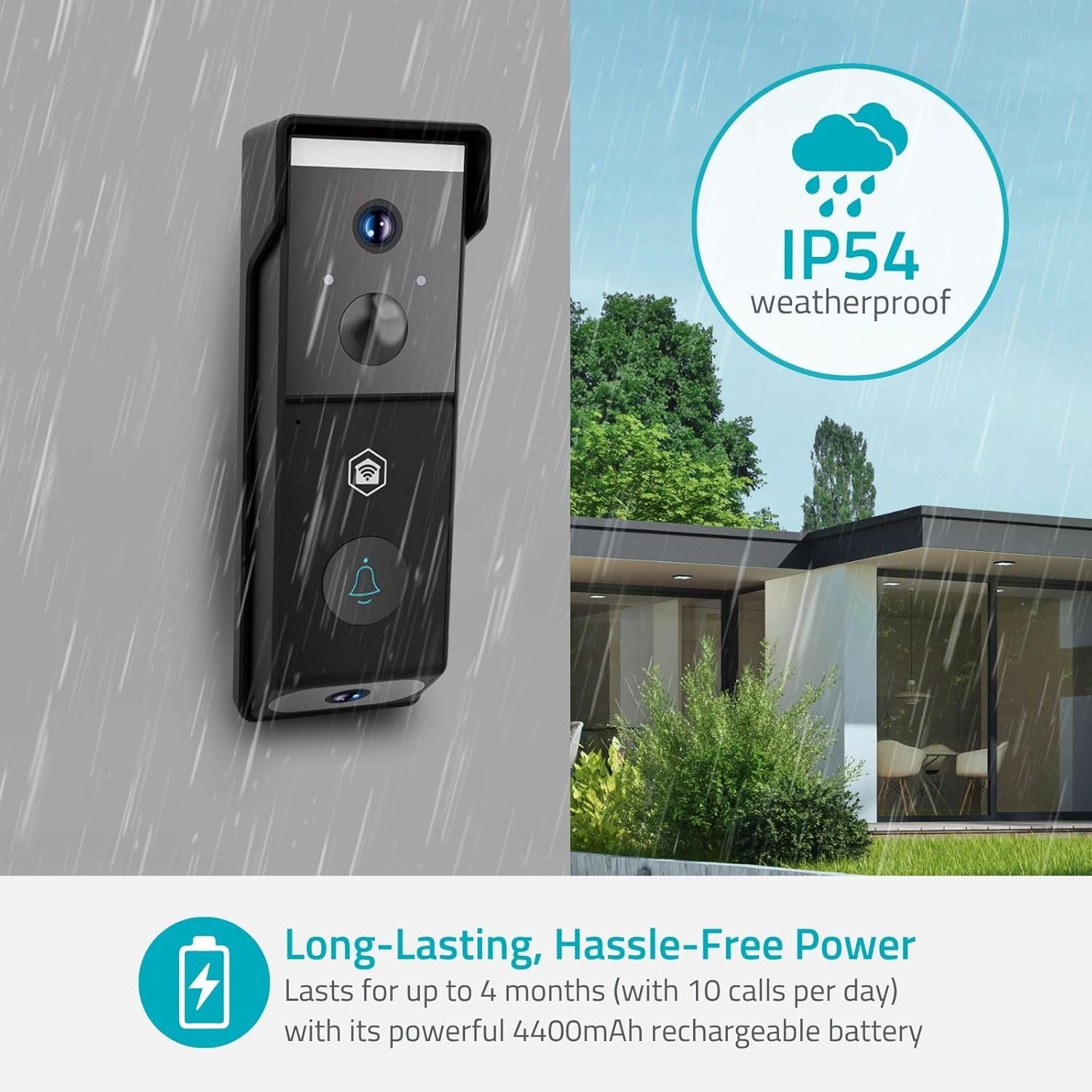
Image: The doorbell is designed to be weatherproof (IP54 rated) and features a long-lasting rechargeable battery.
2. Installing the Nedis SmartLife App
The Nedis WIFICDP31BK operates with the Nedis SmartLife application. Download the app from your smartphone's app store (iOS or Android). Follow the on-screen instructions to create an account or log in.
- Ni qidirish "Nedis SmartLife" in the App Store or Google Play Store.
- Ilovani o'rnating.
- Yangi hisob qaydnomasini ro'yxatdan o'tkazing yoki mavjud hisob bilan tizimga kiring.
3. Connecting the Doorbell to Wi-Fi
Within the Nedis SmartLife app, follow these steps to add your doorbell:
- Open the Nedis SmartLife app.
- Yangi qurilma qo'shish uchun "+" belgisini bosing.
- Select "Video Doorbell" or similar from the device list.
- Follow the in-app instructions to put the doorbell into pairing mode (usually by pressing and holding a button on the device).
- Enter your Wi-Fi network details (2.4 GHz network required).
- Scan the QR code displayed on your phone with the doorbell's camera, if prompted.
- Wait for the connection to establish. Once connected, the doorbell will appear in your app.
4. Eshik qo'ng'irog'ini o'rnatish
The doorbell is designed for wall mounting. Choose a suitable location near your entrance, ensuring a clear view for both cameras. Use the provided mounting screws to securely attach the doorbell to the wall. Ensure the installation height allows the downward camera to monitor packages effectively.

Image: Illustration of the dual camera system, showing the front camera view for visitors and the downward camera view for packages.
Operating the Doorbell
1. Jonli View va ikki tomonlama audio
Open the Nedis SmartLife app and select your doorbell to access the live video feed. You can view both the front and downward camera feeds. Use the microphone and speaker icons within the app to engage in two-way communication with visitors at your door.
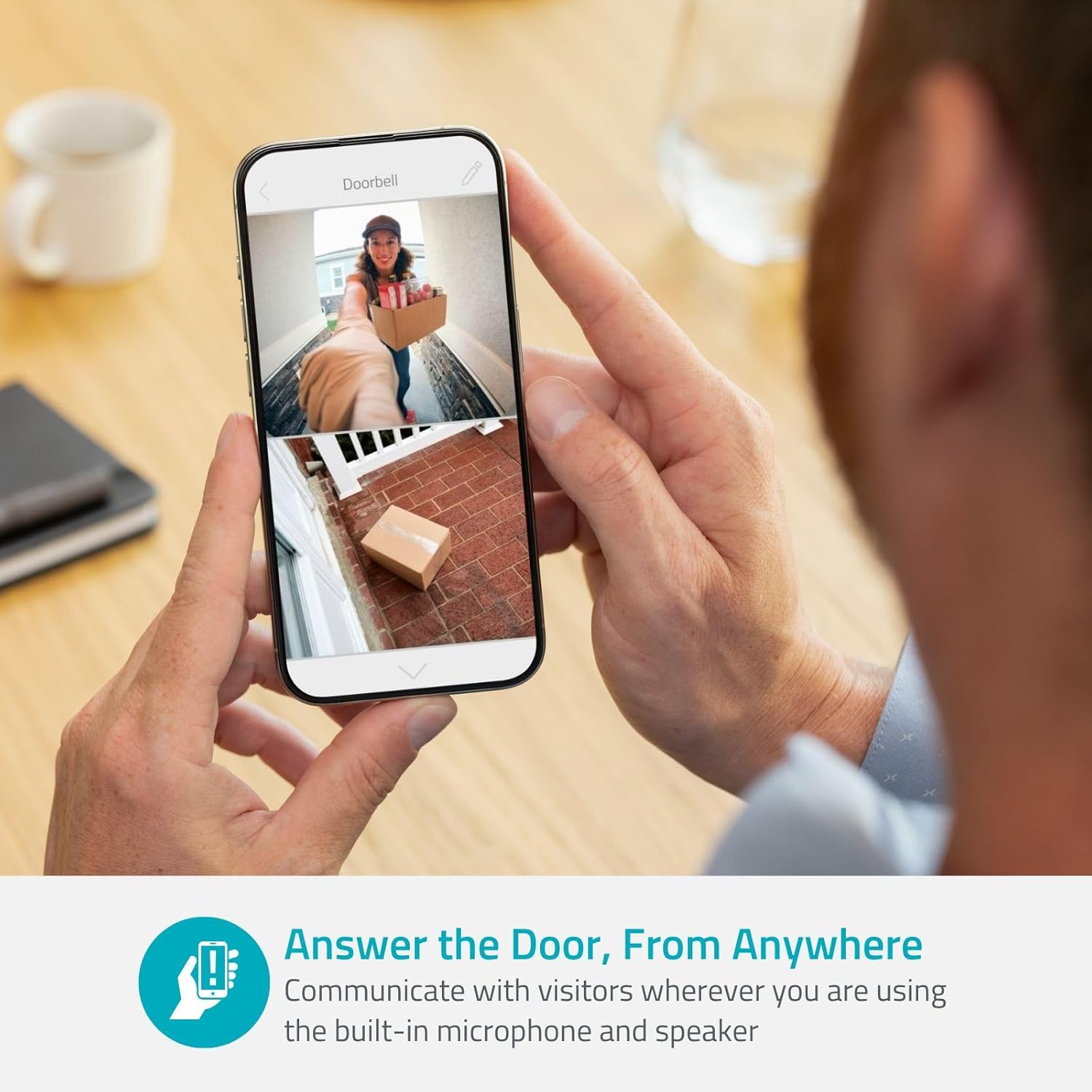
Image: A user interacting with the doorbell via the smartphone app, demonstrating the two-way audio feature.
2. Harakatni aniqlash va ogohlantirishlar
The doorbell features intelligent motion detection. When motion is detected, you will receive instant notifications on your smartphone. You can customize motion detection zones and sensitivity settings within the app to reduce false alerts.
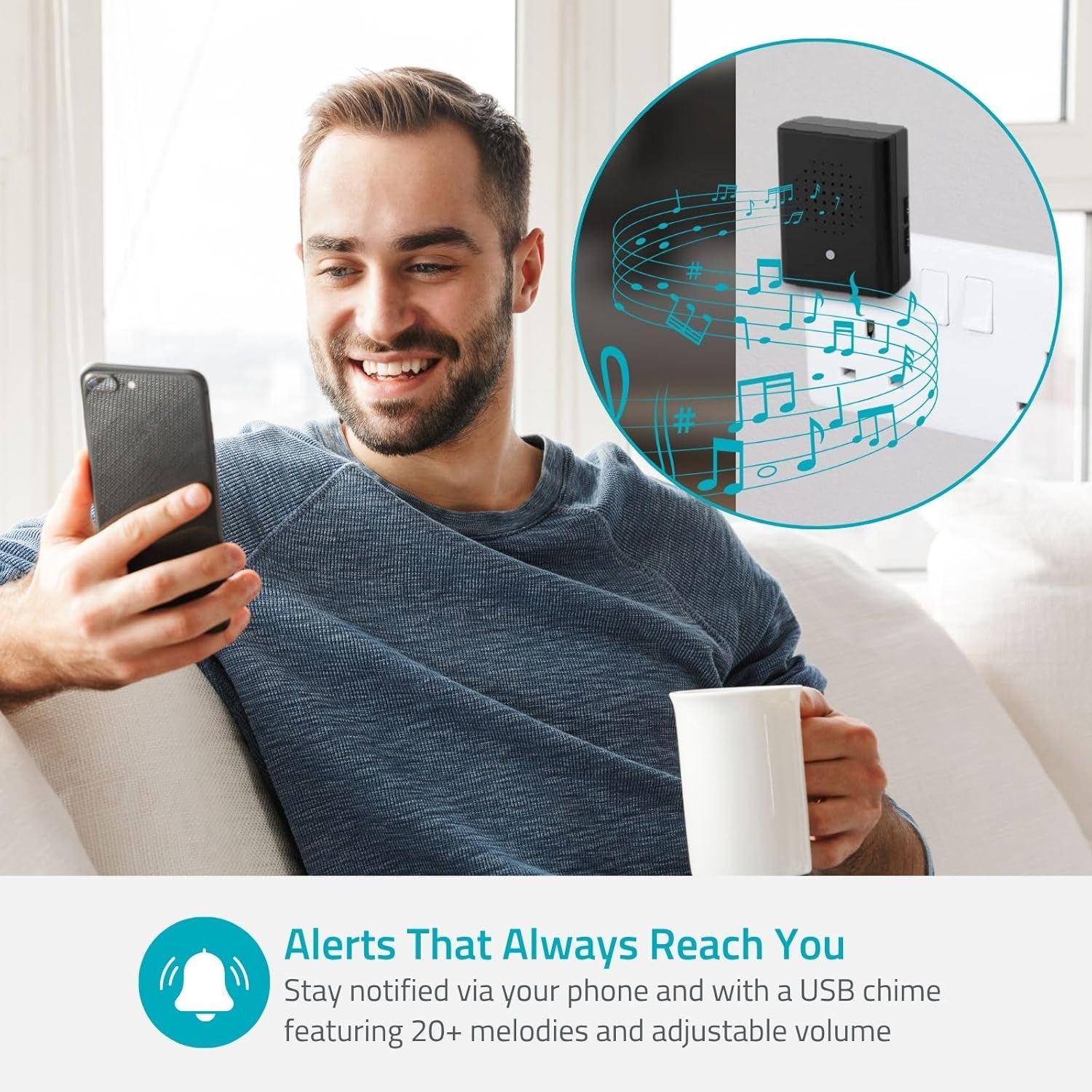
Image: A person checking their smartphone for alerts from the doorbell, with a visual representation of the wireless chime.
3. Tungi ko'rish
The doorbell is equipped with color night vision, ensuring clear visibility even in low-light conditions or complete darkness. This feature automatically activates when ambient light is insufficient.
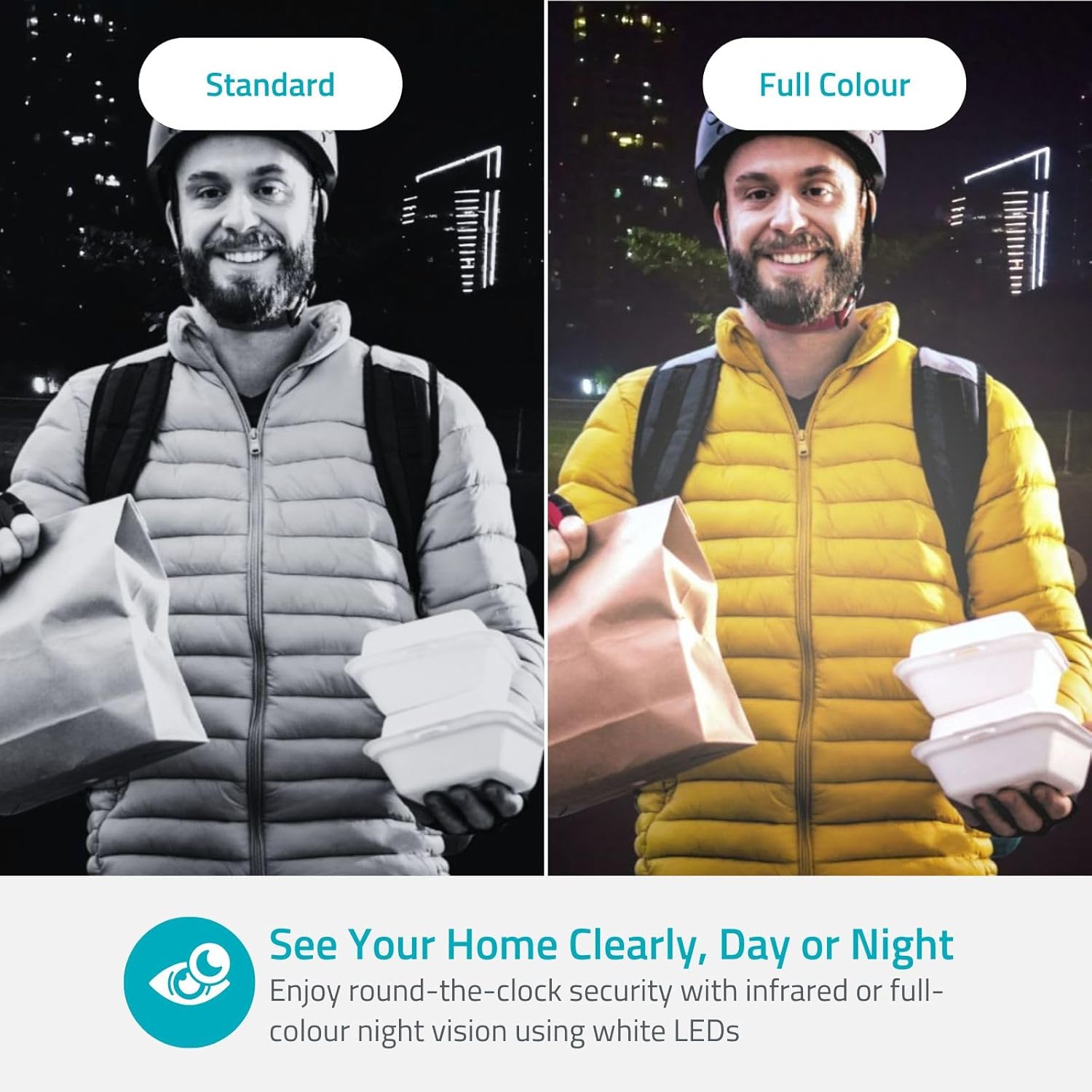
Image: A side-by-side comparison showing the difference between standard infrared night vision and the doorbell's full-color night vision.
4. Saqlash imkoniyatlari
Video recordings can be stored locally on a microSD card (not included) inserted into the doorbell, or via cloud storage (subscription may be required). Refer to the Nedis SmartLife app for cloud storage options and details.
5. Smart Home integratsiyasi
The Nedis WIFICDP31BK can be integrated with smart home platforms such as Google Assistant and Amazon Alexa. This allows for voice control and viewing the doorbell feed on compatible smart displays. Refer to the Nedis SmartLife app or your smart home platform's instructions for integration steps.
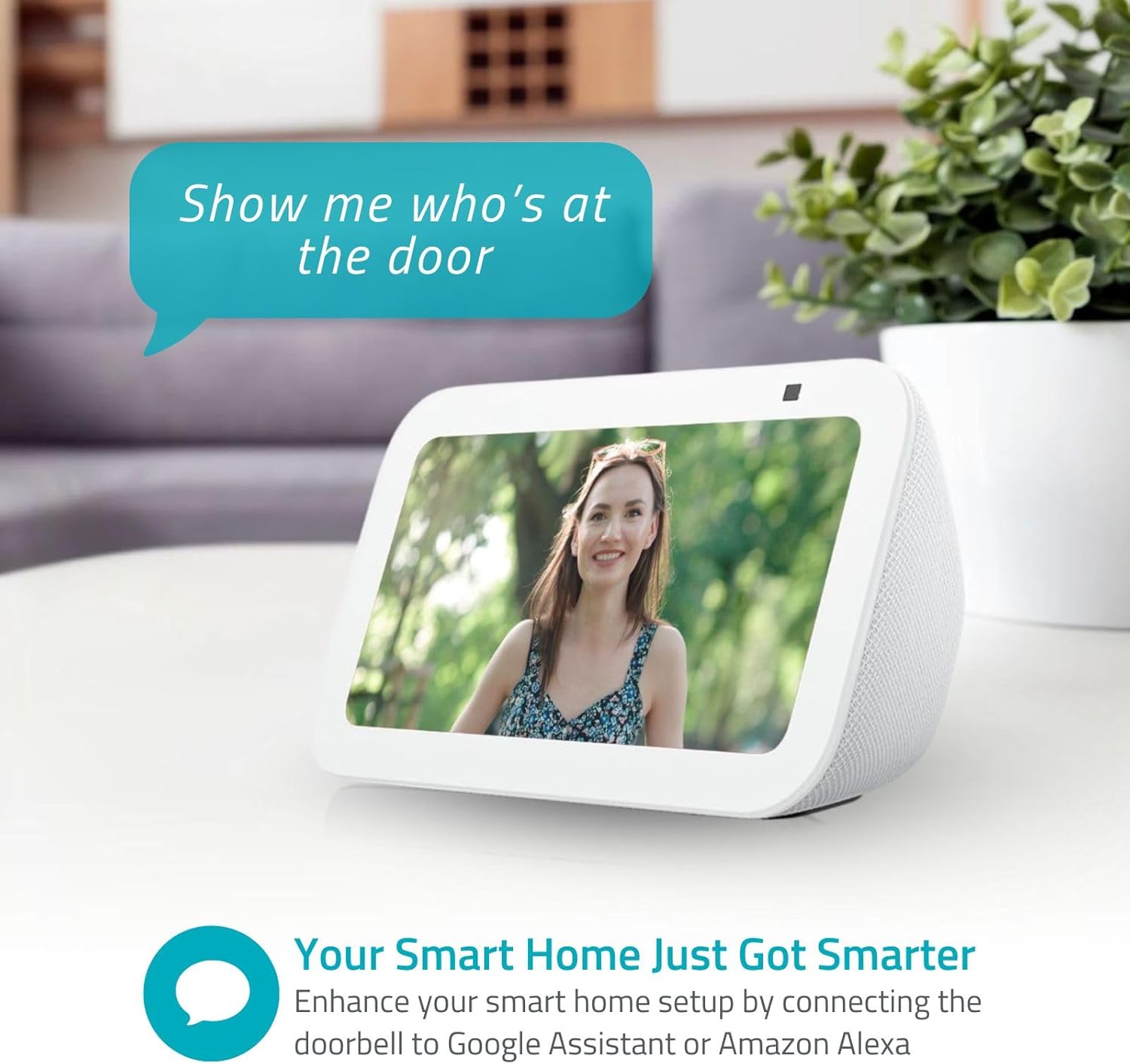
Image: A smart display showing the live feed from the doorbell, demonstrating its compatibility with smart home systems.
Xizmat
- Batareya boshqaruvi: The 4400 mAh battery provides extended operation. Recharge the battery when the app indicates a low power level. Battery life can vary based on usage and environmental factors.
- Tozalash: Gently wipe the camera lenses and the doorbell's exterior with a soft, damp mato. Qattiq kimyoviy moddalar yoki abraziv tozalash vositalaridan foydalanmang.
- Ob-havodan himoya qilish: The doorbell has an IP54 rating, meaning it is protected against dust ingress and splashing water. While it is weather-resistant, avoid direct exposure to heavy rain or prolonged submersion.
Muammolarni bartaraf qilish; nosozliklarni TUZATISH
- Qurilma Wi-Fi tarmog'iga ulanmayapti:
- Ensure your Wi-Fi network is 2.4 GHz. The doorbell does not support 5 GHz networks.
- Wi-Fi parolining aniqligini tekshiring.
- Sozlash vaqtida eshik qo'ng'irog'ini Wi-Fi routeringizga yaqinroq joylashtiring.
- Restart your router and the doorbell.
- Video sifati past:
- Check your Wi-Fi signal strength at the doorbell's location. A weak signal can affect video streaming.
- Kamera linzalari toza va to'siqlarsiz ekanligiga ishonch hosil qiling.
- Harakatni aniqlash ishlamayapti:
- Verify that motion detection is enabled in the Nedis SmartLife app.
- Adjust motion sensitivity and detection zones in the app.
- Ensure there are no physical obstructions blocking the sensor's view.
- Qisqa batareya muddati:
- Tez-tez harakatni aniqlash hodisalari va jonli efir view access can drain the battery faster. Adjust settings to optimize.
- Batareya to'liq zaryadlanganligiga ishonch hosil qiling.
- Extreme cold weather can reduce battery performance.
Texnik xususiyatlari
| Xususiyat | Tafsilot |
|---|---|
| Model nomi | WIFICDP31BK |
| Brend | NEDIS |
| Ulanish texnologiyasi | Simsiz (Wi-Fi) |
| Rezolyutsiya | 4 Megapixels (1296p / 1080p) |
| Maxsus xususiyatlar | Two-way audio, Weather-resistant (IP54), Night vision (color) |
| Foydalanish | Ochiq havoda |
| Mos qurilmalar | Smartfon |
| Quvvat manbai | Battery (4400 mAh), Mains (for charging) |
| Nazorat usuli | Nedis Smartlife Application |
| O'rnatish turi | Devorga o'rnatish |
| Rang | Qora |
| Material | Plastik |
| Suvga chidamlilik darajasi | Moisture Resistant (IP54) |
| Ogohlantirish turi | Faqat harakat |
| Kecha ko'rish diapazoni | 5 metr |
| jildtage | 5 volt |
| Wattage | 2 vatt |
| View Burchak | 115 daraja |
| Olchamlari (UxKxY) | 44 x 49 x 142 mm |
| Element og'irligi | 285 gramm |
Kafolat va qo'llab-quvvatlash
For warranty information and technical support, please refer to the official Nedis websayt yoki mijozlarga xizmat ko'rsatish bilan bog'laning. Kafolat da'volari uchun xaridingizni tasdiqlovchi hujjatingizni saqlang.
Onlayn manbalar: Tashrif buyuring www.nedis.com for product updates, FAQs, and support contact details.
Ask a question about this manual
Ask about setup, troubleshooting, compatibility, parts, safety, or missing instructions. Manuals+ will review the question and use this page’s manual context to help answer it.