
1. Kirish
This manual provides essential information for the safe and efficient use of your Skyworth 55" X6600H 4K QD-MiniLED Google Smart TV. Please read it thoroughly before operating the device and retain it for future reference. The Skyworth 55X6600H features a 4K Mini LED display, Google TV operating system, Dolby Vision, Dolby Atmos, HDR10+, local dimming, MEMC, and gaming enhancements.

Rasm: old view of the Skyworth 55X6600H 4K QD-MiniLED Google Smart TV, showcasing uning nozik ramkalari va stendlari.
2. Xavfsizlik ma'lumotlari
- Yong'in yoki elektr toki urishining oldini olish uchun televizorni yomg'ir yoki namlikda qoldirmang.
- Televizorni ochmang casing. Barcha xizmat ko'rsatishni malakali xodimlarga yuboring.
- To'g'ri shamollatishni ta'minlang. Shamollatish teshiklarini to'sib qo'ymang.
- Elektr shnurini yurish yoki siqilishdan saqlang.
- Chaqmoqli bo'ron paytida yoki uzoq vaqt foydalanilmaganda televizorni elektr tarmog'idan uzing.
- Kichik qismlar va batareyalarni bolalar qo'li yetmaydigan joyda saqlang.
3. Paket tarkibi
Paketda barcha narsalar mavjudligini tekshiring:
- Skyworth 55" X6600H TV
- Masofadan boshqarish
- Televizor stend (2 dona)
- Stendni yig'ish uchun vintlardek
- Quvvat kabeli
- Foydalanuvchi uchun qo'llanma (ushbu hujjat)
- Kafolat kartasi
4. Sozlash
4.1 Stendni yig'ish
- Ekran shikastlanishining oldini olish uchun televizorni ehtiyotkorlik bilan yuzini pastga qaratib yumshoq, tekis yuzaga qo'ying.
- Chap va o'ng stend qismlarini aniqlang.
- Har bir stend qismini televizorning pastki qismidagi mos keladigan uyalar bilan tekislang.
- Secure each stand piece with the provided screws.
- Televizorni ehtiyotkorlik bilan tik holatga, barqaror yuzaga ko'taring.
4.2 Devorga o'rnatish (ixtiyoriy)
The Skyworth 55X6600H is wall-mountable. A VESA-compatible wall mount (not included) is required. Consult a professional for wall mounting to ensure safety and proper installation. Refer to the wall mount manufacturer's instructions for specific details.
4.3 Qurilmalarni ulash
Connect external devices such as set-top boxes, gaming consoles, or Blu-ray players to the TV's input ports.
- HDMI: Use HDMI cables for high-definition audio and video. The TV supports HDMI 2.1 for enhanced gaming features.
- USB: Media tinglash uchun USB xotira qurilmalarini ulang.
- Antenna/Kabel: Connect an antenna or cable TV feed to the DVB-T2 input for live broadcast channels.
Rasm: orqa view of the Skyworth 55X6600H TV, illustrating the location of HDMI, USB, and other connectivity ports.
4.4 Quvvatga ulanish
Plug the power cord into the TV's power input, then into a wall outlet. Ensure the power outlet is easily accessible.
5. Dastlabki sozlash
5.1 Birinchi yoqish
Press the power button on the remote control or on the TV. The TV will display the Skyworth logo and then guide you through the initial setup process.
5.2 Google TV sozlamalari
Follow the on-screen instructions to configure your TV:
- Til tanlash: O'zingiz yoqtirgan tilni tanlang.
- Tarmoqqa ulanish: Connect to your Wi-Fi network. Enter the password if required.
- Google hisobiga kirish: Google TV funksiyalari, ilovalari va moslashtirilgan tavsiyalariga kirish uchun Google hisobingizga kiring.
- Xizmat shartlari: Accept the Google Terms of Service and Privacy Policy.
- Google Assistant: Set up Google Assistant for voice control.
- Kanalni skanerlash: If using an antenna, perform a channel scan to find available broadcast channels.
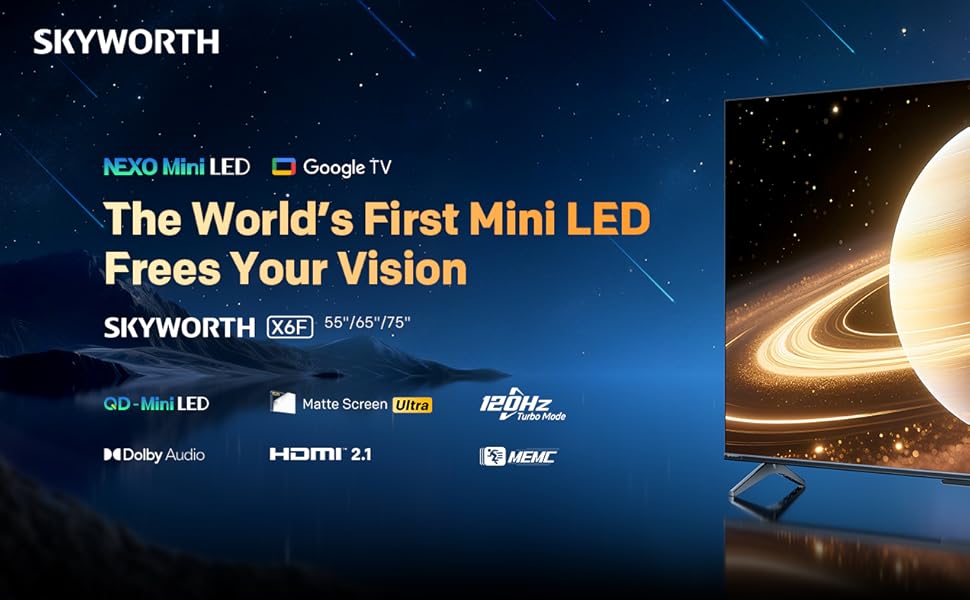
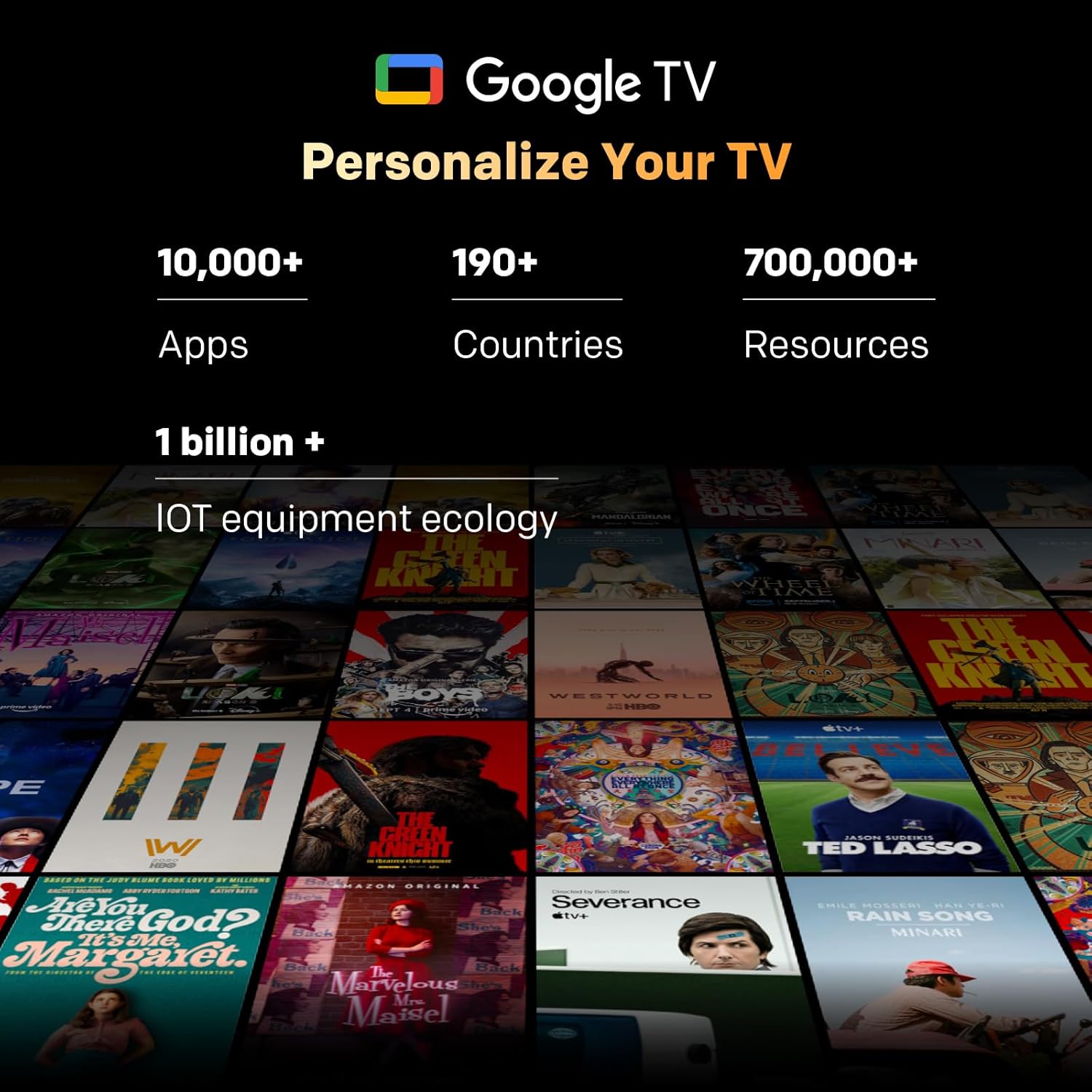
Image: A visual representation of the Google TV interface, showing various streaming content and app icons.
6. Televizoringizni boshqarish
6.1 Masofadan boshqarish funksiyalari
The included remote control allows navigation and control of your TV. It features dedicated buttons for popular streaming services and a microphone for Google Assistant voice commands. The 'Find-My-Remote' feature can help locate a misplaced remote.
6.2 Google TV navigatsiyasi
Google TV organizes content from your streaming services and apps into a unified interface. Use the directional pad on your remote to browse recommendations, access your app library, and adjust settings.
- Ilovalar: Access pre-installed apps like Netflix, YouTube, and Prime Video, or download more from the Google Play Store.
- Google Assistant: Press the Google Assistant button on your remote to use voice commands for searching content, controlling smart home devices, or getting information.
- Oʻrnatilgan Chromecast: Stream content directly from compatible devices (smartphones, tablets, computers) to your TV.
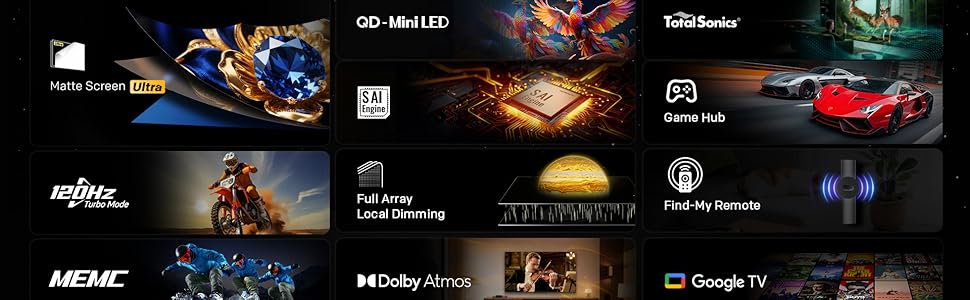
Image: The Google TV home screen, displaying a wide selection of movies, TV shows, and applications available for streaming.
6.3 Rasm sozlamalari
Access the picture settings menu to optimize your viewtajribasi.
- Rasm rejimlari: Select from various preset modes (e.g., Standard, Vivid, Movie, Game) or customize settings like brightness, contrast, and color.
- HDR (Yuqori dinamik diapazon): The TV supports HDR10+ and Dolby Vision for enhanced contrast and color with compatible content.
- Mahalliy karartma: The Mini LED panel with 54-zone local dimming automatically adjusts backlight for deeper blacks and brighter whites.
- Eye Care 5.0 Display: This technology reduces blue light emission to minimize eye strain during prolonged viewing.
- Film Maker Mode: Activates settings that preserve the original aspect ratio, colors, and frame rates of films, as intended by the director.
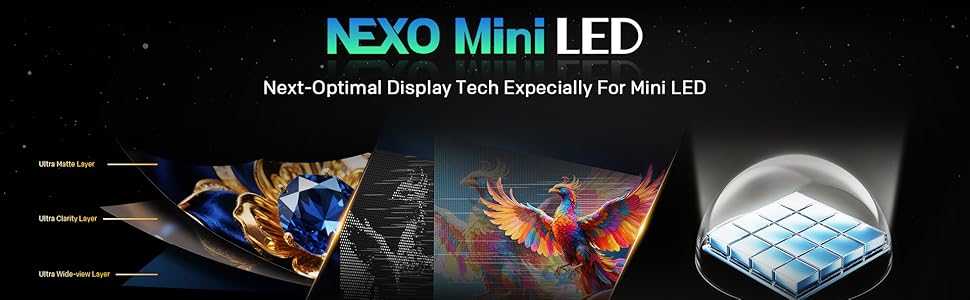
Image: A close-up of the Skyworth TV screen, highlighting the benefits of Mini LED technology for superior picture quality.
6.4 Ovoz sozlamalari
Adjust audio settings for an immersive sound experience.
- Ovoz rejimlari: Standart, Musiqa, Kino kabi oldindan o'rnatilgan sozlamalardan tanlang yoki ekvalayzer sozlamalarini sozlang.
- Dolby Atmos: Experience multi-dimensional sound with Dolby Atmos-enabled content.
- DBX-TV: Enhances audio clarity and volume consistency.

Image: A graphic illustrating Skyworth's collaboration with Total Sonics for enhanced audio quality, featuring a sound engineer.
6.5 O'yin xususiyatlari
The TV is equipped with features to enhance your gaming experience:
- MEMC (Harakatni baholash, Harakatni kompensatsiya qilish): Reduces motion blur and judder for smoother fast-paced action.
- HDMI 2.1 Support: Provides higher bandwidth for features like 4K at higher refresh rates and Variable Refresh Rate (VRR) with compatible gaming consoles.
- O'yin rejimi: Optimizes input lag and picture settings for a more responsive gaming experience.
- 8ms javob vaqti: Ensures quick pixel transitions for reduced ghosting.
Image: A visual demonstrating MEMC technology, showing horses in motion with reduced blur and enhanced clarity.
7. Xizmat ko'rsatish
7.1 Tozalash
- Ekran: Ekranni yumshoq, tuksiz mato bilan muloyimlik bilan arting. Qattiq dog'lar uchun televizorlar uchun maxsus ishlab chiqilgan, to'g'ridan-to'g'ri ekranga emas, balki matoga surtilgan ekran tozalagichdan foydalaning.
- Televizor korpusi: Wipe the TV frame and stand with a soft, dry cloth. Do not use abrasive cleaners or solvents.
- Tozalashdan oldin har doim televizorni elektr tarmog'idan uzing.
7.2 Dasturiy ta'minotni yangilash
Your TV may receive software updates to improve performance and add new features. Ensure your TV is connected to the internet. Updates can usually be found in the TV's settings menu under 'System' or 'About'.
8. Muammolarni bartaraf qilish; nosozliklarni TUZATISH
Televizoringiz bilan bog'liq muammolarga duch kelsangiz, quyidagi umumiy echimlarga murojaat qiling:
| Muammo | Yechim |
|---|---|
| Quvvat yo'q | Elektr shnuri televizorga va rozetkaga mahkam ulanganligini tekshiring. Rozetkani boshqa qurilma bilan tekshiring. |
| Rasm yo'q, lekin ovoz mavjud | To'g'ri kirish manbai tanlanganligiga ishonch hosil qiling. Tashqi qurilmalarga kabel ulanishlarini tekshiring. |
| Ovoz yo'q, lekin rasm mavjud | Check volume level and mute status. Verify audio output settings. |
| Masofadan boshqarish pulti ishlamayapti | Replace batteries. Ensure no obstructions between the remote and the TV. Re-pair the remote if it's a Bluetooth remote. |
| Wi-Fi tarmog‘iga ulanib bo‘lmadi | Check Wi-Fi password. Restart your router. Ensure the TV is within range of the Wi-Fi signal. |
9. Texnik shartlar
| Xususiyat | Tafsilot |
|---|---|
| Model nomi | 55X6600H |
| Ekran o'lchami | 55 dyuym |
| Displey texnologiyasi | Mini LED |
| Rezolyutsiya | 3840x2160 (4K UHD) |
| Yangilanish tezligi | 60Hz (with MEMC for smoother motion) |
| HDR qo'llab-quvvatlash | HDR10+, Dolby Vision |
| Mahalliy karartma | 54-zona |
| Ranglar gamuti | 93% DCI-P3 |
| Operatsion tizim | Google TV |
| Ovoz chiqishi | 2 x 12W Speakers (2.0 channel) |
| Audio texnologiyasi | Dolby Atmos, DBX-TV |
| Ulanish | HDMI (3 ports, including HDMI 2.1), USB (1 port), Wi-Fi (Dual-band), Bluetooth 5.1, DVB-T2 Tuner |
| Javob vaqti | 8 ms |
| Olchamlari (stend bilan) | 26.4D x 122.6 Vt x 78.2 H sm |
| Og'irligi | 9.8 kilogramm |
10. Kafolat haqida ma'lumot
The Skyworth 55X6600H TV comes with a 3 yillik cheklangan kafolat. This warranty covers manufacturing defects under normal use. Please refer to the included Warranty Card for full terms and conditions, including details on coverage, exclusions, and how to make a claim.
11. Mijozlarni qo'llab-quvvatlash
For further assistance, technical support, or warranty inquiries, please contact Skyworth customer service. Contact details can typically be found on the Skyworth official websaytida yoki mahsulotingiz bilan birga taqdim etilgan kafolat kartasida.