
1. Kirish
The BAOFENG UV-32 is a powerful, multi-band amateur two-way radio designed for reliable long-range communication and advanced field operation. This manual provides detailed instructions for the proper setup, operation, and maintenance of your UV-32 radio, ensuring optimal performance and user safety. Please read this manual thoroughly before using the device.
2. Mahsulot tugadiview va asosiy xususiyatlar
The BAOFENG UV-32 Ham Radio integrates several advanced features to enhance your communication experience:
- Bluetooth APP Programming: Configure frequencies, channels, and parameters wirelessly via a smartphone app, eliminating the need for a programming cable.
- Built-in GPS Positioning & Location Sharing: Utilize dual-mode GPS/Beidou for real-time latitude, longitude, altitude, and direction. Share or request location information with other radios.
- 10W High Power Dual Band Communication: Offers adjustable high/mid/low power settings up to 10 watts, covering VHF 136-174 MHz and UHF 400-520 MHz for extended range and signal quality.
- Advanced Scanning & Wireless Frequency Copy: Quickly scan active signals and CTCSS/DCS codes. The one-touch frequency copy function allows for rapid cloning of frequencies in the field.
- Type-C Fast Charging & Long Battery Life: Equipped with a large-capacity Li-ion battery and dual charging options (Type-C direct charge or charging dock). Provides up to 18 hours of runtime.
- Boy xususiyatlar: Includes NOAA weather alerts, FM radio, VOX voice-activated transmission, emergency alarm, encryption, dual watch, and automatic keypad lock.
- Large Color Display & 1000-Channel Storage: Features a 2.0-inch full-color screen and a full keypad for intuitive operation. Store up to 1000 channels across 10 zones with editable names.

The image showcases the BAOFENG UV-32 radio alongside a list of its powerful functions, such as numerical and analog compatibility, U/V dual frequency band, TDMA dual time slot, 2.0-inch screen, full keypad, digital monitoring, GPS positioning, and 10-hour recording.
3. Paket tarkibi
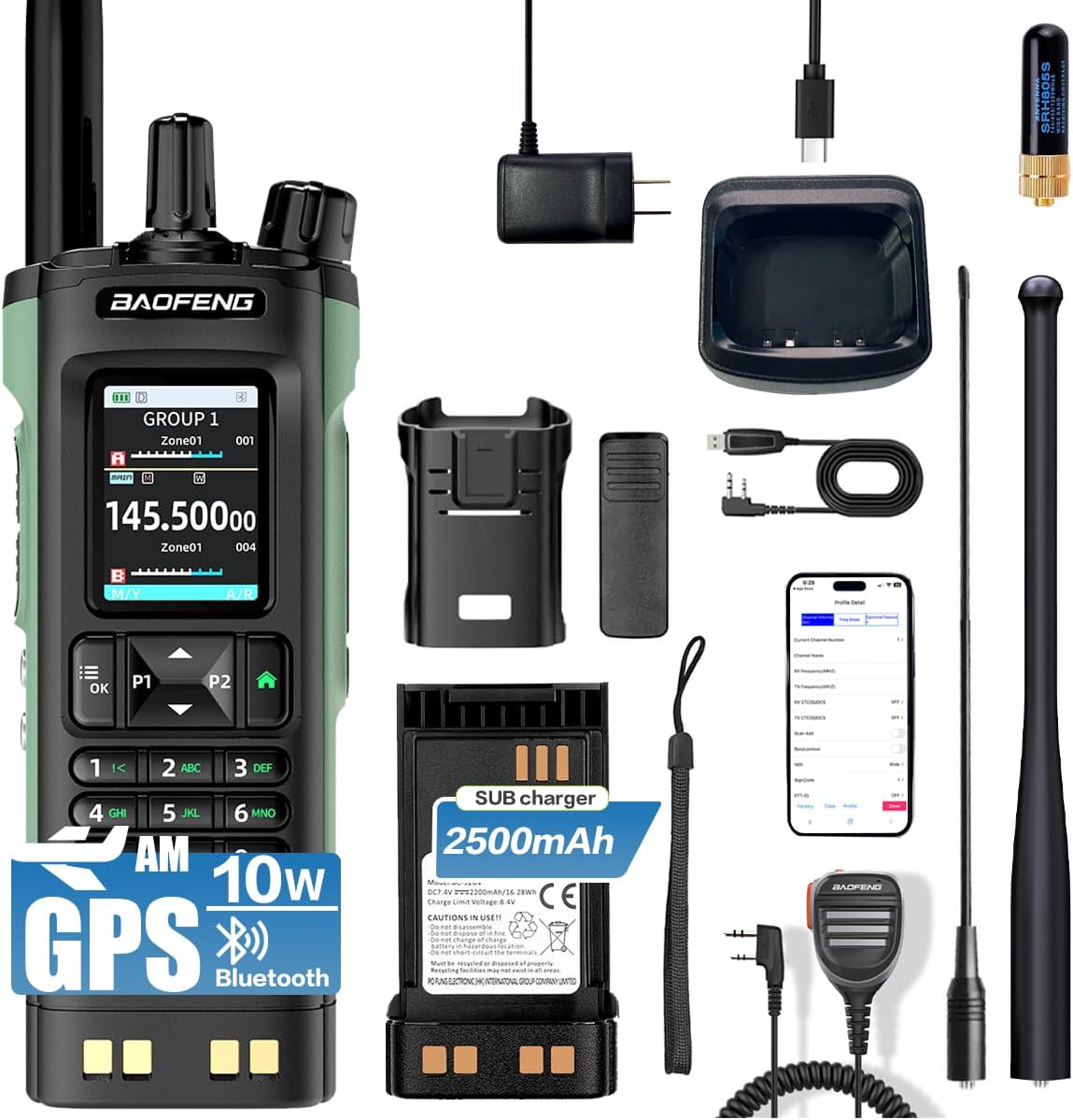
Upon unpacking your BAOFENG UV-32, please verify that all standard components are present:
- BAOFENG UV-32 Radio Unit
- Li-ion batareyalar to'plami
- Antenna
- Desktop Charger with AC Adapter
- Kamar klipi
- Qo'l tasma
- Foydalanuvchi uchun qo'llanma
4. Sozlash
4.1 Batareyani o'rnatish
- Batareya to'plamini radioning orqa qismidagi oluklar bilan tekislang.
- Batareya blokini joyiga mahkam o'rnashguncha yuqoriga suring.
- To remove, press the battery release latch (usually at the bottom of the battery) and slide the battery downwards.
4.2 Antenna biriktirilishi
- Screw the antenna into the connector on the top of the radio by turning it clockwise until it is firmly seated. Do not overtighten.
- Ensure the antenna is properly attached for optimal signal reception and transmission.
4.3 Dastlabki zaryadlash
Before first use, fully charge the battery. The UV-32 supports two charging methods:
- C-toifa to'g'ridan-to'g'ri zaryadlash: Connect a Type-C USB cable directly to the radio's charging port.
- Zaryadlash joyi: Place the radio (with battery installed) into the provided desktop charging dock. Ensure the charging indicator light illuminates.
A full charge typically takes several hours. The charging indicator will change color or turn off when charging is complete.

This image highlights the Type-C charging interface of the BAOFENG UV-32 radio, demonstrating its modern and convenient charging capabilities. A wireless charging pad is also visible, suggesting versatile charging options.
4.4 Bluetooth APP Programming
The BAOFENG UV-32 can be programmed wirelessly via a smartphone application:
- Download the official BAOFENG programming app from your smartphone's app store.
- Ensure Bluetooth is enabled on your smartphone and the UV-32 radio.
- Open the app and follow the on-screen instructions to search for and connect to your UV-32 radio.
- Once connected, you can read and write frequencies, set channels, and configure various radio parameters directly from your phone.
The image shows the BAOFENG UV-32 radio next to a smartphone screen, illustrating the Bluetooth app programming feature. The app allows for wireless frequency and channel configuration.
5. Foydalanish bo'yicha ko'rsatmalar
5.1 Quvvatni yoqish/o'chirish va ovoz balandligini sozlash
- Yoqilgan: Rotate the Power/Volume knob clockwise until you hear a click. The display will illuminate.
- O'chirish: Chiqillagan ovoz eshitilmaguncha Quvvat/Ovoz balandligi tugmasini soat miliga teskari yo'nalishda aylantiring.
- Ovoz balandligini sozlash: Ovoz balandligini oshirish uchun Quvvat/Ovoz balandligi tugmasini soat yo'nalishi bo'yicha va pasaytirish uchun soat miliga teskari tomonga aylantiring.
5.2 Channel and Frequency Selection
The UV-32 features a 2.0-inch full-color display and a full keypad for easy navigation:

Batafsil view of the BAOFENG UV-32 radio's 2.0-inch full-color screen and comprehensive keypad. The screen displays frequency information and menu options, while the keypad provides intuitive control.
- Kanal rejimi: Use the keypad to directly enter a channel number or use the UP/DOWN arrow buttons to scroll through stored channels.
- Chastota rejimi (VFO): Enter frequencies directly using the numeric keypad.
- Ikki tomonlama soat: Press the dedicated dual watch button (if available) or navigate through the menu to enable monitoring of two frequencies simultaneously.
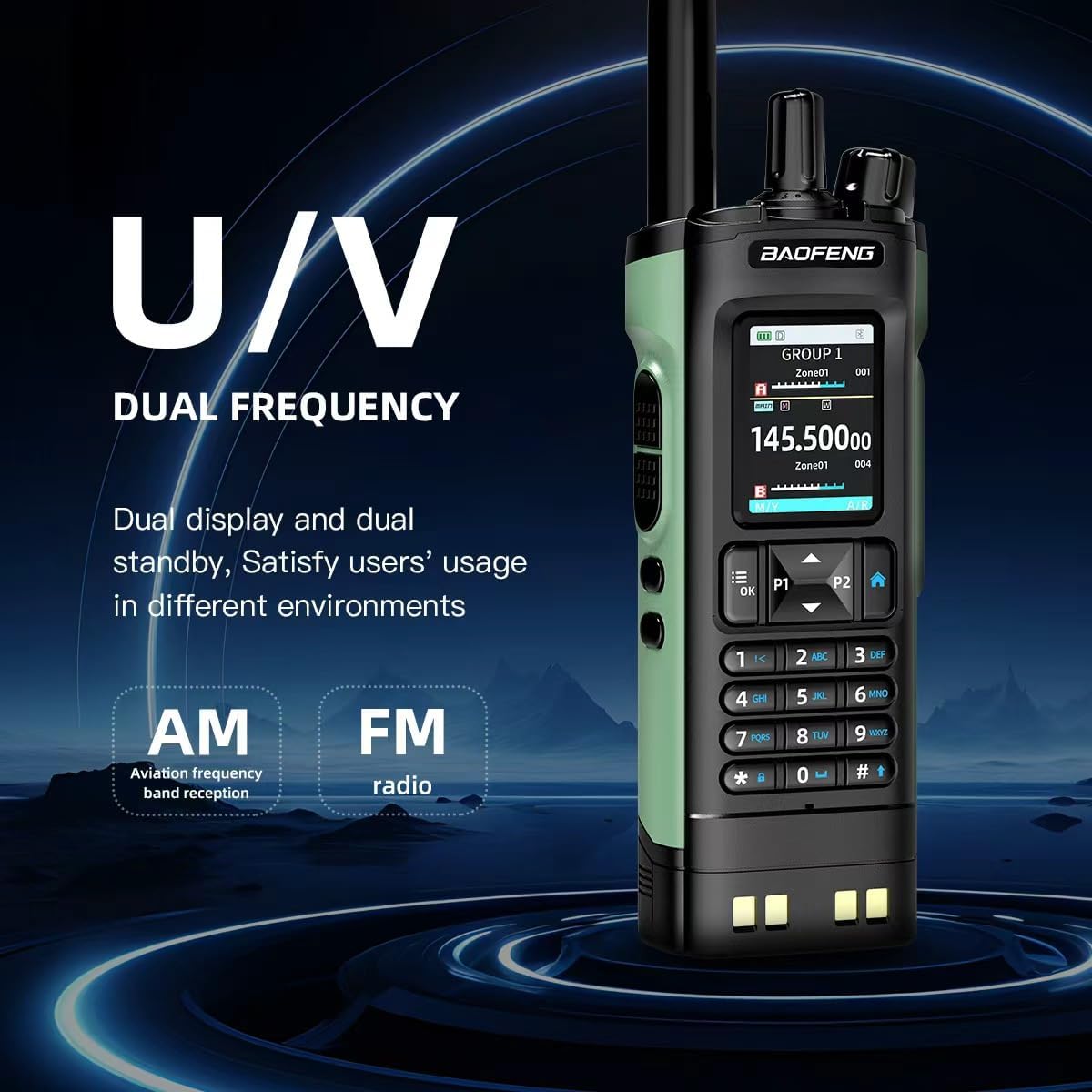
This image emphasizes the BAOFENG UV-32's dual-frequency capability (UHF/VHF) and its support for AM aviation frequency band reception and FM radio, offering versatile communication and entertainment options.
5.3 Transmit and Receive
- Qabul qilinmoqda: When a signal is detected on the selected frequency/channel, the radio will automatically open the squelch and output audio.
- Uzatish: Press and hold the Push-To-Talk (PTT) button on the side of the radio. Speak clearly into the microphone. Release the PTT button to return to receive mode.
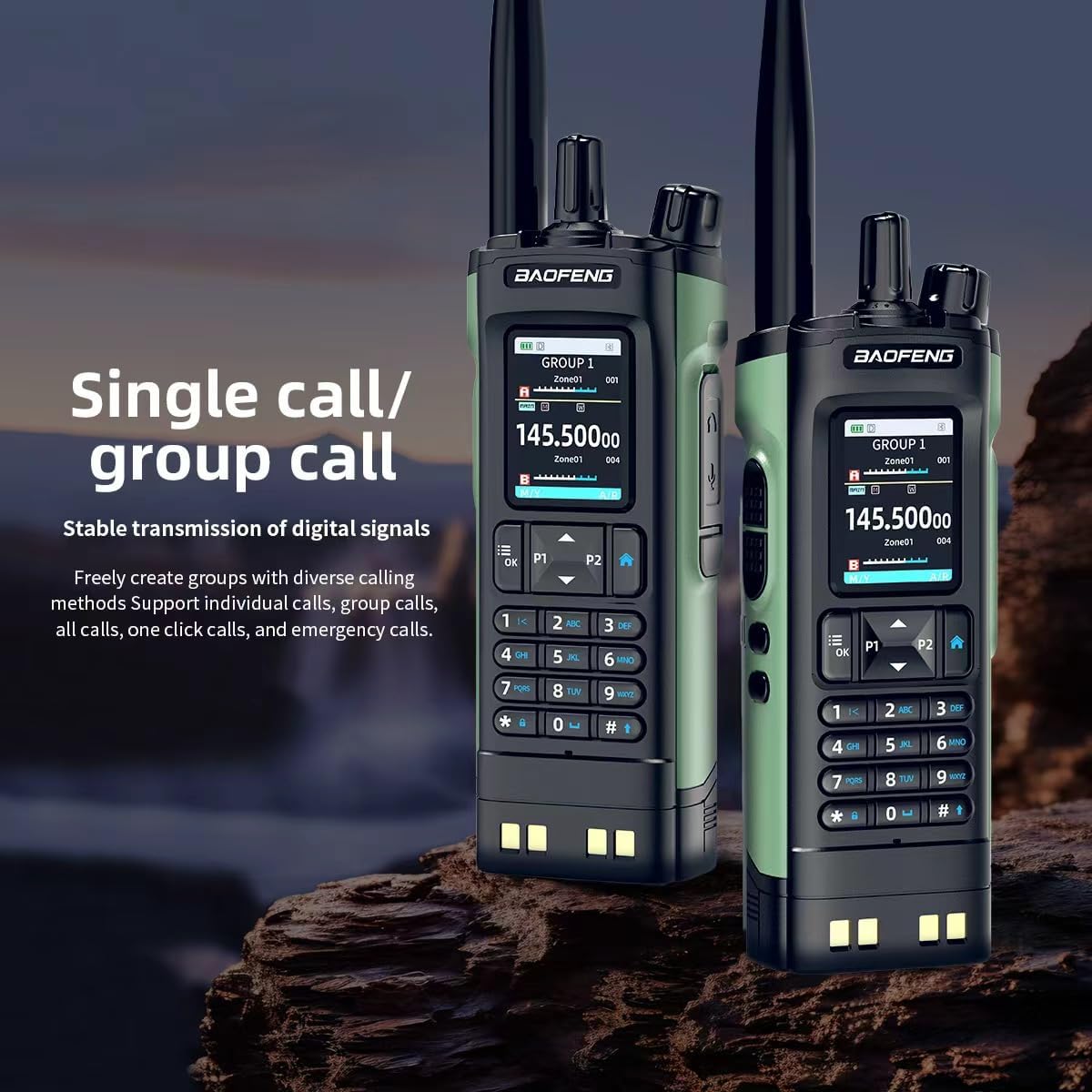
The image features two BAOFENG UV-32 radios, both showing 'GROUP 1' on their displays. This illustrates the radio's capability for both individual and group calls, ensuring stable digital signal transmission.
5.4 GPS funksiyasi
The UV-32 features built-in GPS/Beidou positioning:
- Access the GPS menu to view your current latitude, longitude, altitude, and direction.
- Use the location sharing feature to transmit your coordinates to other compatible radios or request their location.
5.5 Wireless Frequency Copy
To quickly copy a frequency from another radio:
- Activate the one-touch frequency copy function (refer to your radio's menu for specific steps).
- Place the UV-32 near the transmitting radio. The UV-32 will scan and copy the active frequency and CTCSS/DCS codes.
5.6 NOAA Weather Alert and FM Radio
- NOAA ob-havo ogohlantirishi: Enable this feature through the menu to receive real-time weather alerts from NOAA broadcasts.
- FM radiosi: Activate the built-in FM broadcast receiver to listen to commercial FM radio stations.
5.7 VOX Function (Voice-Activated Transmission)
The VOX function allows for hands-free transmission:
- Enable VOX through the radio's menu and adjust the sensitivity level.
- When VOX is active, the radio will automatically transmit when it detects your voice, without needing to press the PTT button.
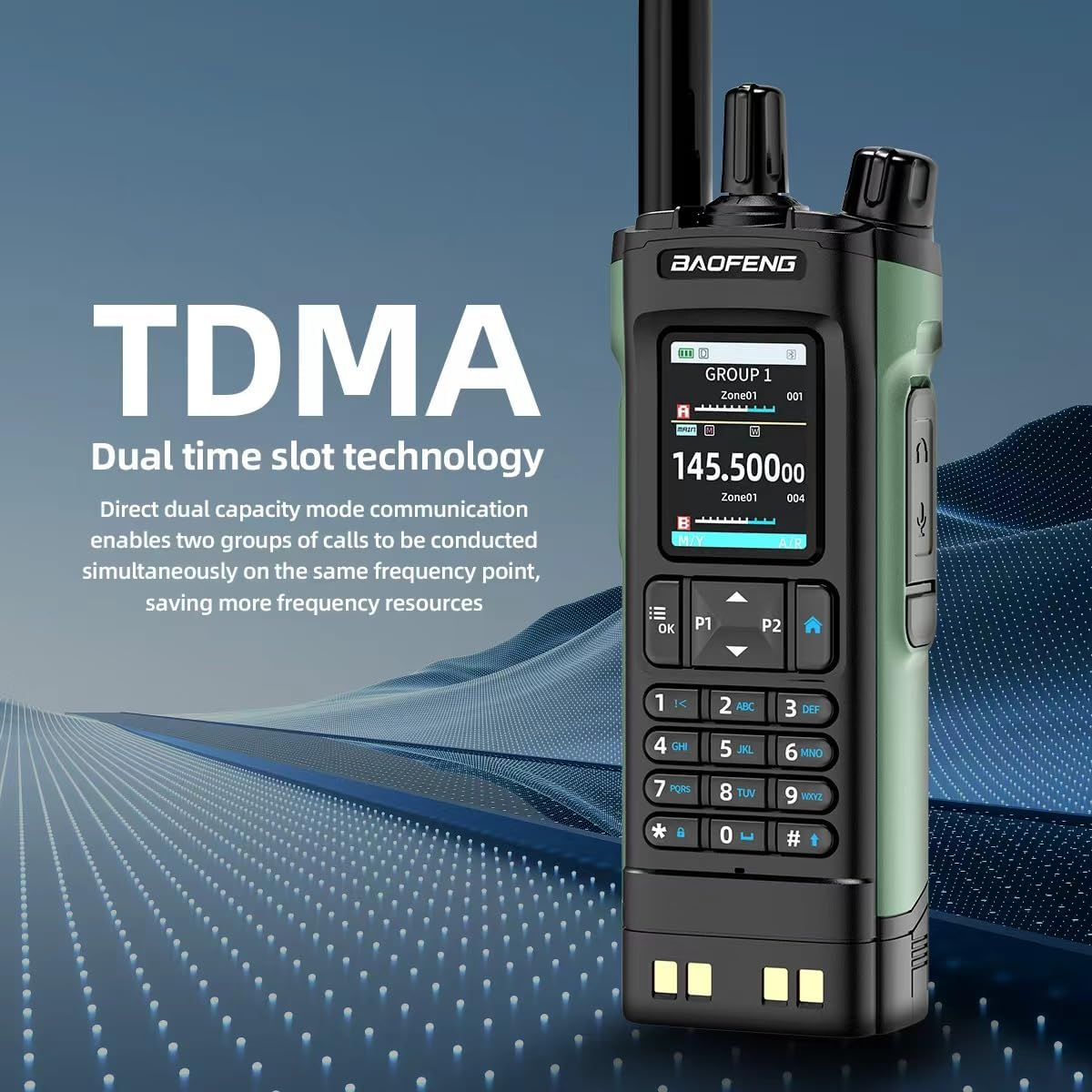
This image explains the TDMA (Time Division Multiple Access) dual time slot technology of the BAOFENG UV-32 radio, which allows two groups of calls to be conducted simultaneously on the same frequency, optimizing resource usage.
6. Xizmat ko'rsatish
6.1 Tozalash
- Radioning sirtini yumshoq mato bilan artib oling, damp mato. Qattiq kimyoviy moddalar yoki abraziv tozalash vositalaridan foydalanmang.
- Ensure the charging port and antenna connector are free from dust and debris.
6.2 Batareyani parvarish qilish
- Batareyaning ishlash muddatini uzaytirish uchun uni tez-tez to'liq zaryadsizlantirishdan saqlaning.
- Radio va batareyani uzoq vaqt ishlatilmaganda salqin va quruq joyda saqlang.
- Batareyani haddan tashqari harorat yoki to'g'ridan-to'g'ri quyosh nuriga qo'ymang.
7. Muammolarni bartaraf qilish; nosozliklarni TUZATISH
If you encounter issues with your BAOFENG UV-32, refer to the following common problems and solutions:
- Radio does not power on: Ensure the battery is fully charged and correctly installed. Check the Power/Volume knob.
- Cannot transmit or receive: Verify the antenna is securely attached. Check that you are on the correct frequency/channel and that the squelch level is not set too high. Ensure the battery has sufficient charge.
- Zaryadlash muammolari: Confirm the Type-C cable or charging dock is properly connected and the power source is active. Check for any debris in the charging port.
- Ovoz sifati past: Adjust the volume. Ensure the antenna is properly connected. Move to an area with better signal reception.
- Bluetooth APP connection failure: Ensure Bluetooth is enabled on both the radio and smartphone. Restart both devices and try reconnecting.
For persistent issues, consult the official BAOFENG websayt yoki mijozlarni qo'llab-quvvatlash xizmatiga murojaat qiling.
8. Texnik shartlar
| Xususiyat | Spetsifikatsiya |
|---|---|
| Brend | BAOFENG |
| Model raqami | DM32UV |
| Rang | Yashil |
| Kanallar soni | 1000 |
| Chastota diapazoni | VHF 136-174 MGts, UHF 400-520 MGts |
| Chiqish quvvati | 10 Vt gacha |
| Batareya muddati | 18 Hours (Average) |
| Ulanish protokoli | Bluetooth |
| Displey | 2.0 inch Full-Color Screen |
| Maxsus xususiyat | Dual Band, GPS, Bluetooth APP Programming, Wireless Frequency Copy, NOAA Weather Alert, VOX |
| Zaryadlash turi | Type-C, Charging Dock |
9. Kafolat haqida ma'lumot
Warranty information for the BAOFENG UV-32 Ham Radio is typically included with your product packaging. Please refer to the documentation provided at the time of purchase for specific terms and conditions, or contact BAOFENG customer support for detailed warranty coverage.
10. Qo'llab-quvvatlash
For further assistance, technical support, or to download the latest software and firmware updates, please visit the official BAOFENG website. You may also contact their customer support team directly using the contact information provided on their websaytida yoki mahsulot hujjatlarida.