
Kirish
Thank you for choosing the Salange 2026 Mini Projector. This portable smart projector is designed to deliver a high-quality visual experience with its 4K support, Android 14 operating system, and advanced connectivity features like WiFi 6 and Bluetooth 5.4. This manual provides essential information for safe and efficient use of your device. Please read it thoroughly before operation and retain it for future reference.
Xavfsizlik ma'lumotlari
- l bo'lganda proyektor linzalariga to'g'ridan-to'g'ri qaramangamp yoqilgan.
- Haddan tashqari qizib ketishning oldini olish uchun proyektor atrofida to'g'ri shamollatilishini ta'minlang.
- Faqat proyektor bilan birga kelgan quvvat adapteridan foydalaning.
- Proyektorni suv, namlik va yonuvchan materiallardan uzoqroq tuting.
- Proyektorni barqaror bo'lmagan sirtlarga qo'ymang.
- Proyektorni o'zingiz qismlarga ajratish yoki ta'mirlashga urinmang. Malakali xizmat ko'rsatish xodimlariga murojaat qiling.
Sozlash; o'rnatish
1. Qutidan chiqarish va dastlabki joylashtirish
Proyektor va barcha aksessuarlarni qadoqdan ehtiyotkorlik bilan olib tashlang. Proyektorni barqaror, tekis yuzaga qo'ying. Optimal uchun viewing, position the projector perpendicular to the projection surface. The projector features a 270° rotatable design for flexible placement.
2. Quvvatga ulanish
Connect the power cord to the projector's power input port and then plug it into a power outlet. The projector will typically power on automatically or can be turned on using the power button on the device or remote control.

Rasm: orqa view of the Salange 2026 Mini Projector with power, HDMI, and USB ports.
3. Fokus va asosiy toshni sozlash
The Salange 2026 Mini Projector supports manual focus adjustment. Rotate the focus ring on the projector to achieve a sharp image. It also features automatic vertical keystone correction (±45°) to eliminate image distortion, ensuring a rectangular picture even when the projector is not perfectly aligned. For more precise adjustments, 4-point correction may be available in the settings.

Image: Automatic vertical keystone correction and manual focus adjustment.
4. Network Connection (WiFi 6)
Navigate to the settings menu on the projector. Select 'Network' or 'Wi-Fi' and choose your desired network from the list. Enter the password if prompted. The projector supports dual-band (2.4 GHz + 5 GHz) Wi-Fi 6 for stable and fast connections.
5. Bluetooth ulanishi
To connect Bluetooth audio devices, go to the settings menu and select 'Bluetooth'. Turn on Bluetooth and search for available devices. Select your device from the list to pair. This allows for wireless audio output to speakers or headphones.
Foydalanish bo'yicha ko'rsatmalar
1. Quvvatni yoqish/o‘chirish
Press the power button on the projector or the remote control to turn the device on or off. A short press typically puts the projector into standby mode, while a long press performs a full shutdown.
2. Navigating the Android 14 Interface
The projector runs on Android 14.0, providing access to a wide range of applications. Use the remote control to navigate through the home screen, app drawer, and settings. The interface is similar to a smart TV, allowing for intuitive use.
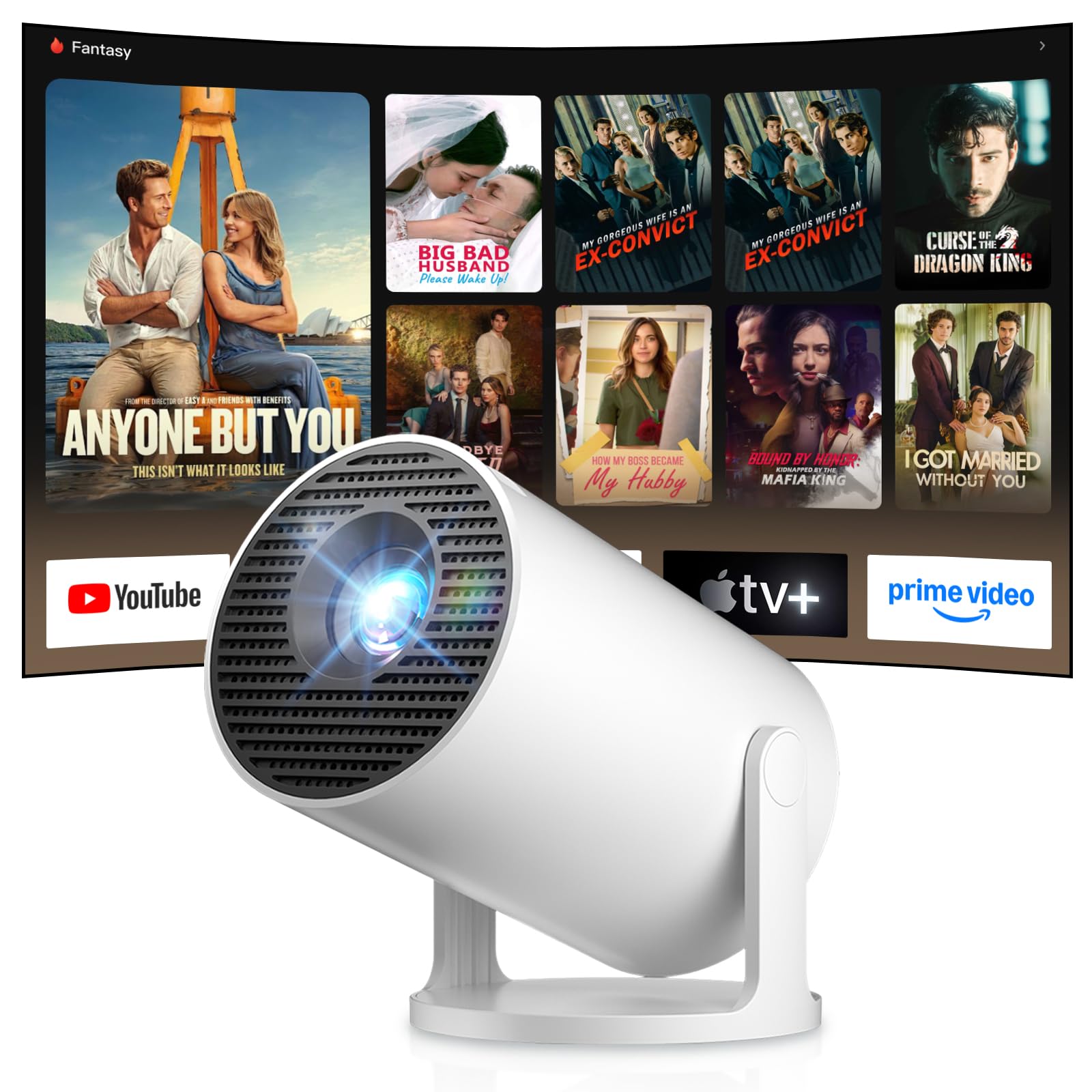
Image: Android TV 14.0 interface with streaming applications.
3. Ilovani o'rnatish
With Android 14, you can install over 8,000 applications directly onto the projector. Access the app store (e.g., Google Play Store) from the home screen, search for desired apps (video players, games, office software), and install them.
4. Screen Mirroring (iOS/Android)
The projector supports screen mirroring for both iOS and Android devices. Ensure your mobile device and the projector are connected to the same Wi-Fi network. On your mobile device, activate the screen mirroring function (e.g., AirPlay for iOS, Cast for Android) and select the projector from the list of available devices.

Image: Wireless casting from mobile devices to the projector.
5. Connecting External Devices (HDMI, USB)
Use the HDMI port to connect devices such as laptops, game consoles (PS5, Switch), or TV sticks. Use the USB port to connect USB drives for media playback or other peripherals. Select the appropriate input source from the projector's input menu.
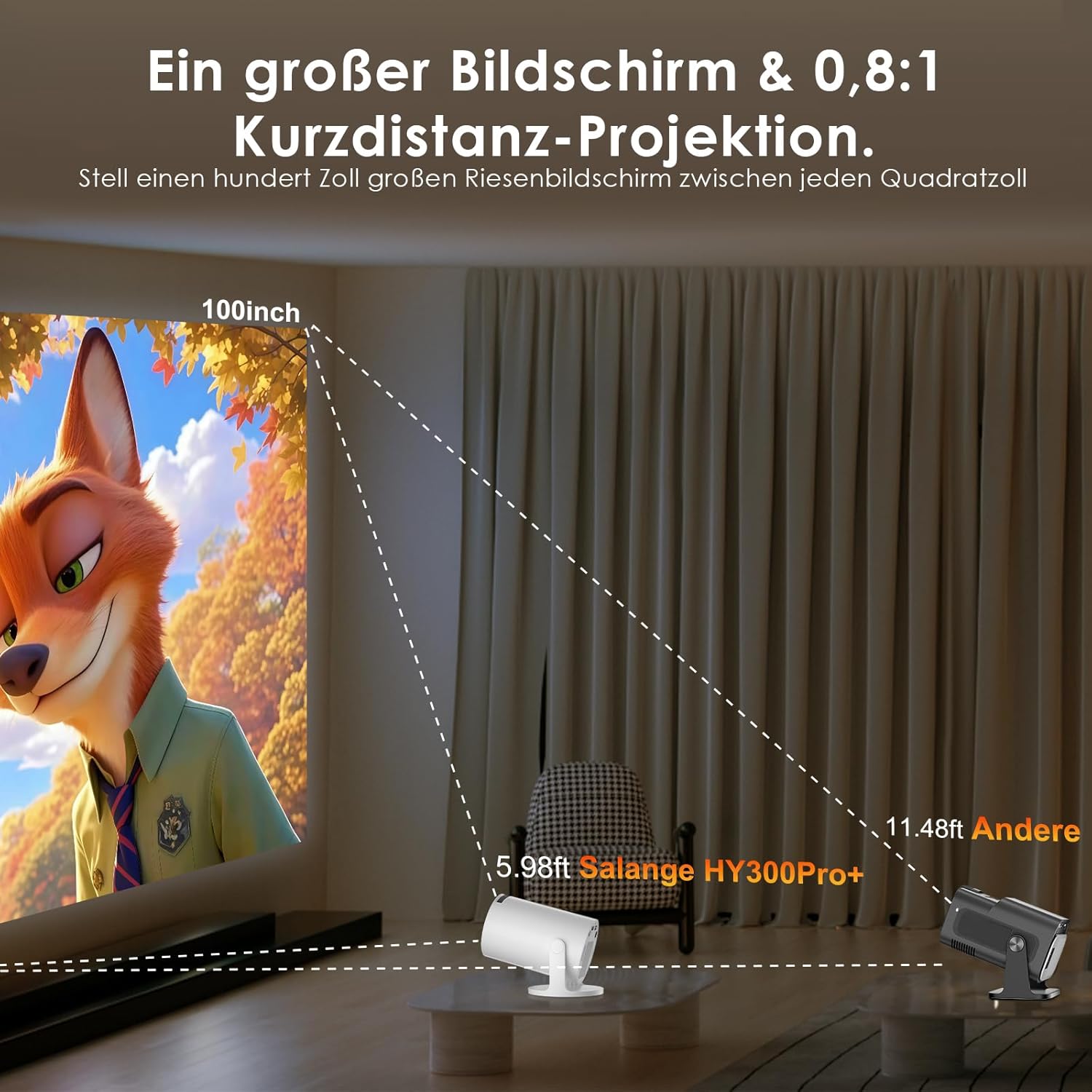
Image: Connectivity options for HDMI, Audio, and USB devices.
6. Ovoz chiqishi
The projector has built-in speakers. For enhanced audio, connect external speakers or headphones via Bluetooth or the 3.5mm audio jack.
Xizmat
1. Ob'ektivni tozalash
Use a soft, lint-free cloth specifically designed for optical lenses to gently wipe the projector lens. Avoid using abrasive cleaners or excessive pressure, which can scratch the lens.
2. Tashqi ko'rinishni tozalash
Wipe the projector's exterior with a soft, dry cloth. For stubborn dirt, a slightly damp mato, keyin quruq mato ishlatilishi mumkin. Agressiv kimyoviy moddalar yoki erituvchilardan foydalanmang.
3. Saqlash
Uzoq vaqt davomida foydalanilmaganda, proyektorni salqin, quruq va changsiz joyda saqlang. Shikastlanishning oldini olish uchun asl qadoqdan yoki himoya sumkasidan foydalaning.
Muammolarni bartaraf qilish; nosozliklarni TUZATISH
- Quvvat yo'q: Ensure the power cord is securely connected to both the projector and the power outlet. Try a different outlet.
- Rasm yo'q: Check if the projector is powered on. Verify the input source is correctly selected (e.g., HDMI 1, USB). Ensure the lens cap is removed.
- Xira tasvir: Adjust the manual focus ring until the image is sharp. Check if the projector is too close or too far from the screen.
- Image Distortion (Trapezoid): The projector has automatic keystone correction. If manual adjustment is needed, check the display settings for keystone correction options.
- Ovoz yo'q: Check the volume level on both the projector and the connected source device. Ensure external audio devices are correctly connected and selected as the output.
- Wi-Fi/Bluetooth Connection Issues: Ensure the projector is within range of your router or Bluetooth device. Restart the projector and your network devices. Re-pair Bluetooth devices.
- Masofadan boshqarish pulti javob bermayapti: Masofadan boshqarish pultidagi batareyalarni tekshiring. Masofadan boshqarish pulti va proyektorning infraqizil qabul qilgichi o'rtasida hech qanday to'siqlar yo'qligiga ishonch hosil qiling.
Mahsulot spetsifikatsiyalari
| Xususiyat | Spetsifikatsiya |
|---|---|
| Ishlab chiqaruvchi | Salanj |
| ASIN | B0G43FF84L |
| Ishlab chiqaruvchi mamlakat; ta'minotchi mamlakat | Xitoy |
| Tavsiya etilgan foydalanish | Biznes, Uy kinoteatri, O'yinlar, Ta'lim |
| Maxsus xususiyatlar | Wi-Fi Compatible, Digital Keystone Correction, Lightweight, Portable |
| Ulanish texnologiyasi | Bluetooth, HDMI, USB, Wi-Fi |
| Mahalliy displey ruxsati | 1280 x 720 piksel |
| Maksimal displey o'lchamlari | 3840 x 2160 pixels (4K supported) |
| Displey turi | LCD |
| Mahsulot o'lchamlari (U x G x Y) | 10.1 x 10.1 x 17 sm |
| Form faktor | Portativ |
| O'rnatish turi | Stol o'rnatish |
| Yorqinlik | 8000 lumen |
| Rang | Oq |
| Mos qurilmalar | Game Console, Speaker, Laptop, Smartphone, Television |
| Kontrast nisbati | 1500:1 |
| Maksimal tasvir hajmi | 150 dyuym |
| Minimal tasvir hajmi | 30 dyuym |
| Videoni kodlash | H.265 |
| Tasvirni yaxshilash texnologiyasi | HDR |
| Quti tarkibi | 1 Projector, 1 Power Cord, 1 Remote Control, 1 User Manual |
Kafolat haqida ma'lumot
The Salange 2026 Mini Projector comes with a standard manufacturer's warranty. Please refer to the warranty card included in your product packaging for specific terms, conditions, and duration. Keep your proof of purchase for warranty claims.
Mijozlarni qo‘llab-quvvatlash
For technical assistance, troubleshooting, or any questions regarding your Salange 2026 Mini Projector, please contact Salange customer support. Contact details can typically be found on the official Salange website or in the warranty information provided with your product.