
Magcubic L018
Magcubic L018 Mini Portable Projector User Manual
Model: L018
Brand: Magcubic
Kirish
Thank you for choosing the Magcubic L018 Mini Portable Projector. This device is designed to provide a high-quality home cinema experience with its advanced features and portable design. Please read this manual carefully to ensure proper setup and operation.
Asosiy xususiyatlar:
- Native 1080P & 4K Support: Enjoy crystal-clear images with native 1080p resolution and 4K decoding capabilities for a cinematic visual experience.
- 400 ANSI lumen: Bright and vivid projections suitable for various lighting conditions.
- Android 14 operatsion tizimi: Access a wide range of streaming apps and content directly from the projector.
- 180° aylanadigan stend: Flexible projection angles, allowing you to project onto walls, ceilings, or screens with ease.
- Ikki diapazonli WiFi 6 va Bluetooth 5.2: Ensures ultra-fast, stable wireless connectivity for streaming and audio.
- Avtomatik Keystone Tuzatish va Elektr Fokuslash: Automatically adjusts image shape and sharpness for a perfect picture every time.
- O'rnatilgan karnay: Integrated audio for an immersive experience.
Qutida nima bor
- Magcubic L018 Mini Portable Projector
- Quvvat kabeli
- Masofadan boshqarish
- Foydalanuvchi uchun qo'llanma
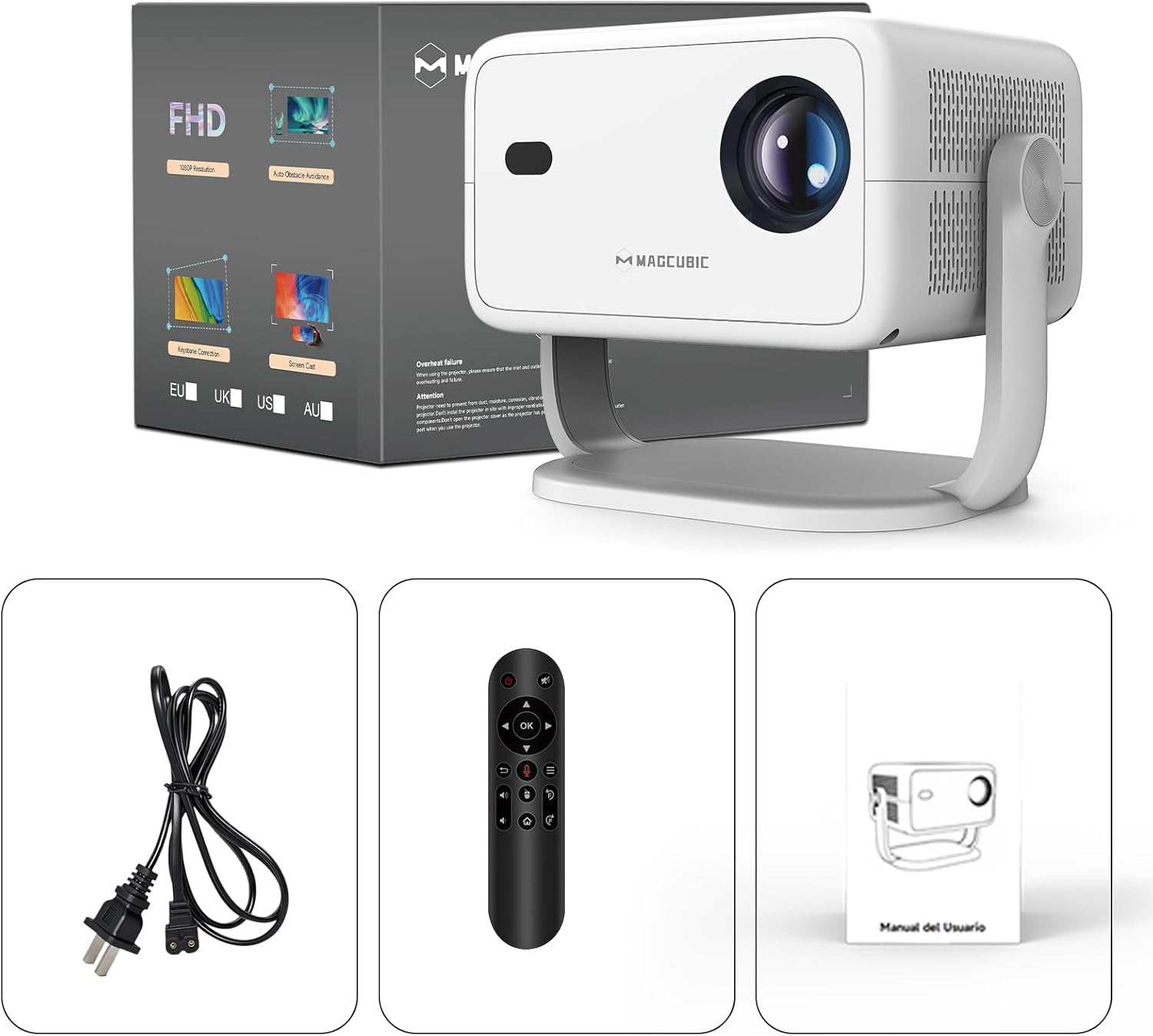
Image: The Magcubic L018 projector, power cable, remote control, and user manual are shown, illustrating the package contents.
Sozlash; o'rnatish
- Quvvat ulanishi: Berilgan quvvat simini proyektorning quvvat manbaiga, keyin esa rozetkaga ulang.
- Joylashtirish: Place the projector on a stable surface (floor mount or tabletop stand) or mount it as desired. The 180° rotatable stand allows for flexible positioning, including ceiling projection.
- Yoqilgan: Qurilmani yoqish uchun proyektor yoki masofadan boshqarish pultidagi quvvat tugmasini bosing.
- Avtomatik sozlashlar: The projector features automatic keystone correction and electric focus. It will automatically adjust the image shape and sharpness. If needed, use the remote control for fine-tuning the focus.
- Initial Setup (Android OS): Follow the on-screen prompts to complete the initial setup, including language selection, Wi-Fi connection, and time zone settings.
- Ulanish:
- Wi-fi: Connect to your home Wi-Fi network (2.4G or 5G) via the settings menu for internet access and streaming.
- Bluetooth: Pair Bluetooth devices like external speakers or headphones through the Bluetooth settings.
- HDMI: Connect external devices (e.g., laptop, game console) using an HDMI cable to the HDMI port.
- USB: Insert a USB drive into the USB port to play local media files.
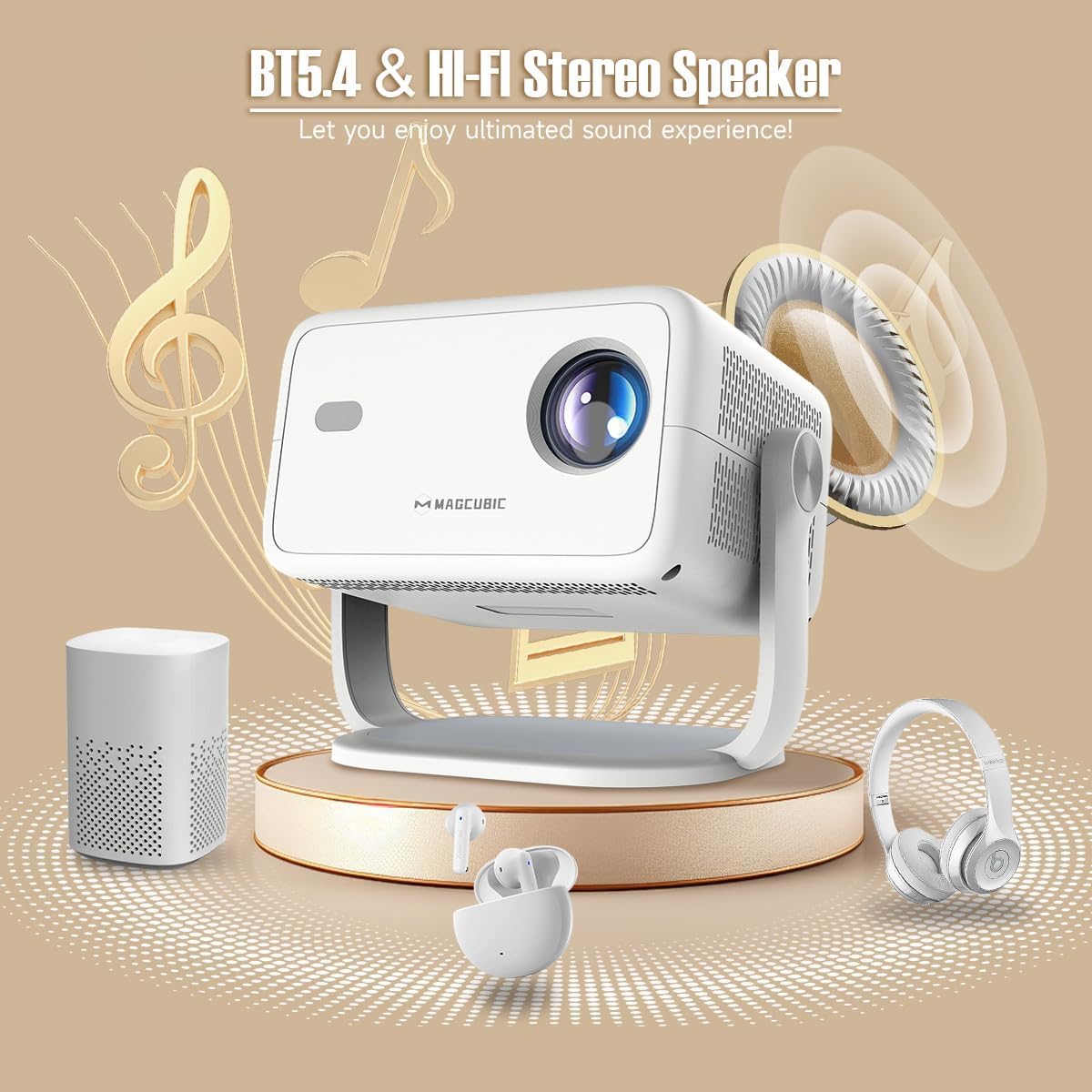
Image: The rear panel of the projector displays the HDMI, USB, and 3.5mm audio ports for connecting various devices.

Image: The projector is shown on a coffee table, projecting an image onto a wall, with on-screen indicators for auto keystone correction and auto focus.
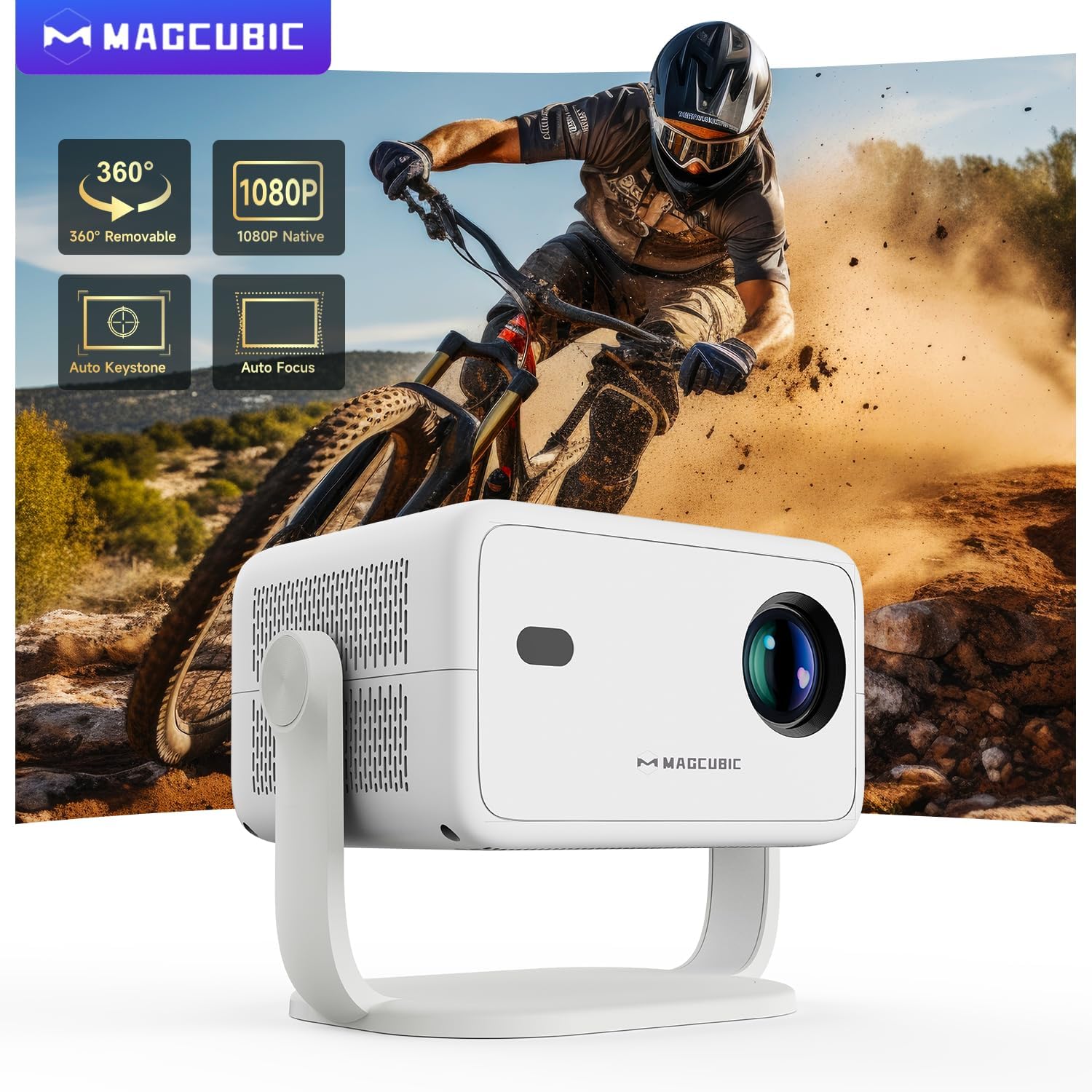
Image: The projector is shown rotating 180 degrees on its integrated stand, demonstrating its flexible projection capabilities.
Foydalanish bo'yicha ko'rsatmalar
- Navigatsiya: Use the remote control to navigate the Android 14 OS interface. The remote supports both standard button navigation and an air mouse function for easier control.
- Ilovaga kirish: From the home screen, select your desired streaming apps (e.g., Netflix, YouTube, Prime Video) or browse the app store to download more.
- Ekranni aks ettirish: Use the built-in screen mirroring function (compatible with Android and iOS devices) to project content from your smartphone or tablet wirelessly.
- Media ijro etish: Play videos, photos, or music from connected USB drives or HDMI sources.
- Ovoz chiqishi: The projector has a built-in speaker. For enhanced audio, connect external Bluetooth speakers or headphones.
- Rasm sozlamalari: Adjust brightness, contrast, color, and sharpness through the projector's settings menu to optimize your viewtajribasi.
Video: This video demonstrates the features of the Mini Projector HY350Max Black, including its design, performance, auto-focus, auto-keystone, wireless mirroring, and audio capabilities.
Video: This video showcases the Portable Projector with 4K support and 180° rotatable stand, highlighting its versatility and ease of use for various projection scenarios.
Video: This video presents the Android 11 L018 projector, demonstrating its native 1080P resolution, 650 ANSI lumens, and 4K capabilities.
Video: This video highlights the WiMiUS P61 Pro Portable Projector with Official Netflix support, showcasing its smart features and entertainment options.
Video: This video features the Magcubic HY310 Portable Projector, demonstrating its compact design and projection capabilities.
Xizmat
- Ob'ektivni tozalash: Gently wipe the projector lens with a soft, lint-free cloth. Do not use abrasive cleaners or solvents.
- Ventilyatsiya: Haddan tashqari qizib ketishning oldini olish uchun proyektorning shamollatish teshiklari aniq va to'siqsiz ekanligiga ishonch hosil qiling.
- Saqlash: When not in use, store the projector in a cool, dry place, away from direct sunlight and extreme temperatures.
- Changdan himoya qilish: Use a dust cover when the projector is not in use for extended periods.
Muammolarni bartaraf qilish; nosozliklarni TUZATISH
| Muammo | Mumkin sabab | Yechim |
|---|---|---|
| Hech qanday rasm prognoz qilinmagan | Power cable disconnected, projector off, input source not selected. | Check power connection, turn on projector, select correct input source (HDMI, USB, Screen Mirroring). |
| Tasvir loyqa | Fokusdan tashqarida, noto'g'ri proyeksiya masofasi. | Use the remote control to adjust electric focus. Ensure the projector is within the recommended projection distance (1.05m - 4m). |
| Tasvir buzilgan (trapezoid shakli) | Proyektor ekranga perpendikulyar emas. | The projector has auto keystone correction. If manual adjustment is needed, check settings. |
| Ovoz yo'q | Volume too low, external speaker not connected/paired, incorrect audio output selected. | Increase volume. Check Bluetooth connection for external speakers. Ensure internal speaker is selected or correct audio output is chosen. |
| Wi-Fi ulanishi bilan bog'liq muammolar | Incorrect password, out of range, router issues. | Verify Wi-Fi password. Move projector closer to the router. Restart router. |
Texnik xususiyatlari
- Brend:
- Magcubic
- Model nomi:
- L018
- Tavsiya etilgan foydalanish:
- Uy kinoteatri
- Maxsus xususiyatlar:
- Automatic screen alignment, Built-in speaker, Digital keystone correction, Auto focus, Wi-Fi enabled
- Ulanish texnologiyasi:
- HDMI, USB, Wi-Fi
- Ekran o'lchamlari:
- 1920 x 1080 (Mahalliy)
- Maksimal displey o'lchamlari:
- 3840 x 2160 (4K qo'llab-quvvatlanadi)
- Displey turi:
- LED
- Form faktor:
- Portativ
- O'rnatish turi:
- Floor mount, Tabletop stand
- Yorqinlik:
- 400 lm (ANSI)
- Rang:
- Oq
- Wattage:
- 80 vatt
- Control Unit Type:
- Voice control, Remote control
- Mos qurilmalar:
- Television (and other HDMI/USB devices)
- Kontrast nisbati:
- 10000 : 1
- Maksimal proyeksiya masofasi:
- 4 metr
- Minimal proyeksiya masofasi:
- 1.05 metr
- Uskuna interfeysi:
- 3.5mm Audio, Bluetooth 5, HDMI, USB 2.0
- Video kodlash:
- H.264 yoki H.265
- Mahsulot og'irligi:
- 1.3 kilogramm
- Ishlab chiqaruvchi mamlakat; ta'minotchi mamlakat:
- Xitoy
Kafolat va qo'llab-quvvatlash
Your Magcubic L018 Mini Portable Projector comes with a 2 yillik mahsulot kafolati. We are committed to providing excellent customer service.
- Shaffoflik tasdiqlangan: Each item has a unique code verified before shipment.
- 30-Day Return or Exchange: Sizning xotirjamligingiz uchun.
- umr bo'yi texnik yordam: Our professional support team is available to assist you.
- 24/7 Service Professional: Dedicated support for any inquiries or issues.
For further assistance, please refer to the contact information provided with your purchase or visit the official Magcubic support websayt.
Ask a question about this manual
Ask about setup, troubleshooting, compatibility, parts, safety, or missing instructions. Manuals+ will review the question and use this page’s manual context to help answer it.