
1. Sozlash
1.1 Paket tarkibi
Before assembly, please verify that all components are present in the package:
- KTC H24F7 24 Inch 240Hz Monitor
- Monitor bazasi
- Monitor stendi
- Quvvat adapteri
- HDMI kabeli
- Tez ishga tushirish bo'yicha qo'llanma (QSG)
1.2 O'rnatish bo'yicha ko'rsatmalar
Monitorni yig'ish uchun quyidagi amallarni bajaring:
- Monitorni va barcha komponentlarni o'ramdan ehtiyotkorlik bilan olib tashlang.
- Attach the monitor stand to the monitor base. Ensure it clicks securely into place.
- Connect the assembled stand and base to the back of the monitor. The stand is designed for easy snap-in installation.
- Monitorni barqaror, tekis yuzaga qo'ying.

1.3 VESA o'rnatish moslamasini o'rnatish
The KTC H24F7 monitor supports VESA 100mm x 100mm mounting for alternative stand or wall mount solutions. Ensure you use M4-0.7 x 10mm screws (not included) for secure installation.

1.4 Qurilmalarga ulanish
Kompyuteringizni yoki boshqa qurilmalaringizni mos kabellar yordamida monitorga ulang.
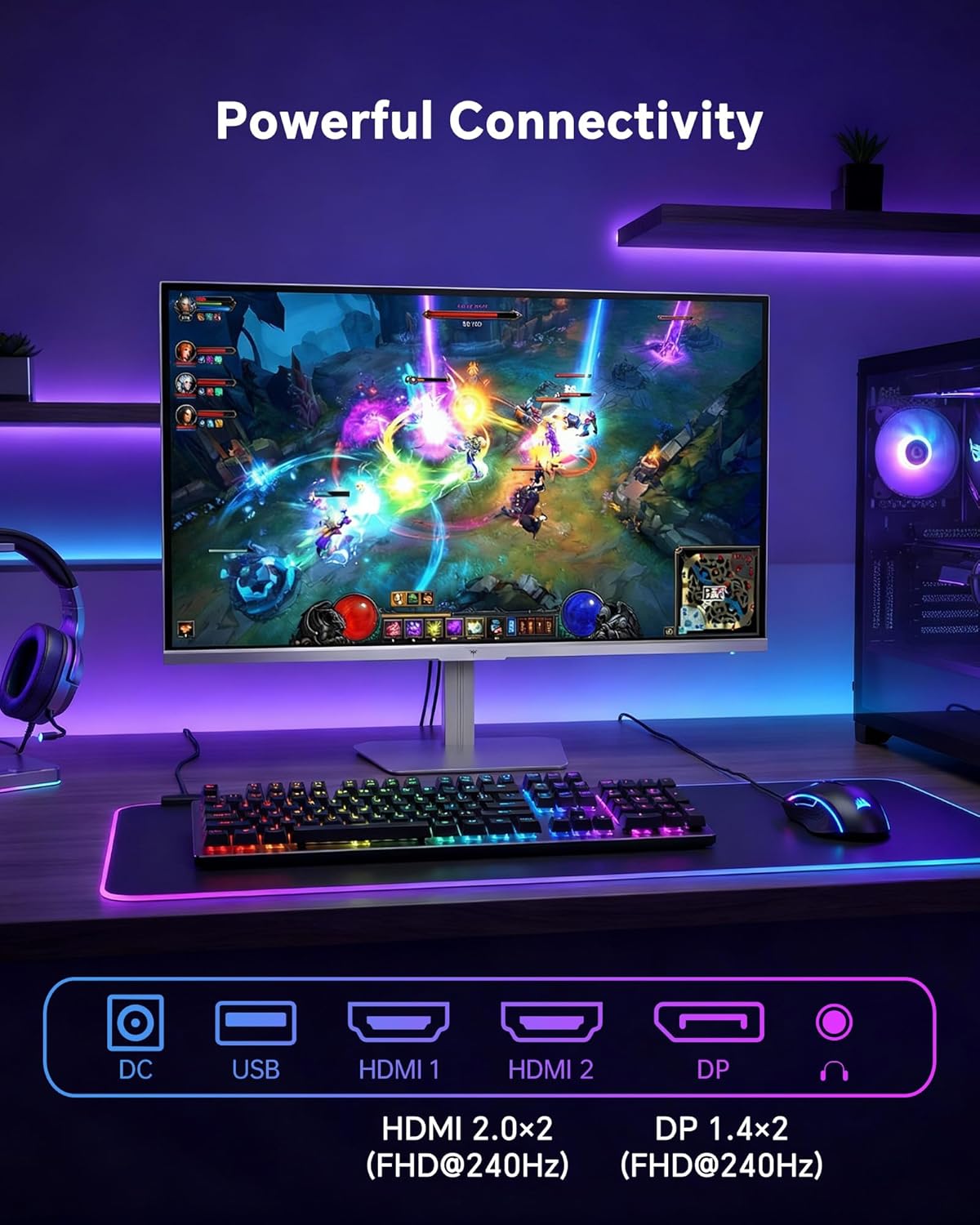
- HDMI: Use an HDMI cable to connect to devices with HDMI output. The monitor has two HDMI 2.0 ports, supporting FHD at 240Hz.
- DisplayPort: Use a DisplayPort cable for devices with DisplayPort output. The monitor has one DisplayPort 1.4, supporting FHD at 240Hz.
- Quvvat: Connect the power adaptor to the DC input on the monitor and then to a power outlet.
- USB: A USB 2.0 port is available for connecting peripherals.
- Ovoz chiqishi: A 3.5mm audio jack is available for connecting headphones or external speakers.
2. Foydalanish bo'yicha ko'rsatmalar
2.1 Quvvatni yoqish/o‘chirish
Uni yoqish yoki o'chirish uchun monitorda joylashgan quvvat tugmasini bosing. Monitor faol bo'lganda quvvat indikatori yonadi.
2.2 Ekrandagi displey (OSD) menyusi
The OSD menu allows you to adjust various monitor settings. Use the control buttons (typically located on the back or bottom of the monitor) to navigate the menu and select options. Refer to the Quick Start Guide for specific button functions.
2.3 Displey sozlamalari
O'zingizni optimallashtiring viewQuyidagi sozlamalarni o'zgartirish orqali tajriba o'tkazing:
- Yangilanish tezligi: The monitor supports a 240Hz refresh rate for smooth motion. Ensure your graphics card settings are configured to utilize this rate.

- Moslashuvchan sinxronlash: This technology synchronizes the monitor's refresh rate with your graphics card's frame rate to eliminate screen tearing and stuttering. Enable Adaptive Sync in the OSD menu and ensure it is also enabled in your graphics card control panel (FreeSync/G-Sync compatible).

- HDR 400: High Dynamic Range 400 provides enhanced contrast and color accuracy, delivering brighter highlights and deeper shadows. Activate HDR in the OSD menu and your operating system display settings for compatible content.

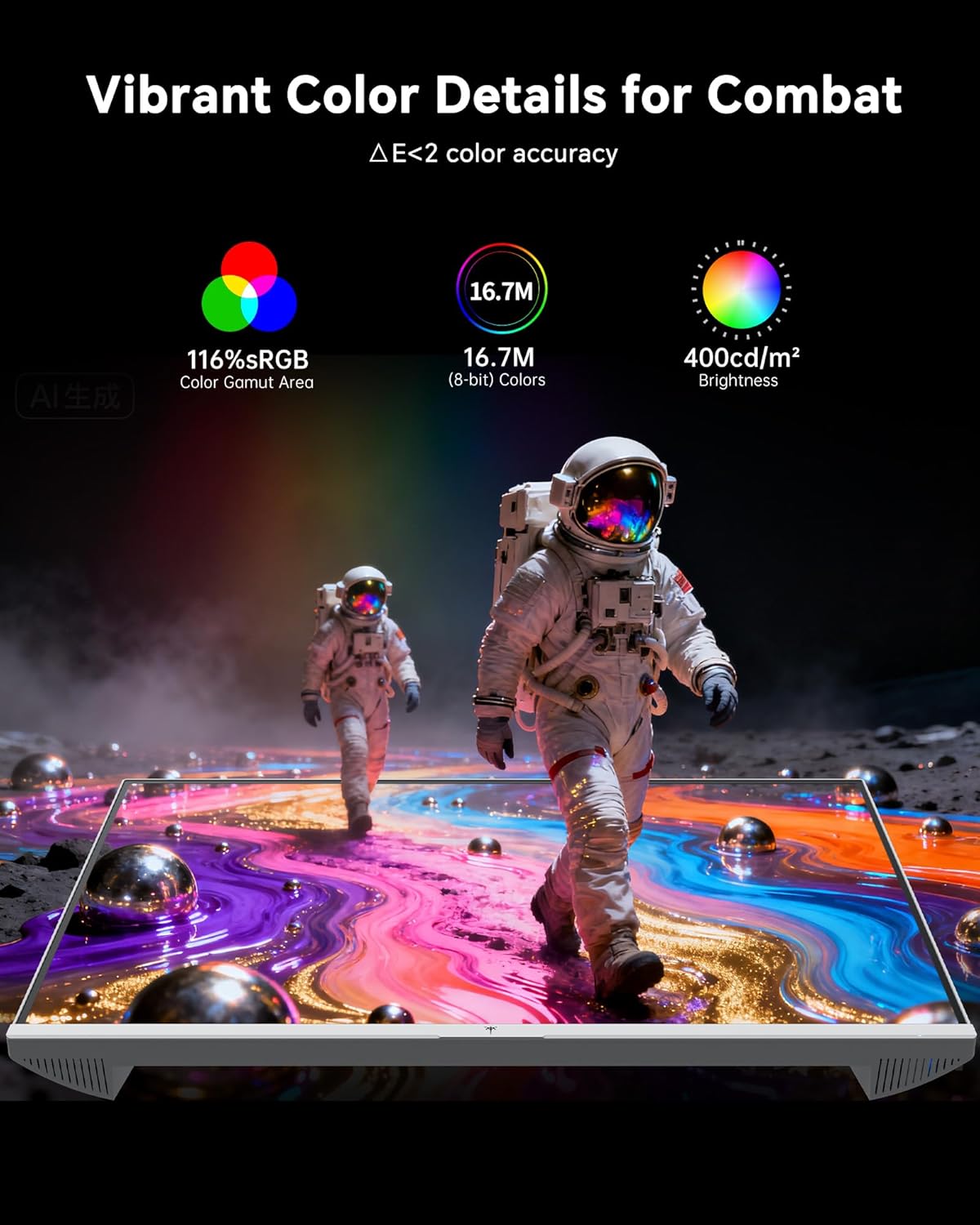
- Rang sozlamalari: The monitor offers 116% sRGB color gamut and 16.7 million colors. Adjust brightness (up to 400 cd/m²) and color temperature through the OSD menu to suit your preference.
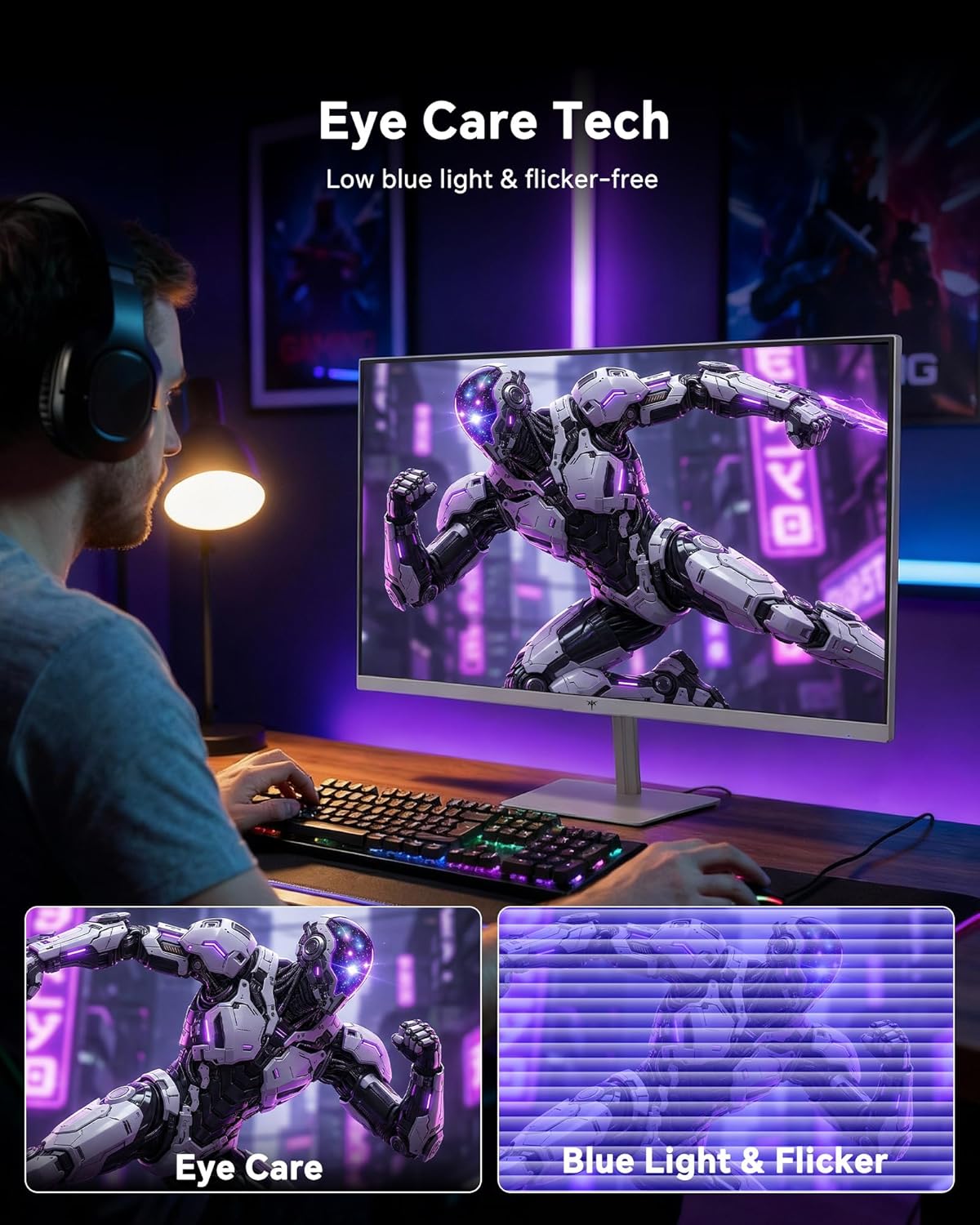
- Ko'zni parvarish qilish texnologiyasi: The monitor features low blue light and flicker-free technology to reduce eye strain during prolonged use. These settings can typically be adjusted or enabled within the OSD menu.
2.4 Monitor Tilt Adjustment
The monitor supports tilt adjustment from -5° to 15° (±3°). Gently adjust the monitor panel to your desired viewkirish burchagi.
3. Xizmat ko'rsatish
3.1 Monitorni tozalash
Monitor ekranini tozalash va vasing:
- Tozalashdan oldin har doim monitorni o'chiring va quvvat simini ajratib oling.
- Bir oz yumshoq, tuklarsiz matodan foydalaning dampsuv yoki yumshoq, abraziv bo'lmagan ekran tozalagich bilan qoplangan.
- Wipe the screen gently to remove dust and smudges. Avoid applying excessive pressure.
- c uchunasing, use a dry, soft cloth. Do not use alcohol, ammonia, or abrasive cleaners, as these can damage the surface.
3.2 Umumiy parvarish
- Monitor yoki uning kabellariga og'ir narsalarni qo'ymang.
- Monitorni to'g'ridan-to'g'ri quyosh nuri, haddan tashqari issiqlik yoki qattiq sovuqqa qo'ymang.
- Keep the monitor away from liquids and high humidity.
- Haddan tashqari issiqlikning oldini olish uchun monitor atrofida to'g'ri shamollatilishini ta'minlang.
4. Muammolarni bartaraf qilish; nosozliklarni TUZATISH
If you encounter issues with your KTC H24F7 monitor, refer to the following common problems and solutions:
| Muammo | Mumkin sabab | Yechim |
|---|---|---|
| Ekranda rasm yo'q | Power cable disconnected; Video cable disconnected or loose; Incorrect input source selected; Monitor is off. | Ensure power cable is securely connected and monitor is on. Check video cable connections (HDMI/DisplayPort) at both the monitor and computer. Press the input source button on the monitor to cycle through inputs. |
| Tasvir miltillayapti yoki yirtilmoqda | Adaptive Sync not enabled; Graphics card driver issues; Faulty video cable. | Enable Adaptive Sync in the OSD menu and your graphics card control panel. Update graphics card drivers. Try a different video cable. If using DisplayPort 1, try DisplayPort 2 or HDMI if available, as some units may experience issues with specific ports. |
| Ranglar noto'g'ri yoki oqarib ketgan ko'rinadi | Color settings incorrect; HDR not properly configured; Faulty video cable. | Adjust color settings (brightness, contrast, color temperature) in the OSD menu. Ensure HDR is enabled in both the OSD and your operating system for HDR content. Try a different video cable. |
| Monitor not reaching 240Hz | Graphics card limitations; Incorrect display settings in OS; Cable bandwidth limitations. | Ensure your graphics card supports 240Hz at 1080p. Verify display settings in your operating system (e.g., Windows Display Settings or NVIDIA/AMD control panel) are set to 240Hz. Use the provided HDMI cable or a certified DisplayPort 1.4 cable. |
| Stuck or dead pixels | Ishlab chiqarish nuqsoni. | A small number of stuck or dead pixels (typically 1-3) may be considered normal for LCD panels. If the issue is severe or persistent, contact customer support. |
5. Texnik shartlar
| Xususiyat | Tafsilot |
|---|---|
| Brend | CTC |
| Model raqami | H24F7 |
| Ekran o'lchami | 24 dyuym |
| Rezolyutsiya | FHD 1080p (1920 x 1080 piksel) |
| Panel turi | Tez IPS |
| Yangilanish tezligi | 240 Gts |
| Javob vaqti | 1 Millisecond (MPRT) |
| Aspekt nisbati | 16:9 |
| Yorqinlik | Bir kvadrat metr uchun 400 kandela |
| Kontrast nisbati | 1000:1 |
| Ranglar gamuti | 116% sRGB |
| HDR qo'llab-quvvatlash | HDR 400 |
| Moslashuvchan sinxronlash | FreeSync, G-Sync Compatible |
| Ulanish | 2x HDMI 2.0, 1x DisplayPort 1.4, 1x USB 2.0, 1x Audio Out (3.5mm) |
| Ko'zni parvarish qilish xususiyatlari | Low Blue Light, Flicker-Free, Anti-Glare Screen |
| Tuzatishlar | Tilt (-5° to 15°) |
| VESA tog'i | 100 mm x 100 mm |
| Olchamlari (D x G x Y) | 5.39"D x 21.25"W x 15.74"Y |
| Element og'irligi | 3.2 kilogramm |
| Rang | Oq |
6. Kafolat va qo'llab-quvvatlash
6.1 Kafolat haqida ma'lumot
The KTC H24F7 monitor comes with a three-year manufacturer warranty. Ushbu kafolat odatdagi foydalanish sharoitida materiallar va mahoratdagi nuqsonlarni qoplaydi.
Iltimos, kafolat da'volari uchun sotib olinganligingizni tasdiqlovchi hujjatingizni saqlab qo'ying.
6.2 Mijozlarni qo‘llab-quvvatlash
For technical assistance, warranty claims, or any questions regarding your KTC H24F7 monitor, please contact KTC customer support. KTC aims to provide responsive customer support and typically responds within 12 hours.
You can usually find contact information on the official KTC website or through the retailer where you purchased the product. When contacting support, please have your monitor model number (H24F7) and purchase details ready.


