
Kirish
This manual provides essential information for setting up, operating, maintaining, and troubleshooting your HP 17.3" Touchscreen Laptop, model 17-cp3602nr. Please read this guide thoroughly to ensure proper use and to maximize the lifespan of your device.
Paket tarkibi
Paketda barcha elementlar mavjudligiga ishonch hosil qiling:
- HP 17.3" Touchscreen Laptop (Model 17-cp3602nr)
- AC quvvat adapteri va simi
- Tez boshlash qo'llanmasi (agar mavjud bo'lsa)

Image: The HP 17.3" Touchscreen Laptop and its included power adapter.
Sozlash; o'rnatish
1. Dastlabki yoqish va zaryadlash
- Connect the AC power adapter to the laptop's AC smart pin port and then to a power outlet.
- Noutbuk qopqog'ini oching. Noutbuk avtomatik ravishda yoqilishi mumkin yoki siz klaviaturada joylashgan quvvat tugmasini bosishingiz kerak bo'lishi mumkin.
- Allow the battery to charge fully before initial use, though you can begin setup while charging.
2. Windows 11 Setup
Follow the on-screen instructions to complete the Windows 11 Home setup. This typically includes:
- Mintaqa va klaviatura tartibini tanlash.
- Wi-Fi tarmog'iga ulanish.
- Microsoft hisob qaydnomasi bilan kirish yoki yaratish.
- PIN yoki parol o'rnatilmoqda.
- Maxfiylik sozlamalarini sozlash.
3. Barmoq izini o‘qish moslamasini sozlash
During or after Windows setup, you can configure the fingerprint reader for secure login. Navigate to Sozlamalar > Hisoblar > Kirish parametrlari and follow the prompts to add your fingerprint.

Image: Close-up of the backlit keyboard and the integrated fingerprint reader on the HP laptop.
Foydalanish bo'yicha ko'rsatmalar
Sensorli displeydan foydalanish
The 17.3" HD+ (1600 x 900) display supports touch input. You can interact with Windows 11 and applications directly on the screen using gestures similar to a tablet or smartphone. Ensure your screen is clean for optimal touch responsiveness.
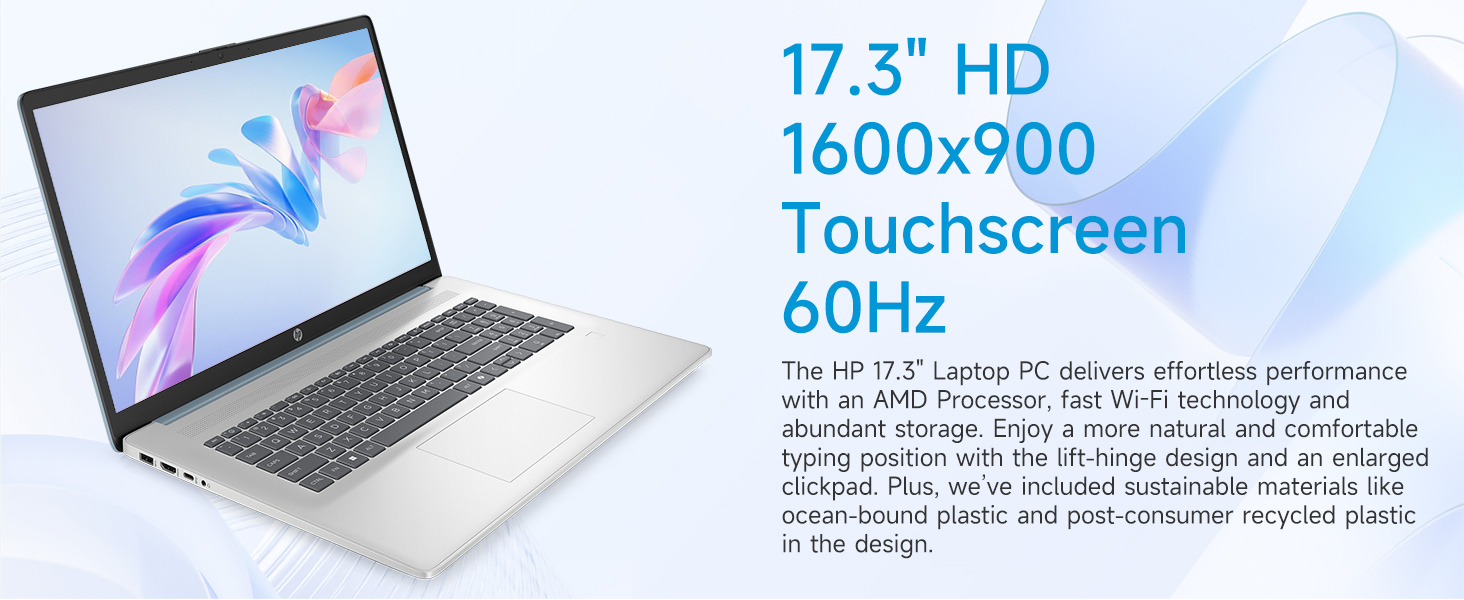
Image: The 17.3-inch touchscreen display of the HP laptop, illustrating its touch capabilities.
Klaviatura va sensorli panel
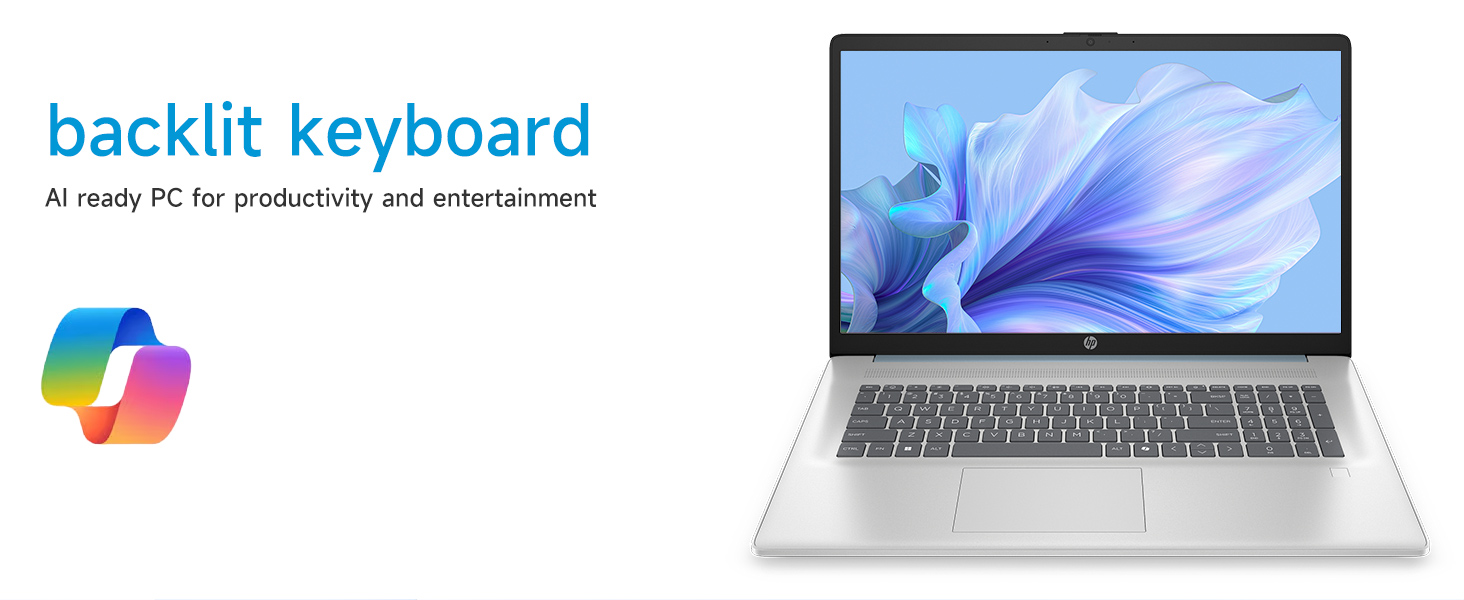
- Yoritilgan klaviatura: ni bosing Fn + F5 (or similar function key with a keyboard backlight icon) to toggle the keyboard backlight on/off or adjust its brightness.
- Raqamli klaviatura: Utilize the dedicated numeric keypad for efficient data entry.
- Sensorli panel: The large click pad supports multi-touch gestures for navigation. Refer to Windows settings for customizing touchpad gestures.
Connecting External Devices (Ports)
Noutbukingiz periferik qurilmalarni ulash uchun turli xil portlar bilan jihozlangan:
- USB Type-C (5Gbps signal tezligi): Zamonaviy USB-C qurilmalarini ulash uchun.
- USB Type-A (5Gbps signal tezligi): Two ports for standard USB devices like mice, keyboards, or external drives.
- HDMI 1.4b: Kengaytirilgan displey uchun tashqi monitorlar yoki televizorlarga ulaning.
- Eshitish vositasi/Mikrofon kombinatsiyasi: For audio input/output with a single jack.
- AC Smart Pin: Quvvat adapterini ulash uchun.
Rasm: batafsil view of the laptop's side ports, including USB-A, USB-C, HDMI, and audio jack.
Wi-Fi 6 ulanishi
The laptop supports Wi-Fi 6 (802.11ax) for fast and reliable wireless internet connectivity. To connect, click the Wi-Fi icon in the taskbar, select your network, and enter the password.
Xizmat
Noutbukni tozalash
- Ekran: Bir oz yumshoq, tuklarsiz matodan foydalaning dampsuv yoki ekran tozalagich bilan yakunlanadi. Qattiq kimyoviy moddalardan saqlaning.
- Klaviatura va shassi: Yumshoq, quruq matodan foydalaning. O'jar axloqsizlik uchun, bir oz damp teshiklarga suyuqlik kirmasligini ta'minlash uchun mato ishlatilishi mumkin.
- Portlar: Keep ports free of dust and debris using compressed air if necessary.
Dasturiy ta'minot yangilanishlari
Tizimingizda eng so'nggi xavfsizlik yamoqlari va ishlash yaxshilanishlari mavjudligiga ishonch hosil qilish uchun Windows yangilanishlarini muntazam ravishda tekshirib turing va o'rnating. O'ting Sozlamalar > Windows yangilash yangilanishlarni boshqarish uchun.
Batareya parvarishi
To prolong battery life, avoid extreme temperatures and fully discharging the battery frequently. For long-term storage, charge the battery to about 50%.
Muammolarni bartaraf qilish; nosozliklarni TUZATISH
Ushbu bo'lim siz duch kelishi mumkin bo'lgan umumiy muammolarni ko'rib chiqadi.
Noutbuk yoqilmaydi
- AC adapteri ham noutbukga, ham ishlaydigan quvvat manbaiga mahkam ulanganligiga ishonch hosil qiling.
- Elektr rozetkasining ishlashini boshqa qurilmaga ulash orqali tekshiring.
- Batareya to'liq zaryadsizlangan bo'lsa, noutbukni yoqishdan oldin zaryadlash uchun bir necha daqiqa vaqt ketishi mumkin.
Screen Remains Blank
- Noutbuk yoqilganligini tekshiring (quvvat ko'rsatkichi chirog'i).
- Try adjusting the screen brightness using the function keys (e.g., Fn + F2/F3).
- If an external monitor is connected, ensure it is properly configured in Windows display settings.
Wi-Fi ulanish muammolari
- Windows sozlamalarida Wi-Fi yoqilganligiga ishonch hosil qiling.
- Router va modemni qayta ishga tushiring.
- Tarmoqni unuting va parolni yana kiritib, qayta ulaning.
- Update Wi-Fi drivers via Device Manager.
System Restarts Unexpectedly
Unexpected restarts can be caused by software conflicts, outdated drivers, or hardware issues. Ensure all Windows updates are installed and drivers are current. If the issue persists, consider running Windows diagnostic tools or contacting HP Support.
Texnik xususiyatlari
| Xususiyat | Tafsilot |
|---|---|
| Brend | HP |
| Model nomi | 17-cp3602nr |
| Ekran o'lchami | 17.3 dyuym |
| Displey ravshanligi | HD+ (1600 x 900) |
| Displey xususiyatlari | Touch, Anti-glare, 250 nits, 60% NTSC |
| Protsessor | AMD Ryzen 5 7430U (6 yadro, 12 ta ip, 4.3 gigagertsgacha) |
| Grafika | AMD Radeon Grafikasi (Integratsiyalashgan) |
| Ram | 8 GB DDR4 SDRAM (3200 MGts) |
| Saqlash | 128 GB PCIe NVMe M.2 SSD |
| Operatsion tizim | Windows 11 Bosh sahifa |
| Portlar | 1x USB Type-C 5Gbps, 2x USB Type-A 5Gbps, 1x HDMI 1.4b, 1x Headphone/Microphone Combo, 1x AC Smart Pin |
| Simsiz ulanish | Wi-Fi 6 (802.11ax) |
| Maxsus xususiyatlar | Backlit Keyboard, Fingerprint Reader, Numeric Keypad, Webkamera |
| Dimensions (L x W x Thickness) | 15.78"L x 10.15"W x 0.81"Th |
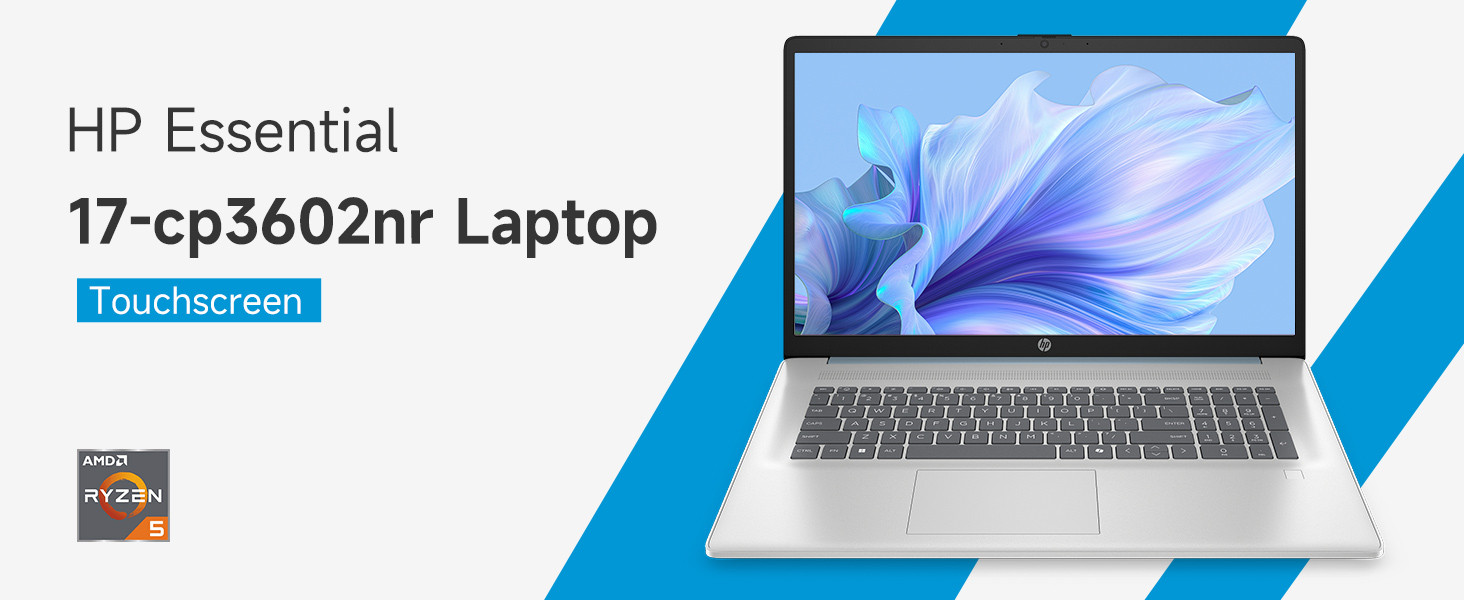
Image: An infographic highlighting key specifications such as the AMD Ryzen 5 processor, Windows 11 Home, storage, and connectivity options.
Kafolat va qo'llab-quvvatlash
Ishlab chiqaruvchining kafolati
Your HP laptop is covered by a standard manufacturer's warranty. For specific terms and conditions, please refer to the warranty documentation included with your product or visit the official HP support website. Warranty duration and coverage may vary by region.
Texnik yordam
For technical assistance, driver downloads, or further troubleshooting, please visit the official HP Support websayt:
When contacting support, have your laptop's model number (17-cp3602nr) and serial number ready.