
Kirish
This user guide provides essential information for the HP OfficeJet Pro 8125e printer. It covers initial setup, connecting to networks, performing print, scan, and copy functions, routine maintenance, and troubleshooting common issues. Follow these instructions to ensure optimal performance and longevity of your device.
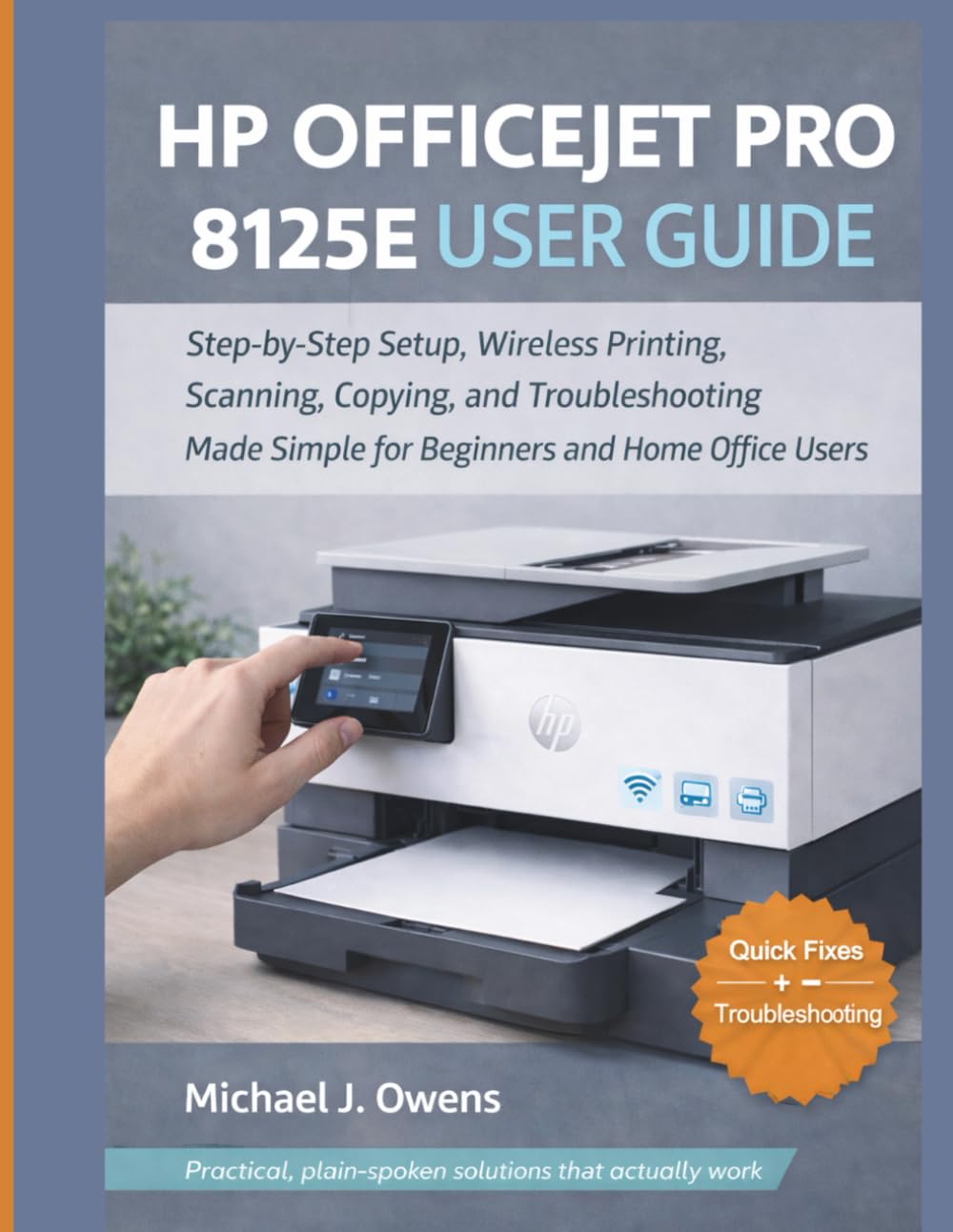
Image: Front cover of the HP OfficeJet Pro 8125e User Guide. This image represents the manual itself, designed to assist users with their printer.
1. Sozlash
1.1 Qutidan chiqarish va dastlabki yoqish
- Printerni o'ramidan ehtiyotkorlik bilan olib tashlang.
- Printerning tashqi va ichki qismidagi barcha himoya tasmalari va qadoqlash materiallarini olib tashlang.
- Elektr simini printerga, keyin esa devordagi rozetkaga ulang.
- Printerni yoqish uchun quvvat tugmasini bosing.
- Follow the on-screen prompts on the printer's control panel to select your language and region.
1.2 Siyoh kartridjlarini o'rnatish
- Siyoh kartrijga kirish eshigini oching.
- Chop aravachasi markazga o'tishini kuting.
- Yangi siyoh kartrijlarini o'ramdan chiqaring.
- Har bir kartrijni mos keladigan uyaga joylashtiring, shunda u joyiga chertib o'tirishiga ishonch hosil qiling.
- Siyoh kartridjiga kirish eshigini yoping.
1.3 Qog'ozni yuklash
- Kirish tepsisini torting.
- Qog'oz qo'llanmalarini to'g'ri qog'oz o'lchamiga sozlang.
- Load a stack of plain white paper into the tray, print side down.
- Kirish tepsisini yana printerga suring.
- Confirm paper type and size on the printer's control panel if prompted.
1.4 Wi-Fi tarmog'iga ulanish
- Printerning boshqaruv panelida Simsiz sozlash ustasiga o'ting.
- Mavjud tarmoqlar ro'yxatidan Wi-Fi tarmog'ingizni tanlang.
- Enter the Wi-Fi password (WPA key) when prompted.
- Confirm the connection. The wireless light on the printer should turn solid blue.
1.5 Drayv o'rnatish
For Windows and Mac computers, download the latest drivers and HP Smart software from the official HP support websayt. O'rnatish vaqtida ekrandagi ko'rsatmalarga amal qiling.
2. Printerni ishlatish
2.1 Hujjatlarni chop etish
- Kompyuterdan: Open the document, select "Print," choose your HP OfficeJet Pro 8125e, and adjust settings as needed before printing.
- From Mobile Devices (HP Smart App): Install the HP Smart app, add your printer, and use the app to print photos or documents directly from your smartphone or tablet.
- Email Print: If enabled, send documents to your printer's unique email address.
2.2 Hujjatlarni skanerlash
- Hujjatni avtomatik hujjat uzatgichga (ADF) yuzini pastga qaratib skaner oynasiga yoki yuzini yuqoriga qaratib joylashtiring.
- On the printer's control panel or via the HP Smart app/software on your computer, select "Scan."
- Choose scan settings (e.g., color, resolution, destination).
- Skanerlashni boshlang.
2.3 Hujjatlardan nusxa ko'chirish
- Asl hujjatni skaner oynasiga yoki ADFga joylashtiring.
- On the printer's control panel, select "Copy."
- Adjust settings such as number of copies, color/black & white, and size.
- Press the "Start Copy" button.
3. Xizmat ko'rsatish
3.1 Cleaning the Print Heads
If print quality degrades (streaks, faded colors), perform a print head cleaning from the printer's control panel or the HP Smart software. This process uses ink, so only perform it when necessary.
3.2 Siyoh kartridjlarini almashtirish
When an ink cartridge is low or empty, the printer will notify you. Follow the steps in Section 1.2 to replace cartridges. Use genuine HP ink cartridges for best results.
3.3 Umumiy tozalash
Printerning tashqi qismini yumshoq mato bilan artib oling, damp, lint-free cloth. Clean the scanner glass regularly with a glass cleaner applied to a cloth (not directly to the glass) to prevent smudges from affecting scan quality.
4. Muammolarni bartaraf qilish; nosozliklarni TUZATISH
| Muammo | Yechim |
|---|---|
| Printer Offline Message |
|
| Qog'oz murabbolari |
|
| Bosib chiqarish sifati past |
|
| HP Smart App Issues |
|
5. Texnik shartlar
Note: The following specifications are typical for the HP OfficeJet Pro 8125e printer. For precise details, refer to the official HP product page or documentation.
- Funksiyalari: Print, Copy, Scan, Fax (optional, depending on region/model)
- Chop etish texnologiyasi: HP termal inkjet
- Chop etish tezligi (qora): Daqiqada 22 sahifagacha (ISO)
- Print Speed (Color): Daqiqada 18 sahifagacha (ISO)
- Print Resolution (Best): Up to 4800 x 1200 optimized dpi color
- Scan Resolution (Optical): 1200 dpi gacha
- Ulanish: Wi-Fi 802.11a/b/g/n, Ethernet, USB 2.0
- Qog'oz bilan ishlash: 250-sheet input tray, 60-sheet output tray, 35-sheet ADF
- Ikki tomonlama chop etish: Avtomatik (standart)
- Displey: Rangli sensorli ekran
6. Kafolat va qo'llab-quvvatlash
For warranty information, please refer to the documentation included with your printer or visit the official HP support website. HP provides various support resources, including online FAQs, driver downloads, and contact options for technical assistance.
Image: Back cover of the HP OfficeJet Pro 8125e User Guide. This image provides additional information and ISBN details for the manual.