Kirish
The AMD Ryzen 5 3600 processor is engineered to deliver exceptional performance for gaming, content creation, and demanding applications. Featuring 6 cores and 12 threads, it provides robust multi-tasking capabilities and comes with the AMD Wraith Stealth Cooler for efficient thermal management. This manual provides essential information for setting up, operating, and maintaining your processor.

Figure 1: AMD Ryzen 5 3600 Retail Box
Qutida nima bor
- AMD Ryzen 5 3600 protsessori
- AMD Wraith yashirin sovutgichi
- Hujjatlar va kafolat ma'lumotlari

Figure 2: Contents of the AMD Ryzen 5 3600 box, showing the processor and cooler in their protective tray.
Sozlash; o'rnatish
O'rnatishdan oldingi tekshiruvlar
- Ensure your motherboard supports the AM4 socket and is compatible with Ryzen 3000 series processors.
- Verify your power supply meets the wattage requirements for your entire system.
- Gather necessary tools: Phillips head screwdriver, thermal paste (if not pre-applied on cooler).
Protsessor o'rnatish
- Anakartdagi protsessor rozetkasini ushlab turuvchi qo'lni ehtiyotkorlik bilan oching.
- Align the gold triangle on the processor with the triangle on the socket.
- Gently lower the processor into the socket. Do not force it.
- Close the retention arm to secure the processor.
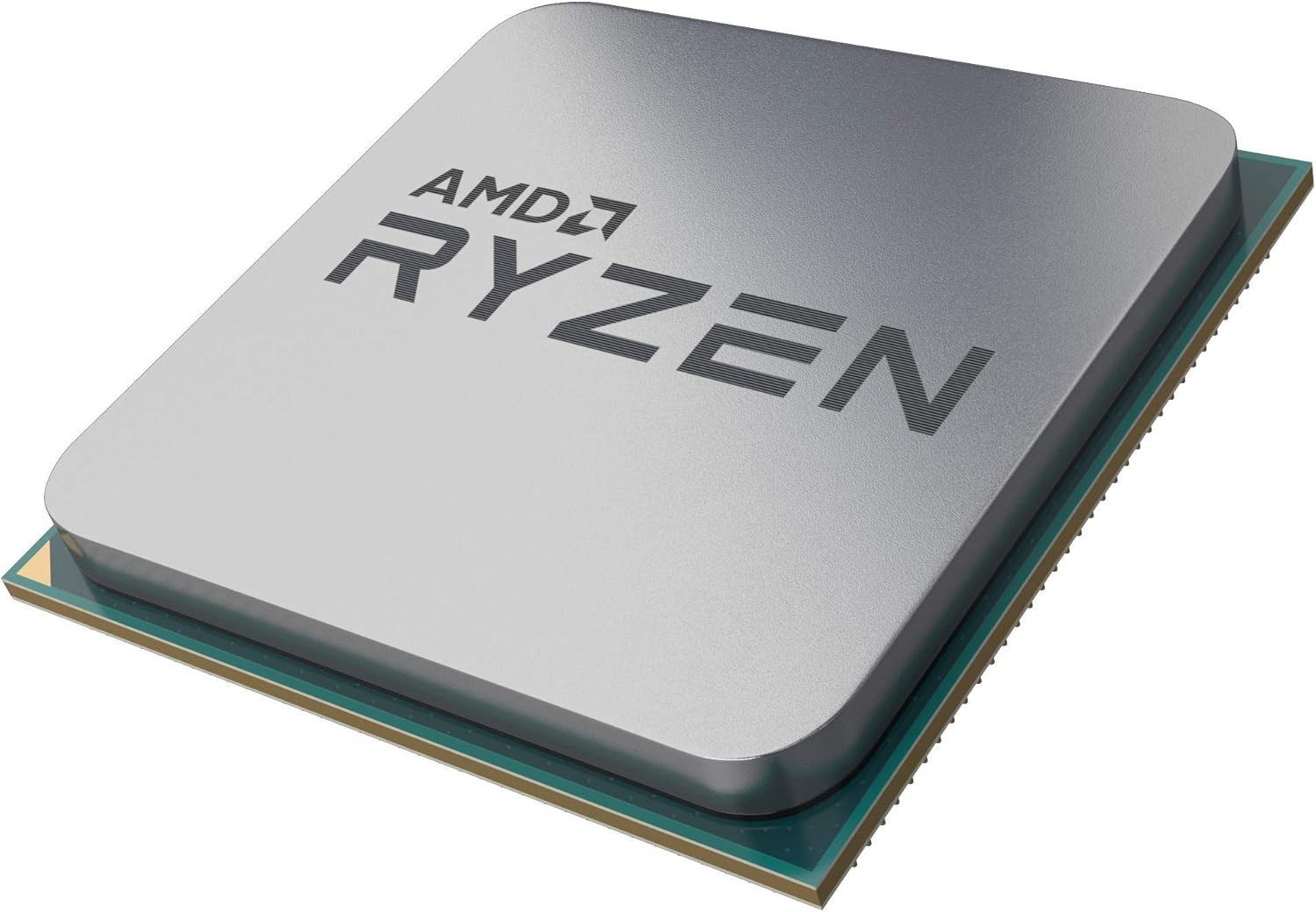
3-rasm: Yaqindan view of the AMD Ryzen 5 3600 processor, showing its top surface.
Wraith Stealth Cooler Installation
- Ensure the pre-applied thermal paste on the cooler's base is intact. If not, apply a small amount of high-quality thermal paste to the center of the CPU's integrated heat spreader (IHS).
- Align the cooler's mounting clips with the retention brackets on the motherboard.
- Hook one side of the cooler's clip onto the motherboard bracket.
- Apply gentle, even pressure to the other side of the cooler and hook it onto the remaining motherboard bracket.
- Connect the 4-pin fan cable from the cooler to the CPU_FAN header on your motherboard.

Figure 4: The AMD Wraith Stealth Cooler, included with the Ryzen 5 3600 processor.
Video Guide: AMD Ryzen 5 3600 Overview
Ushbu video umumiy ma'lumot beradiview of the AMD Ryzen 5 3600 processor and its components.
Video Guide: Cooler Installation for Ryzen 5 3600
Watch this video for a detailed guide on installing an aftermarket cooler, which shares similar steps with the Wraith Stealth Cooler installation.
Ishlayotgan
The AMD Ryzen 5 3600 processor is designed for optimal performance out of the box. It features 6 cores and 12 processing threads, with a base clock speed of 3.6 GHz and a max boost clock of 4.2 GHz.
Precision Boost 2 Technology
Precision Boost 2 is an automatic performance-enhancing technology that analyzes your system's power, temperature, and workload to automatically raise processor frequencies for improved performance. This ensures you get the best possible speed for your applications and games without manual tuning.
Intelligent Power Optimization
The Ryzen 5 3600 incorporates intelligent power optimization features to deliver efficient performance. This technology dynamically adjusts power consumption based on workload, ensuring cool and quiet operation while maximizing performance.
Video Guide: AMD Ryzen Processor Technologies
This video highlights key technologies in AMD Ryzen processors, including Precision Boost 2 and intelligent power optimization.
Xizmat
To ensure the longevity and optimal performance of your AMD Ryzen 5 3600 processor and its cooler, regular maintenance is recommended.
Cooler Cleaning
- Periodically inspect the Wraith Stealth Cooler for dust buildup on the fan blades and heatsink fins.
- Use compressed air to gently blow away dust from the cooler. Hold the fan blades to prevent them from spinning too fast during cleaning.
- For stubborn dust, a soft brush or cotton swab can be used.
Thermal Paste Reapplication
Thermal paste typically lasts for several years. However, if you notice consistently high CPU temperatures, reapplying thermal paste might be necessary. This involves carefully removing the cooler, cleaning off old thermal paste from both the CPU and cooler base, and applying a fresh layer before re-installing the cooler.
Muammolarni bartaraf qilish; nosozliklarni TUZATISH
Umumiy muammolar va yechimlar
- Displey chiqishi yo'q: The Ryzen 5 3600 does not have integrated graphics. Ensure you have a dedicated graphics card installed and connected to your monitor.
- Yuqori protsessor harorati: Verify the cooler is properly seated and secured. Check that the fan cable is connected to the CPU_FAN header and the fan is spinning. Ensure adequate airflow within your PC case.
- Tizimning beqarorligi/halokatlar: Check RAM seating and compatibility with your motherboard. Ensure all power connections to the motherboard and graphics card are secure. Update motherboard BIOS/UEFI to the latest version.
For more advanced troubleshooting or specific error codes, refer to your motherboard's user manual or AMD's official support websayt.
Texnik xususiyatlari
| Xususiyat | Spetsifikatsiya |
|---|---|
| CPU modeli | Ryzen 5 3600 |
| Yadrolar/iplar | 6 yadro / 12 ta ip |
| Asosiy soat tezligi | 3.6 gigagertsli |
| Max Boost soati | 4.2 gigagertsli |
| Jami L3 keshi | 32 MB |
| Standart TDP | 65 Vt |
| CPU soket | AM4 |
| PCIe versiyasi | PCIe 4.0 |
| Sovutgich kiritilgan | Wraith Stealth |
Kafolat va qo'llab-quvvatlash
The AMD Ryzen 5 3600 processor typically comes with a 3-Year Limited Warranty from AMD. Please retain your proof of purchase for warranty claims.
For technical support, driver downloads, and additional resources, please visit the official AMD website or contact AMD customer support.
Note: Protection plans may be available from third-party providers. These are separate from the manufacturer's warranty.


