1. Kirish
This manual provides essential information for the proper use and care of your ANVIZ 125kHz EM Proximity RFID Cards. These cards are designed for seamless integration with compatible ANVIZ time clock and access control systems, offering a reliable method for employee clock-in/out and secure facility access.
Each card is pre-coded with a unique identification number, ensuring secure and efficient operation within your ANVIZ system.
2. Mahsulot tugadiview va Xususiyatlar
The ANVIZ Proximity RFID Cards are durable and designed for everyday use. Key features include:
- Moslik: Fully compatible with ANVIZ Time Clocks and access control systems.
- Standart o'lcham: Designed in a standard credit card size (3.36" × 2.12") for easy handling and storage.
- Pre-coded: Each card comes pre-coded with a unique badge number, simplifying enrollment.
- Chastotasi: Operates on a 125kHz frequency for reliable proximity reading.
- Miqdori: Available in a convenient 10-pack for multiple users or replacements.
- Haqiqiylik: Authentic ANVIZ brand with logo printed on each card.
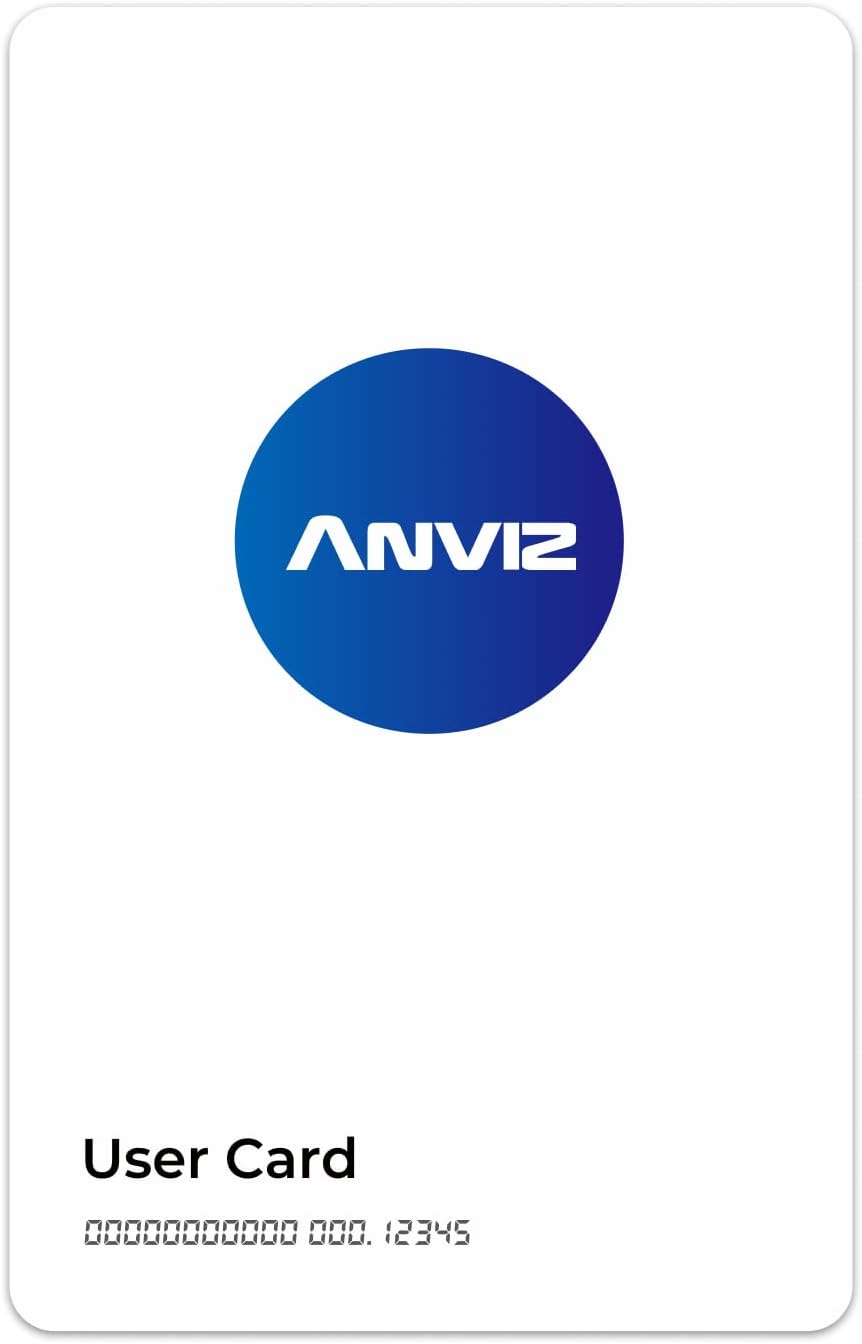
1-rasm: Old view of a single ANVIZ RFID card, showing the ANVIZ logo and "User Card" text.

Figure 2: A 10-pack of ANVIZ RFID cards, illustrating the quantity included.

3-rasm: Orqaga view of an ANVIZ RFID card, indicating "EM Card" and "Working Frequency: 125kHz".
3. Setup and Enrollment
To utilize the ANVIZ RFID cards for time tracking or access control, they must first be enrolled into your ANVIZ system, typically through the CrossChex Cloud platform. The following steps outline the general enrollment process:
- Login to CrossChex Cloud: Access your CrossChex Cloud account. Navigate to the "Punch Management" section or the relevant employee management area.
- Add Card to an Employee Profile:
- Select the employee to whom the card will be assigned.
- Locate the option to add a new card or badge.
- Insert the 8-digit card number (found on the card, typically after the zeros and before the space) into the designated field.
- Follow the on-screen prompts to complete the enrollment process within the software.
- Swipe and Test: After successful enrollment in the software, take the physical RFID card and swipe or tap it against the reading area of your ANVIZ time clock or access control device. The device should confirm successful recognition of the card, indicating it is ready for use.

Figure 4: Visual guide illustrating the three steps for enrolling an employee card using CrossChex Cloud and an ANVIZ time clock.
4. Foydalanish bo'yicha ko'rsatmalar
Once enrolled, using your ANVIZ RFID card is straightforward:
- Clocking In/Out: Present the RFID card to the designated reading area of your ANVIZ time clock. The device will typically provide an audible or visual confirmation of a successful punch.
- Kirish nazorati: For access control systems, present the RFID card to the reader near the secured door. If authorized, the system will grant access, usually indicated by a light change or an unlocking sound.
- Tegishli texnika: Ensure the card is held flat against the reader for a brief moment until the system registers the read. Avoid rapid movements or holding the card at an angle.

Figure 5: An individual demonstrating the use of an ANVIZ RFID card with an access control device.
5. Xizmat va texnik xizmat ko'rsatish
To ensure the longevity and reliable performance of your ANVIZ RFID cards, follow these simple care guidelines:
- Quruq tuting: Avoid exposing the cards to water or excessive moisture.
- Haddan tashqari haroratdan saqlaning: Do not expose cards to direct sunlight for prolonged periods or extreme heat/cold, as this can damage the internal components or deform the card material.
- Prevent Bending: Do not bend, fold, or crease the cards, as this can damage the embedded RFID chip and antenna.
- Sekin tozalang: If cleaning is necessary, wipe the card with a soft, dry cloth. Avoid harsh chemicals or abrasive materials.
- To'g'ri saqlang: Store cards in a wallet, cardholder, or other protective casing when not in use to prevent scratches and damage.
6. Muammolarni bartaraf qilish; nosozliklarni TUZATISH
If you encounter issues with your ANVIZ RFID cards, consider the following common solutions:
| Muammo | Mumkin sabab | Yechim |
|---|---|---|
| Card not reading on device. | Card not properly presented; card not enrolled; card damaged; device malfunction. | Ensure card is held flat against the reader. Verify card enrollment in CrossChex Cloud. Inspect card for visible damage. If other cards work, contact ANVIZ support for device troubleshooting. |
| Card was working, now it isn't. | Card damage; system deactivation; device issue. | Check card for physical damage. Confirm card status in CrossChex Cloud (ensure it hasn't been deactivated). Test with another known working card. |
| Difficulty enrolling card. | Incorrect card number entry; software issue. | Double-check the 8-digit card number for accuracy. Ensure you are following the correct enrollment steps in CrossChex Cloud. |
| Lost or stolen card. | Security risk. | Immediately deactivate the lost/stolen card in your CrossChex Cloud system to prevent unauthorized use. Enroll a new card for the user. |
For issues not covered here, or if problems persist, please refer to the support section.
7. Mahsulot spetsifikatsiyalari
| Atribut | Tafsilot |
|---|---|
| Brend | ANVIZ |
| Model raqami | 850770008948 |
| Rang | Rfid Card (Blue) |
| Mahsulot o'lchamlari | 3.36 "W x 2.12" H |
| Material | Polivinilxlorid (PVX) |
| Element og'irligi | 0.07 Kilogramm (2.29 untsiya) |
| Elementlar soni | 10 |
| Ishlash chastotasi | 125 kHz |
| UPC | 850770008948 |
8. Kafolat va qo'llab-quvvatlash
For specific warranty information regarding your ANVIZ Proximity RFID Cards, please refer to the documentation provided with your ANVIZ time clock or access control system, or visit the official ANVIZ website. As these cards are consumable accessories, warranty terms may vary.
For technical support, inquiries, or assistance with enrollment and system integration, please contact ANVIZ customer support through their official channels. You can typically find contact information on the ANVIZ website or within the documentation of your primary ANVIZ device.
ANVIZ Official Websayt: www.anviz.com


