1. Mahsulot tugadiview
The NEEWER 200° Fish Eye VR Lens is designed to expand your smartphone's photographic capabilities, offering a unique perspective for various applications. This lens provides a vast 200-degree field of view, ideal for capturing panoramic scenes, dynamic events, and creative shots with a distinct circular distortion effect.
Constructed with premium multi-coated optical glass (7 elements in 5 groups) and a robust aluminum alloy frame, it ensures accurate color reproduction and durability while maintaining a lightweight design (1.4oz/40g). The lens is compatible with most smartphones, including iPhone 16 Pro Max, iPhone 15 Pro Max, and Samsung Galaxy S24 Ultra, via the included 17mm thread phone lens clip or compatible NEEWER phone cages/cases.
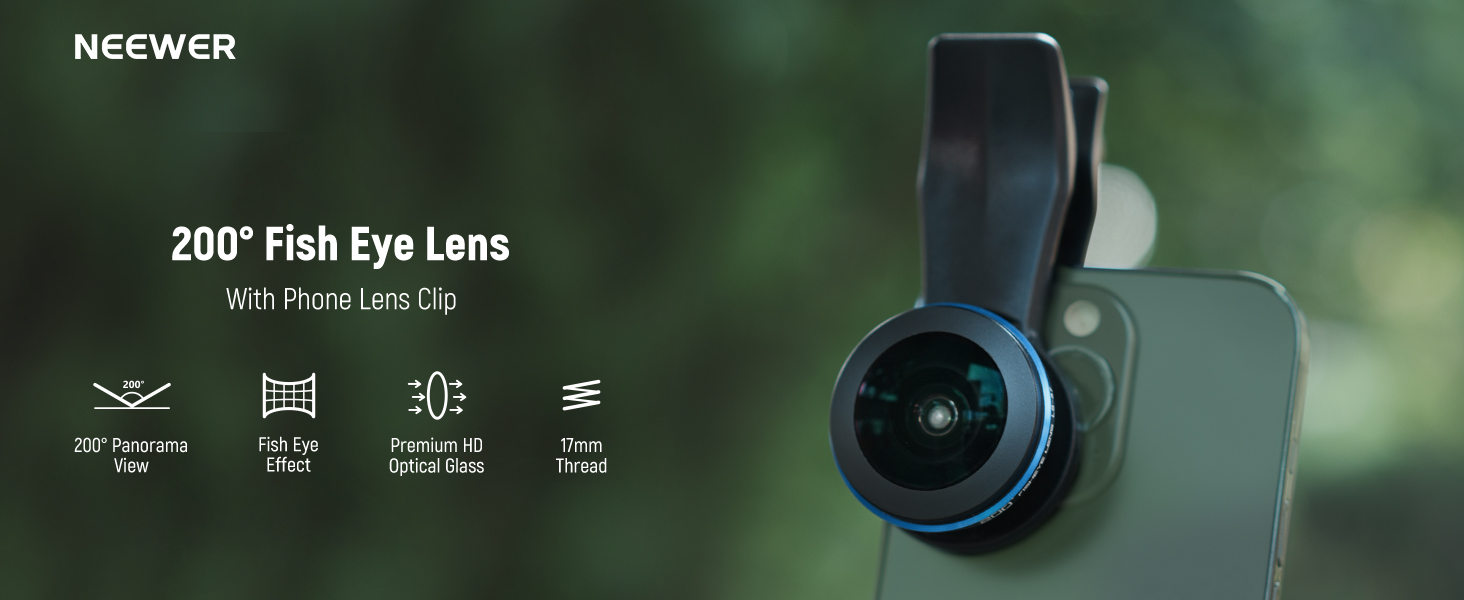
Image: NEEWER 200° Fish Eye VR Lens mounted on a smartphone.
2. Qutida nima bor
- 1 x 200° Fish Eye Lens
- 1 x Phone Lens Clip
- 1 x Ob'ektiv qopqog'i
- 1 x Lens Pouch
- 1 x tozalovchi mato

Rasm: Mahsulot paketiga kiritilgan barcha narsalar.
3. O'rnatish va o'rnatish
3.1 Using the Phone Lens Clip
- Align the Clip: Align the phone lens clip with your smartphone's main camera lens. Ensure the clip's opening is centered over the camera.
- Klipni mahkamlang: Tighten the screw on the phone clip clockwise until it is firmly attached to your phone, holding the lens mount securely in place.
- Ob'ektivni ulang: Align the 200° Fish Eye VR Lens with the 17mm thread on the clip.
- Tighten the Lens: Turn the lens clockwise to securely fasten it onto the clip.

Image: Visual guide for attaching the lens using the phone clip.
3.2 Using a 17mm Threaded Phone Case/Cage (Sold Separately)
- Install Phone Case/Cage: Place your smartphone into a compatible NEEWER phone cage or case that features a 17mm threaded lens mount.
- Ob'ektivni ulang: Align the 200° Fish Eye VR Lens with the 17mm thread on the phone case/cage.
- Tighten the Lens: Turn the lens clockwise to securely fasten it onto the threaded mount.

Image: The 17mm threaded lens mount on a phone case, ready for lens attachment.
Muhim eslatma:
For optimal image quality and stability, using a dedicated 17mm threaded phone case or cage is recommended over the universal clip, especially for precise alignment and heavier lenses.
4. Foydalanish bo'yicha ko'rsatmalar
- Kamera ilovasini oching: Once the lens is securely attached, open your smartphone's native camera application.
- Select 1x Zoom: It is recommended to shoot at 1x zoom for optimal image quality with the fish-eye lens. Avoid using other digital zoom levels.
- Disable Macro Mode: Ensure that any automatic macro mode or focus enhancer features on your smartphone are disabled to prevent interference with the fish-eye effect.
- Tarkibi: Experiment with different angles and distances to achieve desired fish-eye effects, from expansive panoramas to close-up, distorted subjects.

Image: Camera settings for optimal fish-eye lens usage.
Demonstration Video: NEEWER Fish Eye VR Lens with 17mm Thread Phone Lens Clip
Video: This video demonstrates the installation process of the NEEWER Fish Eye VR Lens using the 17mm thread phone lens clip and shows examples of the resulting wide-angle footage.
Demonstration Video: NEEWER Fish Eye VR Lens
Video: This video showcases the visual effects and capabilities of the NEEWER Fish Eye VR Lens in various shooting scenarios, highlighting its wide field of view and unique distortion.
5. Mahsulot xususiyatlari
- 200° Fish Eye VR Lens: Experience a unique perspective with a sharp center and distinct darkened edges, creating a dramatic visual impact that fills the entire frame.
- Special Panoramic View: Capture expansive landscapes and dynamic events with an immersive wide-angle perspective and characteristic circular distortion.
- Premium optik oyna: Features multi-coated optical glass (7 elements in 5 groups) for accurate color reproduction, clear videos, and sharp photographs. The lens is housed in a robust, rust-resistant, and scratch-resistant aluminum alloy frame, weighing only 1.4oz/40g.
- Ko'p tomonlama moslik: The included phone lens clip is designed to attach to most smartphones. For enhanced stability and precision, the lens is also compatible with NEEWER phone cages, phone cases, and backplates that feature 17mm threads.

Image: Illustration of the 200° vast field of view.

Image: Before and after comparison demonstrating the special panoramic view.

Image: Creative examples of the 200° Fish Eye Lens in action.
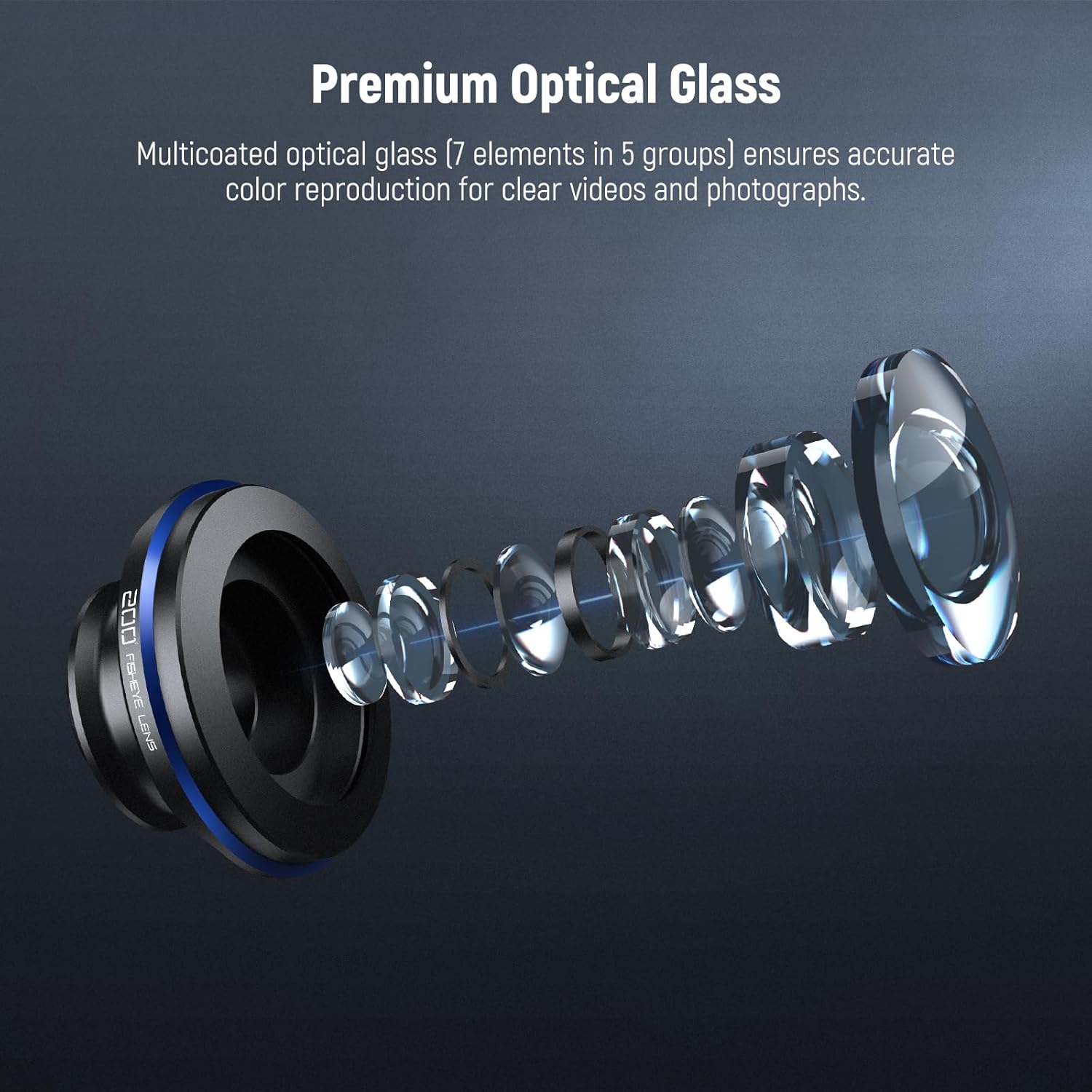
Rasm: batafsil view of the premium optical glass construction.
6. Texnik shartlar
| Xususiyat | Tafsilot |
|---|---|
| Brend | BOShQA |
| Model raqami | 10104620 |
| Element og'irligi | 2.82 untsiya (taxminan 80 g) |
| Ob'ektiv turi | Baliqko'zi |
| Fokus uzunligi tavsifi | 17 millimetr |
| Mos keladigan o'rnatish moslamalari | 17mm Thread (Leica S compatible for lens mount, but designed for smartphones with 17mm threaded accessories) |
| Optik dizayn | 7 ta guruhda 5 ta element |
| ning maydoni View | 200° |
7. Xizmat va parvarish
- Tozalash: Use the provided cleaning cloth to gently wipe the lens surface. For stubborn smudges, use a specialized lens cleaning solution and a microfiber cloth. Avoid using abrasive materials or harsh chemicals.
- Saqlash: Always keep the lens cap on when not in use to protect the glass from dust and scratches. Store the lens in the included pouch or a protective case to prevent damage.
- Ishlov berish: Handle the lens with care to avoid dropping or impacting it, which could damage the optical elements or the housing.
- Atrof-muhit sharoitlari: Avoid exposing the lens to extreme temperatures, high humidity, or direct sunlight for prolonged periods.
8. Muammolarni bartaraf qilish; nosozliklarni TUZATISH
- Vinetka (Qorong'u burchaklar): Ensure the lens is perfectly centered over your smartphone's main camera. If using the clip, adjust its position carefully. Using a dedicated 17mm threaded phone case can help achieve better alignment.
- Xira tasvirlar: Check that the lens is securely tightened and properly aligned. Ensure your camera's autofocus is working correctly, or manually adjust focus if your camera app allows. Disable any macro mode or digital zoom.
- Lens Falling Off/Loose Fit: Make sure the clip's screw is fully tightened. If using a threaded case, ensure the lens is screwed in completely. Avoid excessive force when tightening.
- Heavy/Unwieldy Feel: The lens has a metallic construction and optical glass, contributing to its weight. For extended use or more stable shots, consider using a smartphone rig or tripod.
9. Kafolat va qo'llab-quvvatlash
For warranty information, technical support, or any product-related inquiries, please refer to the official NEEWER websayti yoki bevosita mijozlarga xizmat ko'rsatish bilan bog'laning. Kafolat da'volari uchun xarid kvitansiyasini xaridni tasdiqlovchi hujjat sifatida saqlang.
Official NEEWER Websayt: www.neewer.com


