1. Kirish
This manual provides essential information for the safe and efficient use of your Lenovo IdeaPad Slim 3 Business Laptop. This model features an AMD Ryzen 7 7730U processor, a 15.6-inch Full HD display, 16GB of RAM, and a 1TB PCIe SSD, running on Windows 11. Please read this manual thoroughly before operating your device.

Figure 1: Lenovo IdeaPad Slim 3 Laptop overview, highlighting key features like Windows 11, AMD Ryzen 7 processor, and the included WOWPC Recovery USB.
2. Sozlash
2.1 Qutidan chiqarish va dastlabki tekshirish
Paketdagi barcha komponentlarni ehtiyotkorlik bilan olib tashlang. Qadoqlash ro'yxatida ko'rsatilgan barcha narsalar mavjudligini va buzilmaganligini tekshiring. Agar biron bir narsa etishmayotgan yoki shikastlangan bo'lsa, darhol sotuvchiga murojaat qiling.

2 -rasm: tugadiview of the Lenovo IdeaPad Slim 3 Laptop's main specifications, including Operating System, Processor, Graphics, RAM, Storage, Wi-Fi, Bluetooth, and WOWPC Recovery USB.
2.2 Quvvatga ulanish
- Quvvat adapterini noutbukning quvvat kiritish portiga ulang.
- Quvvat adapterini mos keladigan elektr rozetkaga ulang.
- Batareyani birinchi marta ishlatishdan oldin yoki batareya indikatori yetarli zaryadni ko'rsatmaguncha kamida 30 daqiqa zaryadlang.
2.3 Initial Boot and Windows 11 Setup
- Laptopni yoqish uchun quvvat tugmasini bosing.
- Follow the on-screen instructions to complete the Windows 11 setup process. This includes selecting your language, region, connecting to a network, and creating a user account.
- The included WOWPC recovery USB can be used for system restoration or troubleshooting if needed.
3. Operatsiya
3.1 Displey xususiyatlari
Your laptop is equipped with a 15.6-inch Full HD (1920x1080) TN display with 250 nits brightness and an anti-glare coating. This design reduces reflections and enhances visibility, providing a clear and comfortable viewtajribasi.
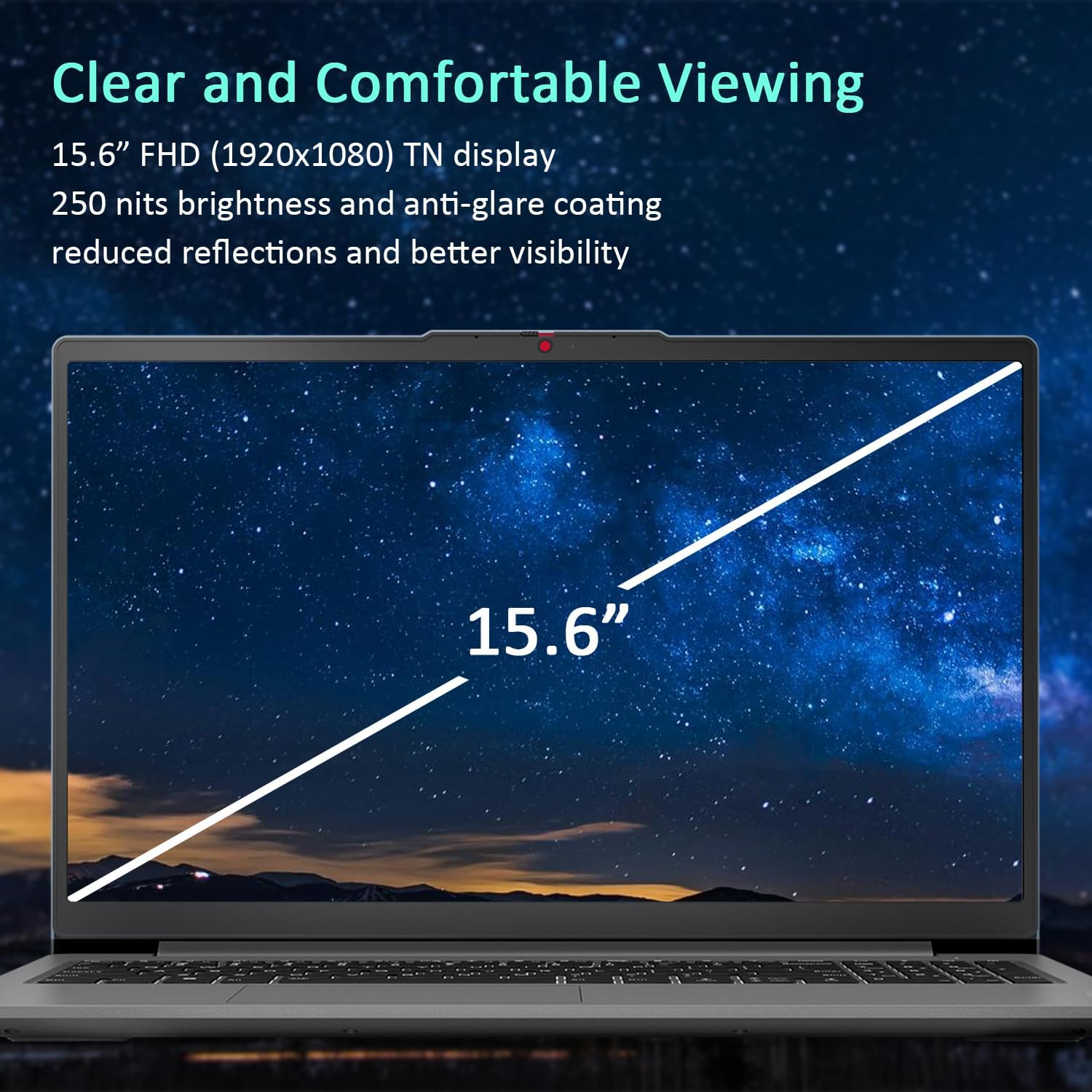
Figure 3: The 15.6-inch Full HD TN display with anti-glare coating for clear and comfortable viewing.
3.2 Protsessor va ishlash
The AMD Ryzen 7 7730U Processor, with 8 cores and 16 threads, delivers reliable performance for various tasks, from daily productivity to more demanding applications. Coupled with 16GB of DDR4 RAM and integrated AMD Radeon Graphics, the system ensures smooth multitasking and efficient operation.
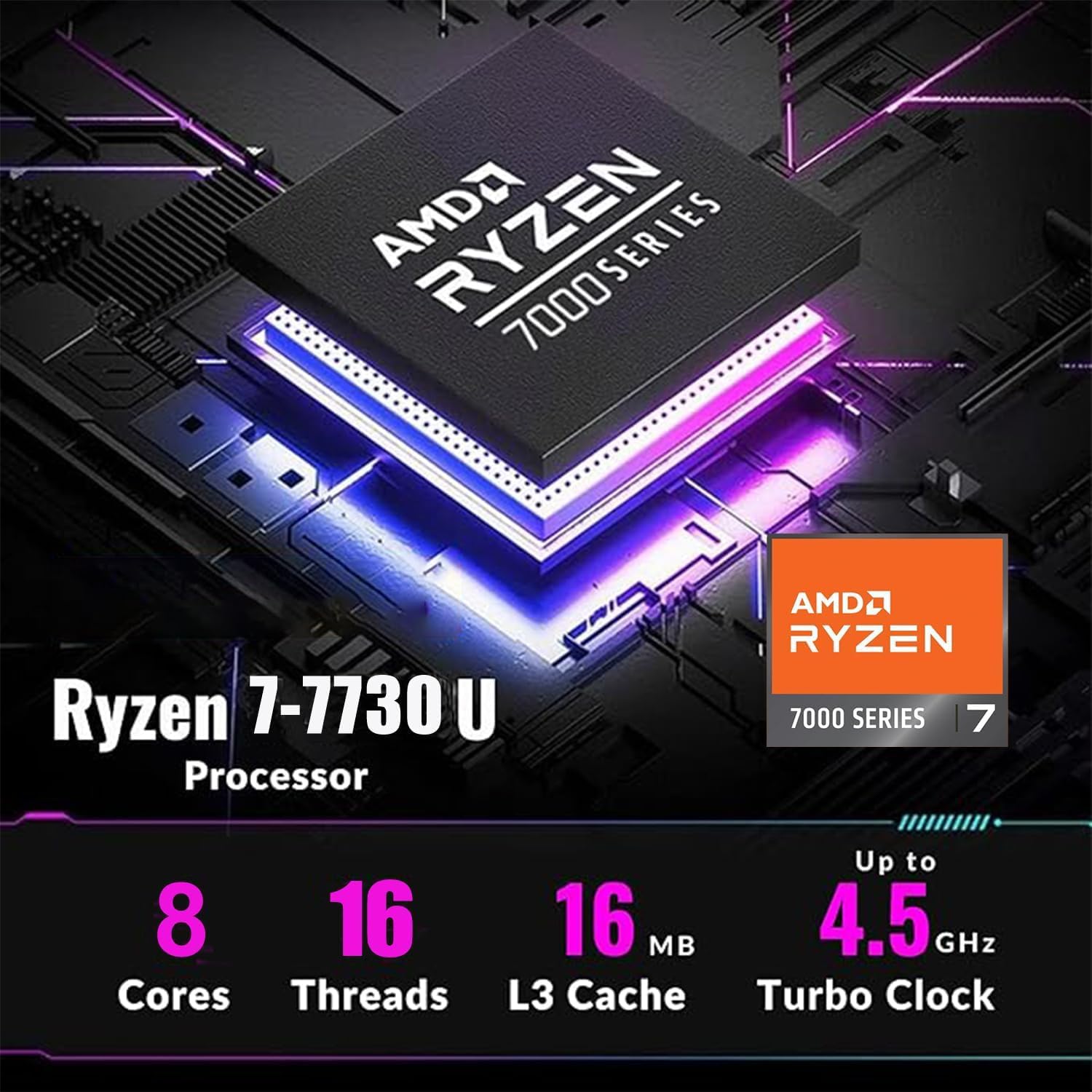
Figure 4: Detailed specifications of the AMD Ryzen 7 7730U Processor, emphasizing its core count, thread count, and turbo clock speed.

Figure 5: The laptop efficiently handles multiple applications simultaneously, showcasing its multitasking capabilities powered by the AMD Ryzen 7 7730U and AMD Radeon Graphics.
3.3 Ulanish
The IdeaPad Slim 3 offers comprehensive connectivity options:
- Portlar: 1x USB-C 3.2 Gen 1, 2x USB-A 3.2, 1x HDMI 1.4 Output, 1x Headphone/microphone combo jack, 1x SD Card Reader.
- Simsiz: Wi-Fi 6 (802.11ax 2x2) and Bluetooth 5.2 for fast and stable wireless connections.

6-rasm: yon view illustrating the available ports for connecting external devices and peripherals.

Figure 7: Highlighting the advanced Wi-Fi 6 and Bluetooth 5.2 capabilities for seamless connectivity.
3.4 Klaviatura va sensorli panel
The laptop features a US English keyboard and a responsive touchpad for navigation. The keyboard is designed for comfortable typing.
3.5 WebMaxfiylik oynasi bilan kamera
A built-in HD 720p webcam is included for video calls and conferences. For enhanced privacy, a physical privacy shutter is integrated, allowing you to block the camera lens when not in use.
4. Xizmat ko'rsatish
4.1 Noutbukni tozalash
- Use a soft, lint-free cloth to clean the screen and exterior surfaces.
- O'jar dog'lar uchun, engil damplattaga suv yoki ekran uchun xavfsiz tozalagich soling.
- Qattiq kimyoviy moddalar, abraziv moddalar yoki erituvchilardan foydalanishdan saqlaning.
4.2 Batareyani parvarish qilish
- Batareyaning ishlash muddatini uzaytirish uchun batareyani tez-tez to'liq zaryadsizlantirishdan saqlaning.
- Uzoq vaqt davomida foydalanilmaganda noutbukni salqin va quruq joyda saqlang.
4.3 Dasturiy ta'minotni yangilash
Optimal ishlash va xavfsizlikni ta'minlash uchun operatsion tizim va drayver yangilanishlarini muntazam ravishda tekshirib turing va o'rnating.
5. Muammolarni bartaraf qilish; nosozliklarni TUZATISH
5.1 Umumiy muammolar va yechimlar
- Noutbuk yoqilmaydi: Quvvat adapterining mahkam ulanganligiga va batareya yetarli quvvatga ega ekanligiga ishonch hosil qiling. Boshqa elektr rozetkasini sinab ko'ring.
- Displey yo'q: Muammo noutbukning ekranida ekanligini tekshirish uchun tashqi monitorni ulang. Laptopni qayta ishga tushiring.
- Sekin ishlash: Close unnecessary applications, check for malware, or consider using the WOWPC recovery USB for a system refresh if performance issues persist.
- Tarmoqqa ulanish muammolari: Verify Wi-Fi is enabled, restart your router, or check network adapter settings in Windows.
5.2 Using the WOWPC Recovery USB
Your device includes a WOWPC recovery USB. This tool is designed to assist with system restoration, driver installation, and other troubleshooting steps. Refer to the instructions provided with the USB for detailed usage.
6. Texnik shartlar
| Xususiyat | Tafsilot |
|---|---|
| Protsessor | AMD Ryzen 7 7730U (8 yadro, 16 ta ip, 4.5 gigagertsgacha) |
| Grafika | O'rnatilgan AMD Radeon Grafikasi |
| Operatsion tizim | Windows 11 Pro |
| Xotira (RAM) | 16GB Soldered DDR4-3200 RAM |
| Saqlash | 1TB PCIe NVMe SSD (Up to 2TB SSD M.2 PCIe NVMe supported) |
| Displey | 15.6" FHD (1920x1080) TN 250nits Anti-glare Display |
| Ulanish | Wi-Fi 6 (802.11ax 2x2), Bluetooth 5.2 |
| Portlar | 1x USB-C 3.2 Gen 1, 2x USB-A 3.2, 1x HDMI 1.4, 1x Headphone/microphone combo jack, 1x Card reader |
| Webkamera | Maxfiylik deklanşörü bilan HD 720p |
| Audio | Foydalanuvchiga qaragan stereo karnaylar, 1.5W x2, Dolby Audio bilan optimallashtirilgan |
| Rang | Arktika kulrang |
| Olchamlari (U x G x Y) | 14.15 x 9.25 x 0.70 dyuym |
| Og'irligi | 3.57 funtdan boshlanadi |
| Aksessuar | WOWPC tiklash USB |

Figure 8: Physical dimensions and weight of the Lenovo IdeaPad Slim 3 Laptop, highlighting its slim design.
7. Kafolat va qo'llab-quvvatlash
7.1 Mahsulot kafolati
This product is typically covered by a manufacturer's warranty. For specific warranty terms and conditions, please refer to the documentation included with your purchase or visit the official Lenovo support websayt. Kengaytirilgan himoya rejalari ham sotib olinishi mumkin.
7.2 Mijozlarni qo‘llab-quvvatlash
For technical assistance, troubleshooting, or service inquiries, please contact Lenovo customer support. You can find contact information on the official Lenovo websaytida yoki mahsulot hujjatlarida.
Return Policy: This product typically has a 30-day return/replacement policy. Please check with your retailer for specific return details.


