1. Kirish
This manual provides essential information for the proper setup, operation, and maintenance of your SANSUI 24 Inch Gaming Monitor. Please read this manual thoroughly before using the product to ensure optimal performance and safety.
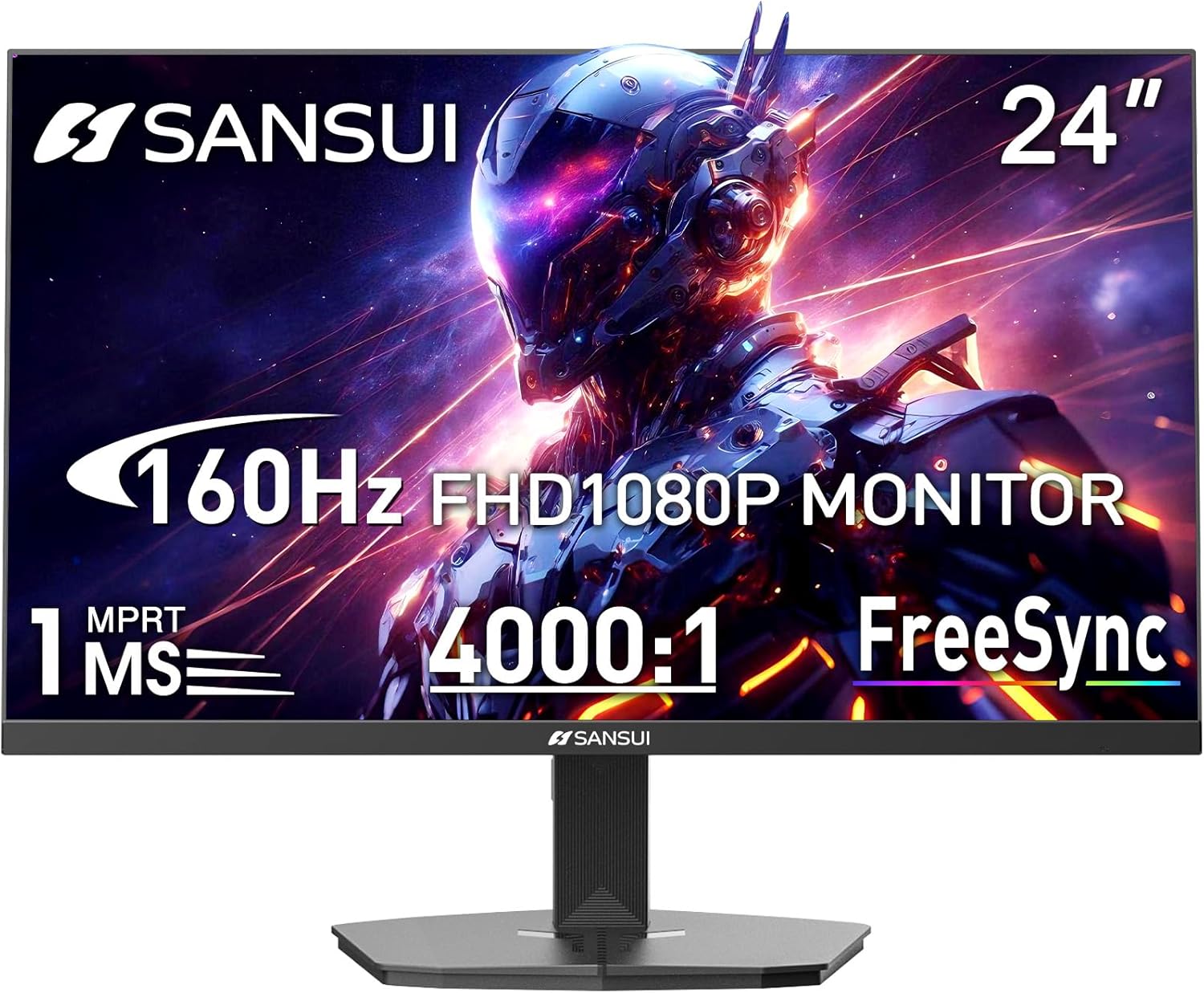
Image 1.1: SANSUI 24 Inch Gaming Monitor (Model ES-G24F4M)
2. Xavfsizlik ma'lumotlari
- Tasodifiy yiqilishlarning oldini olish uchun monitor barqaror, tekis yuzaga qo'yilganligiga ishonch hosil qiling.
- Monitorni yomg'ir, namlik yoki haddan tashqari harorat ta'siriga qo'ymang.
- Haddan tashqari issiqlikning oldini olish uchun shamollatish teshiklarini to'sib qo'ymang.
- Use only the power adapter provided with the monitor.
- Disconnect the power cable from the outlet before cleaning or if the monitor will not be used for an extended period.
3. Paket tarkibi
Paketda barcha elementlar mavjudligiga ishonch hosil qiling:
- SANSUI 24 Inch Gaming Monitor
- HDMI kabeli x 1
- Quvvat adapteri x 1
- Tez o'rnatish uchun qo'llanma
- Kafolat kartasi
4. Mahsulot xususiyatlari
- Displey hajmi: 24 dyuym
- Ruxsat: FHD 1080p (1920 x 1080 piksel)
- Yangilanish tezligi: 160Hz
- Javob vaqti: 1ms MPRT
- Kontrast nisbati: 4000:1
- Yorqinlik: 300 cd/m²
- Ranglar gamuti: 72% sRGB
- Texnologiya: FreeSync, HDR, Anti-flicker, Anti-Glare, Low Blue Light Eye Care
- Portlar: HDMI & DP Ports (HDMI Cable Included)
- O'rnatish: VESA Support (75x75mm)
- O'lchamlari: 21.2 x 7.95 x 16.28 dyuym
- Og'irligi: 3.54 funt
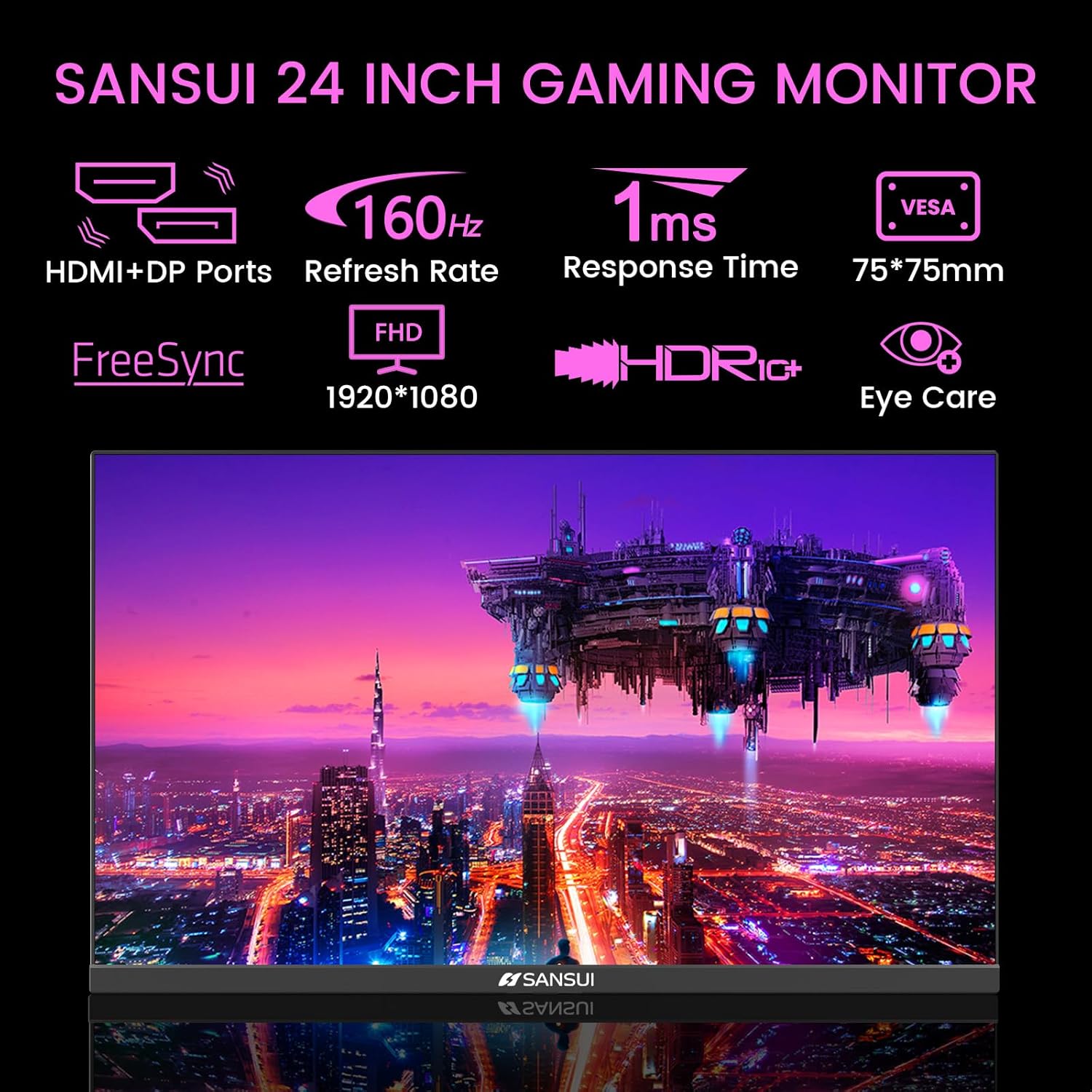
Image 4.1: Key Features of the SANSUI 24 Inch Gaming Monitor.
5. Sozlash
5.1. Stendni yig'ish
- Monitor va stend komponentlarini qadoqdan ehtiyotkorlik bilan olib tashlang.
- Berilgan vintlar yordamida taglik asosini taglik bo'yniga mahkamlang.
- Yig'ilgan taglikni monitorning orqa tomoniga mahkamlang. Dizaynga qarab, uning joyiga chertish ovozi chiqishiga yoki vintlar bilan mahkamlanganligiga ishonch hosil qiling.
5.2. VESA o'rnatish (ixtiyoriy)
The monitor supports VESA 75x75mm mounting. If using a VESA mount, remove the pre-attached stand and follow the instructions provided with your VESA mounting kit.
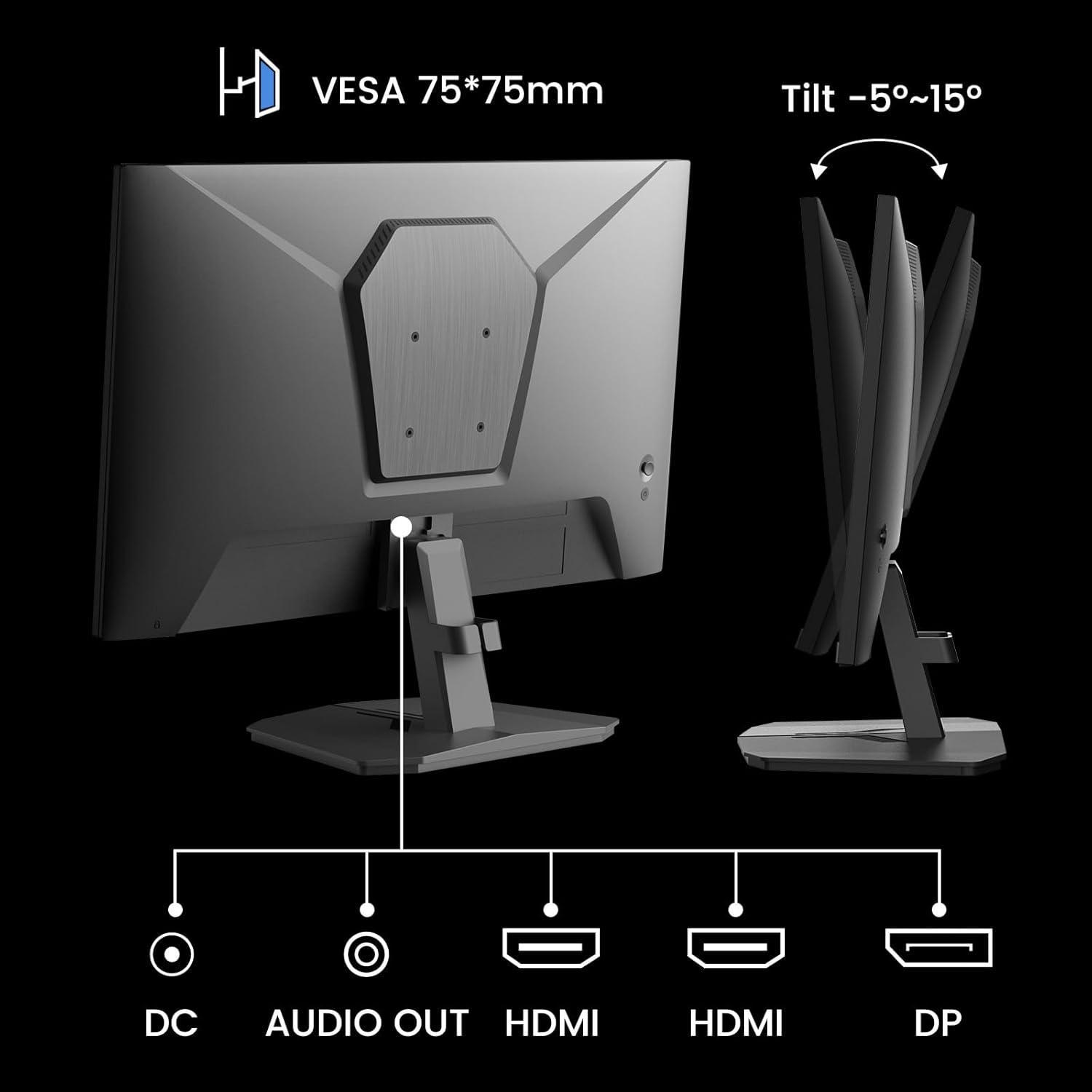
5.1-rasm: orqa view showing VESA mount and input ports.
5.3. Qurilmaga ulanish
- Connect one end of the HDMI cable (included) or a DisplayPort (DP) cable to the corresponding port on your computer or gaming console.
- Connect the other end of the cable to the HDMI or DP input port on the SANSUI monitor.
- For audio output, connect external speakers or headphones to the 'AUDIO OUT' port on the monitor.
- Connect the power adapter to the 'DC IN' port on the monitor, then plug the adapter into a power outlet.
5.4. Dastlabki yoqish
Press the power button located on the underside of the monitor to turn it on. The monitor will automatically detect the active input source. If not, manually select the input source using the OSD menu.
6. Foydalanish bo'yicha ko'rsatmalar
6.1. OSD (On-Screen Display) Menu Navigation
The OSD menu allows you to adjust various monitor settings. The control buttons are located on the underside of the monitor:
- Menyu tugmasi: Press to open the OSD menu or enter a sub-menu.
- Yuqoriga/pastga strelkalar: Menyu parametrlari bo'ylab harakatlaning.
- Kirish tugmasi: Confirm selection or adjust values.
- Quvvat tugmasi: Monitorni yoqing/o'chiring.
6.2. Rasm sozlamalari
Access the 'Picture' section in the OSD menu to adjust:
- Yorqinlik: Ekranning umumiy yorqinligini sozlaydi.
- Kontrast: Adjusts the difference between the brightest and darkest areas.
- Overdrive: Enhances pixel response time for reduced motion blur.
- HDR (Yuqori dinamik diapazon): When enabled, HDR provides a wider range of colors and contrast. Note: Some settings may be locked when HDR is active.
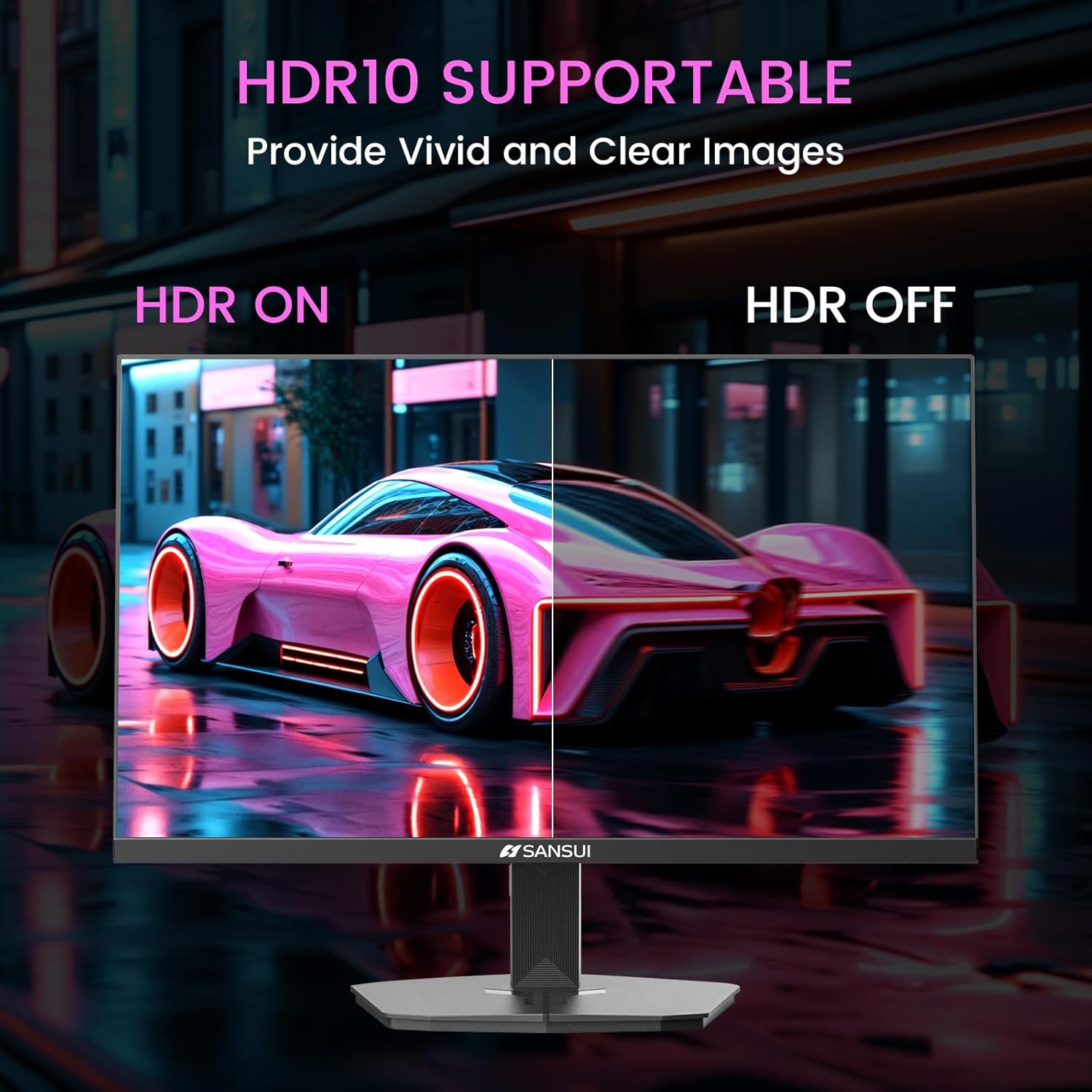
Image 6.1: HDR10 Support for vivid and clear images.
6.3. Rang sozlamalari
In the 'Color Setup' menu, you can adjust color temperature and other color-related parameters when HDR is not active.
6.4. Game Modes and Assistants
The monitor includes exclusive gaming modes and assistants to enhance your gaming experience:
- CrossHair: Yaxshiroq nishonga olish uchun ekrandagi kesishuvni taqdim etadi.
- Taymer: Ekrandagi taymerni ko'rsatadi.
- RTS/FPS/RACING: Pre-calibrated display modes optimized for specific game genres.
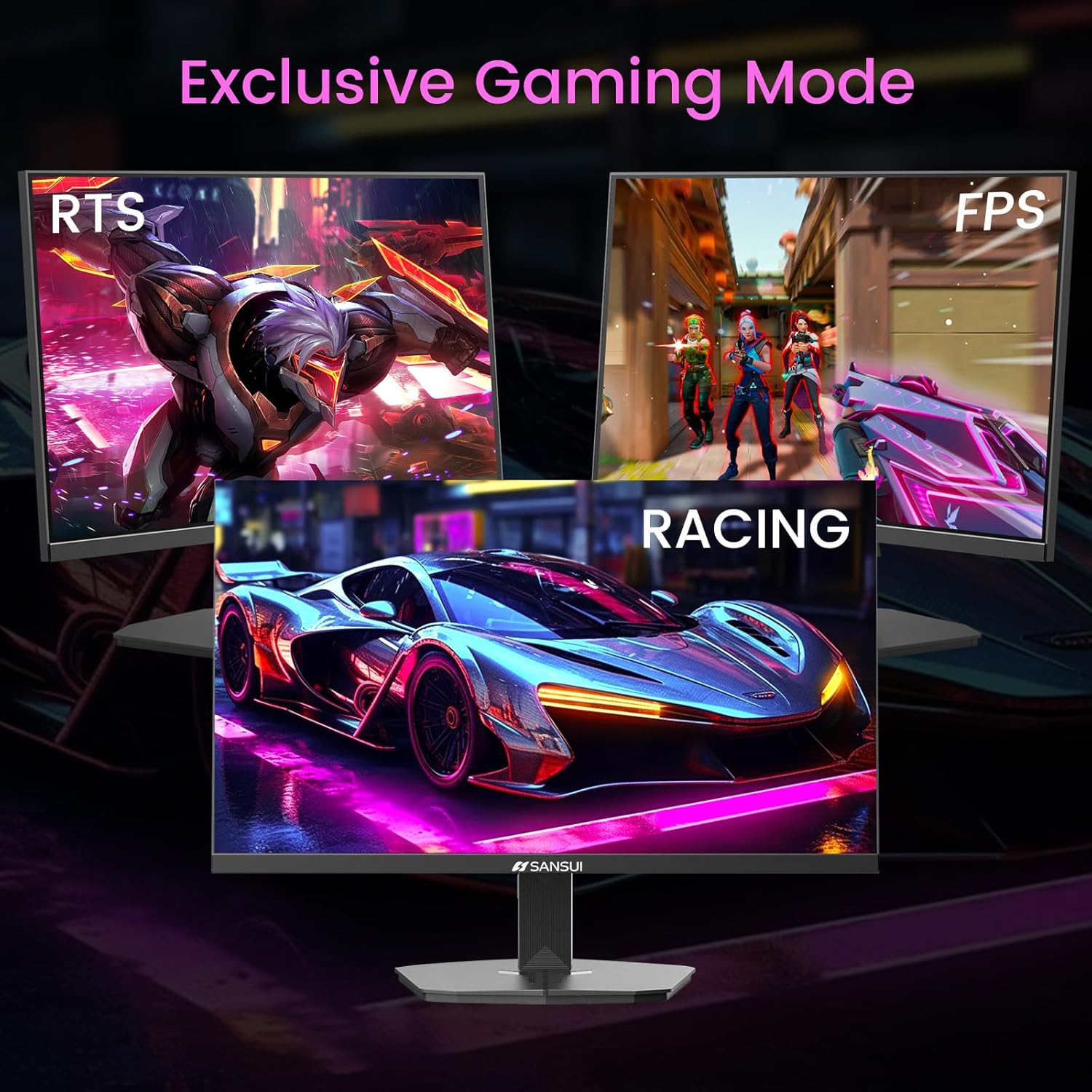
Image 6.2: Exclusive Gaming Modes for optimized visuals.
6.5. FreeSync Technology
FreeSync technology synchronizes the monitor's refresh rate with your graphics card's frame rate, eliminating screen tearing and stuttering for a smoother gaming experience. Enable or disable FreeSync through the OSD menu.
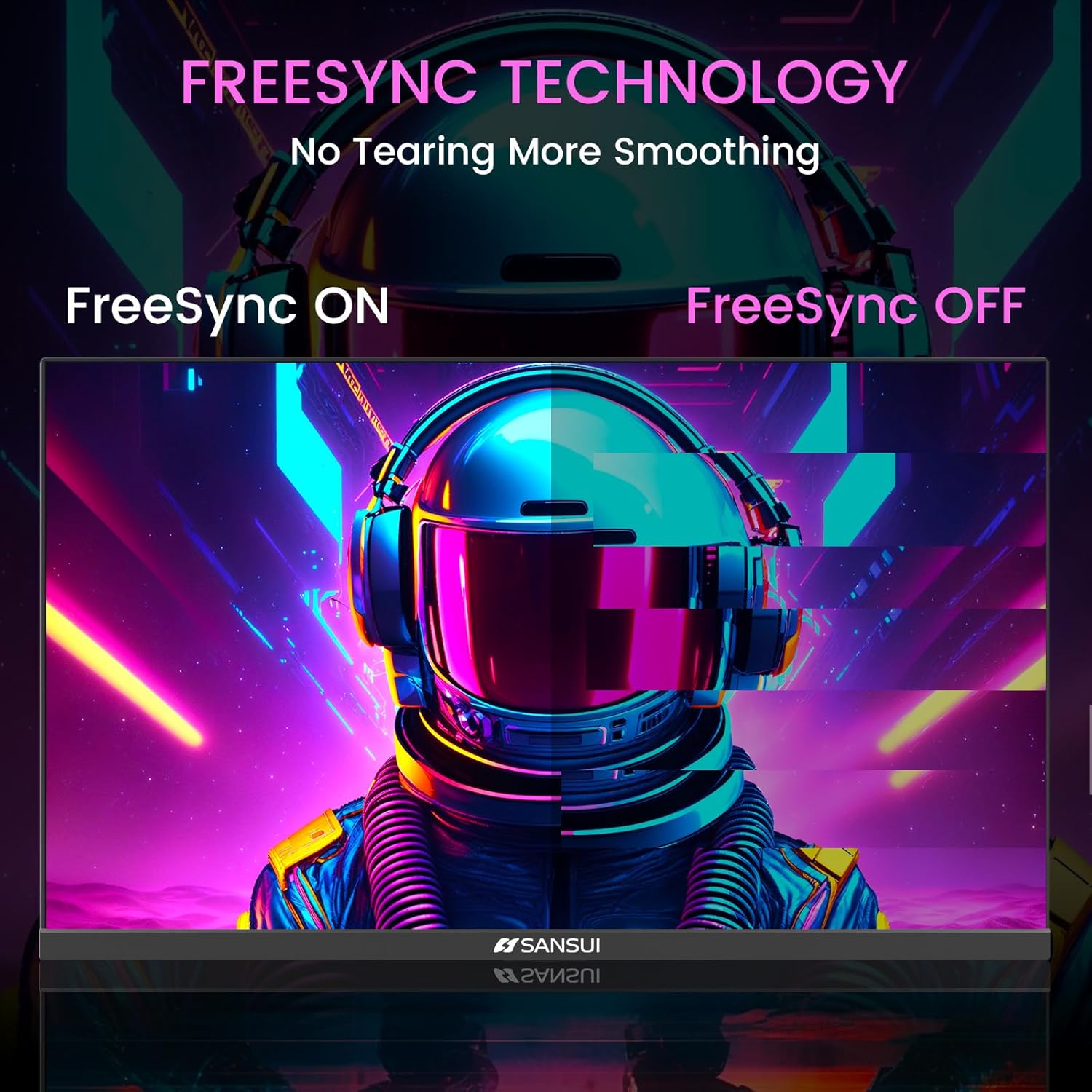
Image 6.3: FreeSync Technology for no tearing and smoother visuals.
6.6. Kiritishni tanlash
Use the OSD menu to manually select the input source (HDMI or DP) if the monitor does not automatically detect it.
Video 6.1: SANSUI FreeSync - 24-inch Gaming Monitor, 160Hz, FHD. This video demonstrates the monitor's features and performance, including its 160Hz refresh rate and FreeSync technology.
7. Xizmat ko'rsatish
- Ekranni tozalash: Bir oz yumshoq, tuklarsiz matodan foydalaning dampsuv yoki ekran tozalagich bilan yakunlanadi. Tozalash vositasini to'g'ridan-to'g'ri ekranga sepmang.
- C ni tozalashasing: Monitorni artish uchun yumshoq, quruq matodan foydalaning casing. Abraziv tozalash vositalaridan saqlaning.
- Saqlash: Agar monitor uzoq vaqt saqlansa, barcha kabellarni ajratib oling va uni salqin va quruq joyda, yaxshisi asl o'ramida saqlang.
8. Muammolarni bartaraf qilish; nosozliklarni TUZATISH
- Quvvat yo'q: Quvvat kabeli monitorga ham, rozetkaga ham mahkam ulanganligiga ishonch hosil qiling. Elektr rozetkasi ishlayotganligini tekshiring.
- Signal yo'q: Verify that the video cable (HDMI/DP) is correctly connected to both the monitor and the source device. Ensure the correct input source is selected in the OSD menu.
- Miltillovchi ekran: Check the video cable connection. Ensure the refresh rate is set correctly in your device's display settings.
- Tasvirning buzilishi: Reset the monitor to factory settings via the OSD menu. Check your device's display resolution settings.
- Tugmalar javob bermayapti: Disconnect the power for a few minutes, then reconnect. If the issue persists, contact customer support.
9. Texnik shartlar
| Xususiyat | Spetsifikatsiya |
|---|---|
| Mahsulot o'lchamlari | 21.2 x 7.95 x 16.28 dyuym |
| Element og'irligi | 3.54 funt |
| Ishlab chiqaruvchi | EXPRESS LUCK INDUSTRIAL(ZHONGSHAN)LIMITED |
| Model raqami | ES-G24F4M |
| Tik turgan ekran ko'rinishi o'lchami | 24 dyuym |
| Aspekt nisbati | 16:9 |
| Rezolyutsiya | 1920 x 1080 piksel (FHD 1080p) |
| Rasm yorqinligi | 300 cd/m² |
| Ekran yuzasi tavsifi | Mat |
10. Kafolat va qo'llab-quvvatlash
SANSUI offers a money-back and free replacement warranty from the order date within 30 days. Additionally, lifetime technical support is provided for the SANSUI 24 inch 160Hz 1ms gaming monitor. For any questions or support needs, please contact SANSUI's after-sales support team.


