CAMECHO 9-inch Android 13 Car Stereo User Manual
For BMW 1 Series (E81, E82, E87, E88)
1. Kirish va yanaview
This manual provides comprehensive instructions for the CAMECHO 9-inch Android 13 Car Stereo. This unit is specifically designed for BMW 1 Series models E81, E82, E87, and E88. It integrates advanced features such as an 8-core processor, 6GB RAM, 128GB internal storage, and a high-resolution 1280x720 IPS touchscreen. Key functionalities include wireless CarPlay, Android Auto, integrated GPS navigation, Bluetooth 5.0 connectivity, Digital Sound Processor (DSP), FM/RDS radio, and support for a rear view camera. Please read this manual thoroughly to ensure proper installation and optimal use of your new car stereo system.
2. Moslik
This CAMECHO car stereo is compatible with the following BMW 1 Series models:
- BMW 1 Series E81
- BMW 1 Series E82
- BMW 1 Series E87
- BMW 1 Series E88
Muhim muvofiqlik eslatmasi: This product is designed for vehicles with a left-hand drive configuration. Large screens are not supported for right-hand drive vehicles. Before purchasing or installing, please verify your car's central control panel matches the 'Option A' configuration shown below. If you are unsure about compatibility, please send a photo of your car's central control unit and the back of the original CD player to the seller for assistance.

3. Xususiyatlari
The CAMECHO car stereo offers a range of features to enhance your driving experience:
- Operatsion tizim: Android 13
- Protsessor: 8-core CPU for smooth performance
- Xotira va saqlash: 6 GB RAM + 128 GB ROM
- Displey: 9-inch IPS touchscreen with 1280x720 resolution
- Ulanish: Built-in Bluetooth 5.0, Wi-Fi, and GPS
- Smartfon integratsiyasi: Wireless and wired Apple CarPlay & Android Auto, Mirror Link (wireless and wired)
- Audio: Digital Sound Processor (DSP) with 32-band equalizer for customizable sound, FM/RDS radio tuner
- Ko'p vazifa: Split-screen function to run multiple applications simultaneously
- Ovozli boshqaruv: Smart Voice Assistant support
- Kamerani qo'llab-quvvatlash: Orqa view camera input (AHD/CVBS)
- Rulni boshqarish: Supports original steering wheel controls
- Moslashtirish: Multiple UI desktop themes and customizable home screen apps
- Qo'shimcha funktsiyalar: Global weather display, network radio, video output, dual USB interfaces.

4. O'rnatish va o'rnatish
This section outlines the general installation process. Professional installation is recommended.
4.1 Paket tarkibi
Paketda barcha komponentlar mavjudligiga ishonch hosil qiling:
- Main Unit (9-inch display)
- Quvvat kabeli
- RCA kabeli
- USB Cables (2 interfaces)
- GPS antenna
- Radio adapter
- Mikrofon
- Canbus Decoder
- O'rnatish vositasi
- Foydalanuvchi uchun qo'llanma
- AHD Rear Camera (optional purchase)
- Accessories (mounting brackets, screws)

4.2 O'rnatishdan oldin tekshirish
Before beginning installation, ensure your vehicle is compatible (refer to Section 2). Disconnect the car battery's negative terminal to prevent electrical shorts.
4.3 O'rnatish bosqichlari (umumiy)
- Carefully remove the original car stereo and trim panels. Refer to your vehicle's service manual for specific instructions.
- Connect the main power cable (1) to the car's wiring harness.
- Connect the RCA cables (2) for audio output and auxiliary input.
- Connect the USB cables (3) for external devices.
- Connect the camera input cable (4) if installing a rear view kamera.
- Connect the radio adapter (5) to the car's antenna.
- Connect the GPS antenna (6) and position it in a location with clear sky view (e.g., dashboard).
- Mount the new head unit into the dashboard opening using the provided brackets and screws.
- Avtomobil akkumulyatorini qayta ulang.
- Turn on the car stereo and perform initial setup.
Eslatma: The rear of the unit features clearly labeled ports for Power, RCA, USB, Camera Input, Radio Adapter, and GPS Antenna. Ensure all connections are secure.
5. Foydalanish bo'yicha ko'rsatmalar
5.1 Asosiy operatsiya
- Quvvatni yoqish/oʻchirish: Quvvat tugmasini bosing va ushlab turing.
- Ovozni boshqarish: Use the volume knob or steering wheel controls.
- Sensorli ekran: Ekranga teginish orqali menyularda harakatlaning va funksiyalarni tanlang.
5.2 Simsiz CarPlay va Android Auto
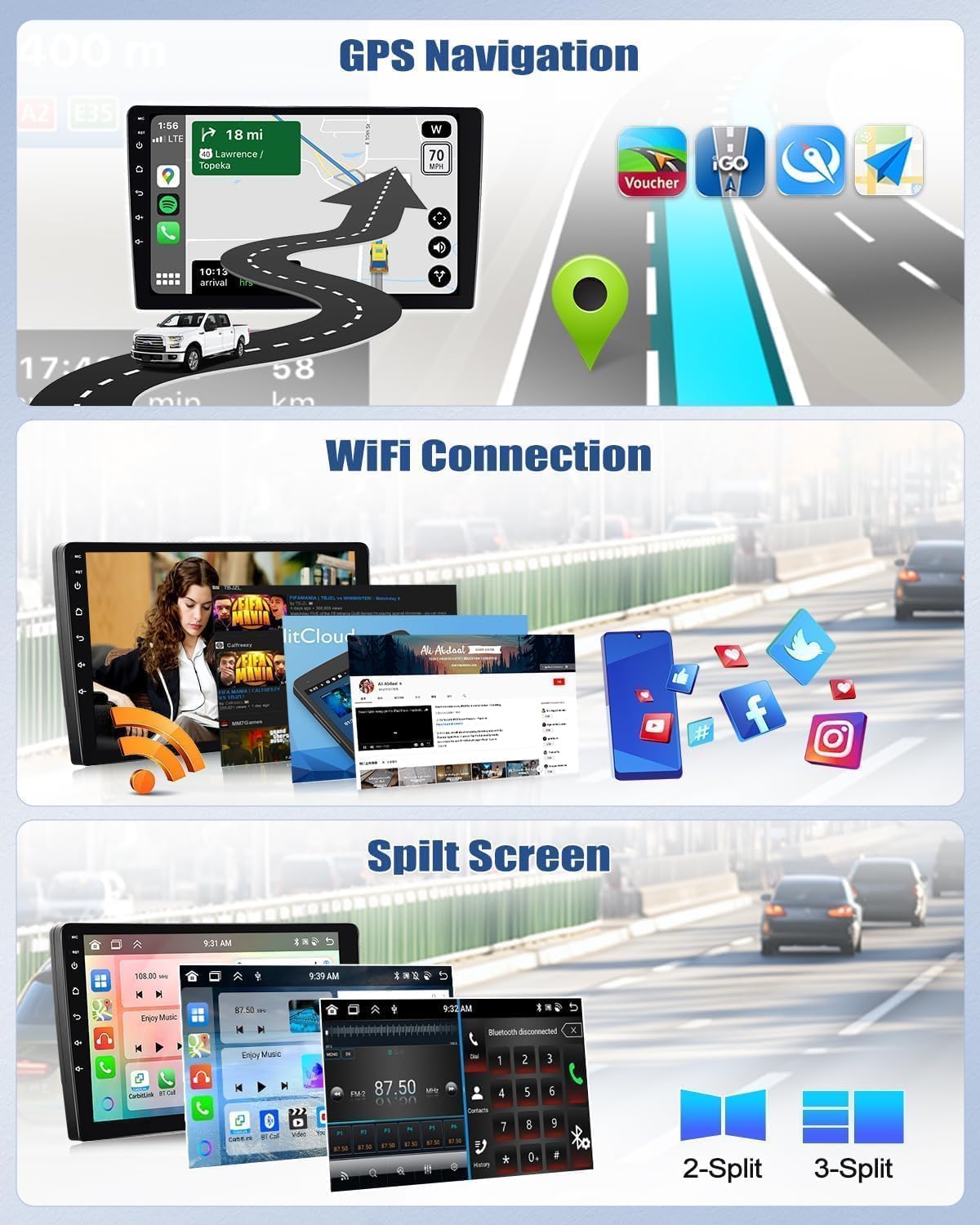
Connect your smartphone wirelessly or via USB to access Apple CarPlay or Android Auto. This allows you to use compatible apps like Spotify, Google Maps, Waze, and WhatsApp directly on the car stereo display.

5.3 GPS navigatsiyasi
The unit has a built-in GPS module. You can use pre-installed offline maps (requires internet for initial download) or online navigation apps like Google Maps, Waze, etc., when connected to Wi-Fi.
5.4 Bluetooth 5.0
Pair your phone via Bluetooth for hands-free calling and audio streaming. The built-in microphone ensures clear communication.

5.5 FM/RDS Radio
Tune into your favorite FM radio stations. The RDS (Radio Data System) feature displays station information, traffic updates, and more.
5.6 Ekranni ajratish funksiyasi
Utilize the split-screen feature to run two applications simultaneously, such as navigation and music playback.
5.7 Rulda boshqaruvi (SWC)
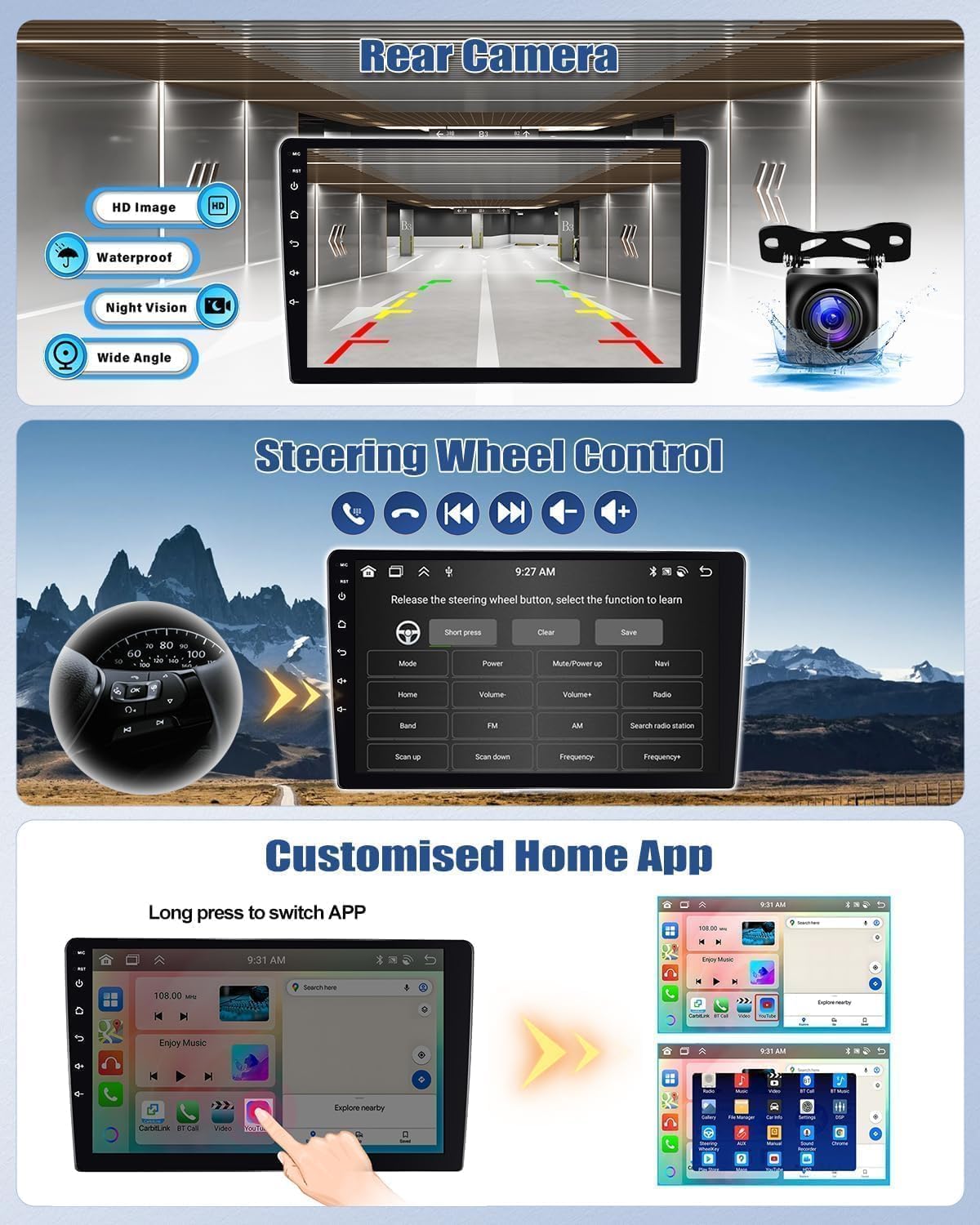
The unit supports your car's original steering wheel controls. You can configure buttons to control volume, track changes, mode selection, and more directly from your steering wheel.
5.8 Ovozli yordamchi
Activate the smart voice assistant for hands-free control of navigation, music, and other functions.

6. Xizmat ko'rsatish
To ensure the longevity and optimal performance of your car stereo, follow these maintenance guidelines:
- Tozalash: Ekran va jihozni tozalash uchun yumshoq, quruq matodan foydalaning. Abraziv tozalagichlar yoki erituvchilardan saqlaning.
- Harorat: Operate the unit within the specified temperature range (-20°C to 75°C). Extreme temperatures can affect performance.
- Dasturiy ta'minot yangilanishlari: Tizimning samarali va xavfsiz ishlashini ta'minlash uchun vaqti-vaqti bilan dasturiy ta'minot yangilanishlarini tekshirib turing va o'rnating.
- Kabel ulanishlari: Ensure all cables are securely connected and free from damage.
7. Muammolarni bartaraf qilish; nosozliklarni TUZATISH
If you encounter issues with your car stereo, refer to the following common troubleshooting tips:
- Quvvat yo'q: Check all power connections and the car's fuse box. Ensure the car battery is properly connected.
- Ovoz yo'q: Verify speaker connections, volume settings, and audio source selection. Check if the mute function is active.
- GPS signalining yo'qolishi: GPS antennasi to'g'ri o'rnatilganligiga va aniq o'rnatilganligiga ishonch hosil qiling view osmondan.
- Bluetooth ulanishi bilan bog'liq muammolar: Ensure Bluetooth is enabled on both the stereo and your phone. Try unpairing and re-pairing the devices.
- Sensorli ekran javob bermayapti: Try restarting the unit. If the issue persists, a factory reset might be necessary (note: this will erase all user data).
- CarPlay/Android Auto Not Working: Ensure your phone's operating system is up to date. Try connecting with a different USB cable or restarting your phone.
Doimiy muammolar uchun mijozlarni qo'llab-quvvatlash xizmatiga murojaat qiling.
8. Texnik shartlar
| Xususiyat | Spetsifikatsiya |
|---|---|
| Tizim | Android 13 |
| Chipset | 8257 (8-core) |
| Ekran o'lchami | 9 dyuym |
| Xotira (RAM) | 6 GB |
| Saqlash (ROM) | 128 GB |
| Ekran ravshanligi | 1280x720 |
| Radio chip | 8035 |
| Chiqish quvvati | 4 x 45 Vt |
| Bluetooth versiyasi | 5.0 |
| Ishlash harorati | -20 ° C dan 75 ° C gacha |
| External Microphone Support | Ha |
| Radio guruhi | FM/RDS |
| Video chiqishi | Qo'llab-quvvatlash |
| Teskari kiritish | AHD/CVBS |
| Wi-Fi / Split Screen | Qo'llab-quvvatlash |
| Xaritalar | Built-in offline maps (requires internet for data download) |
| USB interfeyslari | Ikkita USB |
| Ovoz formatini qo'llab-quvvatlash | APE/FLAC/WAV/MP3/WMA |
| Video formatini qo'llab-quvvatlash | MKV/RMVB/AVI/MP4/MDV |
| Tasvir formatini qo'llab-quvvatlash | PNG/JPEG/JPG/GIF/WBMP/BNP |
| Bluetooth ulanish kodi | 0000 |
| Qo'llab-quvvatlanadigan tillar | Spanish, German, English, French, Italian, Portuguese, Russian, Turkish, Vietnamese, Hebrew, Polish, Chinese, Arabic |
9. Kafolat va qo'llab-quvvatlash
For warranty information, please refer to the documentation provided with your purchase or contact the seller directly. If you require technical assistance or have questions not covered in this manual, please reach out to CAMECHO customer support. Provide your product model number and a detailed description of the issue for efficient service.


