1. Kirish
Thank you for choosing the HTC N15 Wireless Clip-On Earbuds. These open-ear earphones are designed to provide audio while allowing you to remain aware of your surroundings. This manual provides detailed instructions for setup, operation, and maintenance to ensure optimal performance and longevity of your device.

Image 1.1: HTC N15 Wireless Clip-On Earbuds and Charging Case.
2. Paket tarkibi
Iltimos, qutidan chiqarilganda paket tarkibini tekshiring. Agar biror narsa etishmayotgan yoki shikastlangan bo'lsa, mijozlarni qo'llab-quvvatlash xizmatiga murojaat qiling.
- 1 Pair HTC N15 Clip-On Earbuds
- 1 Zaryadlovchi qutisi
- 1 USB-C zaryadlovchi kabeli
- 1 Foydalanuvchi qo'llanmasi (ushbu hujjat)
Video 2.1: Unboxing the HTC N15 Wireless Clip-On Earbuds, showing the earbuds, charging case, and USB-C cable.
3. Mahsulot tugadiview
3.1 Earbud Features
- Ochiq quloq dizayni: Atrofdagi narsalarni anglash imkonini beradi.
- Clip-On Fit: Secure and comfortable for various activities.
- Sensorli boshqaruv: Intuitive control for audio and calls.
- O'rnatilgan mikrofon: For clear communication.
- Yengil vazn: Har bir quloqchinning og'irligi taxminan 4.7 g.
- 13mm Driver: For enhanced sound quality.
3.2 Zaryadlash qutisi xususiyatlari
- USB-C zaryadlash porti: Qulay zaryadlash uchun.
- Batareya ko'rsatkichi: LEDs show charging status and battery level.

3.1-rasm: tugadiview of HTC N15 earbuds and charging case, highlighting battery life and Type-C charging port.
4. Sozlash
4.1 Quloqlik va qutini zaryadlash
Birinchi marta ishlatishdan oldin quloqchinlarni va zaryadlash qutisini to'liq zaryadlang.
- Quloqchalarni zaryadlash qutisiga joylashtiring.
- USB-C zaryadlash kabelini korpusdagi zaryadlash portiga va quvvat manbaiga ulang.
- The LED indicators on the case will illuminate to show charging status. A full charge for the case takes approximately 1.5 hours.
- The earbuds provide up to 8 hours of playback on a single charge, and the charging case extends total playtime to 22 hours.

Image 4.1: Visual representation of charging times and battery life for the HTC N15 earbuds and case.
4.2 Qurilma bilan ulash
The HTC N15 earbuds use Bluetooth 6.0 for fast and stable connections.
- Naushniklar zaryadlangan va zaryadlash qutisi ichida ekanligiga ishonch hosil qiling.
- Open the charging case. The earbuds will automatically enter pairing mode, indicated by flashing LED lights.
- Qurilmangizda (smartfon, planshet, noutbuk) Bluetooth sozlamalariga o'ting va Bluetooth-ni yoqing.
- Ni qidirish available devices and select "HTC NE15" from the list.
- Once connected, the earbud LEDs will stop flashing, and you will hear a confirmation tone.
Agar qurilmada Bluetooth yoqilgan bo'lsa, quloqchinlar g'ilofdan chiqarilganda avtomatik ravishda oxirgi ulangan qurilmaga qayta ulanadi.

Image 4.2: The HTC N15 earbuds offer flexible connectivity with various devices including notebooks, TVs, desktops, watches, phones, and iPads.
5. Kiyish bo'yicha ko'rsatmalar
For optimal sound and comfort, ensure the earbuds are worn correctly.
- Chap (Ch) va o'ng (O'ng) quloqchinlarni aniqlang.
- Confirm the direction of the earbud, ensuring the clip is oriented to hook over the top of your ear.
- Gently clip the earbud onto the thinnest part of your ear, sliding it down until it feels secure.
- Adjust the earbud tip to align with your ear canal for the best sound experience and comfort.

Image 5.1: Step-by-step guide on how to properly wear the HTC N15 Clip-On Earbuds for a secure and comfortable fit.

Image 5.2: Illustration of the ergonomic open-ear clip design and wearing tips for optimal sound alignment.
6. Foydalanish bo'yicha ko'rsatmalar
The HTC N15 earbuds feature smart touch controls for easy management of audio and calls.

Image 6.1: Diagram illustrating the touch control functions for the HTC N15 earbuds.
6.1 Musiqa boshqaruvi
- Oʻynatish/toʻxtatib turish: Ikkala quloqchinni ikki marta bosing.
- Keyingi qo'shiq: Triple-click the Right (R) earbud.
- Oldingi qo'shiq: Triple-click the Left (L) earbud.
- Ovoz balandligi: Click the Right (R) earbud.
- Ovozni kamaytirish: Click the Left (L) earbud.
6.2 Qo'ng'iroqlarni boshqarish
- Qo'ng'iroqqa javob berish/tugatish: Click either earbud.
- Qo'ng'iroqni rad etish: Ikkala quloqchinni ham 2 soniya bosib turing.
6.3 Voice Assistant & Game Mode
- Ovozli yordamchini faollashtirish: Hold the Left (L) earbud for 2 seconds.
- O'yin rejimi: Hold the Right (R) earbud for 2 seconds to activate low-latency mode.

Image 6.2: The HTC N15 earbuds feature a low-latency Game Mode, reducing audio delay to 40ms for an improved gaming experience.
7. Xizmat ko'rsatish
7.1 Tozalash
- Naushniklar va zaryadlash qutisini muntazam ravishda yumshoq, quruq, tuklarsiz mato bilan tozalang.
- Abraziv tozalash vositalari, spirtli ichimliklar yoki kimyoviy erituvchilardan foydalanmang.
- Quloqlik va qutidagi zaryadlash kontaktlari toza va quruq ekanligiga ishonch hosil qiling.
7.2 Saqlash
- Quloqliklarni himoya qilish va zaryadlangan holda saqlash uchun foydalanilmayotganda ularni zaryadlash qutisida saqlang.
- Haddan tashqari haroratda yoki yuqori namlikda saqlashdan saqlaning.
7.3 Suv va changga chidamlilik
The HTC N15 earbuds are rated IP45 for water and dust resistance. This means they are protected against dust ingress and low-pressure water jets from any direction. They are suitable for workouts and light rain but should not be submerged in water.
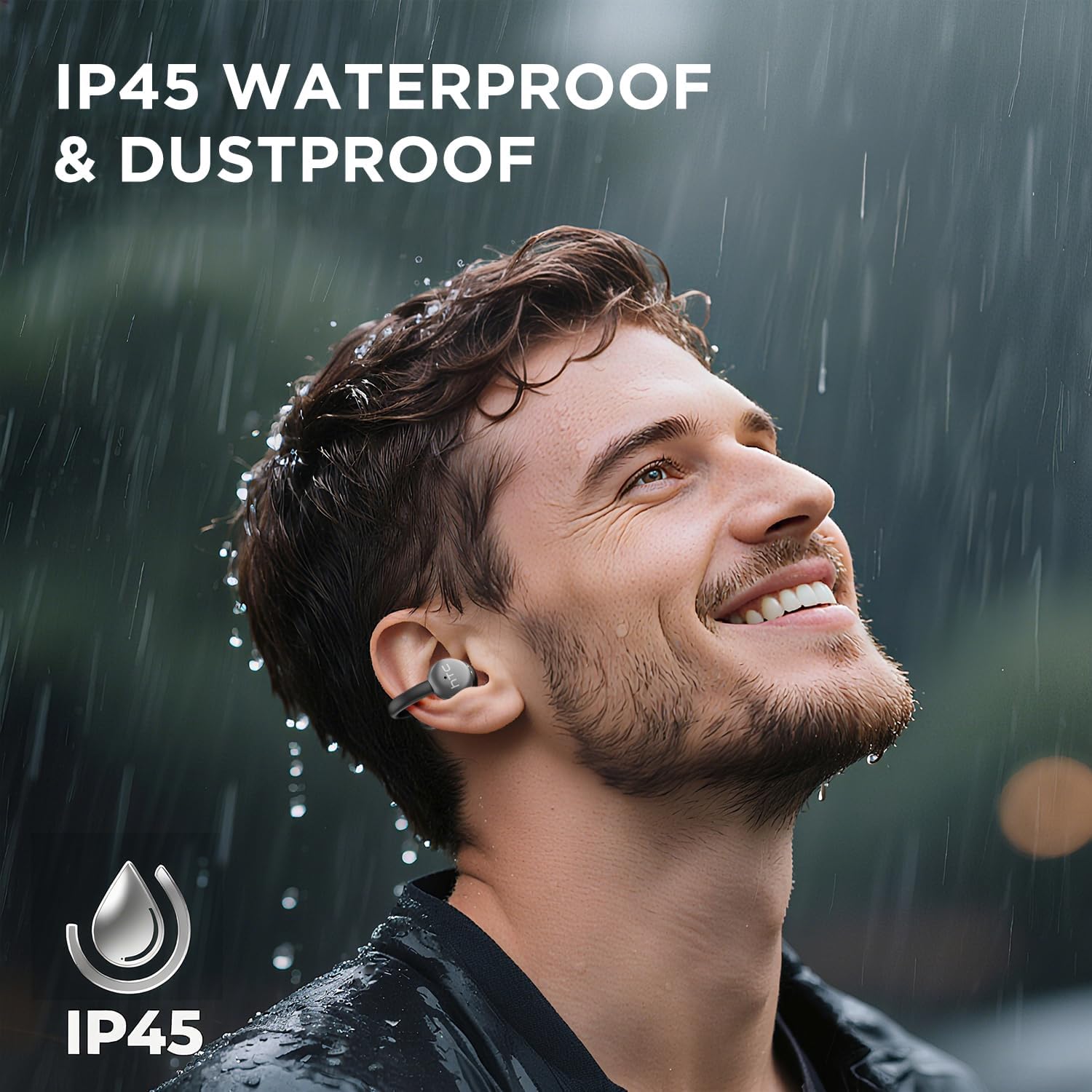
Image 7.1: The HTC N15 earbuds are IP45 rated, offering protection against dust and water splashes, making them suitable for outdoor activities.
8. Muammolarni bartaraf qilish; nosozliklarni TUZATISH
| Muammo | Mumkin sabab | Yechim |
|---|---|---|
| Quloqliklar ulanmayapti | Low battery; Bluetooth off on device; Earbuds not in pairing mode; Interference. | Charge earbuds and case. Ensure Bluetooth is enabled on your device. Place earbuds in case, close, then open to re-enter pairing mode. Move closer to your device. |
| Ovoz yo'q yoki ovoz sifati yomon | Volume too low; Earbuds not properly seated; Device not connected; Dirty earbuds. | Increase device volume. Adjust earbuds for a proper fit. Reconnect earbuds to your device. Clean earbuds as per maintenance section. |
| Quloqchalar quvvatlanmayapti | Charging cable not connected properly; Dirty charging contacts; Faulty cable/adapter. | Ensure USB-C cable is securely connected. Clean charging contacts. Try a different USB-C cable or power adapter. |
| Sensorli boshqaruvlar javob bermayapti | Earbuds not active; Moisture on touch surface; Software glitch. | Ensure earbuds are active and connected. Wipe touch surface dry. Place earbuds back in case, close, then reopen to reset. |
9. Texnik shartlar
| Xususiyat | Spetsifikatsiya |
|---|---|
| Model nomi | HTC NE15 |
| Bluetooth versiyasi | 6.0 |
| Ulanish texnologiyasi | Simsiz (Bluetooth) |
| Eshitish vositasi turi | Clip-On, Open-Ear |
| Haydovchi hajmi | 13 mm |
| Nazorat usuli | teging |
| Mikrofon | O'rnatilgan |
| Bir martalik zaryadlangan o'yin vaqti | 8 soatgacha |
| Jami oʻynash vaqti (gʻilof bilan) | 22 soatgacha |
| Case Fast Charging | Taxminan 1.5 soat |
| Zaryadlash porti | USB-C |
| Suvga chidamlilik | IP45 (Suv va changga chidamli) |
| Eshitish vositasining vazni | Taxminan 4.7 g (har biri) |
| Mos qurilmalar | Smartphones, Tablets, Bluetooth-enabled Devices (iOS, Android) |
| UPC | 768649989642 |
10. Kafolat va qo'llab-quvvatlash
HTC provides customer support for its products. If you encounter any issues or have questions not covered in this manual, please contact our support team.
- Mijozlarni qo‘llab-quvvatlash: 7*24 Live Chat Support is available. Refer to the product packaging or official HTC webaloqa ma'lumotlari uchun sayt.
- Kafolat haqida ma'lumot: Please retain your proof of purchase for warranty claims. Specific warranty terms and conditions may vary by region. Refer to the warranty card included in your package or the official HTC webbatafsil ma'lumot uchun sayt.


