1. Kirish
This manual provides essential information and instructions for using your new vivo Y31 Pro 5G smartphone. Please read this manual thoroughly to ensure proper operation and to maximize your device's capabilities. Keep this manual for future reference.

Rasm 1.1: Old va orqa view of the vivo Y31 Pro 5G in Dreamy White.
The vivo Y31 Pro 5G is designed to offer a powerful and reliable mobile experience, featuring a high-resolution camera, long-lasting battery, and robust performance.
2. Qutida nima bor
Upon unboxing your vivo Y31 Pro 5G, verify that all the following items are included:
- vivo Y31 Pro 5G Smartphone
- Telefon qutisi
- Power Adapter (44W FlashCharge compatible)
- USB kabeli (C tipi)
- SIM karta tepsisini chiqarish
- Ekran himoyachisi (oldindan qo'llanilgan)
- Tez boshlash qo'llanmasi (ushbu qo'llanma)
3. Qurilma tartibi
Familiarize yourself with the physical components of your vivo Y31 Pro 5G.

3.1-rasm: Old view of the vivo Y31 Pro 5G, highlighting the display and front camera.

Image 3.2: Top and bottom views of the device, illustrating the USB-C port, speaker grille, and microphone.
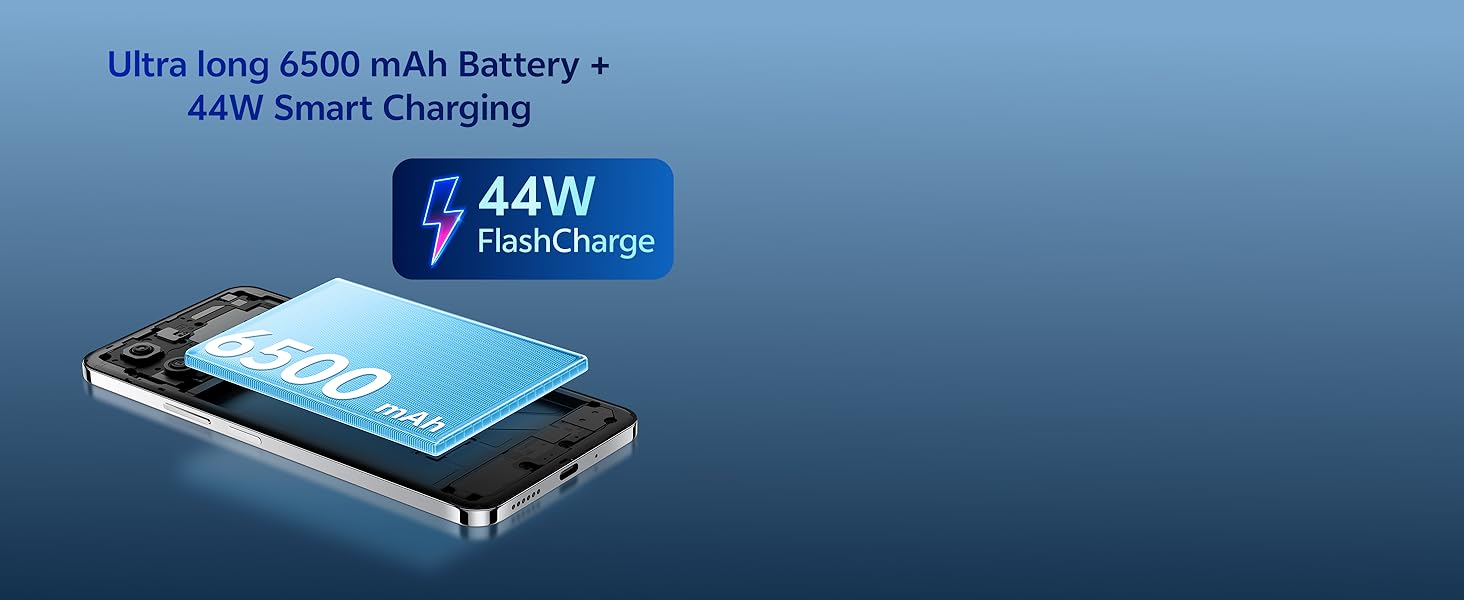
Image 3.3: The vivo Y31 Pro 5G is available in Dreamy White and Mocha Brown.
- Old kamera: Displeyning yuqori markazida joylashgan.
- Ovoz balandligi tugmalari: On the right side, used to adjust media and call volume.
- Quvvat tugmasi/barmoq izi sensori: On the right side, below the volume buttons. Used to power on/off the device and for fingerprint authentication.
- USB Type-C porti: Pastki qismida, zaryadlash va ma'lumotlarni uzatish uchun.
- Karnay panjarasi: At the bottom, for audio output.
- SIM karta tepsisi: On the left side, for inserting Nano-SIM cards.
- Orqa kameralar: Located on the upper left of the back panel.
4. Sozlash
4.1. SIM kartani o'rnatish
- Locate the SIM card tray on the left side of the phone.
- SIM-karta tepsisini chiqarish vositasini patnis yonidagi kichik teshikka soling va laganda chiqib ketguncha mahkam bosing.
- Nano-SIM karta(lar)ingizni oltin kontaktlarini pastga qaratib, patnisga joylashtiring. Ularning to'g'ri joylashtirilganligiga ishonch hosil qiling.
- Tovoqni telefonga ehtiyotkorlik bilan joyiga qo'ymaguncha joylashtiring.
4.2. Dastlabki yoqish va sozlash
- Vivo logotipi paydo bo'lguncha Quvvat tugmasini bosib ushlab turing.
- Til, mintaqani tanlash va Wi-Fi tarmog‘iga ulanish uchun ekrandagi ko‘rsatmalarga amal qiling.
- Google hisobingizga kiring yoki yangisini yarating.
- Set up a screen lock (PIN, pattern, password, fingerprint, or face unlock) for security.
- Review and accept the terms and conditions to complete the setup.
5. Foydalanish bo'yicha ko'rsatmalar
5.1. Quvvatni yoqish/o'chirish va qayta ishga tushirish
- Yoqilgan: Press and hold the Power button until the device vibrates and the vivo logo appears.
- O'chirish: Press and hold the Power button for a few seconds, then tap "Power off" on the screen.
- Qayta ishga tushirish: Press and hold the Power button for a few seconds, then tap "Restart" on the screen.
5.2. Asosiy navigatsiya
- Bosing: Touch an icon or option to open or select it.
- Surish: Ekranlar oʻrtasida oʻtish yoki oʻtish uchun barmogʻingizni ekran boʻylab suring.
- Chimdik: Tasvirlarni kattalashtirish yoki kichraytirish uchun ikki barmoqdan foydalaning va web sahifalar.
- Bosh ekran: Swipe up from the bottom of the screen (if using gesture navigation) or tap the Home button to return to the main screen.
- Oxirgi ilovalar: Swipe up from the bottom and hold (if using gesture navigation) or tap the Recent Apps button to view va ochiq ilovalar o'rtasida almashish.
5.3. Xavfsizlik xususiyatlari
- Barmoq izini ochish: Barmoq izlaringizni ro'yxatdan o'tkazing Sozlamalar > Xavfsizlik > Barmoq izi. Place your registered finger on the power button to unlock.
- Yuz bilan ochish: Register your face in Sozlamalar > Xavfsizlik > Yuz. Lift the phone to your face to unlock.
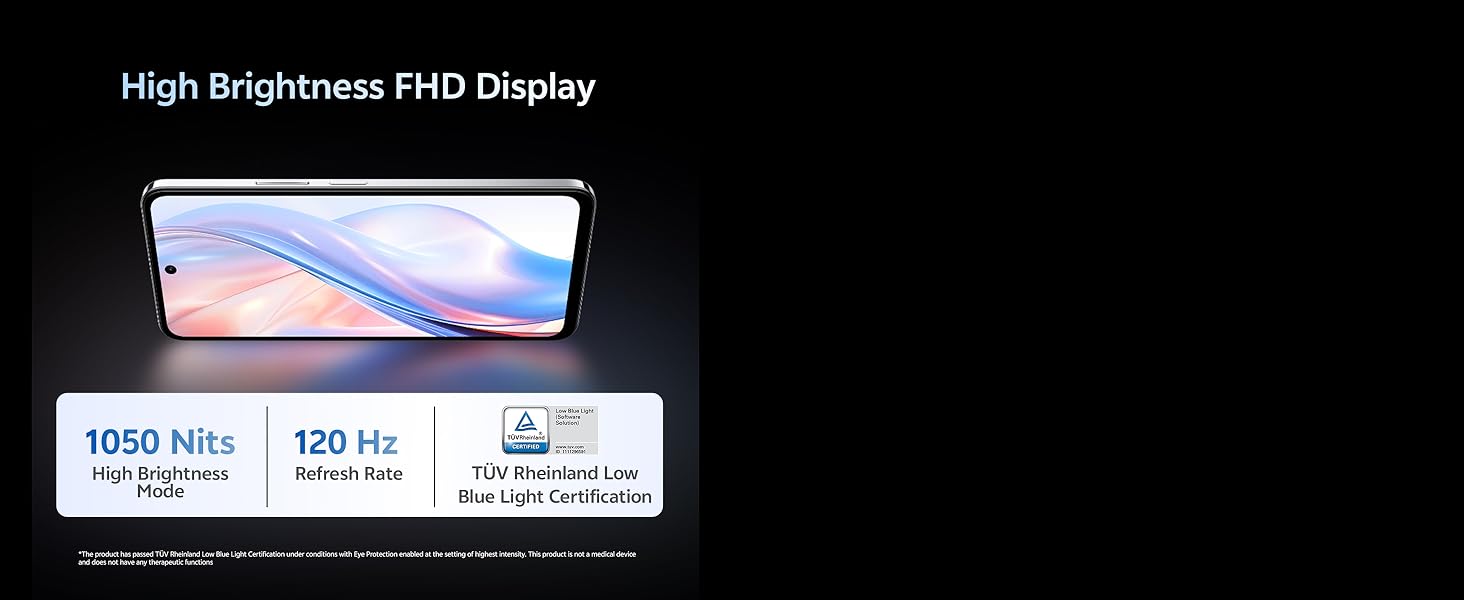
Image 5.1: The vivo Y31 Pro 5G is powered by the MediaTek Dimensity 7300 Processor.
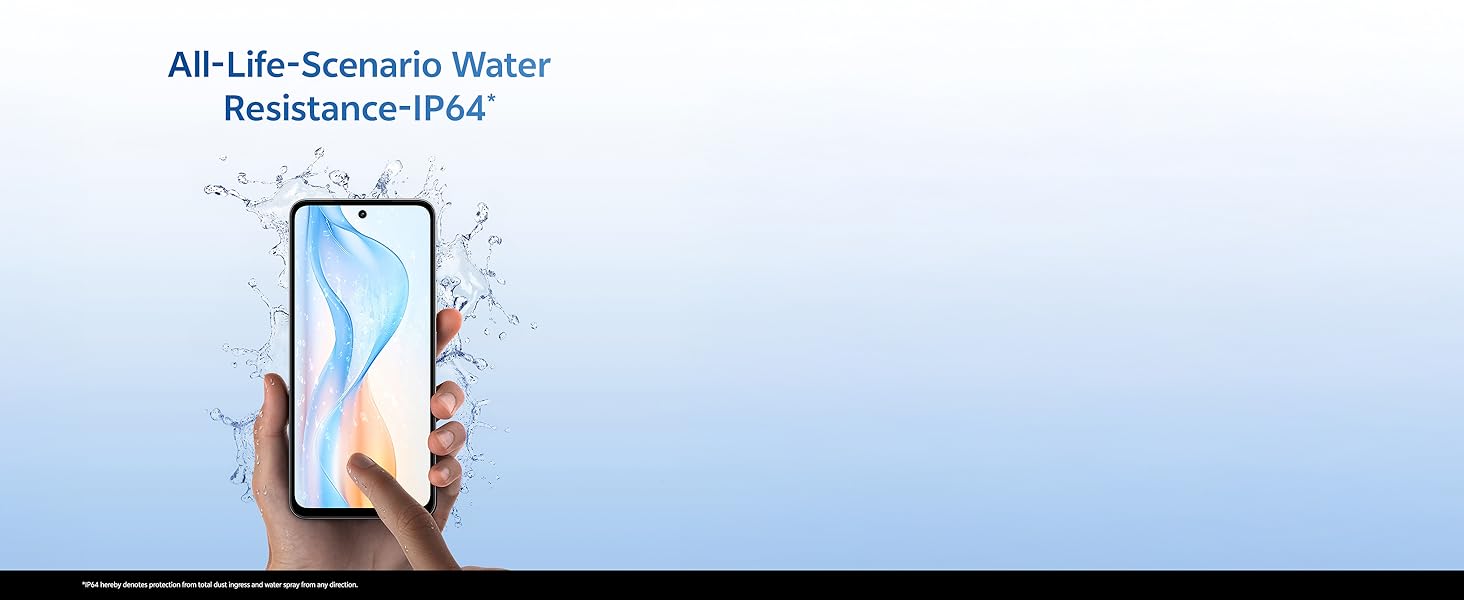
Image 5.2: The device features Dual Stereo Speakers for enhanced audio experience.
6. Kamera xususiyatlari
The vivo Y31 Pro 5G is equipped with a versatile camera system to capture your moments.
- Orqa kamera: 50 MP Main Camera + 2 MP Bokeh Camera.
- Old kamera: 8 MP Selfie Camera.
- Videoyozuv: 4K video yozishni qo'llab-quvvatlaydi.
6.1. Using the Camera App
- Bosh ekran yoki ilovalar tortmasidan Kamera ilovasini oching.
- Swipe left or right to switch between modes (Photo, Portrait, Video, Night, Pro, etc.).
- Suratga olish yoki video yozishni boshlash/to‘xtatish uchun deklanşör tugmasini bosing.
- Old va orqa kameralar o‘rtasida almashish uchun kamerani almashtirish belgisiga teging.
6.2. AI Suite Features
Enhance your photos with built-in AI tools:
- AI Erase: Suratlaringizdan keraksiz narsalarni yoki odamlarni olib tashlang.
- AI Photo Enhance: Automatically optimize photo quality for better colors and details.
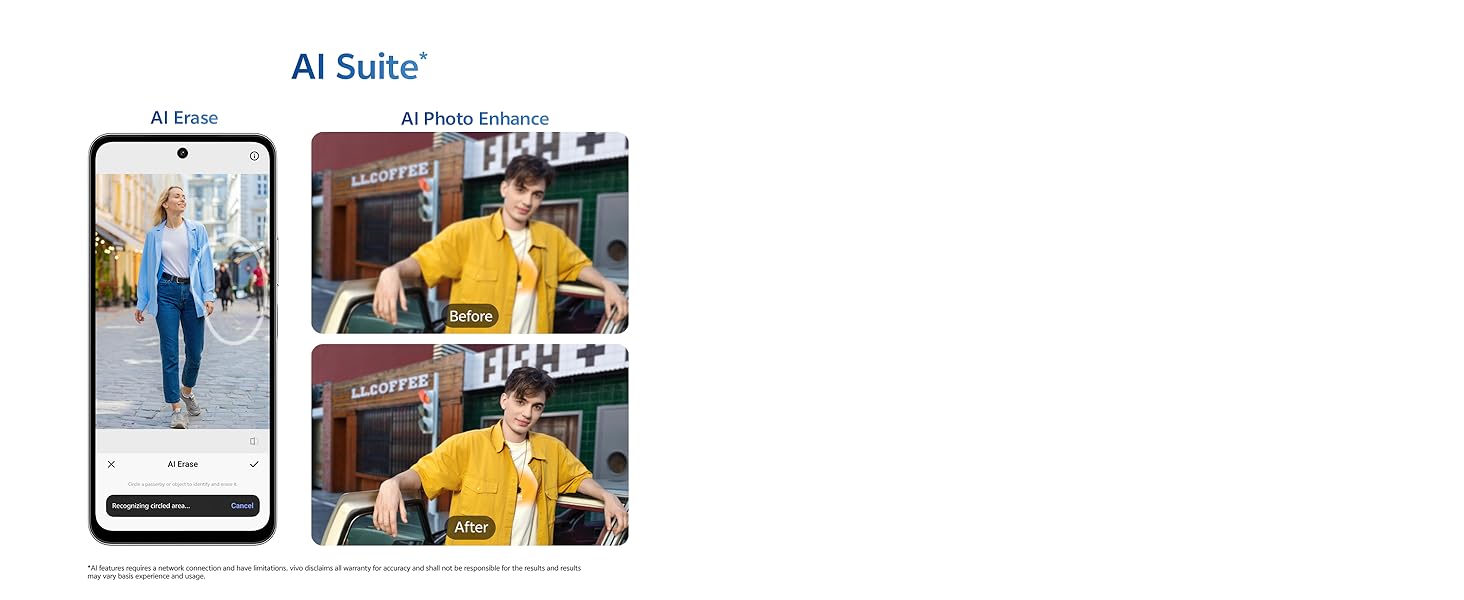
Image 6.1: Detail of the 50MP HD Main Camera and 2MP Bokeh Camera.
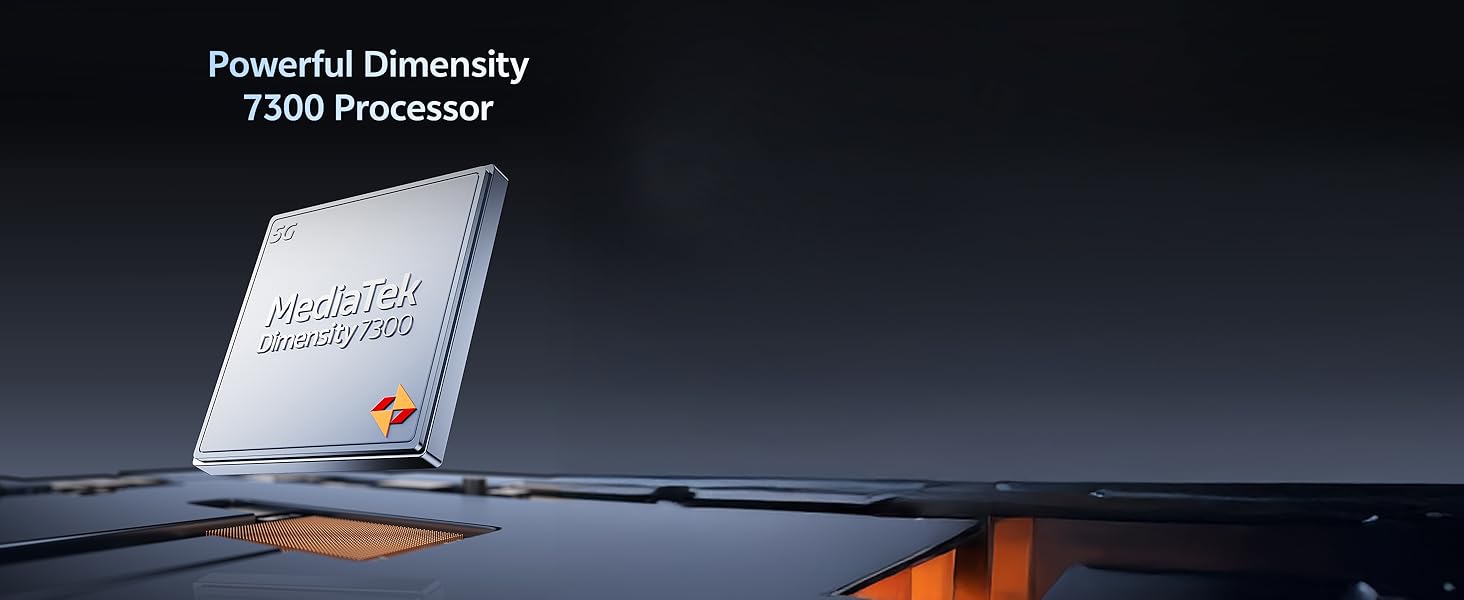
Image 6.2: The vivo Y31 Pro 5G supports 4K video recording.
7. Batareya va zaryadlash
Your vivo Y31 Pro 5G is equipped with a large 6500 mAh battery and supports 44W FlashCharge for quick power-ups.
7.1. Qurilmangizni zaryadlash
- Connect the USB cable to the Power Adapter.
- Quvvat adapterini rozetkaga ulang.
- Connect the USB Type-C end of the cable to the phone's charging port.
- The charging indicator will appear on the screen. Use only vivo-approved chargers and cables for optimal performance and safety.
7.2. Batareyani optimallashtirish bo'yicha maslahatlar
- Ekran yorqinligini kamaytiring.
- Enable Dark Mode.
- Fonda ishlayotgan foydalanilmagan ilovalarni yoping.
- Foydalanilmayotganda Wi-Fi, Bluetooth va GPSni o'chiring.
- Utilize the phone's built-in battery saver modes.
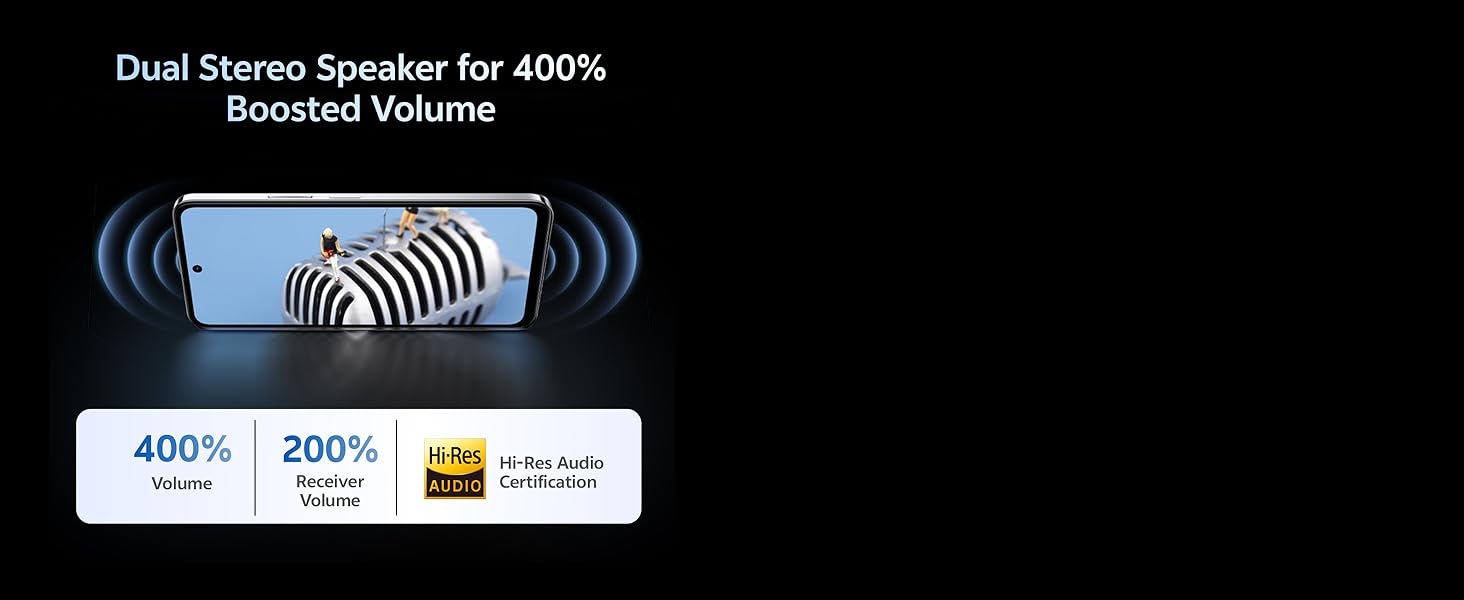
Image 7.1: The vivo Y31 Pro 5G features a 6500 mAh battery with 44W FlashCharge.
8. Displey xususiyatlari
Experience vibrant visuals on the vivo Y31 Pro 5G's advanced display.
- Hajmi: 17.06 sm (6.72 dyuym)
- Ruxsat: 2408 x 1080 (FHD)
- Yorqinlik: Up to 1050 Nits in High Brightness Mode.
- Yangilanish tezligi: 120 Hz for smooth scrolling and animations.
- Ko'zni himoya qilish: TÜV Rheinland Low Blue Light Certification for reduced eye strain.
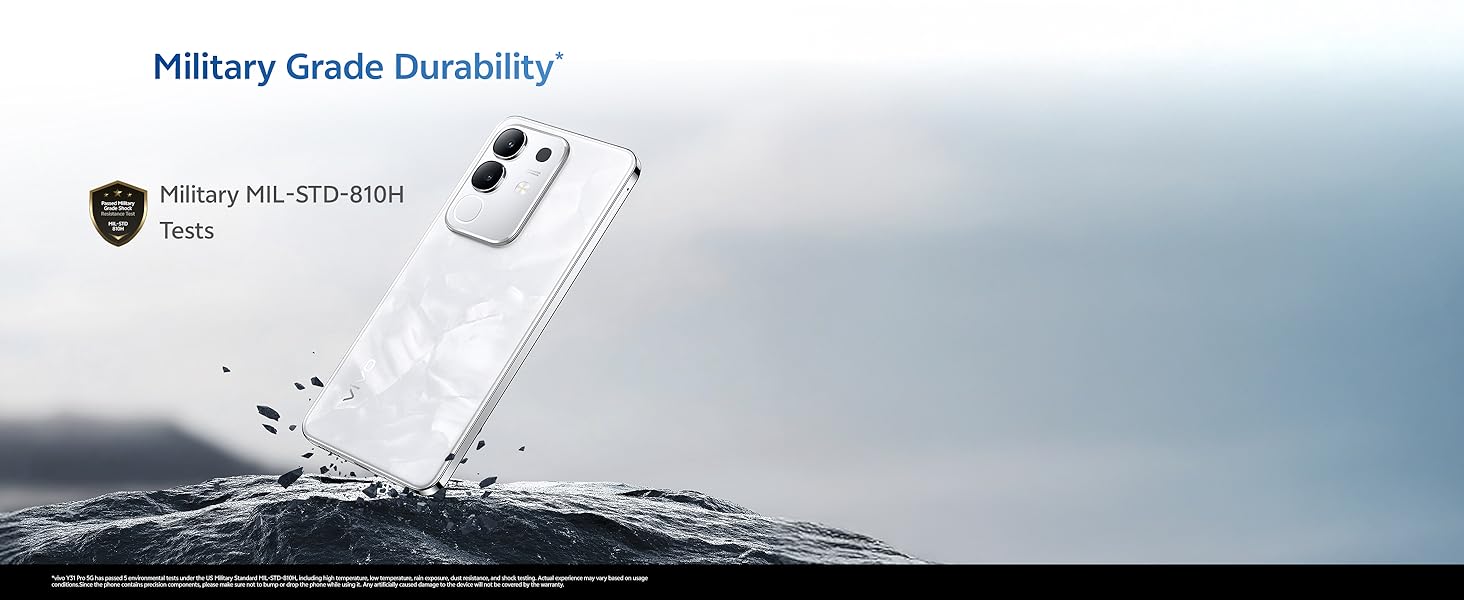
Image 8.1: The vivo Y31 Pro 5G features a High Brightness FHD Display with a 120 Hz refresh rate.
9. Chidamlilik va suvga chidamlilik
The vivo Y31 Pro 5G is built to withstand daily challenges.
- Military Grade Durability: Tested to MIL-STD-810H standards for enhanced resilience against drops and environmental factors.
- IP64 suvga chidamliligi: Provides protection against dust ingress and splashes of water from any direction. This rating does not imply full waterproofing; avoid submerging the device.
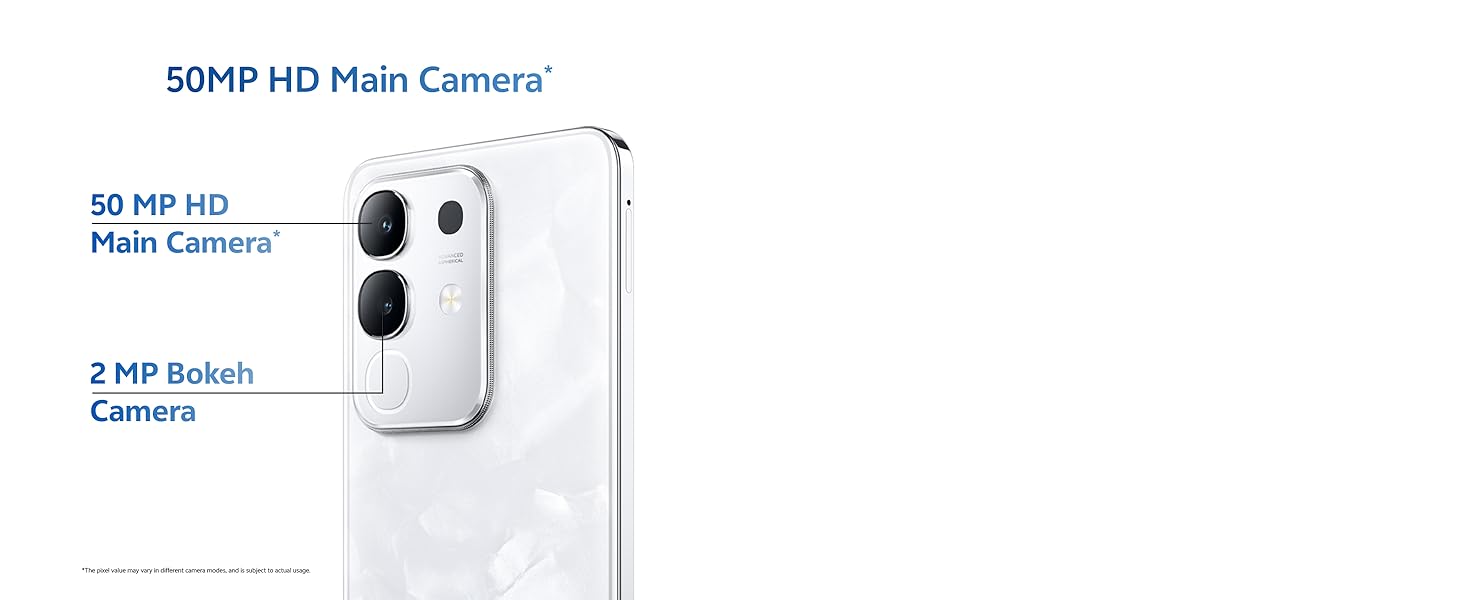
Image 9.1: The vivo Y31 Pro 5G undergoes Military Grade Durability testing.
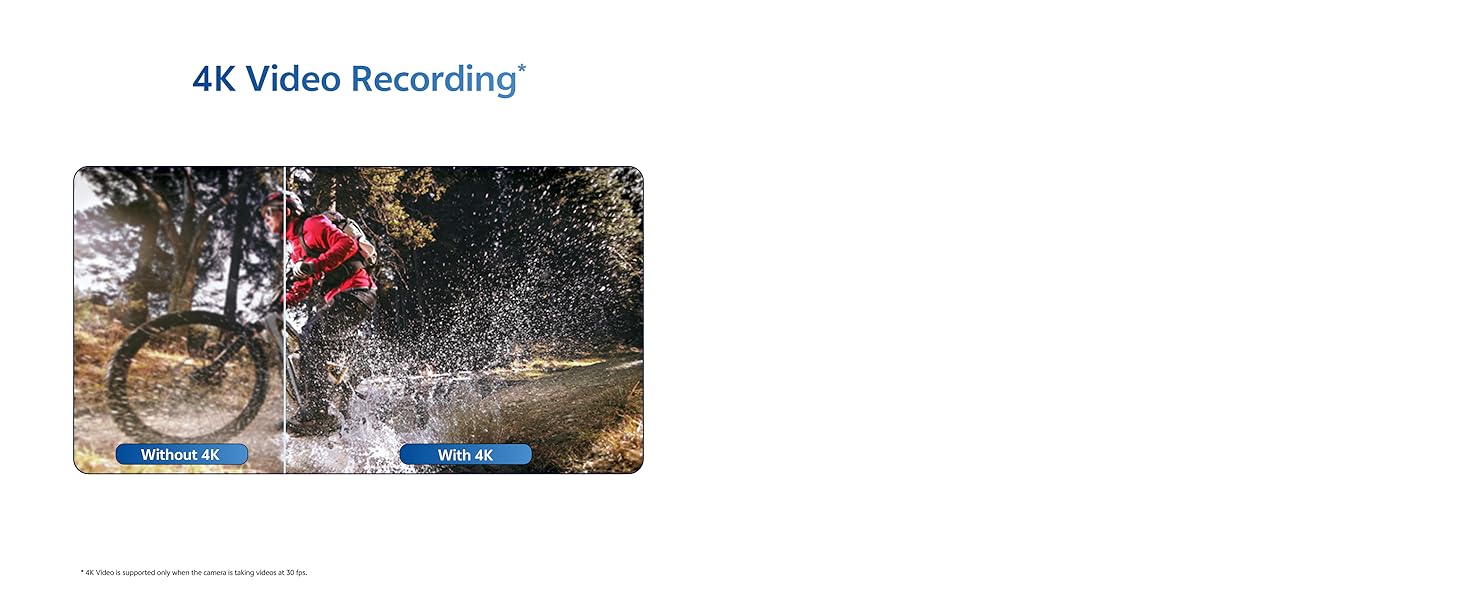
Image 9.2: The device offers IP64 water resistance for protection against splashes.
10. Xizmat ko'rsatish
To'g'ri parvarishlash qurilmangizning uzoq umr va optimal ishlashini ta'minlaydi.
10.1. Qurilmani tozalash
- Ekran va korpusni artish uchun yumshoq, tuklarsiz matodan foydalaning.
- Qattiq kimyoviy moddalar, abraziv materiallar yoki aerozol spreylaridan foydalanishdan saqlaning.
- Gently clean ports with a soft brush if dust accumulates.
10.2. Dasturiy ta'minotni yangilash
Qurilmangizda eng soʻnggi funksiyalar, xavfsizlik yamoqlari va ish faoliyatini yaxshilashga ishonch hosil qilish uchun dasturiy taʼminot yangilanishlarini muntazam tekshirib turing va oʻrnating. ga boring Sozlamalar > Tizim yangilanishi yangilanishlarni tekshirish uchun.
10.3. Saqlashni boshqarish
To maintain optimal performance, periodically manage your device's storage:
- Keraksiz o'chirish filelar, fotosuratlar va videolar.
- Ishlatilmagan ilovalarni o'chirib tashlang.
- Clear cache data for apps in Sozlamalar > Ilovalar > [Ilova nomi] > Xotira va kesh.
11. Muammolarni bartaraf qilish; nosozliklarni TUZATISH
This section addresses common issues you might encounter with your vivo Y31 Pro 5G.
11.1. Umumiy muammolar va yechimlar
| Muammo | Yechim |
|---|---|
| Qurilma yoqilmaydi | Ensure the battery is charged. Connect to the charger for at least 10 minutes, then try powering on. If it still doesn't turn on, perform a forced restart by holding the Power button for 10-15 seconds. |
| Ilovalar ishdan chiqadi yoki qotib qoladi | Ilova keshini tozalash (Sozlamalar > Ilovalar > [Ilova nomi] > Xotira va kesh > Keshni tozalash). If the issue persists, uninstall and reinstall the app. Ensure your phone's software is up to date. |
| Yomon tarmoq signali | Check if your SIM card is properly inserted. Try restarting the phone. Ensure you are in an area with network coverage. Reset network settings (Sozlamalar > Tizim > Parametrlarni tiklash > Wi-Fi, mobil va Bluetooth-ni tiklash). |
| Batareya tezda tugaydi | Review batareyadan foydalanish Sozlamalar > Batareya to identify power-hungry apps. Reduce screen brightness, disable unnecessary features (GPS, Bluetooth, Wi-Fi), and close background apps. |
11.2. Zavod sozlamalarini tiklash
Agar dasturiy ta'minot bilan bog'liq doimiy muammolarga duch kelsangiz, zavod sozlamalarini tiklash ularni hal qilishi mumkin. Ogohlantirish: Bu telefoningizdagi barcha ma'lumotlarni o'chirib tashlaydi. Davom etishdan oldin muhim ma'lumotlarni zaxiralang.
- ga boring Sozlamalar > Tizim > Parametrlarni tiklash.
- Tanlang Barcha maʼlumotlarni oʻchirish (zavod sozlamalarini tiklash).
- Qaroringizni tasdiqlang va so'ralganda PIN/parolni kiriting.
- Telefon qayta ishga tushadi va qayta o'rnatish jarayoni boshlanadi.
12. Texnik shartlar
Detailed technical specifications for the vivo Y31 Pro 5G.
| Xususiyat | Tafsilot |
|---|---|
| Model nomi | Y31 pro |
| Operatsion tizim | Funtouch OS 15 |
| Protsessor | MediaTek Dimensity 7300 (CPU Speed: 2, 2.5 GHz) |
| Ram | 8 GB |
| Ichki xotira | 256 GB (variantga xos) |
| Displey hajmi | 17.06 sm (6.72 dyuym) |
| Displey ravshanligi | 2408 x 1080 (FHD) |
| Yangilanish tezligini ko'rsatish | 120 Gts |
| Orqa kamera | 50 MP + 2 MP |
| Old kamera | 8 MP |
| Batareya quvvati | 6500 mA/soat |
| Zaryadlanmoqda | 44 Vt Flash Charge |
| Ulanish | 5G, Bluetooth, Wi-Fi, GPS |
| Olchamlari (UxKxY) | 16.6 x 7.6 x 0.8 sm |
| Og'irligi | 208 gr |
| Suvga chidamlilik | IP64 |
| Chidamlilik | Military MIL-STD-810H Tested |
| Rang | Dreamy White (variant specific) |
13. Kafolat va qo'llab-quvvatlash
13.1. Kafolat haqida ma'lumot
Your vivo Y31 Pro 5G comes with a standard manufacturer's warranty. Please refer to the warranty card included in your product packaging for specific terms, conditions, and duration. Keep your proof of purchase for warranty claims.
13.2. Mijozlarni qo'llab-quvvatlash
For further assistance, technical support, or service inquiries, please contact vivo customer support through their official website or authorized service centers. You can find contact details on the vivo official websaytida yoki kafolat hujjatlarida.
Online resources and FAQs may also be available on the official vivo support page: vivo India Support


